Features
Edit game assets with Prompt Edit
Update game art fast without jumping into Photoshop or editing programs. Prompt Edit lets you change text or tweak visuals across your assets with a single prompt - while keeping everything else perfectly on-style.
How it works
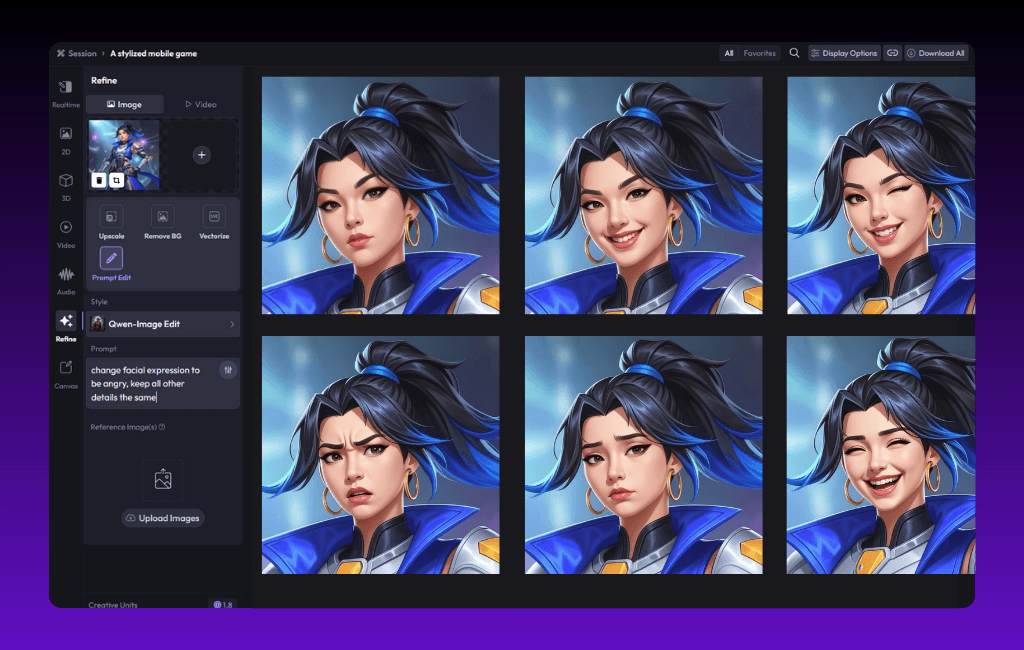
Upload your game asset
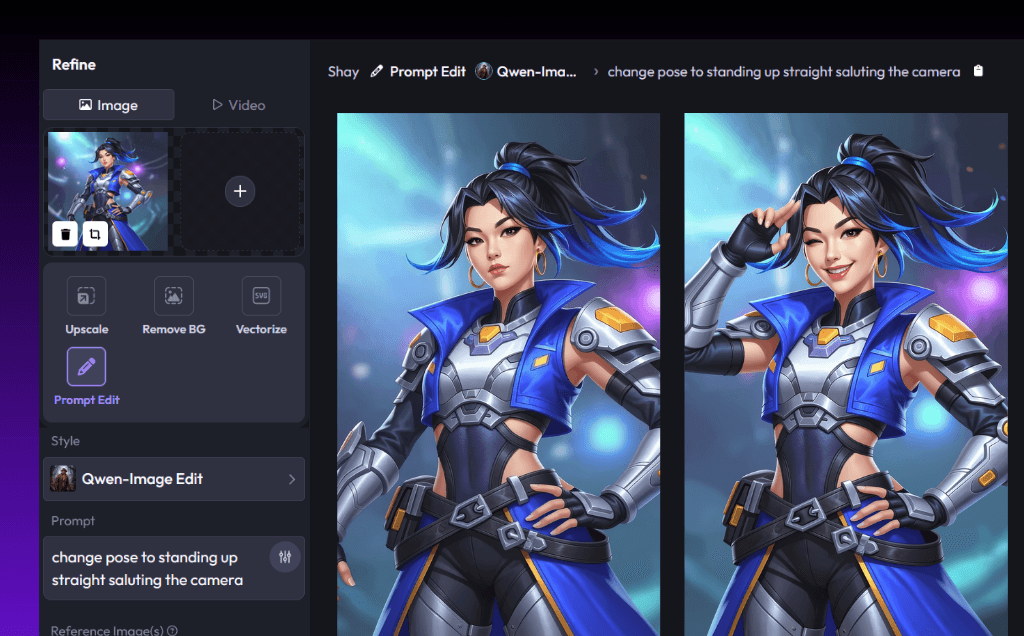
Open any game character, item, or background and describe what you want to change. From swapping text to changing character expressions, Prompt Edit makes edits easy.
Choose an AI editing model
Pick advanced models, including Qwen, Google Gemini Flash 2.5, and FLUX Kontext, to power your edits. Prompt editing AI models that give you production-ready results in seconds.
Edit & ship
Change colors, poses, or details and ship straight into your game engine. Prompt Edit is the AI-powered art editing solution for teams that need to move fast and keep assets on-brand.
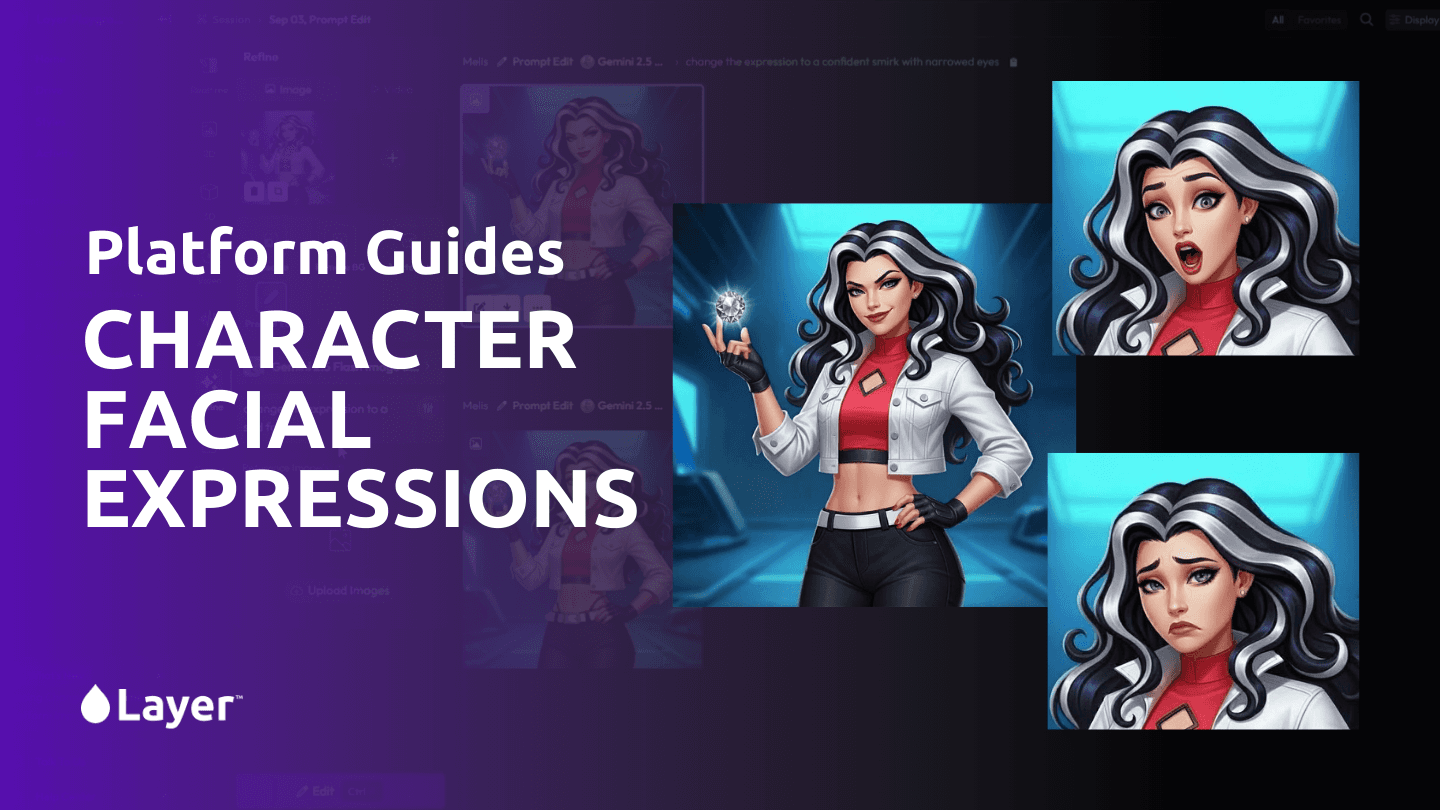
Edit characters pose, outfits, and expressions
Bring your game characters to life with new poses, cosmetics, and facial expressions. With prompt image editing, you can change your character while maintaining a consistent style.

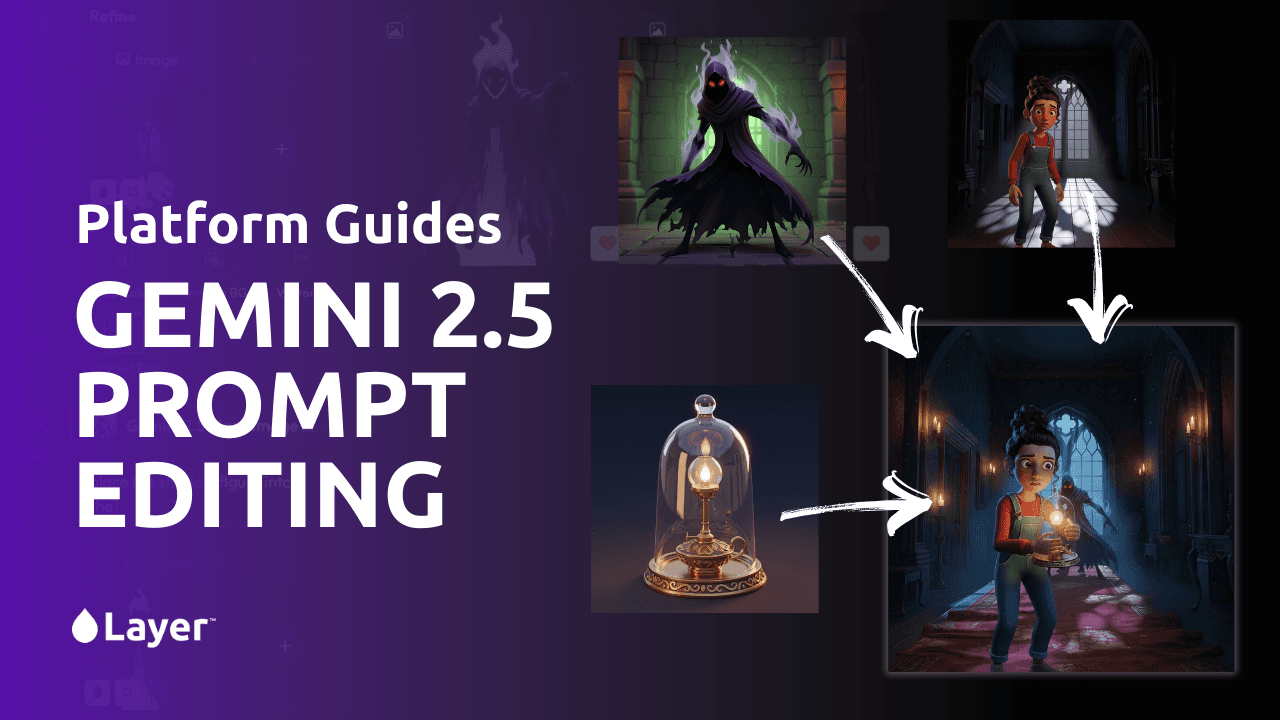
Combine multiple assets into game scenes
Use the prompt editor online to merge characters, environments, and items into a single scene. Whether you’re prototyping or creating marketing visuals, Prompt Edit makes it simple to edit AI images and compose game scenes.
Change colors, textures, & styles
Need upgrade chains, seasonal collectables, item variations, or character evolutions? Quickly edit images to swap colors, re-texture items, or fine-tune details. Prompt Edit works as a powerful AI text replacement tool and AI visual editing platform, perfect for live ops updates.