
The agentic creative engine
Your world. Every format.
Playable, video and images. From a simple brief
to live, high-performing content, all in one place.
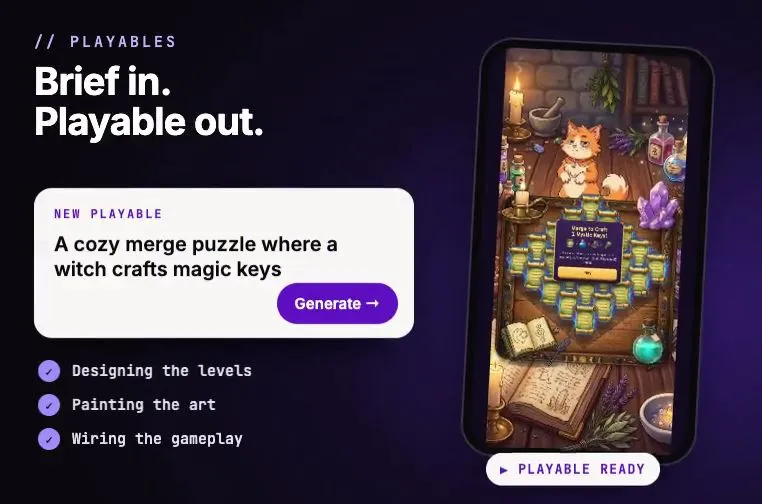
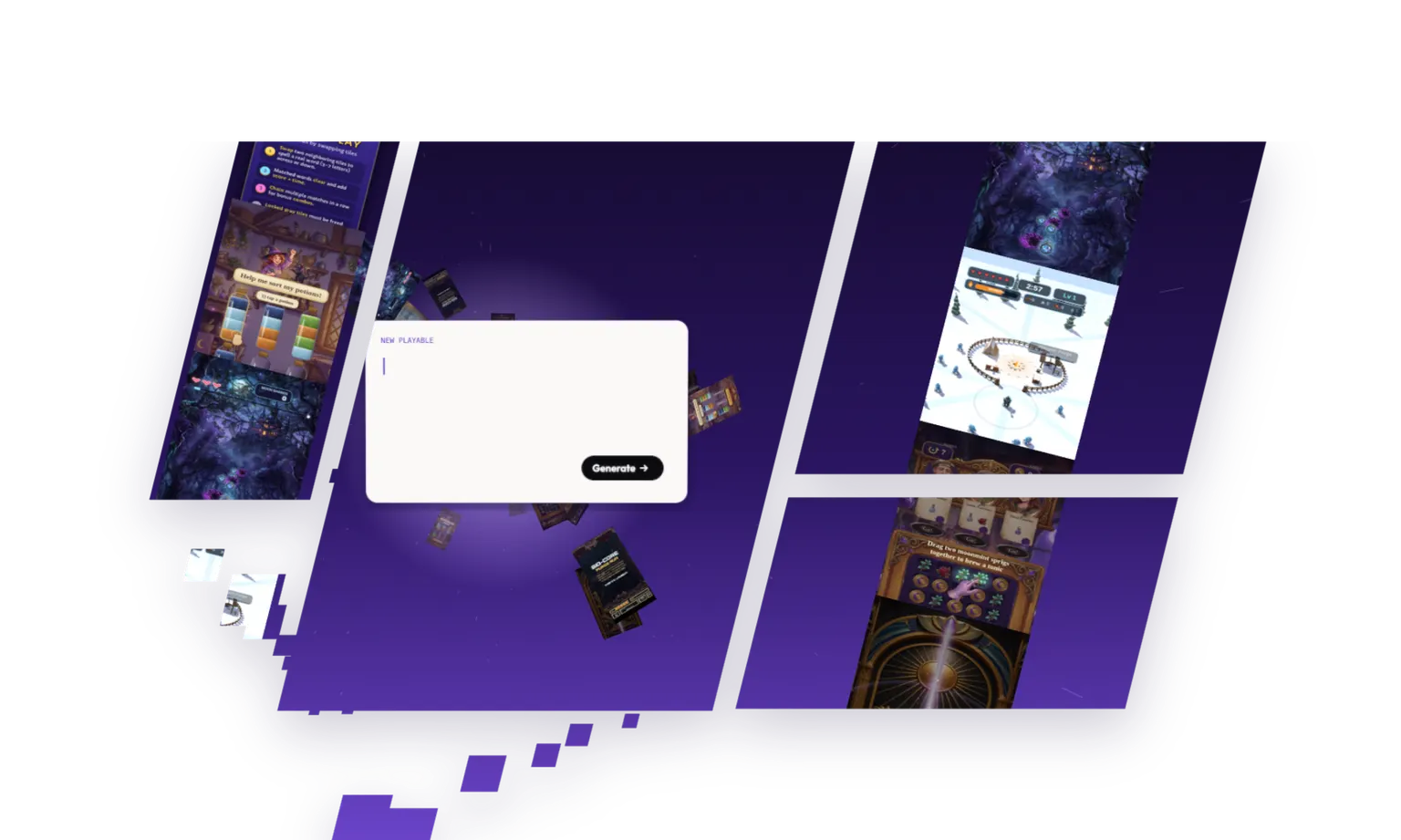
Start with Layer: the tiles below and the most used models and features

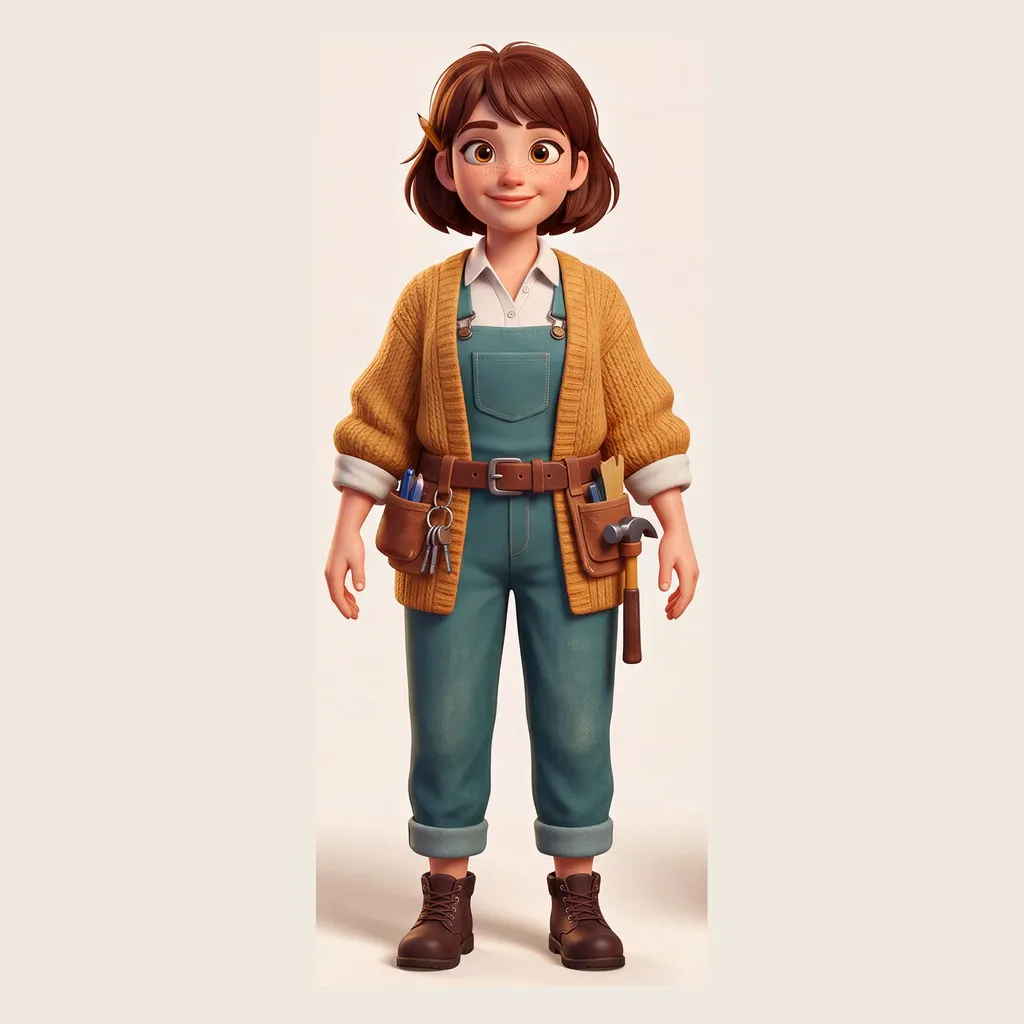


















Start with a tool
Every model and every edit, one click away.
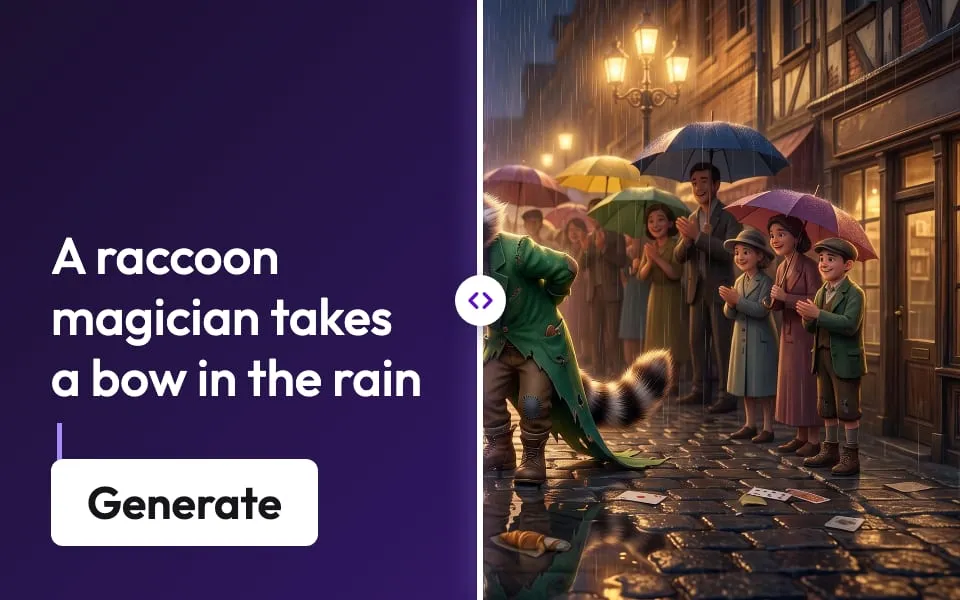
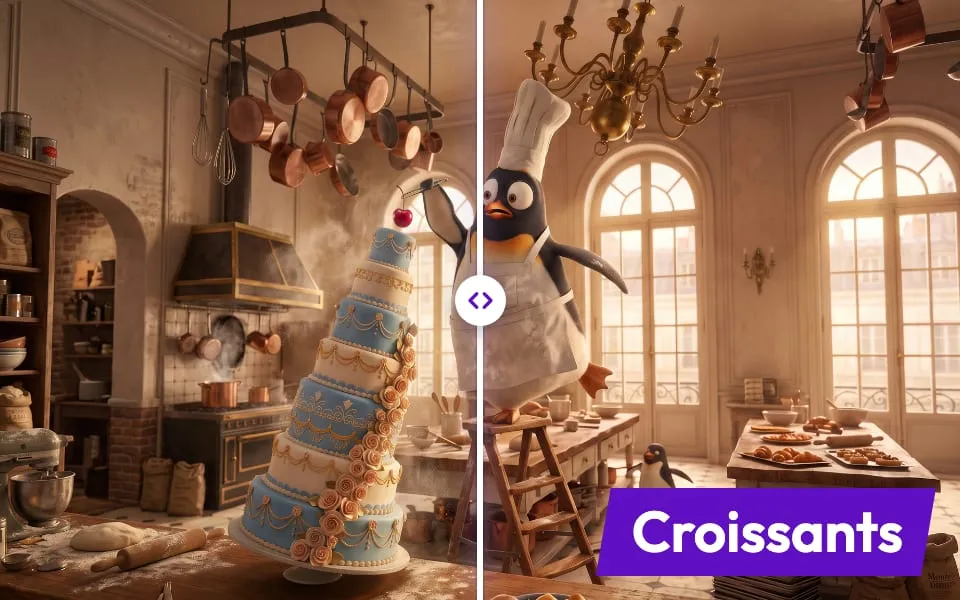
- Create imagesFrom a prompt or a reference
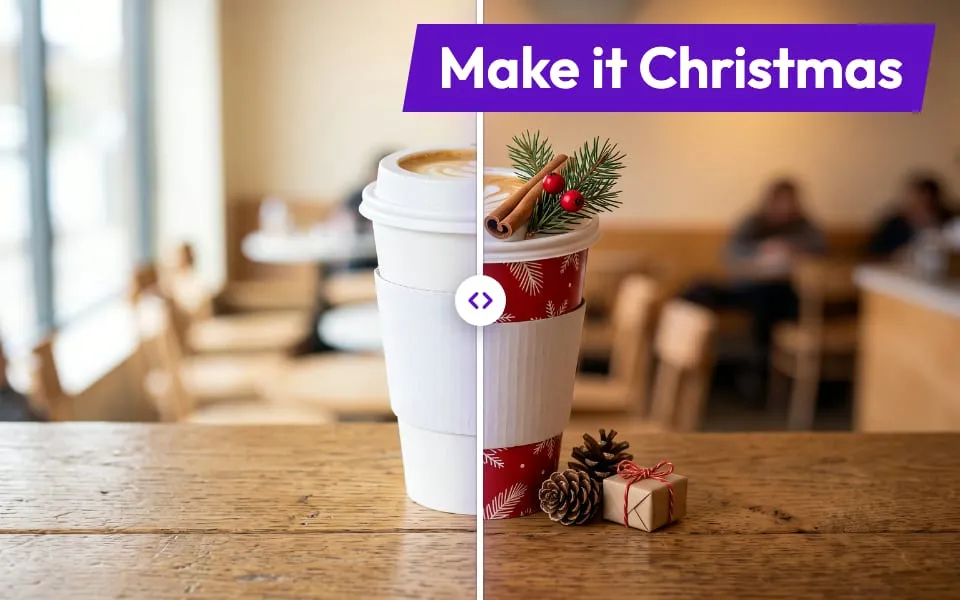
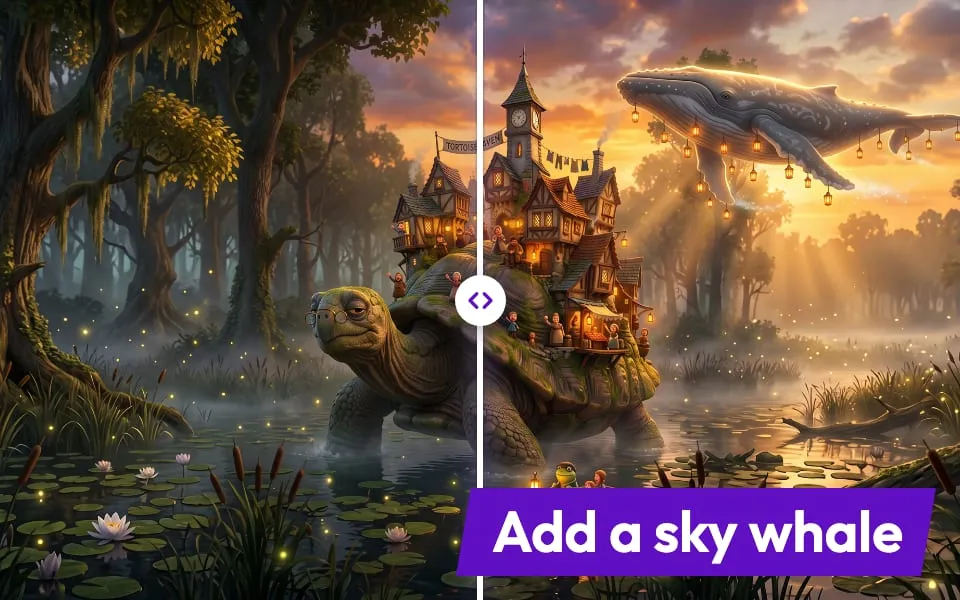
- Prompt edit imageDescribe the change, keep the rest
- Create videosClips from a prompt or a still
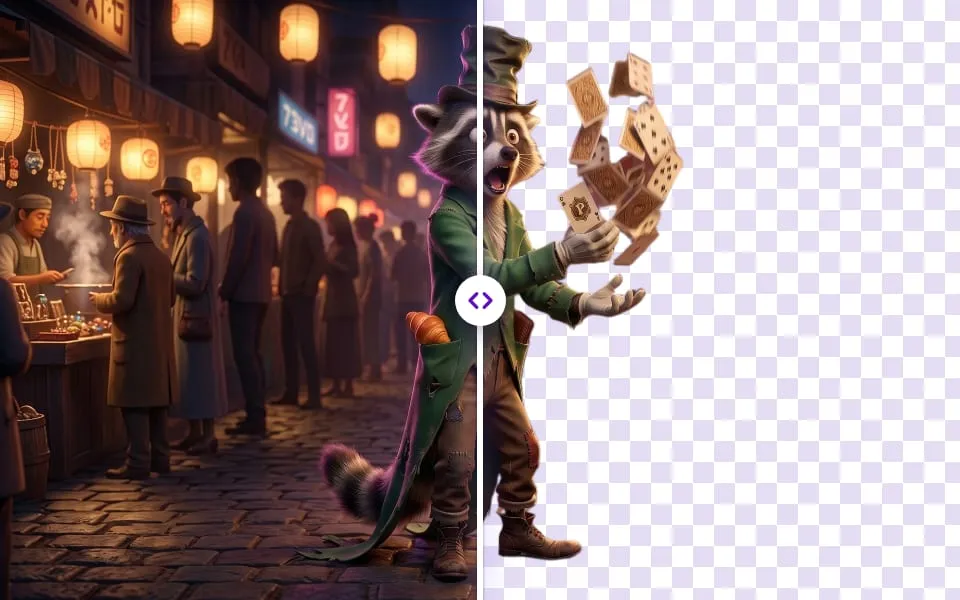
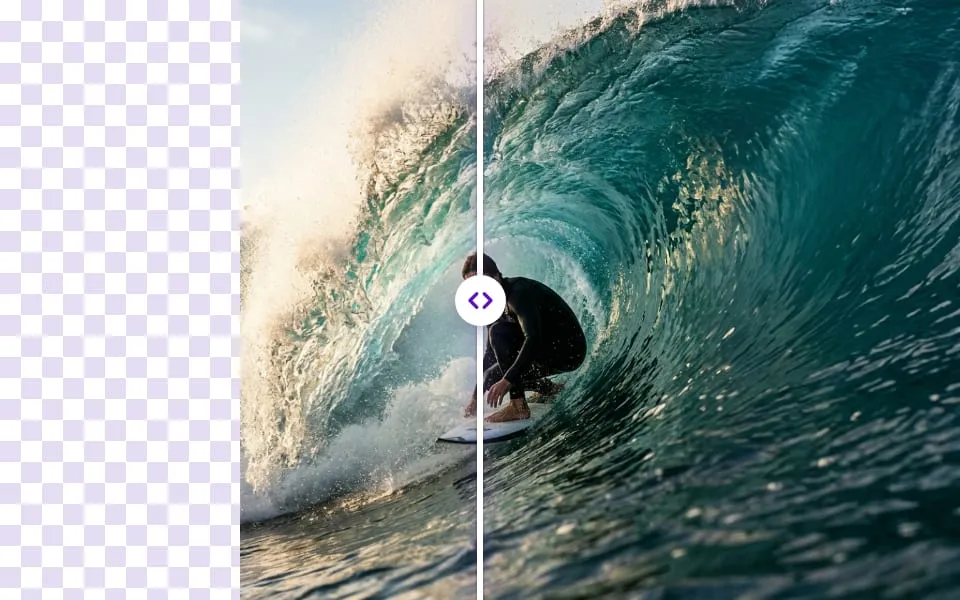
- Remove backgroundClean cut-outs in one click
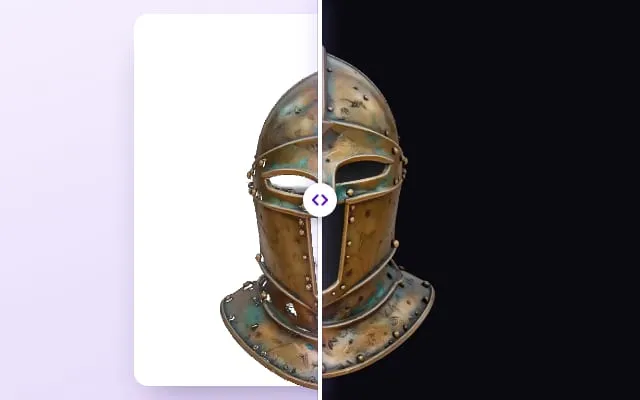
- Create 3D assetsA textured mesh from one image
- UpscaleSharper, up to 4x the pixels
- Generate audioMusic, SFX and voice
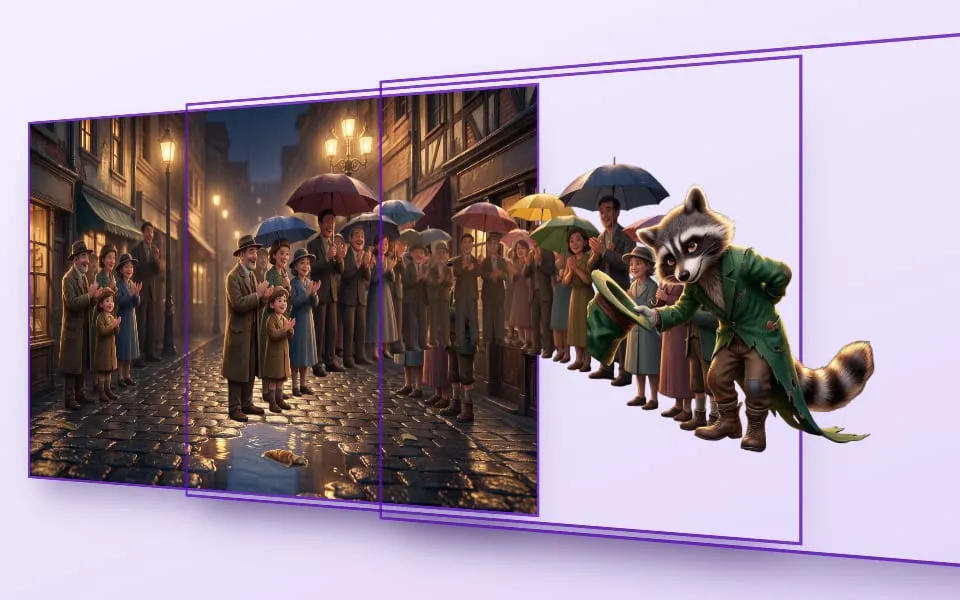
- ExpandGrow the canvas past its edges
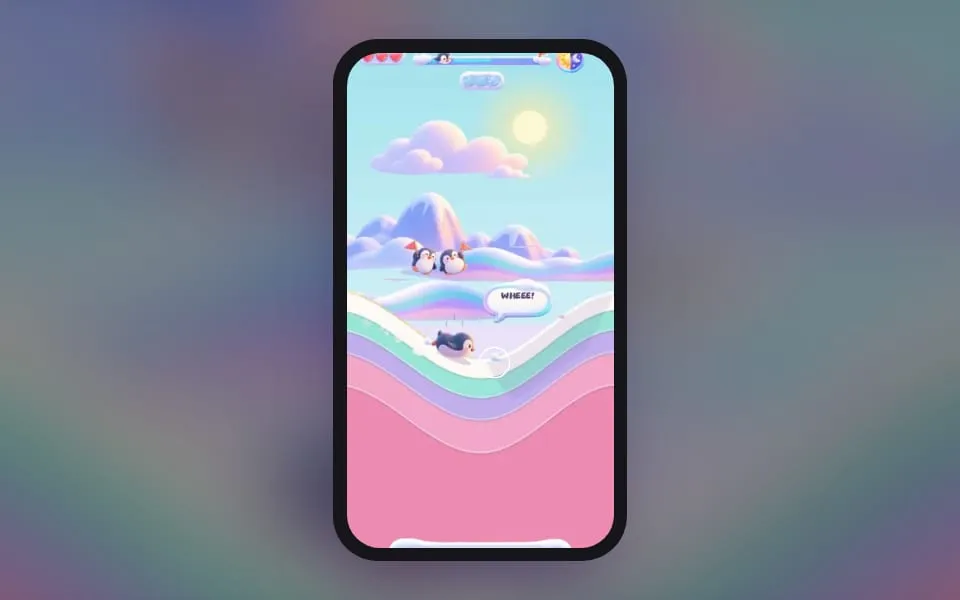
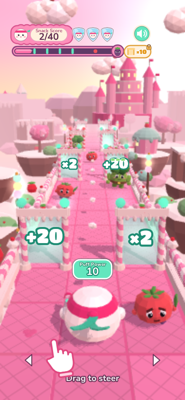
- Create playablesA playable ad from a brief
- RecolorNew palettes, same art
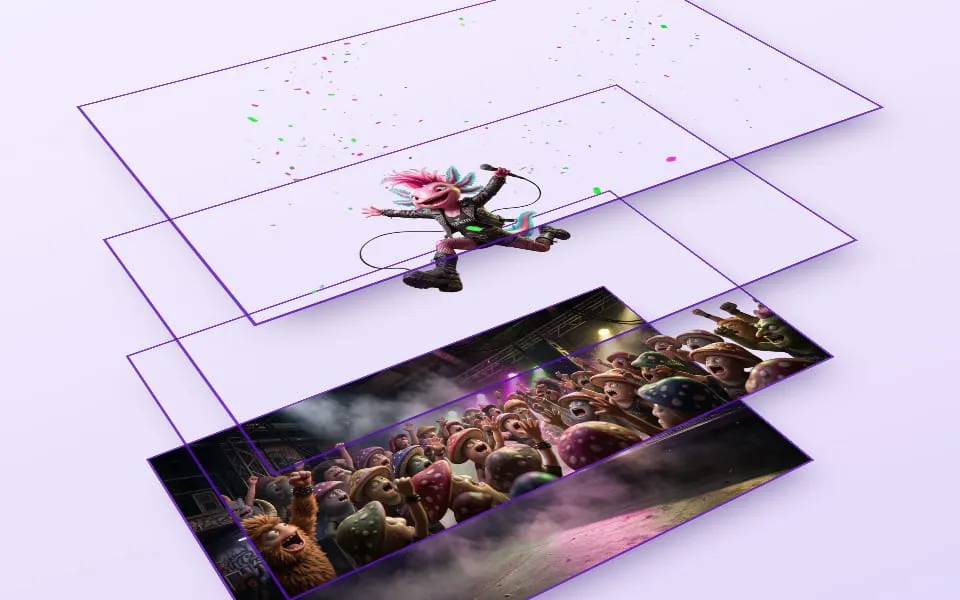
- Split into layersSeparate parts you can move
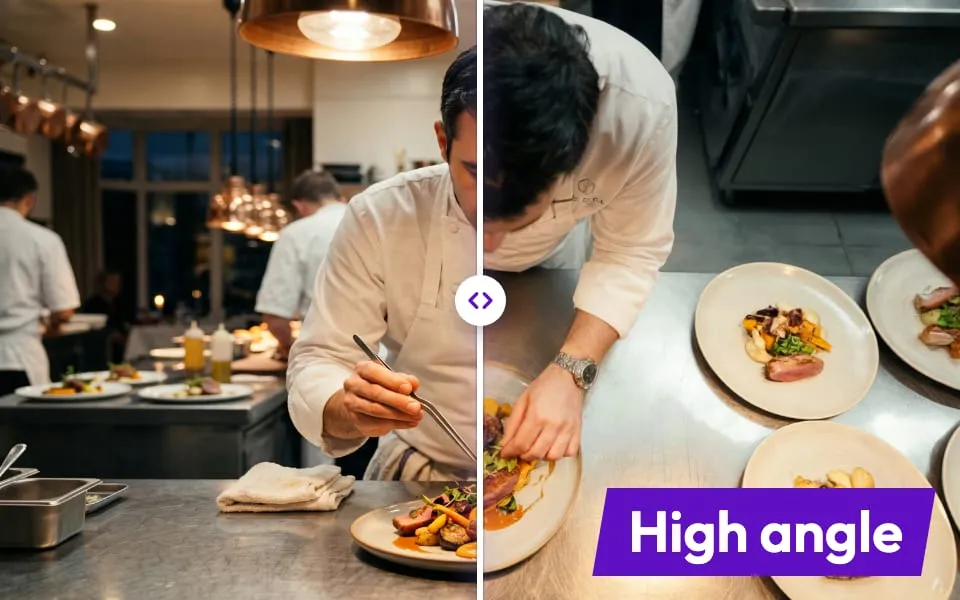
- Change camera angleSee the scene from anywhere
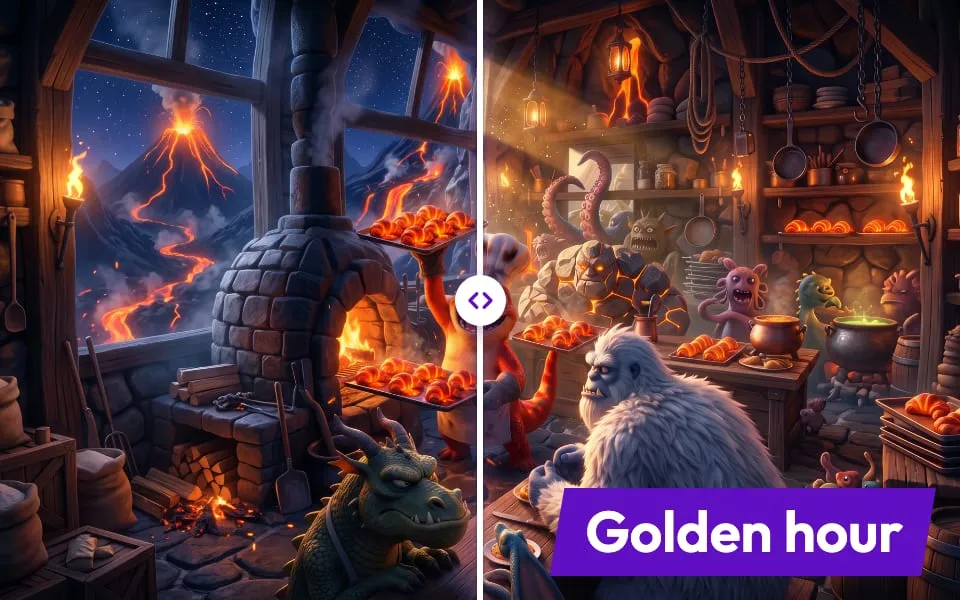
- Change lightingRelight for any mood
- InpaintRepaint just a region
- Swap objectReplace one thing, keep the scene
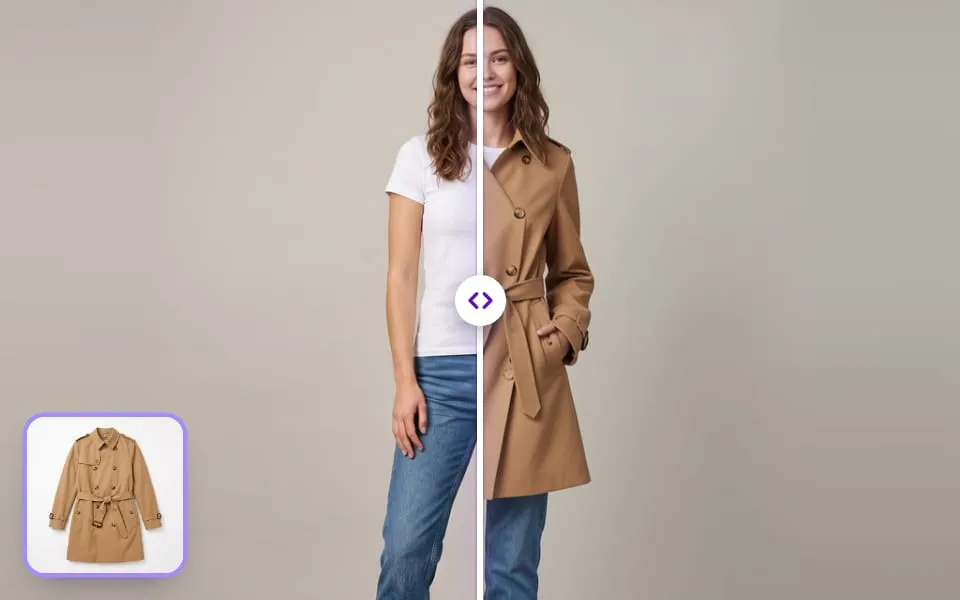
- Virtual try-onPut outfits on your characters
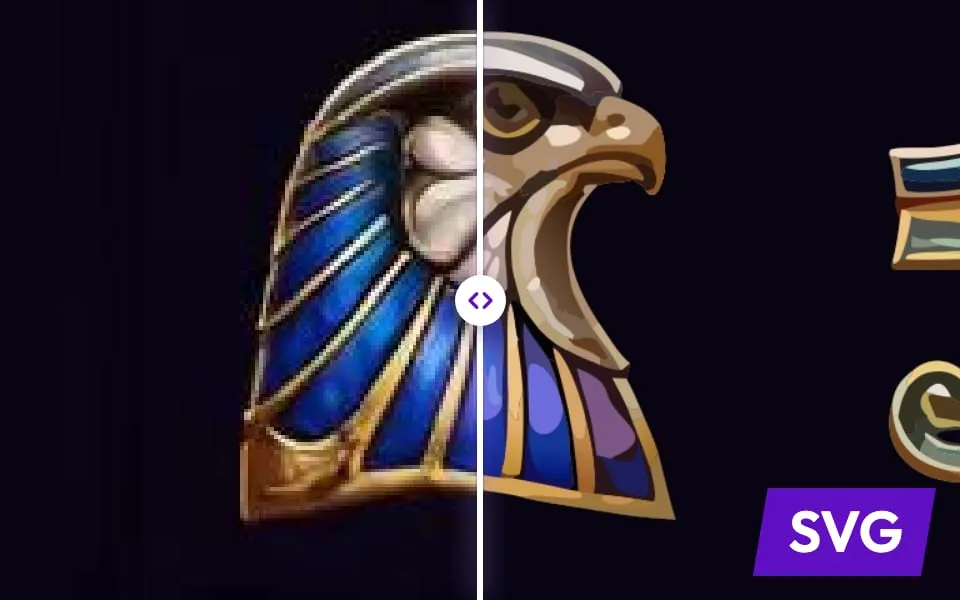
- VectorizeCrisp SVG from any image
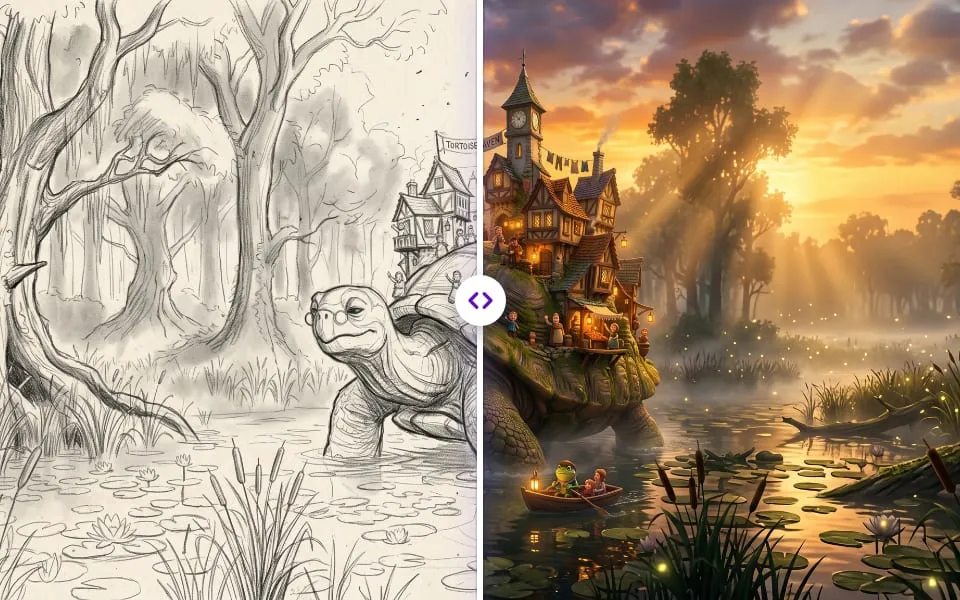
- DrawSketch and let AI finish it
- Image adjustmentsTone, colour and crop
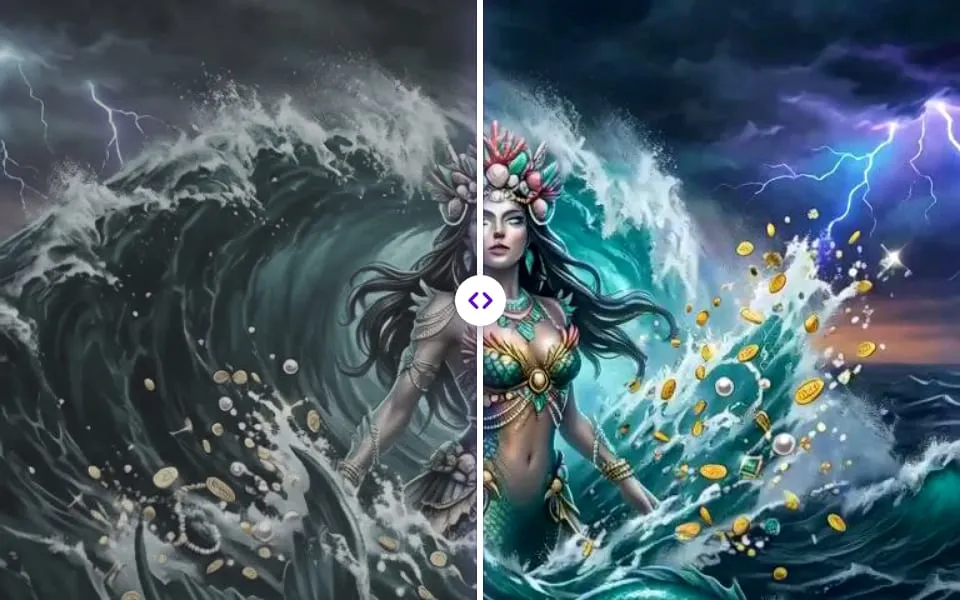
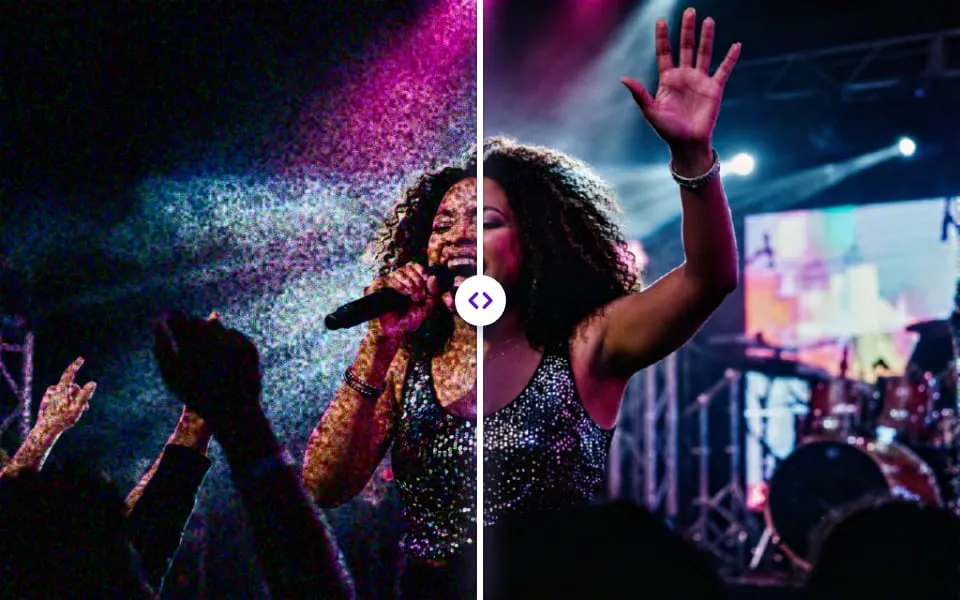
- DenoiseRemove grain and artefacts
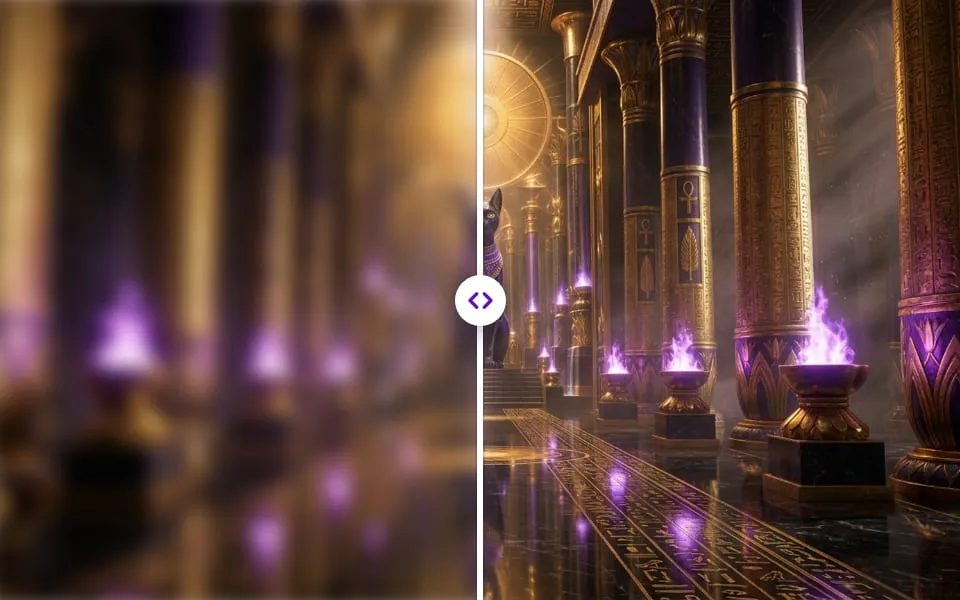
- DeblurRecover lost sharpness
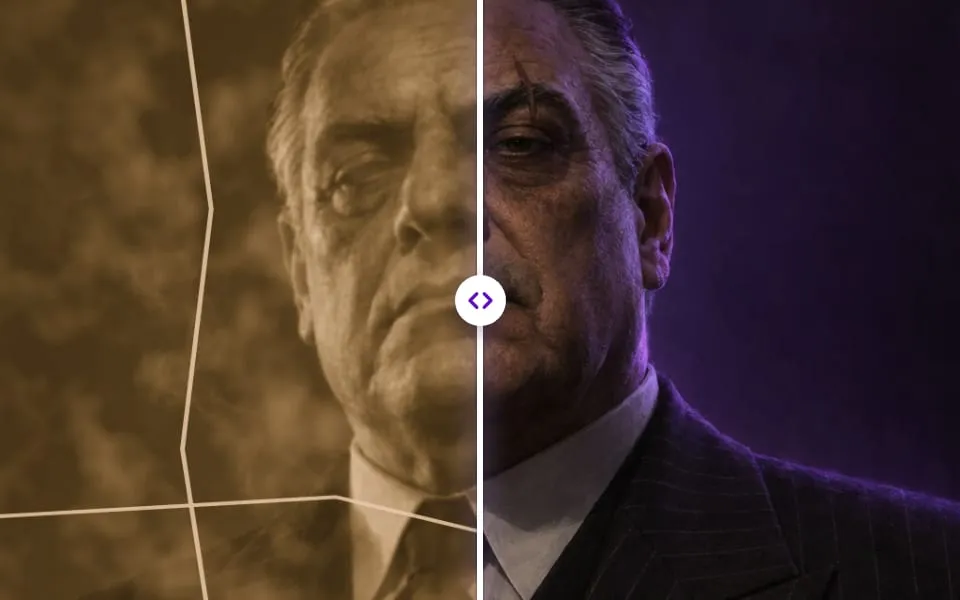
- RestoreRepair old or damaged art
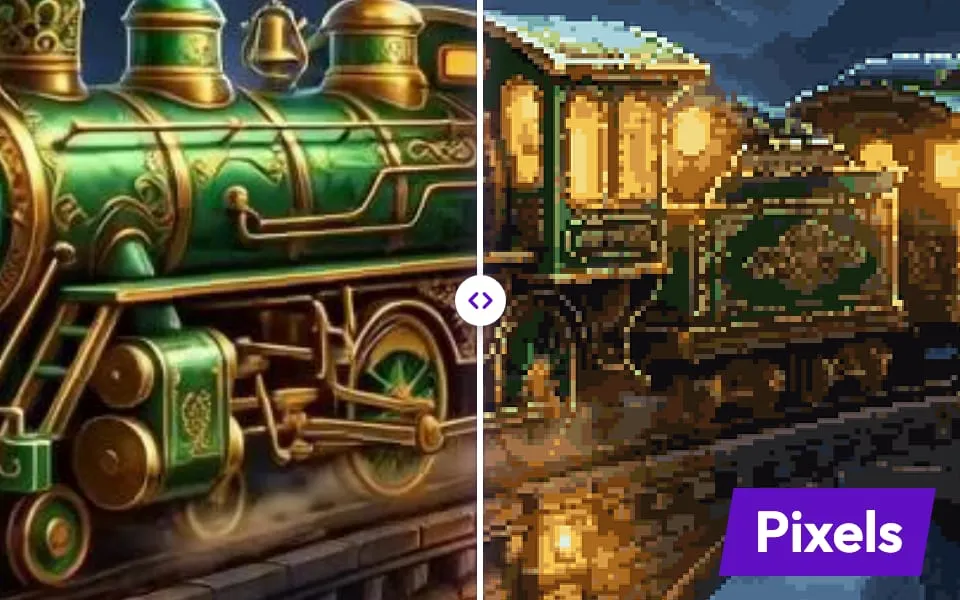
- RasterizeFlatten vectors to pixels
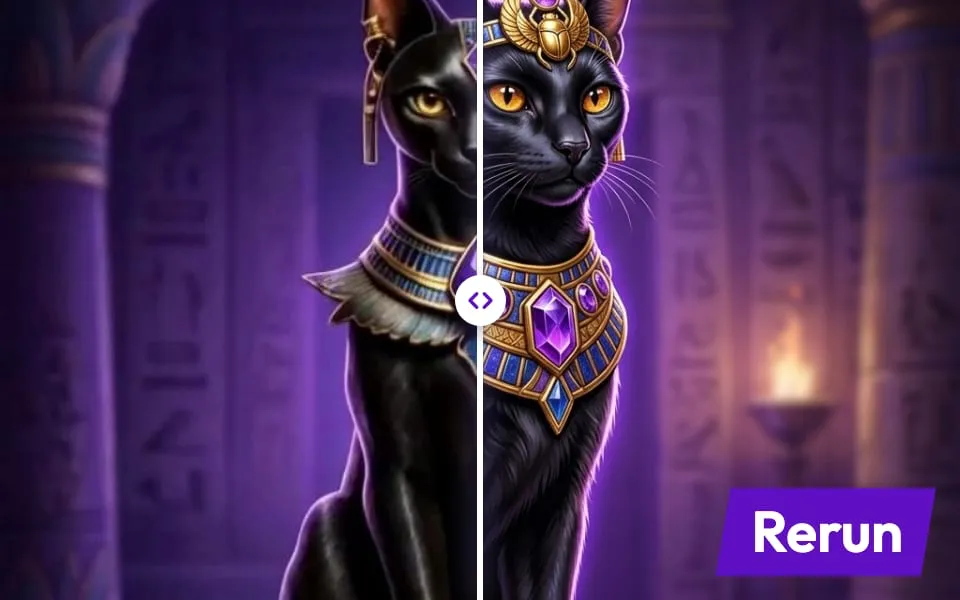
- ReforgeRerun with new settings
- Explode layersEvery layer as its own file
- ExtendKeep the shot going
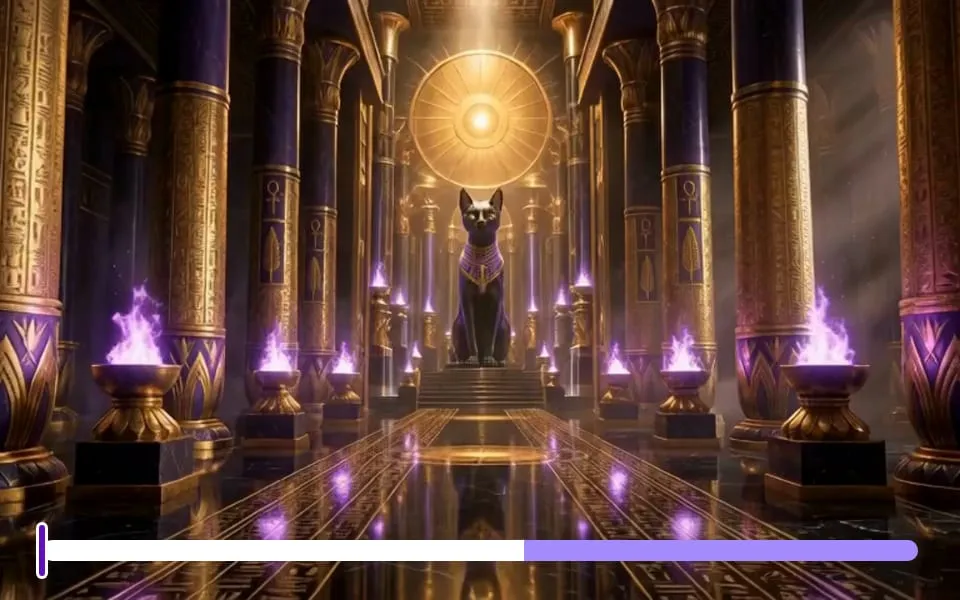
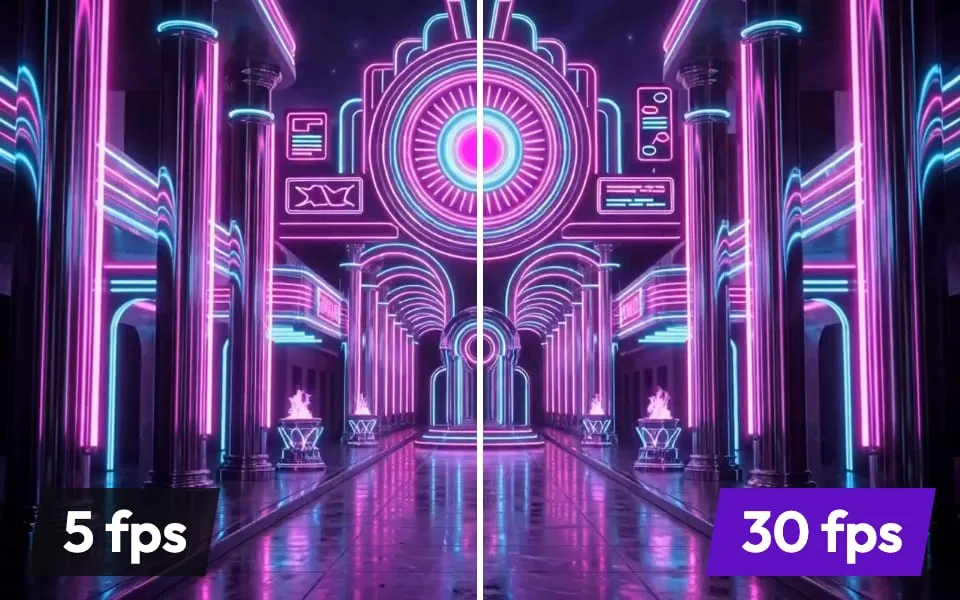
- InterpolateSmoother, higher frame rates
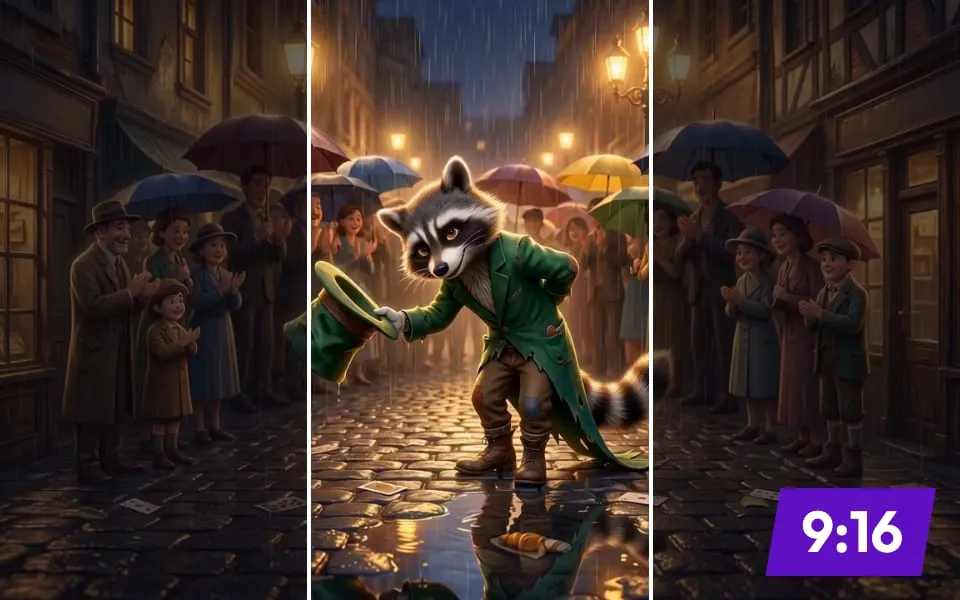
- ReframeRefit for any aspect ratio
- Camera moveAdd a dolly, orbit or push
- Lip syncMatch mouths to any voice
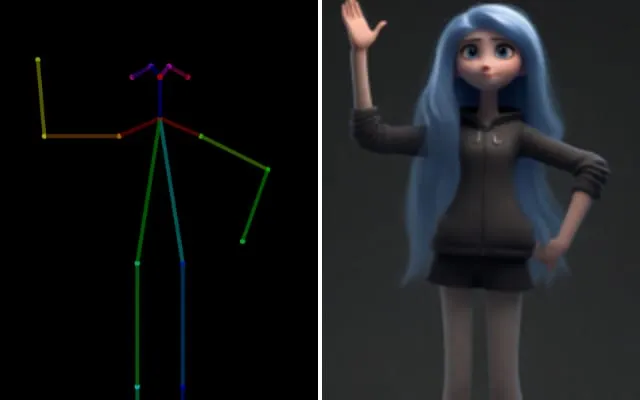
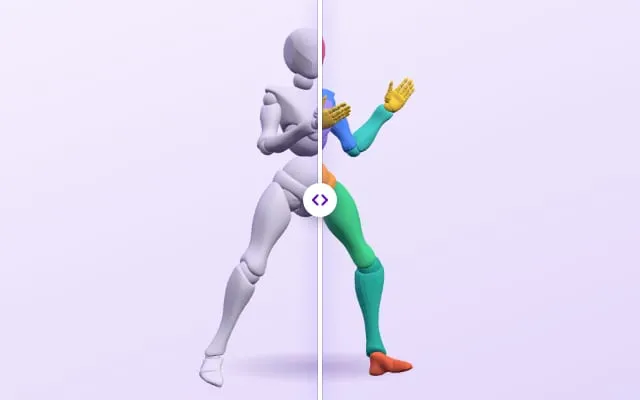
- Motion transferCopy moves from a reference
- SubtitlesCaptions, timed and styled
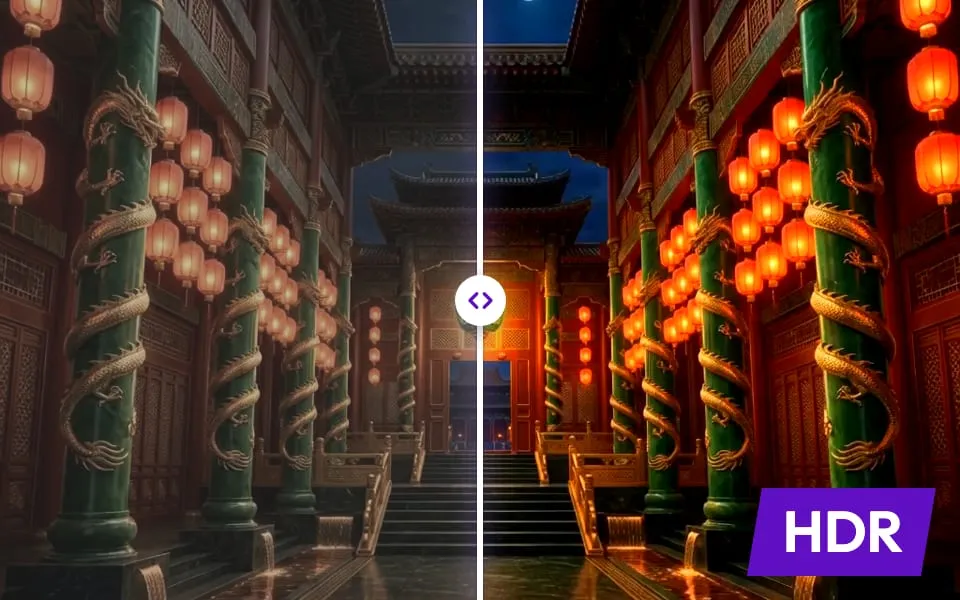
- Convert to HDRBrighter highlights, deeper shadows
- RetextureNew materials, same mesh
- RemeshClean, game-ready topology
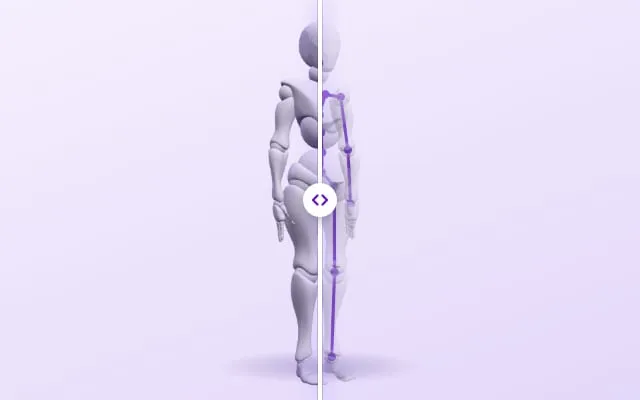
- RigA skeleton, ready to animate
- UV unwrapTidy UVs for texturing
- AnimateMotion for rigged models
- SegmentSplit a model into parts
- Audio inpaintFix one moment of a track
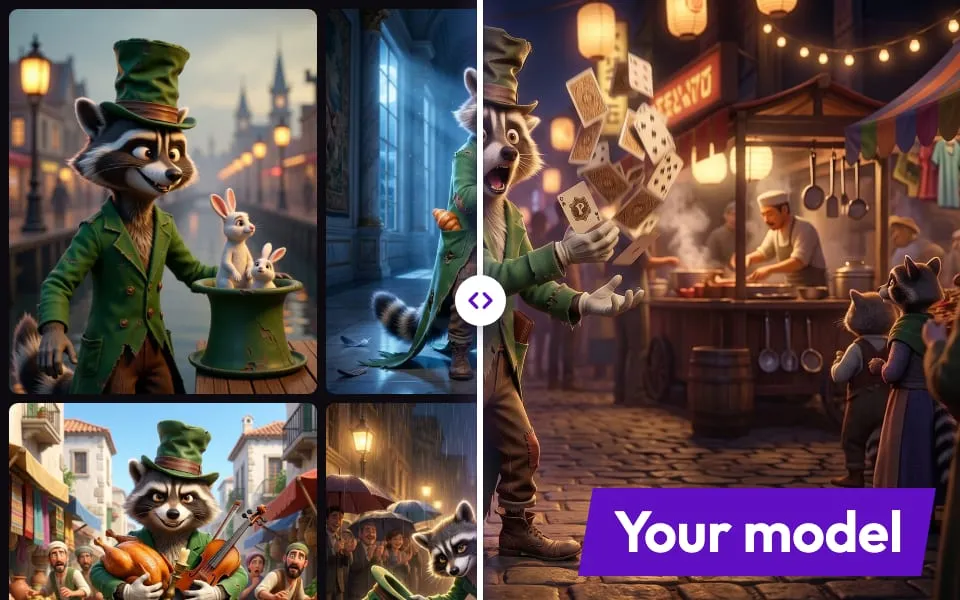
- Train LoRATrain a custom model on your own artwork
- Clone voiceClone a voice from a few audio clips
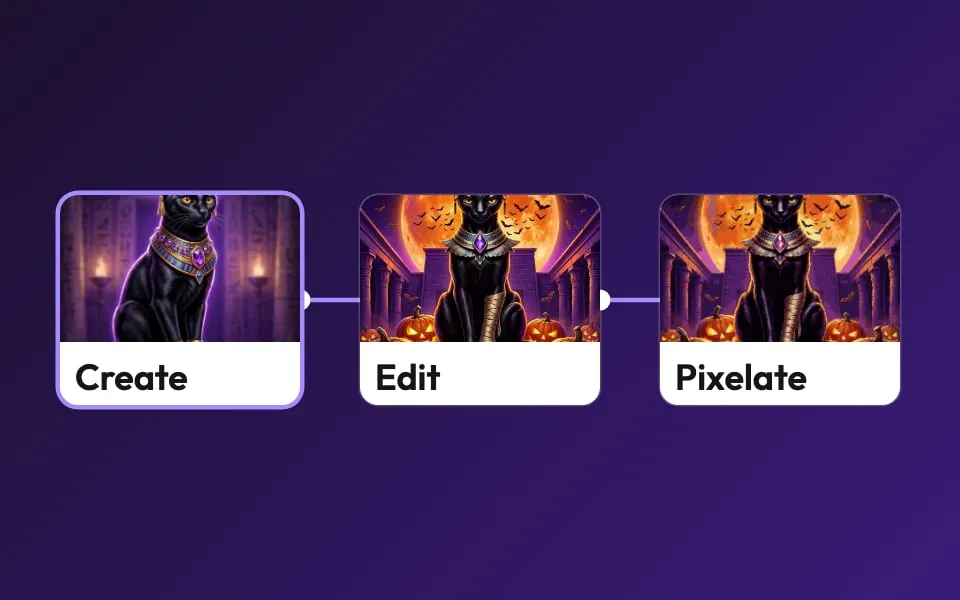
- Create workflowChain models and edits into a pipeline you can rerun








Playables
Real, playable ads, each made from a single brief.
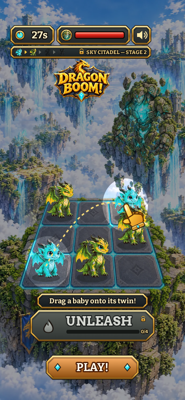
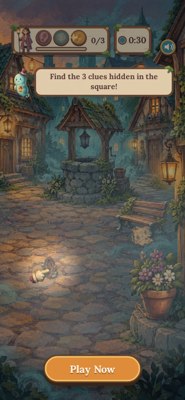
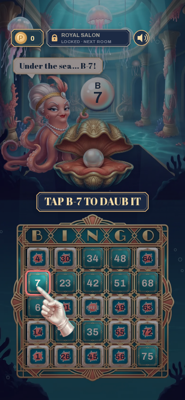
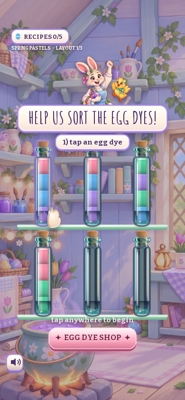
Apps
Ready-made flows that run end to end.
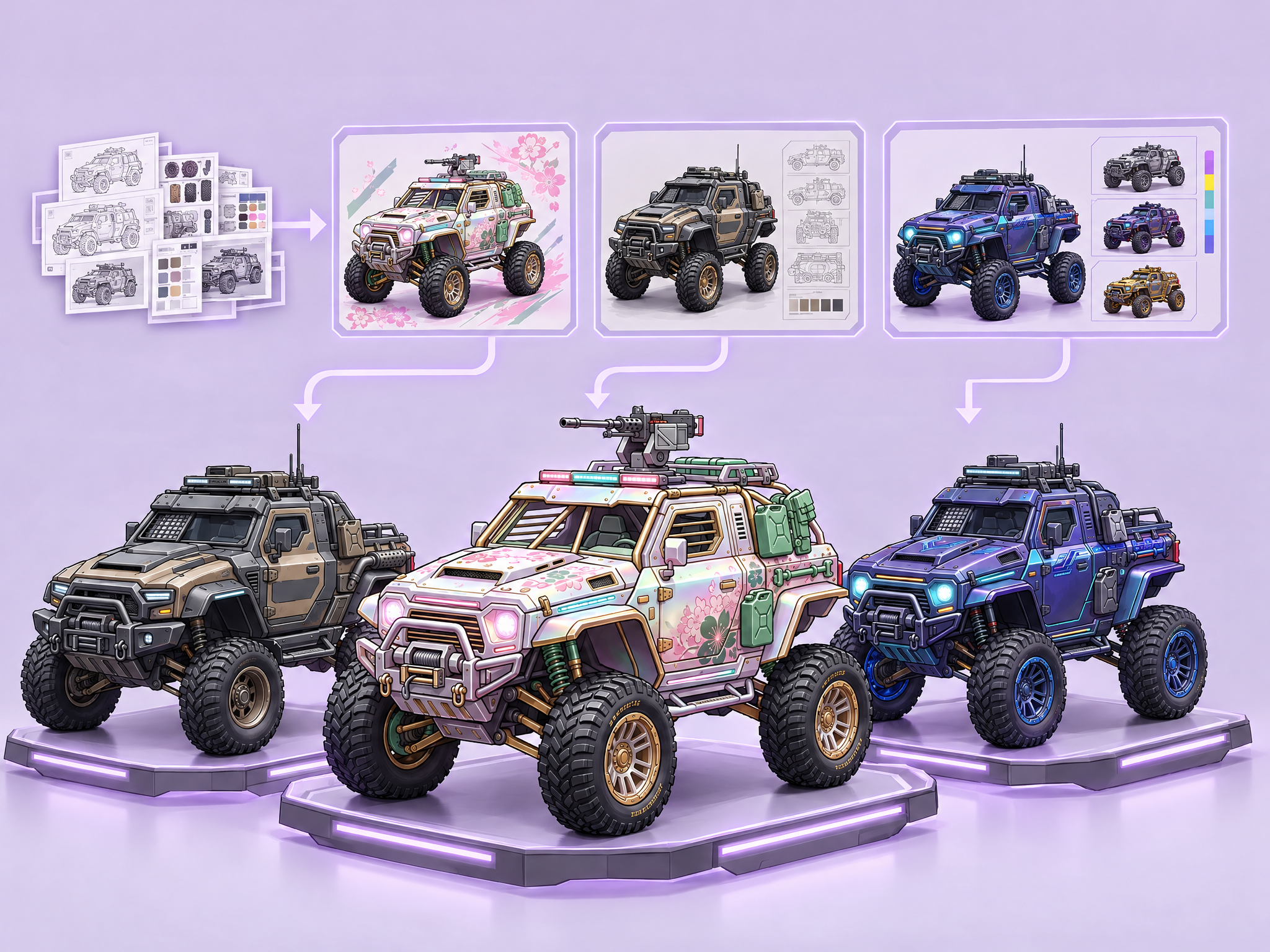 Asset Production - Vehicle Production FlowA complete Layer pipeline for creating vehicle production concepts, rarity levels, additional skins, and seasonal drops for Mobile, GAAS LiveOps, and AA games.
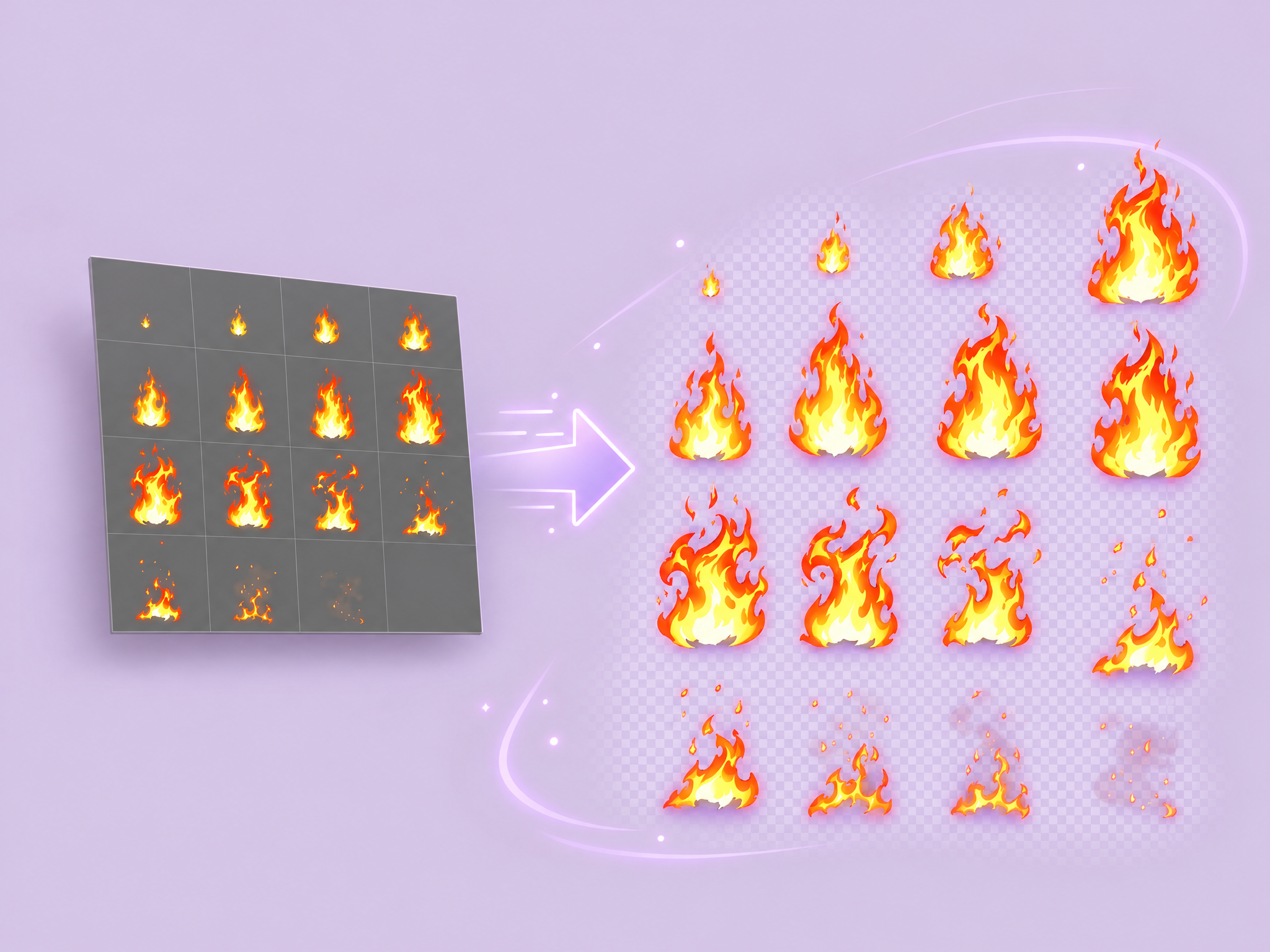 2D Alpha Effect GeneratorGenerate a 2D visual effect, remove its background to preserve alpha, and output compositing-ready assets.
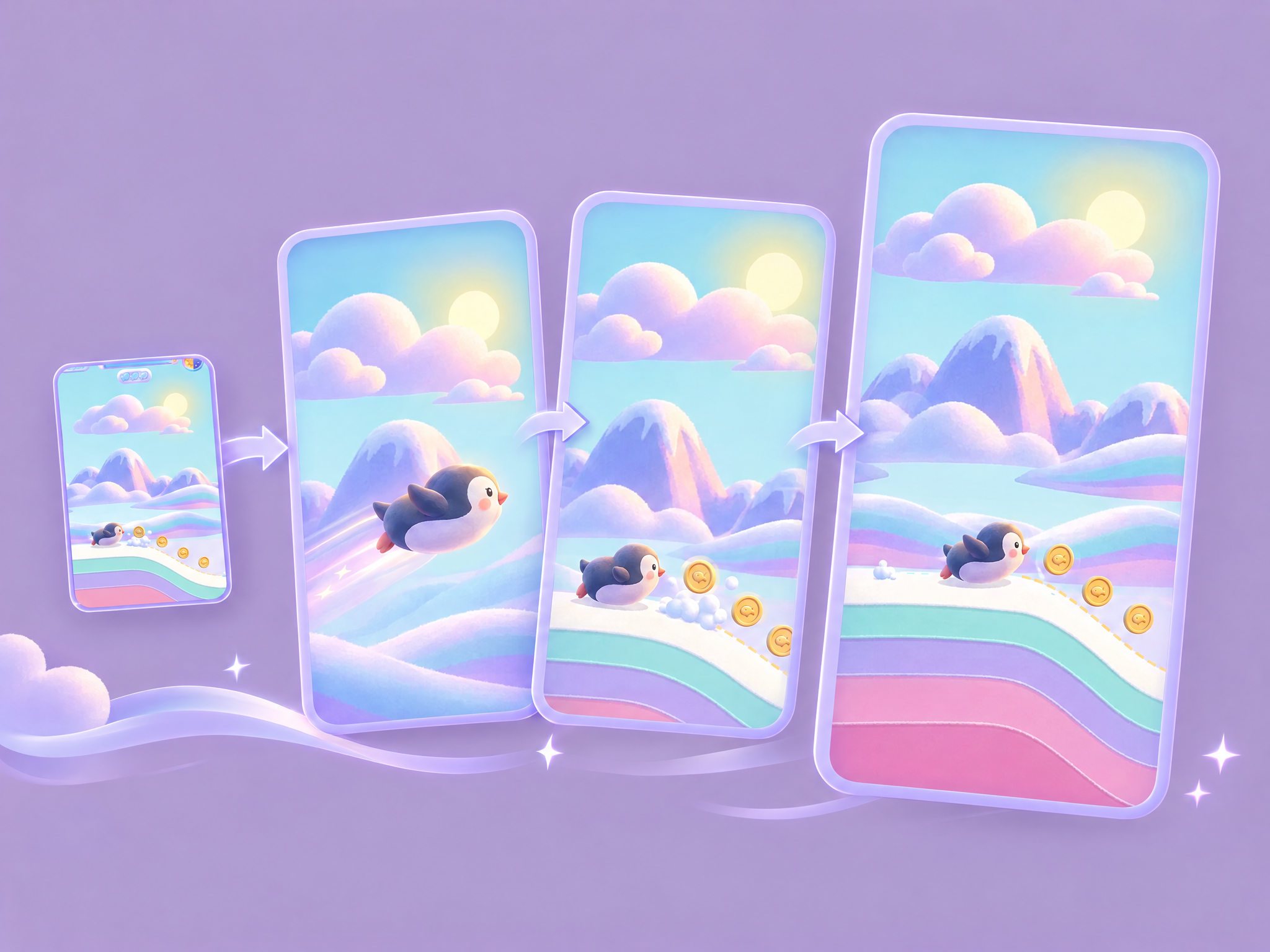 UA Hook v3.6 (action games): Story Shot, Push onto the Real Game, Music DropTurns an action-game capture into an 11.4-second 9:16 UA ad: a generated 3-second story hook inspired by the genuine first gameplay frame, a fast push into that same real frame, then 8 seconds of authentic gameplay. The workflow crops wide gameplay to fill the frame by default, avoiding side bars; users can switch Gameplay fit back to padded mode if preserving every HUD edge is essential. It also generates an instrumental music bed matched to the game and audience.
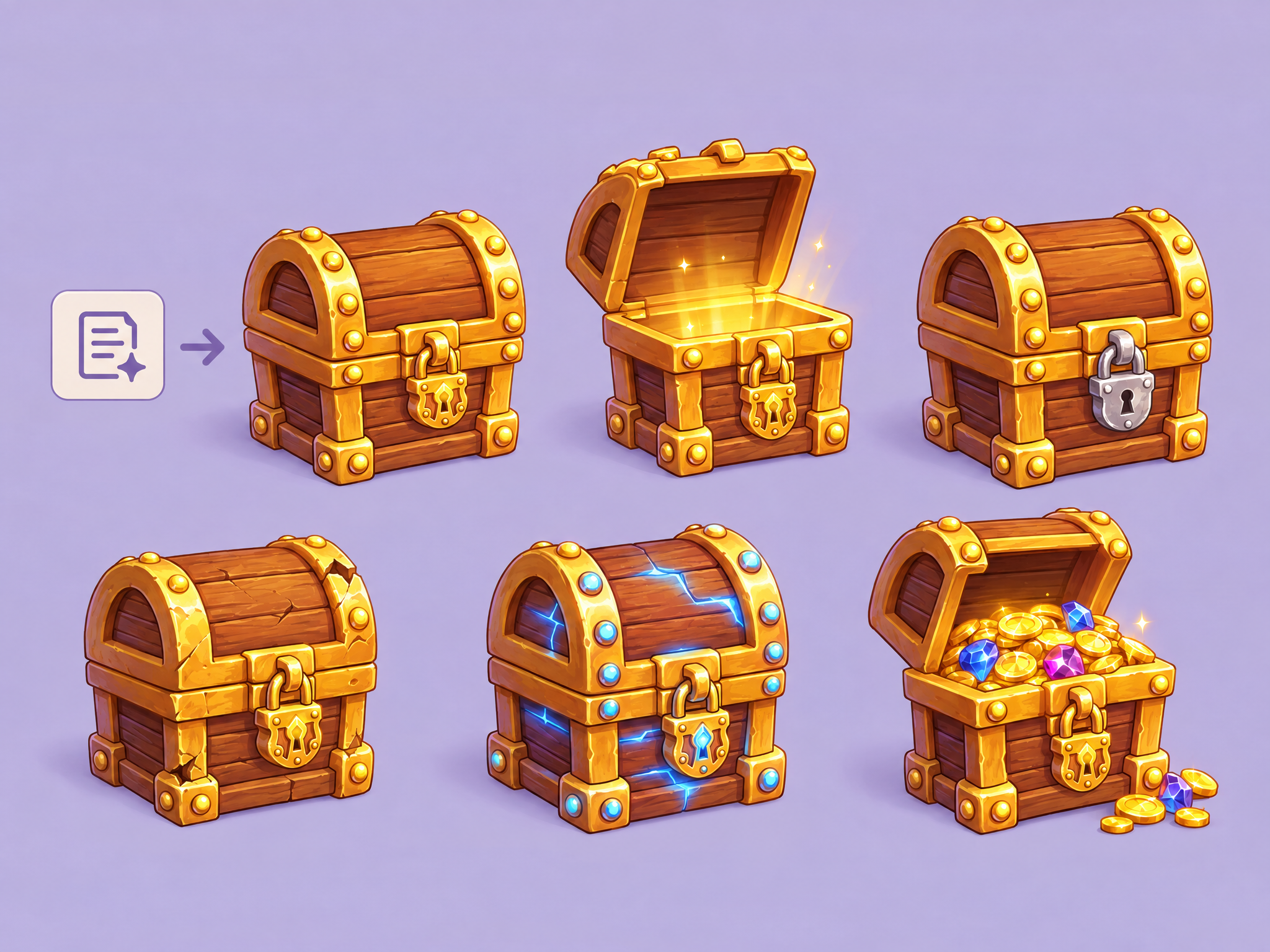 Asset Creation and State VariationGenerate an item from scratch and then create variations of it to show it in different states. The workflow will attempt to keep the base asset the same, only modifying the specific areas of the asset. Requires a prompt; Does not take in an image, but instead create a new image every time.
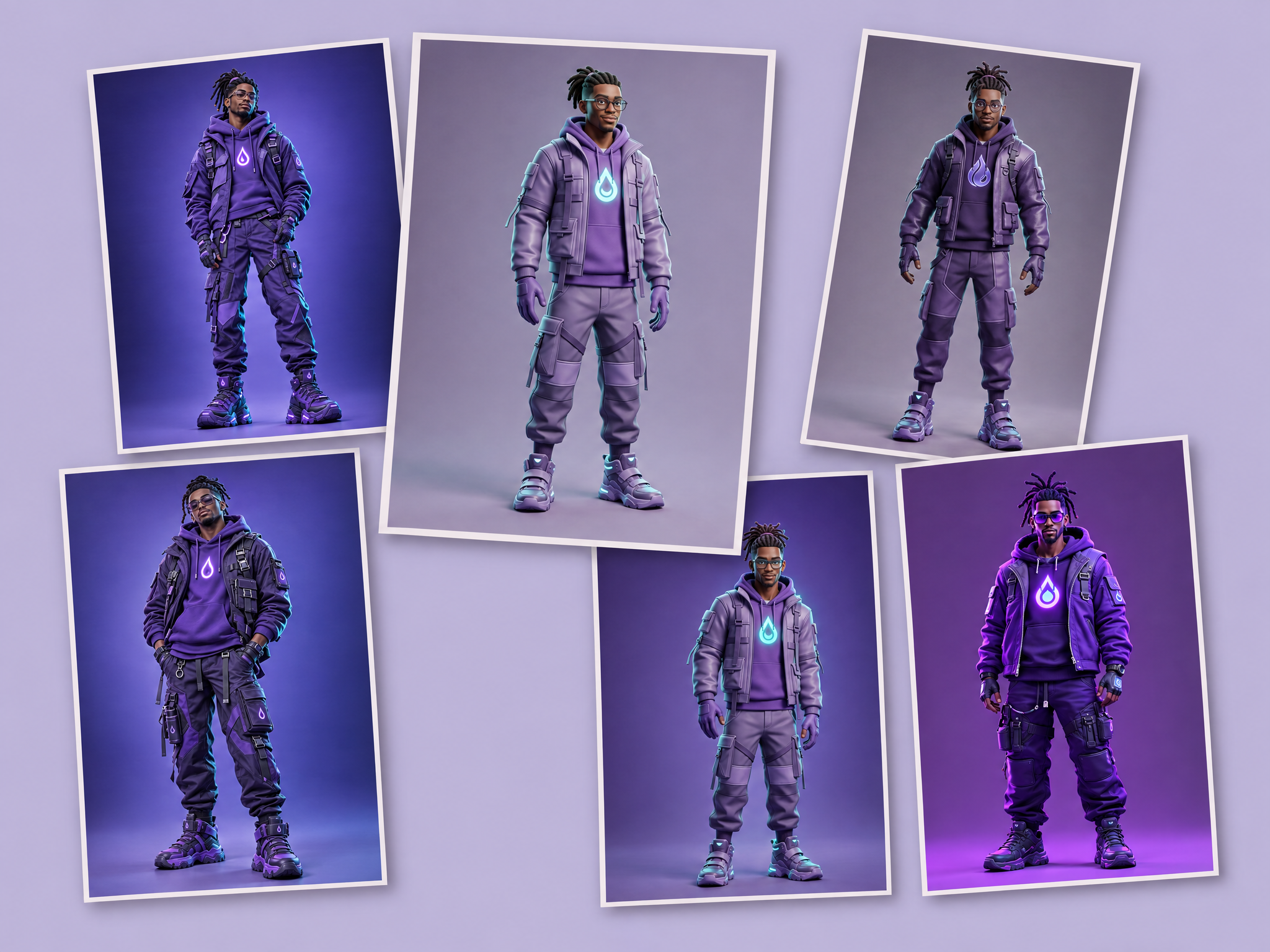 Single Character Ideation (Multi-Model)A workflow to explore a character in different styles and across multiple best-in-class generation models. Multiple images will be created, each of which will be made with a different generation base model. Ideal for exploring how different models interpret your ideas.
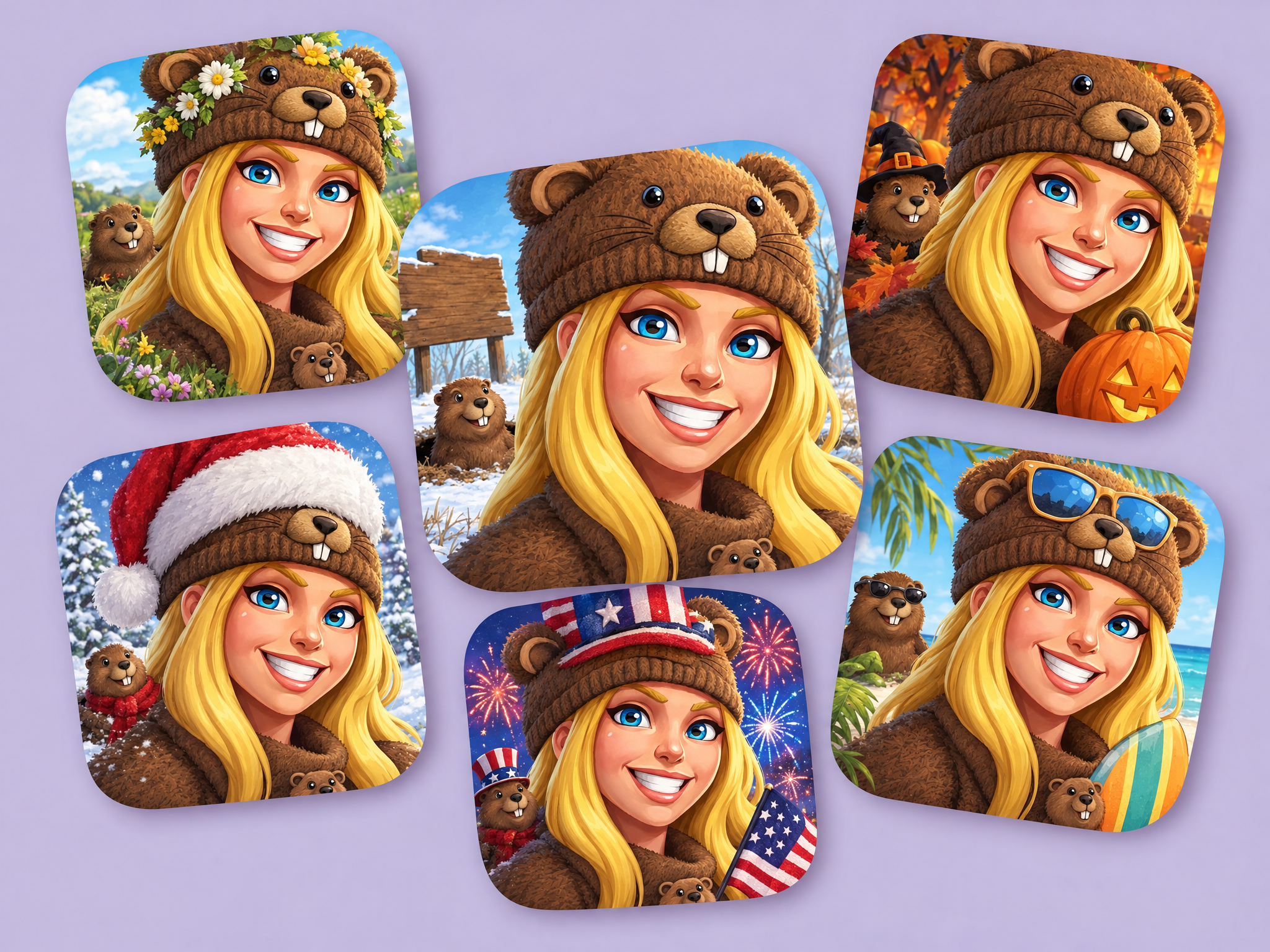 Batch Theme an App Store IconWant to modify your app store icon for each week of the month, or for specific holidays? Generate new app store icon variants with just a few clicks.
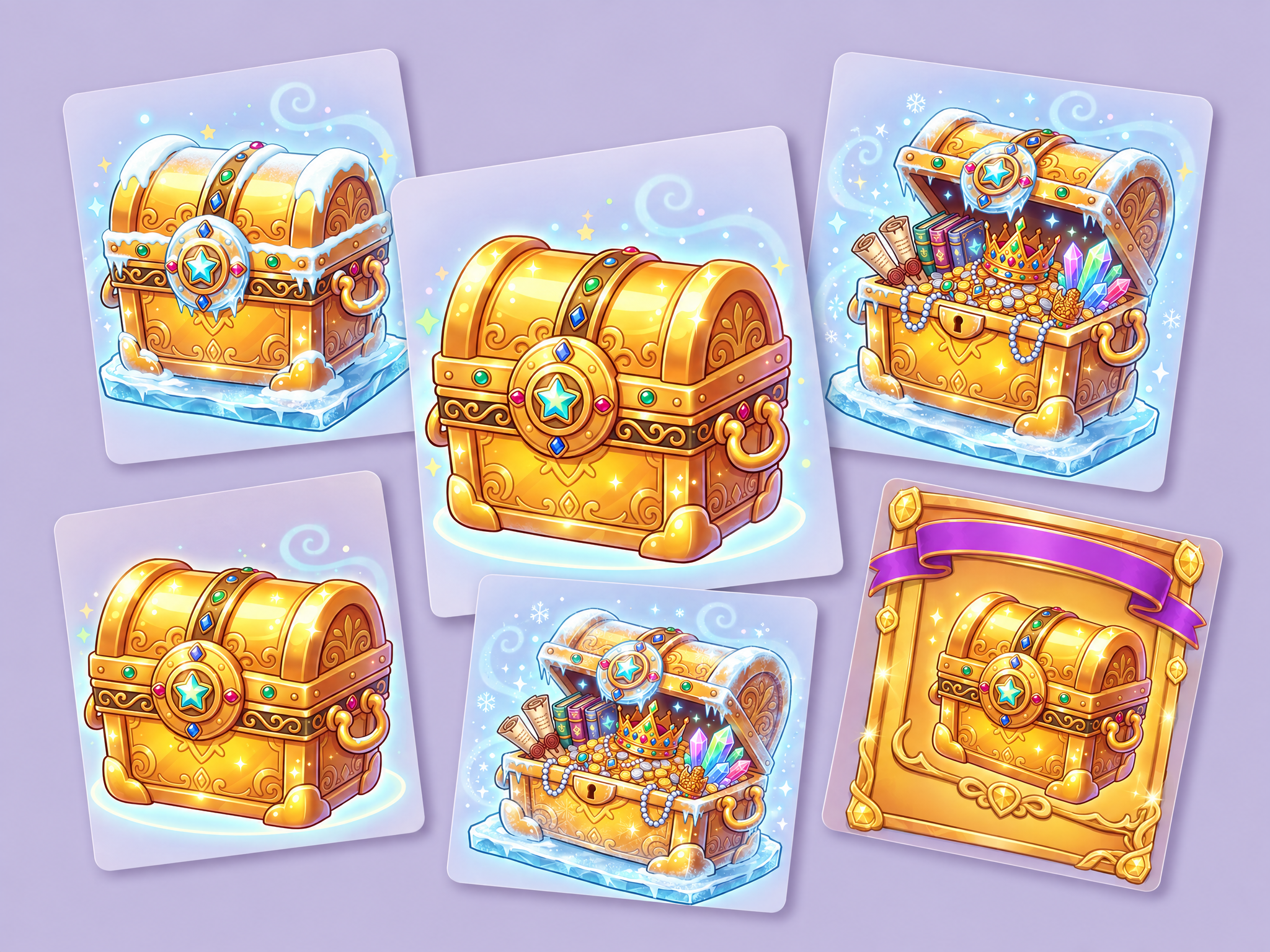 IAP Offer Composition & Reskin
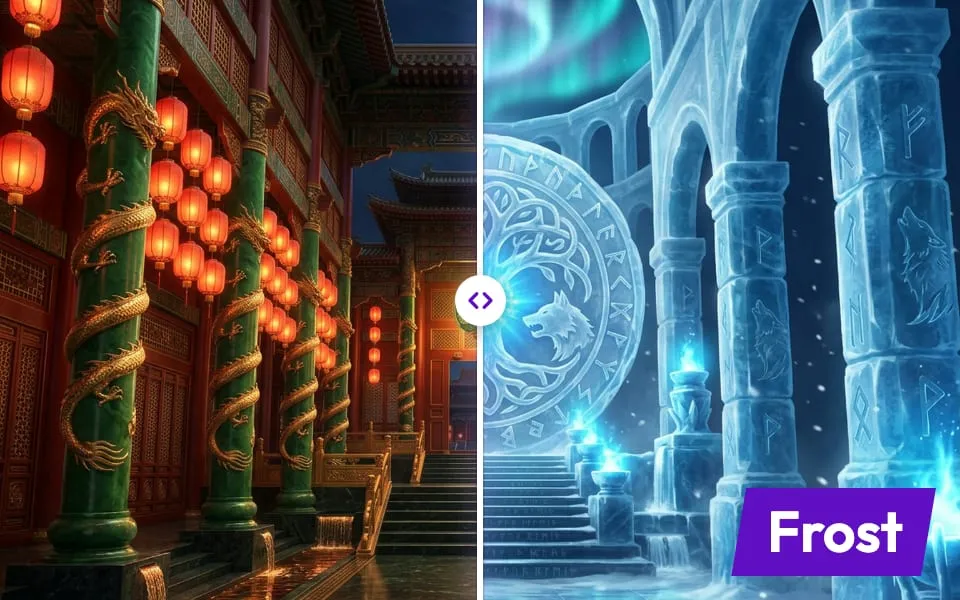
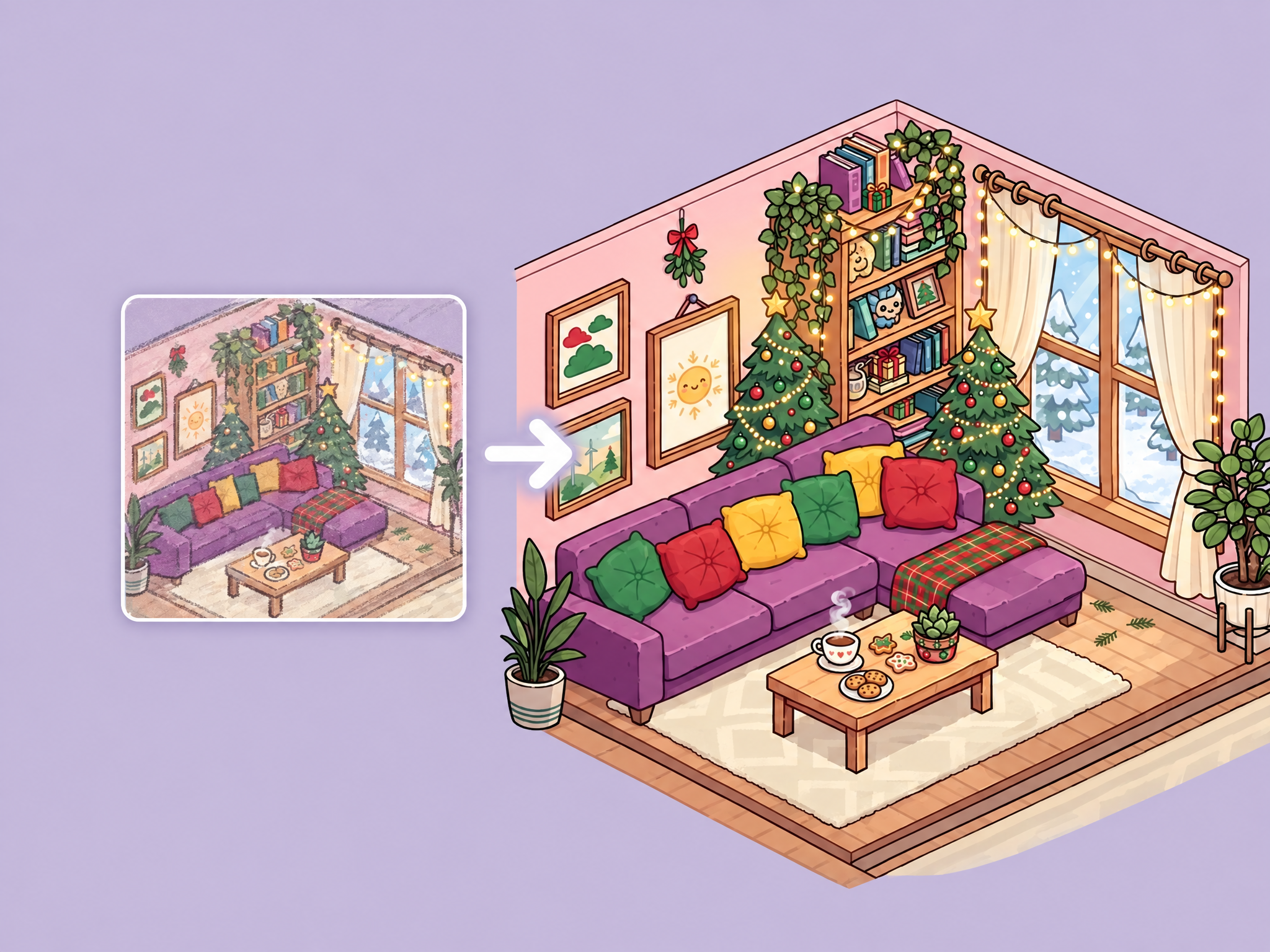 Environment ThemesCreates various themed version of an environment.
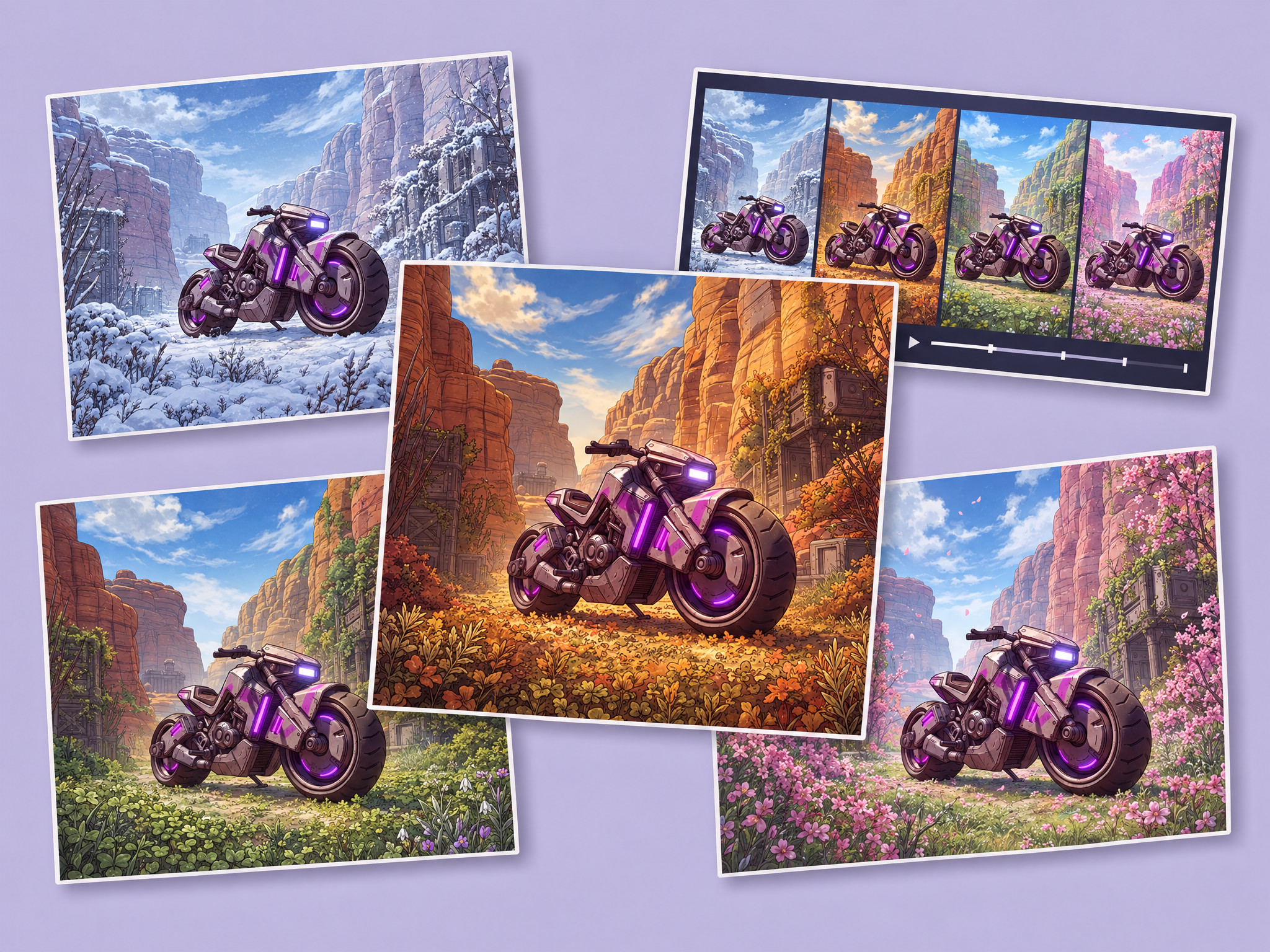 Environment Seasons / Lighting Change VideoCreates seasonal changes for an existing environment asset, and create a final 9s video that showcases the scene transitions in a visual way alongside the four seasonal source images. Images will be in the aspect ratio of the initial image.
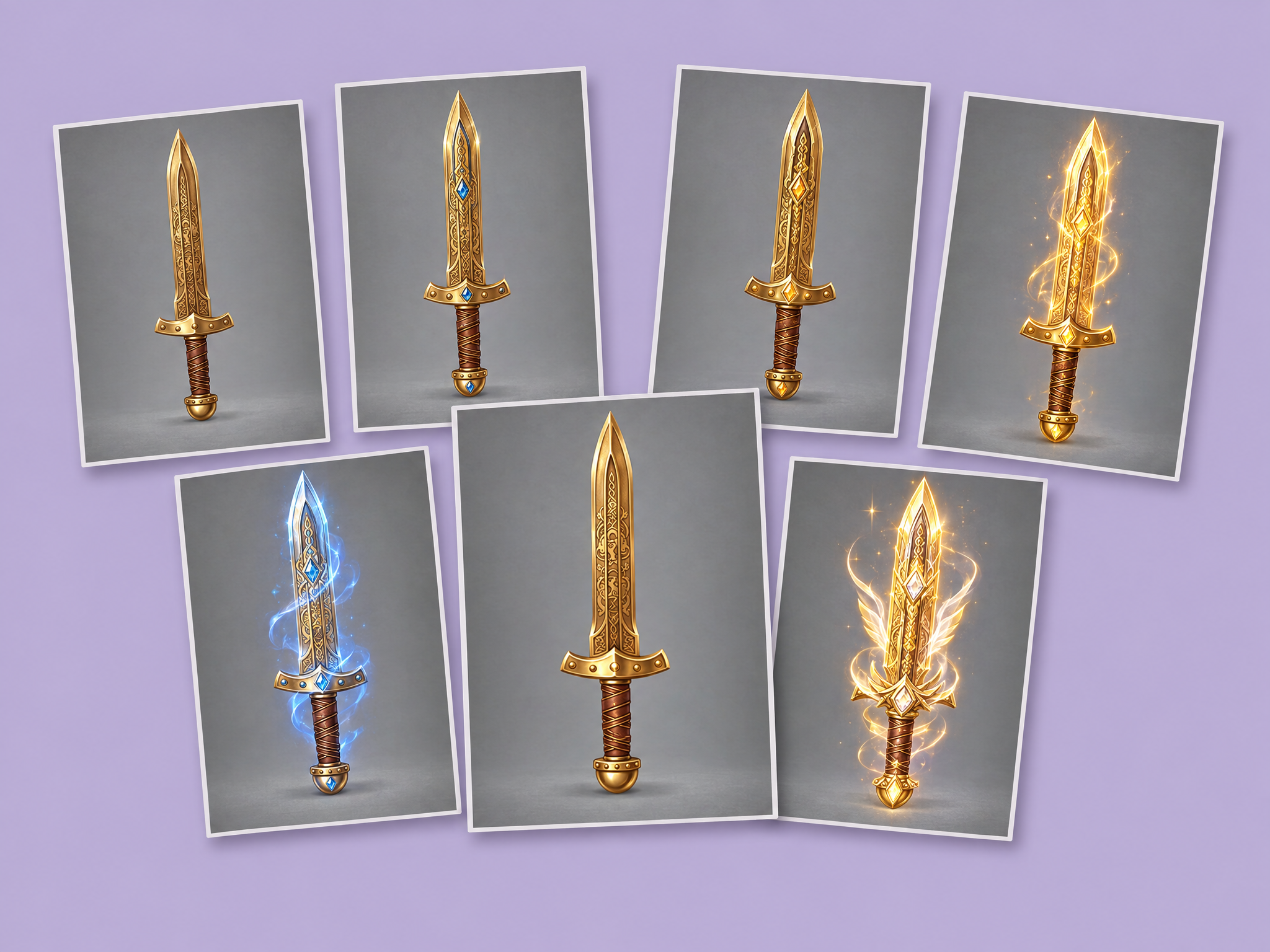 Create and Upgrade an In-Game Item (Equipment)Using a 2D generator, create a base item. Then, using example upgrade images, use this workflow to generate six upgrade levels for the item. The end result will be a full upgrade flow for an item that may be used in your game.
Video
Trailers, hooks and ads, cut from your game.

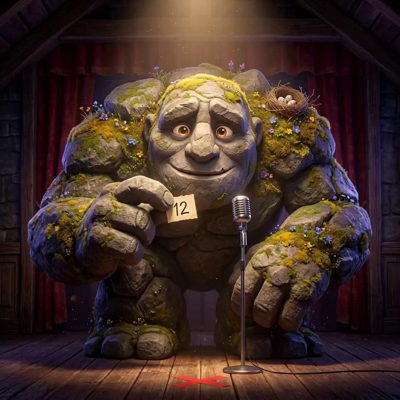




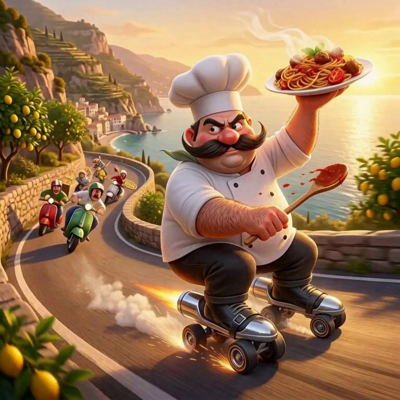



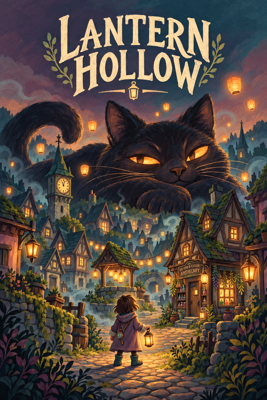
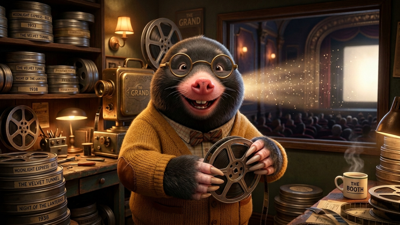
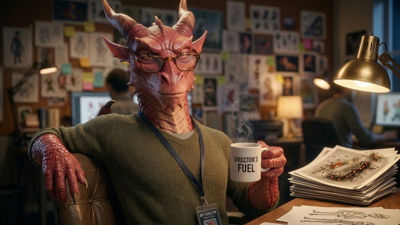
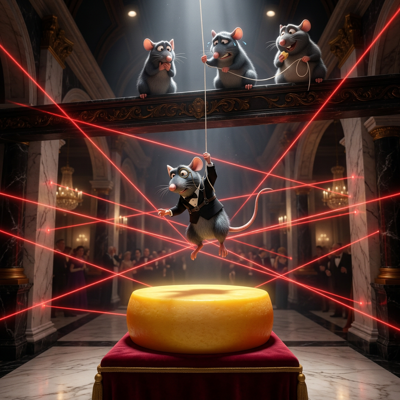
Images
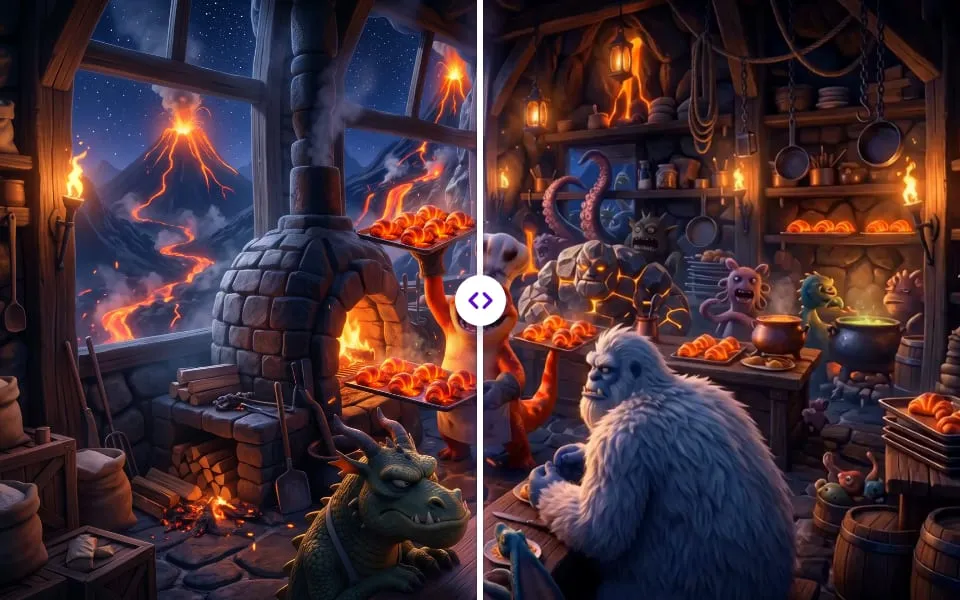
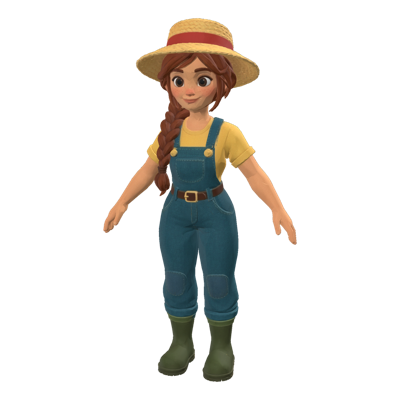
Characters, environments and key art, on model in every pose.



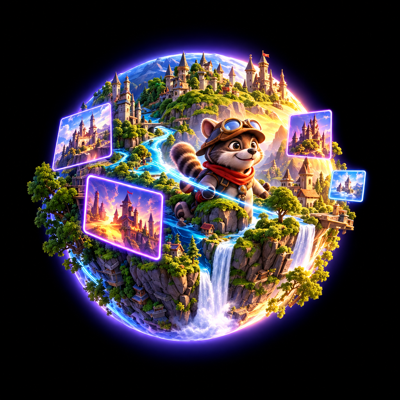


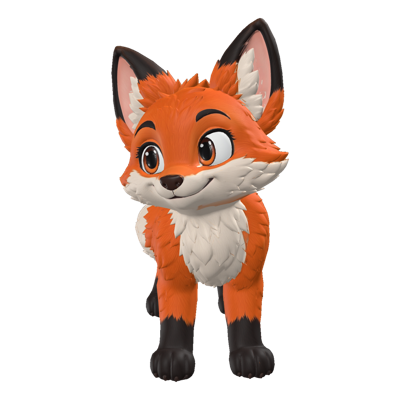
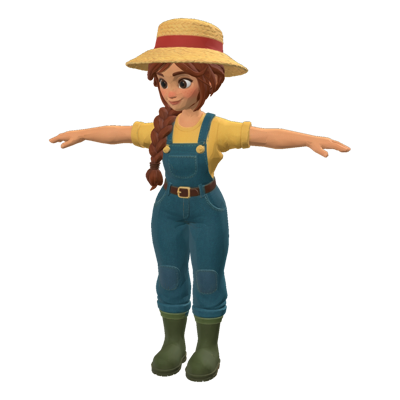
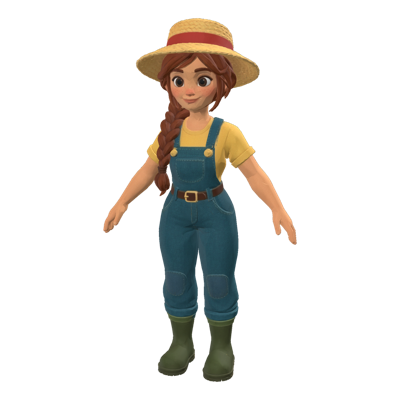
3D
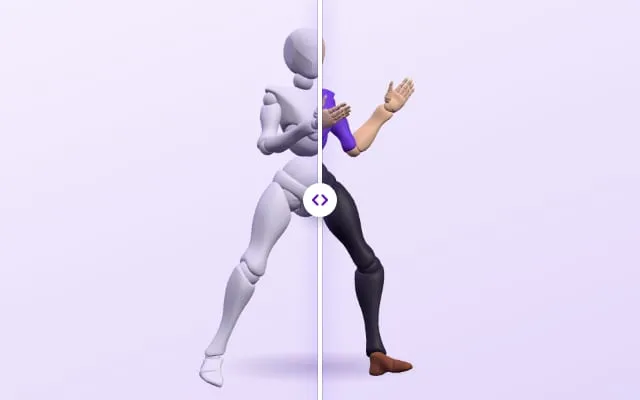
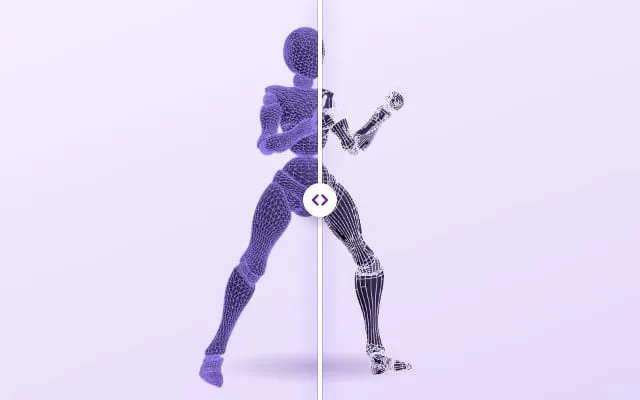
Meshes from a prompt or an image, ready to rig and texture.





What studios say
In the words of the teams shipping with it.
- 🇺🇸 United States
"Layer has been a trusted and collaborative partner from their early beginnings. Layer is a key AI solution for our art and creative development."

Danny Moy
Chief Strategy Officer, SciPlay
- 🇧🇷 Brazil
"What stood out to our legal was how Layer treats IP safety as a first-class priority. Every asset is traceable, every action logged, and every workflow auditable - giving us total visibility across teams."

Philippe Sundfeld
Product, IP, and Privacy, Wildlife Studios
- 🇺🇸 United States
"Layer is the only AI solution we decided to go with for our pipelines, their approach to artist workflows is unique. Thanks for unblocking gen-AI for our team!"

Alex Present
Art Director, IGT
- 🇵🇱 Poland
"Layer is an invaluable tool, especially for time-consuming backgrounds and character poses. Such projects usually take days, but with Layer it's only a minutes."

Lukasz Bachur
Art Director, Huuuge Games
- 🇺🇸 United States
"In the Wild West that is GenAI land, be more like our partners at Layer. Layer is our partner of choice for all things 2D, 3D, & Video."

Luke Dicken
Head of AI, Take-Two Interactive
- 🇬🇧 United Kingdom
"Layer supercharged Tripledot's art creation, tripling our production speed and elevating quality. By reducing our reliance on outsourcing, we've saved significant costs and brought the magic of art production in-house."

Andriy Matviychuk
VP of Creative, Tripledot Studios
Audio
Voice lines, music and sound effects for every scene.
Marketing
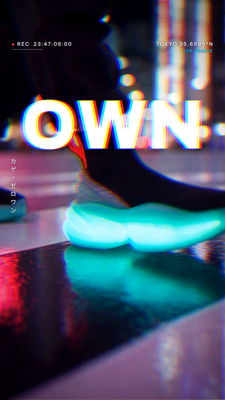
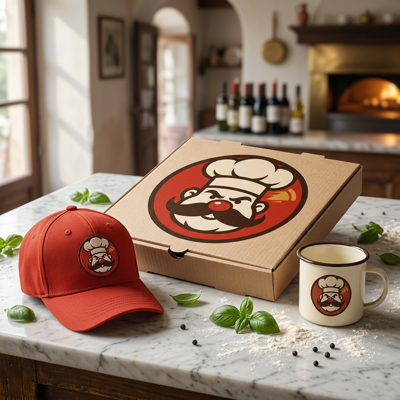
Store art, social posts and ad creative, in every size.
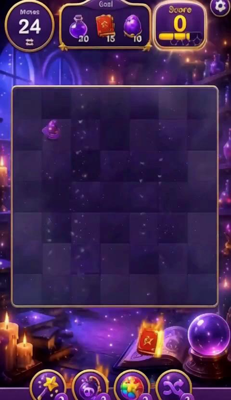
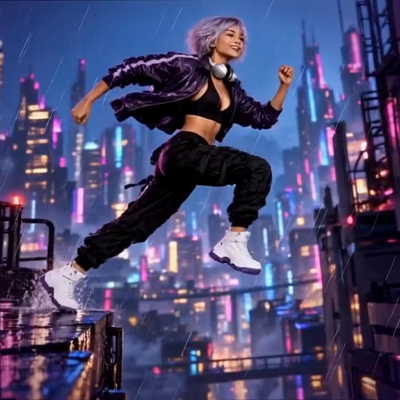

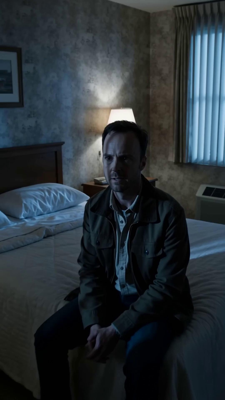
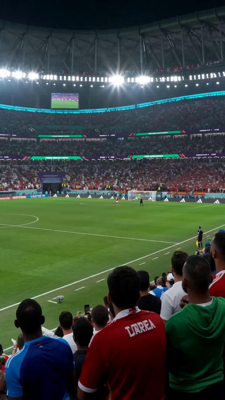
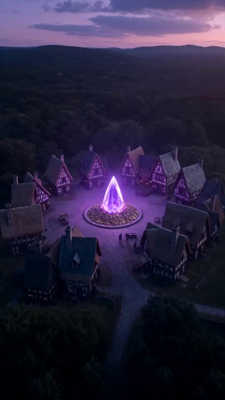
Game-ready starting points
More templates from every kind of work, each one a run you can start.


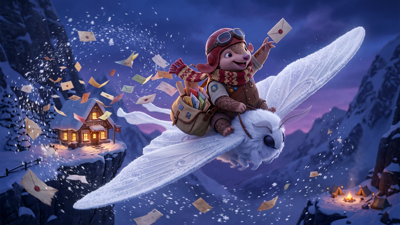



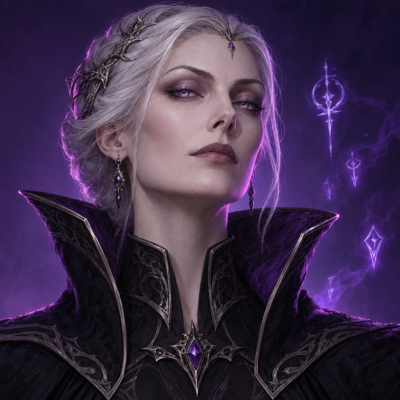



Stop building what your competitors are building
The creative work AI has automated is now a common foundation, and building your own version of it earns you nothing the studio next door does not also have. Adopt the harness instead, and spend your team's time on the part that differentiates.






Customize on top
LoRA training, voice cloning, agent skills and connectors — the tools that turn a common foundation into work that is recognisably yours.
Connects to your stack
AppLovin, Meta, Google Ads, TikTok, Chartboost and Sensor Tower, so the next batch of creative is informed by how the last one performed.



Integrates with your tools
Photoshop, Premiere Pro, After Effects, DaVinci Resolve, Blender, Unreal, Unity, Figma and Slack. Layer fits the pipeline your team already works in.
Enterprise-grade by default
SOC 2 Type II, SSO/SCIM, role-based access and exportable audit logs. Customer data is never used to train foundation models.
Frequently Asked Questions
What is Layer?+
Layer is the creative harness for teams that have to ship on-brand content: it brings leading generative models into one workspace, so you can generate and edit assets, collaborate, and scale production with node-based workflow automation, agents, and enterprise security. The foundation is already built, so your team differentiates on the work rather than on assembling it.
Who is Layer built for?+
Layer is designed for creative teams of every size — from two-person teams to hundreds — and for the roles that carry production: creative producers, artists, art directors, creative strategists, marketers and growth teams who need consistent, production-ready, on-brand output.
What can I create with Layer?+
Layer supports creating and refining multiple asset types, including images, video, 3D models, and audio, depending on the tools and models you use. Teams use them for brand assets, advertising and social creative, product and campaign visuals, and any production content a brand needs at volume.
Does Layer include multiple AI models or just one?+
Layer positions itself as a single access point to a curated set of industry-leading AI models for creative production by producing Day 0 integrations, so teams don't have to juggle separate tools.
Can Layer help us standardize style and keep outputs consistent?+
Yes. Layer highlights custom model training and style training so teams can teach Layer a unique style and generate consistent, on-brand visuals.
Can we edit assets (not just generate new ones)?+
Yes. Layer includes editing and refinement capabilities to help teams iterate and polish outputs, not only generate from scratch. You can do this for individual assets as well as in batches, at scale.
How does Layer support collaboration for teams?+
Layer emphasizes a collaborative workspace approach, and per its pricing model teams can add members without per-seat charges, sharing usage via pooled credits.
What is Layer Workflows?+
Layer Workflows are purpose-built, agent-powered workflows that automate multi-step creative production — campaign variants, localized creative, recurring content drops — helping teams scale repeatable pipelines while keeping creatives in control.
Is Layer enterprise-ready (security/compliance)?+
Layer highlights enterprise-grade security and compliance, including SOC 2 Type II, plus features like SSO/SCIM, role-based access controls, and audit and event logs that are fully exportable for governance and traceability.
How does Layer pricing work?+
Layer uses a usage-based pricing approach with no seat fees, and you pay for what you create. The platform uses Creative Units (CUs) for consumption across models and tools.
Can we start small and scale up?+
Yes. Layer offers subscription options that scale for teams of any size, with usage-based pricing that grows with production rather than with headcount — there are no per-seat fees.
Where can I learn more or talk to sales?+
More questions? Check out our Help Center.