Skip to content

Changelog

What's new on Layer

Product updates, new models, improvements, and fixes — shipped continuously.

Seedance 2.5, draw-video & home quick actions

New models

FLUX.3 Video Extend and Grok Imagine Video Extend: You can now extend the duration of a generated video using FLUX.3 Extend directly from the video lightbox, with Grok Imagine Video Extend as a second extension option — giving you two distinct paths for lengthening clips without re-generating from scratch.

What else is new?

Draw-video: You can now sketch motion arrows directly onto a still image to generate an on-device reference clip, which feeds into video generation slots as a motion reference — giving you direct control over how elements in a scene should move.

Hide assets instead of delete: Assets on your board can now be hidden rather than permanently deleted, so you can keep your workspace tidy without losing work you might want to revisit.

Thinking and web search on Gemini and Luma models: Thinking level controls and web search are now available when using Gemini and Luma models in the app, giving you more control over reasoning depth and the ability to ground generations in current information.

@Reference chips now support video and audio: When referencing assets in the composer using @mentions, video and audio files are now supported alongside images — so any asset type in your library can be brought into a generation as a reference.

Drag and drop into composer: You can now drag assets directly into the composer input rather than uploading or selecting from a picker, making it faster to bring existing assets into a new generation.

Home quick actions: Edit tools are now accessible directly under the home composer, so common actions are one step closer without navigating into a specific session or asset view.

Bug fixes & improvements

Gemini restored in Inpaint and Reframe: Gemini models are now available again as options inside Inpaint and Reframe workflows after being incorrectly excluded in a recent update.

Clearer inference error detail: Error messages returned from failed inference runs now include more specific detail about what went wrong, making it easier to diagnose and retry without guesswork.

Large workspace member search: Searching for members in workspaces with large team sizes now works correctly, resolving a performance issue that caused the search to return incomplete or no results.

Rodin Gen-2 and Gen-2.5 style fix: Resolved a 500 error caused by a style-path unpacking issue in Hyper3D Rodin Gen-2 and Gen-2.5 generation requests.

New models7

MiniMax H3, Tripo 3D mesh ops & parallel sub-agents

What's new?

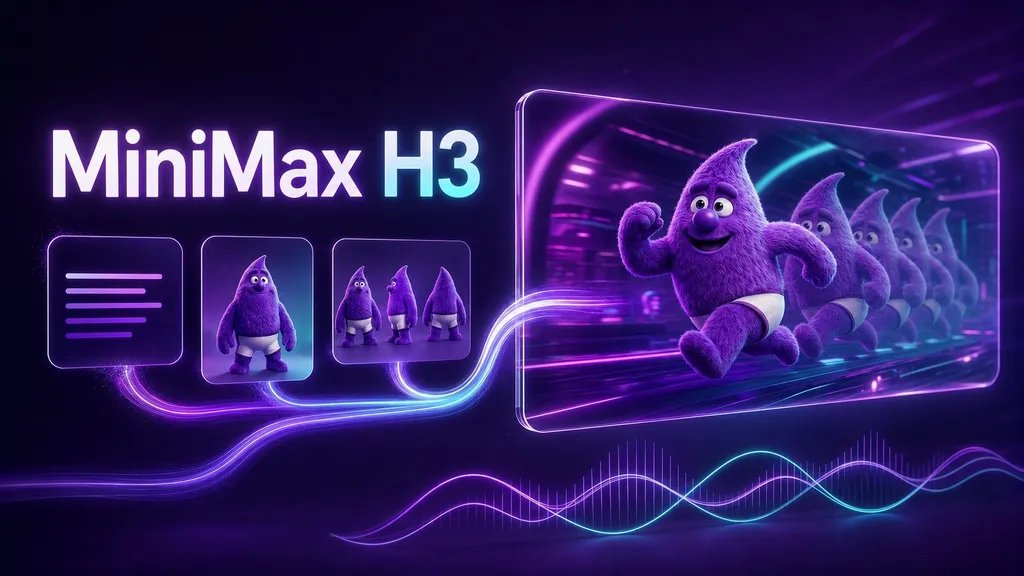
New video model — MiniMax H3: MiniMax H3 is now available for text-to-video, image-to-video, and reference-to-video generation at stereo 2K resolution, giving you a high-quality video option with strong motion consistency across all three input modes.

AI controls apply down workspace hierarchy: AI settings configured at the workspace level now propagate down to sub-workspaces automatically, so teams managing multiple workspaces no longer need to configure controls in each one separately.

SVG viewer and Rasterize tool: SVG assets now open in a dedicated viewer with SVG-aware tools, and a new Rasterize option lets you convert any SVG to a flat image in one click when you need it as a raster format downstream.

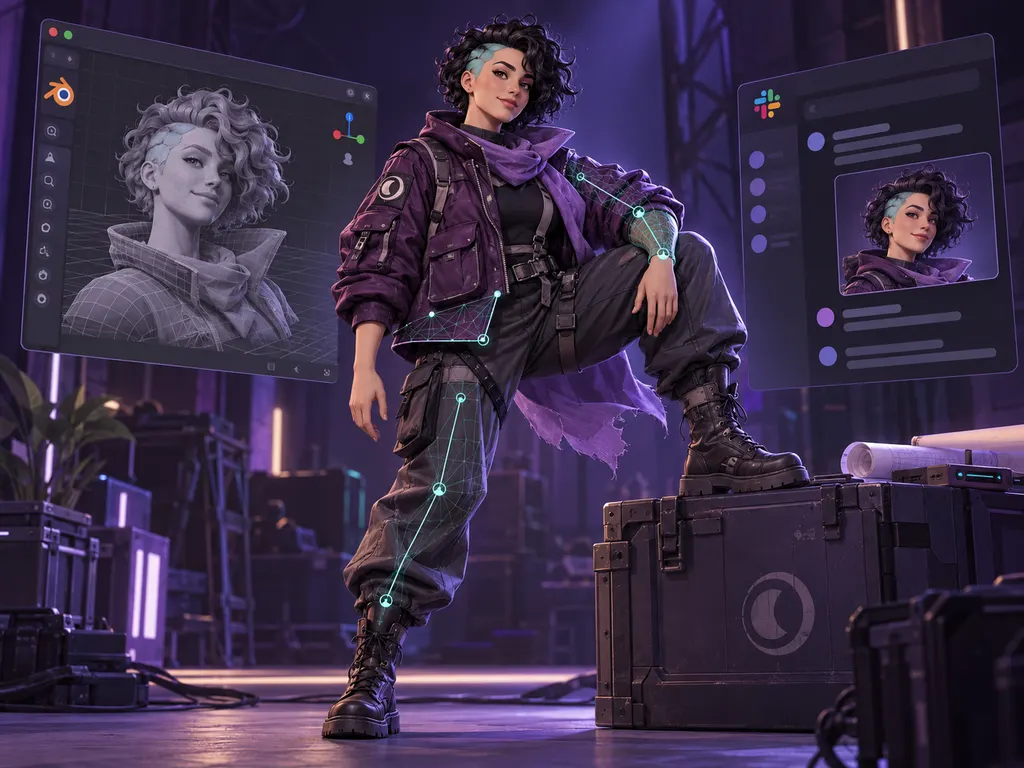
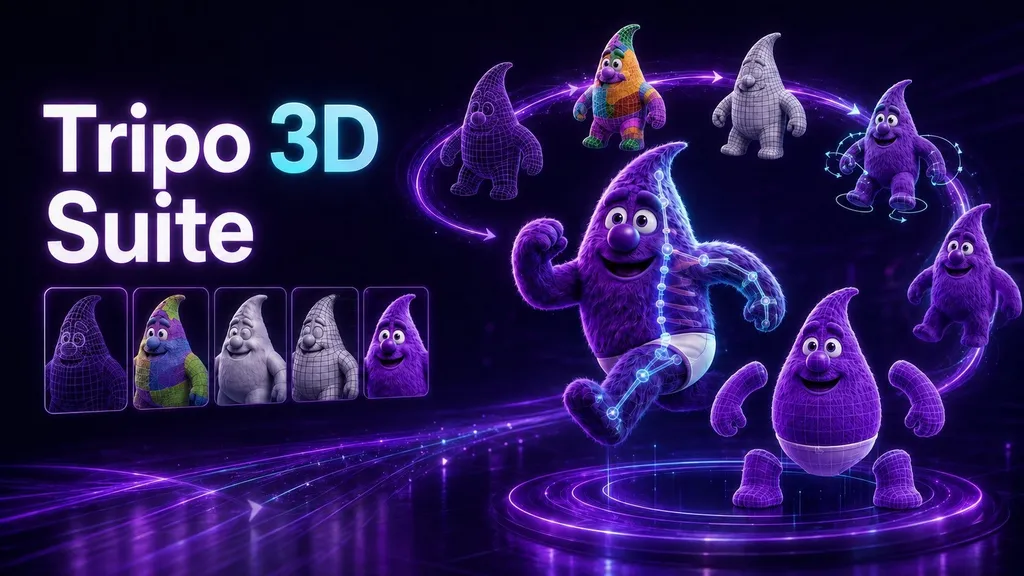
New 3D model suite — Tripo mesh operations: Six new Tripo operations are now available — Rig, Animate, Retarget, Segment, Remesh, and Retexture — alongside a multi-part mesh viewer. You can now take a generated 3D asset through a full production pipeline without leaving Layer.

Flexible groups: Groups now support configurable roles, usage limits, and member management, giving workspace admins finer control over how teams are organized and what they can access.

Session date filters: You can now filter your session board by date server-side, making it faster to navigate large session histories without loading everything first.

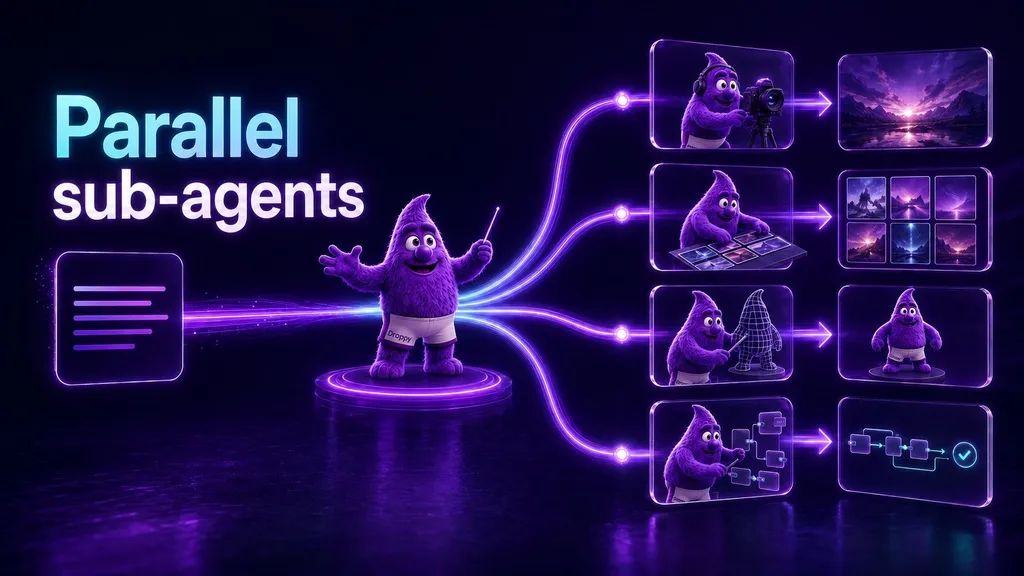
Parallel sub-agent streams: The agent can now run multiple sub-tasks in parallel within a single chat turn, so complex multi-step requests complete significantly faster instead of running sequentially.

Object editor mesh operations: The 3D object editor now supports mesh operations directly, with multi-view INIT slots so you can work with complex assets from multiple angles in the same session.

Aspect ratio picker for edit-only image models: Edit-only image models now expose an aspect ratio picker, giving you output size control that was previously only available on generative models.

Workflow node descriptions: You can now add descriptions to individual nodes inside a workflow, making it easier to document intent and hand off complex graphs to other team members.

Edit workflow metadata outside publish: Workflow name, description, cover image, and node descriptions can now be updated without going through the publish flow, so keeping documentation current doesn't require a full republish.

Canvas tile placement: New tiles generated on the canvas now place beside your current selection rather than at a fixed position, keeping your workspace organised as it grows.

Bug fixes & improvements

Workspace-disabled models hidden from pickers: Models that have been disabled at the workspace level no longer appear in model selection dropdowns, reducing confusion when certain models are intentionally restricted.

Video and mesh frame picks restored: Fixed an issue where selecting a specific frame from a video or mesh as a reference image input was not working correctly.

Hung blueprint runs fixed: Resolved a bug causing blueprint runs to hang indefinitely rather than completing or failing cleanly.

Chat stream recovery: The chat interface now recovers gracefully from mid-turn stream interruptions rather than leaving a generation in an unresolved state.

Library grid performance: Scrolling and loading performance in the asset library grid has been improved for workspaces with large asset counts.

New models6

The new Layer, asset conversion & public showcases

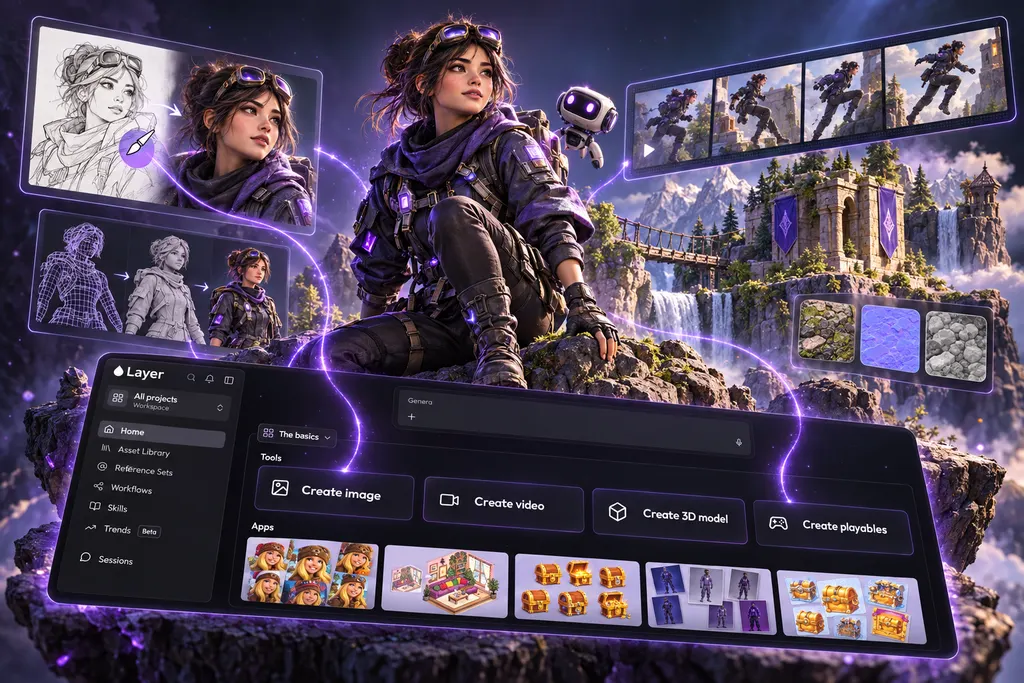
The New Layer is Here!

This week we officially announced the new Layer app — something the team has been heads-down building for a long time. Thank you to everyone who tested early, shared feedback, and helped us through the process!

What's new?

  • Convert assets to video or 3D from the lightbox: You can now convert any generated image to video or 3D directly from the asset lightbox, so iterating across formats no longer requires going back to the canvas or starting a new generation.

  • Session board edit history: The session board now shows an edit history strip for your assets, so you can see the progression of a generation and step back to any earlier version without losing your work.

  • Workflow board cards and auto-layout: Workflows now appear as dedicated cards on the session board, and the workflow editor supports auto-layout so complex node graphs stay readable as they grow.

  • Shared workflows open view-only with explicit fork: Opening a shared workflow now gives you a read-only view first. Forking into your own workspace is an explicit action, so you always know which copy you're editing.

  • Manage project membership in one picker: Adding and removing project members is now handled in a single picker, replacing the previous split flow.

  • Character LoRA quality improvements: Character LoRA training now uses better default hyperparameters and keeps the subject description in the form prompt, producing more consistent results out of the box.

  • Custom LoRA filter and badge on reference sets: Reference sets can now be filtered to show only custom LoRA assets, with a badge to identify them at a glance.

  • Balance-gated top-up: The Creative Unit top-up prompt now only appears when your balance actually warrants it, rather than showing proactively regardless of usage.

  • Public project showcases: Projects can now be made public, letting you share a curated showcase of your work with anyone — no Layer account required to view.

  • Partial workflow runs reuse unchanged nodes: When re-running a workflow with minor changes, unchanged nodes are skipped and their previous outputs reused, reducing Creative Unit spend on iterative runs.

Bug fixes & improvements

  • Translate prompts only when asked: The default translation behaviour has changed to "Do not translate" — prompts are no longer automatically sent to Cloud Translation on every generation. Translation still works when you explicitly request it.

  • Google Drive browse restored: Fixed a resolver error that was preventing scoped Google Drive folder listings from loading correctly.

  • Faster app load: The app no longer waits on usage balance data before rendering, cutting load time noticeably on first open.

  • Inpaint and Reframe guidance fix: Corrected an issue where guidance files were not being passed correctly through Inpaint and Reframe workflow nodes.

  • Live failed generation display: Failed generations now surface immediately on the session board rather than requiring a refresh to appear.

  • Finetune base model validation: Mismatched finetune and base model combinations are now caught and rejected at creation time with a clear error, rather than failing silently deep in the pipeline.

Veo 3.1 Reference-to-Video, timeline transitions & passkeys

What's new?

New video models — Veo 3.1 Reference-to-Video: You can now generate video from reference images using Veo 3.1, available in both standard and fast variants. All Veo 3.1 endpoints now also support 4K output, giving you higher resolution across text-to-video, image-to-video, and reference-to-video generation.

Video timeline transitions: You can now add transitions between clips directly in the timeline editor — fade, slide, wipe, and flip — with a draggable palette for fast placement, so video sequences feel more polished without leaving Layer.

Passkeys and enterprise SSO/SCIM: Passkey login is now supported alongside expanded enterprise authentication options including SSO, SCIM provisioning, and security settings — making it easier for larger teams to manage access and stay compliant.

Bug fixes & improvements

Canvas stability during generation: Fixed an issue where the canvas would return a 504 error while a generation was in progress.

New models2

New Gemini, Recraft & Reve models, public workflow sharing

What's new?

New video models — Gemini Omni Flash: You can now generate video using three new Gemini Omni Flash models — text-to-video, reference-to-video (up to 5 reference images), and prompt-driven video editing — all at 720p with native audio and support for both 16:9 and 9:16 formats, so you have a fast, versatile video generation option directly in your pipeline.

Public workflow sharing: You can now share any workflow publicly with a single link. Recipients get a read-only view and can make their own copy to edit, so distributing and collaborating on workflows no longer requires manual exporting or workspace access.

A note from the team

The work we mentioned last time is still underway — and getting closer. We're genuinely proud of what's taking shape and want to make sure it's right before we share it. If you've been using Layer regularly, we think you're going to feel the difference immediately.

More soon!

New models9

New Kling models, audio & LLM expansion

What's new?

New Kling video and image models: You can now generate native 4K video (3840x2160) using three new Kling models across text-to-video, image-to-video, and reference-to-video, as well as new Kling image models with element reference and frontal image support, giving you more precision and higher output quality across both formats.

Bug fixes & improvements

Faster and more reliable MP4 exports: Fixed a flaky download button issue; MP4 metadata embedding now bypasses re-encoding entirely, making exports faster and more consistent.

Reference-to-video pricing fix: Adding a reference image no longer silently collapses output dimensions or drops the CU estimate, so what you see before generating is what you get.

Audio model duration pricing fix: A missing capability flag on some audio models was causing output duration to be priced incorrectly. This has been resolved.

Reference-set model auto-pick fix: Modern image models including Seedream, FLUX Kontext, Imagen, GPT Image, and Qwen were being silently excluded from auto-selection, with Kling O3 winning by default. All models are now considered correctly.

A note from the team

You may have noticed it's been a while since our last release article. That's intentional. We've been heads-down on something we think is going to meaningfully change how you use Layer every day: faster to get to what you need, more intuitive to navigate, and frankly a lot more enjoyable to work in. We're not ready to share details just yet, but if you've ever had a moment of friction in the product and thought "this could be better," chances are we've been thinking the same thing.

Stay tuned. It's coming soon.

New models8

Happy Horse 1.0 video models & Meshy 6 multi-reference

What's new?

  • New video model family: Happy Horse 1.0: You can now generate video content using the Happy Horse 1.0 model family, which supports text-to-video, image-to-video, reference-guided video, and video editing in a single family, giving you more flexibility across generation modes without switching models

  • Meshy 6 with multi-image support: The Meshy 6 model is now the default for 3D generation and supports multi-reference inputs, giving you more control over how reference images influence 3D outputs.

Bug fixes & improvements
  • Expired session auth recovery: When a login token expires, Layer now handles the error gracefully, redirects you to the login page, and returns you to your original destination after signing back in.

  • Stale workspace redirect: If your browser remembers a workspace you no longer have access to, Layer now automatically redirects you to a valid workspace instead of showing a 404.

  • Seedance auto aspect ratio: The "Auto" aspect ratio option is now available for Seedance video models as well as more resolution options like 1080p.

  • Video output dimension fix: Video output dimension fields now behave correctly when configuring generation settings.

New models3

GPT Image 2 is now live on Layer

🏁 Gaming creative workflows just got an upgrade today with the addition of newer model GPT 2.0 by Open AI to top charts!

  • Enhanced multilingual rendering, supporting Japanese, Korean, Chinese, Turkish, Finnish, Spanish allowing text to be integrated into the design seamlessly

  • Good for localization & culturalization of assets in batches 🏆 Sharper instruction following, with improved handling of UI elements, small text and dense compositions at resolutions up to 2K

  • Good for Game UI Design: Flexible aspect ratios ranging from 3:1 to 1:3

  • Good for banners, posters, card albums, mobile screens in one go

New models1

Video Timeline Editor, captions & GIF/PNG sequence exports

What's new?

  • PNG sequence export: Videos can now be exported as individual PNG frames at 1 to 50 fps, making it straightforward to hand off frame-accurate assets to compositing or animation pipelines.

  • GIF export with frame rate control: Videos can now be exported as GIF files with configurable frame rates from 5 to 50 fps, directly from the export dialog.

  • Video export in MP4, WebM, and MOV: Videos can now be exported from Layer in multiple formats with codec selection (H.264, H.265, VP9), compression controls, FPS override, and metadata embedding, so deliverables are production-ready without additional transcoding.

  • Video timeline node fully implemented: The video timeline has been rebuilt as a complete Workflows node with new state management, a sidebar form for controls, and proper slot management, making it stable and composable within automated workflows.

  • Captions in Video Timeline node: Layer now fully supports captions natively.

  • Text renderer node: A new workflow node for rendering text is now available, enabling text generation to be wired into workflow pipelines on both the frontend and backend.

  • AI Image reframe in workflows: Image reframing is now available as a workflow node, allowing you to intelligently resize and reposition images as part of automated pipelines.

  • Prompt node to template conversion: Existing prompt nodes and runtime inputs can now be converted into reusable prompt templates within workflows, making it easier to standardize and reuse prompts across workflows.

  • Audio tracks for workflow videos: Workflow's video generator node now supports uploading audio tracks for models that support it.

  • Prompt Template node now generally available: The Prompt Template workflow node is now available to all users with workflow access.

  • Group-based usage limits: Workspace admins can now create usage groups, assign members to custom Creative Unit quotas, and gate generation when limits are reached, making cost control across large teams more structured.

  • Workflows Test runs view: Workflow edit and detail pages now include a run history panel showing activity for all generated items, making debugging and output tracking significantly easier.

  • Public REST API: You can now integrate Layer programmatically using the new public REST API, with endpoints covering workspaces, models, workflows, inferences, and file uploads.

Latest models
  • GPT-Image-2: OpenAI's latest image model is now available in Layer, with support for native output up to 3840px, three quality tiers, stronger text rendering, and masked editing.

  • Grok Imagine 2K resolution: Grok Imagine Image and Grok Imagine Image Edit now support 2K resolution output in addition to the existing 1K option.

Bug fixes & improvements
  • Failed inferences hidden from Activity feed: Failed generations no longer appear in the Activity feed, preventing users from thinking they were charged for unsuccessful runs.

  • Session delete now instant: Deleting a session now reflects immediately without requiring a page refresh.

  • MCP error sanitization: Internal error details such as database names and Redis hosts no longer leak to API clients in MCP responses.

  • MCP rate limiting removed: Rate limiting on MCP workflow execution has been removed, allowing agents and integrations to run workflows in parallel without hitting artificial caps.

  • GraphQL security hardening: Unauthenticated GraphQL introspection and field suggestions have been disabled in production, and a comprehensive Content Security Policy plus four additional security headers have been added across the app.

  • HEIC/HEIF files blocked with clear error: Attempting to attach HEIC photos now shows a clear error message instead of silently failing.

New models2

Kling multi-shot prompts, Reframe node & AV processing nodes

What's new?

  • REST API & Documentation: Layer now has a public API to execute AI generations (image, video, 3D, audio) and estimate pricing programmatically as well as to execute, and monitor workflow runs. API Docs

  • Layer MCP & Documentation: You can now connect Layer to Claude and other MCP friendly applications. MCP Docs

  • AI prompt generation in Workflows (with usage-based pricing): Workflows now support AI-powered prompt generation using GPT-5.2, priced at 0.01 CU per generation (0.1 CU minimum). Price estimates are shown in the dialog before running, so you can review costs ahead of time.

  • Multi-prompt support for Kling video models: You can now define up to 6 prompt segments with individual durations when generating video with Kling models, up to 15 seconds total. This gives you more precise narrative and motion control across a single video generation.

  • AI Reframe Video node in Workflows: Reframe Video node automatically reframes video content to a different aspect ratio, useful for adapting creative assets across formats without manual cropping.

  • Audio and video processing nodes: Five new Blueprint nodes are now generally available: Audio Speed, Audio Volume, Audio Mixer, Video Speed, and Video Mixer, with advanced controls including fade-in/out and normalization. These complete the core audio/video processing toolkit in Blueprints.

  • Workspace groups now support multiple child workspace assignments: Workspace groups can be assigned to multiple child workspaces at once, removing the previous requirement to duplicate groups when multiple teams need the same access configuration. Find out more info about Workspace Hierarchy management here

  • Video elements as guidance inputs: You can now use frontal images, reference images, and video references as guidance inputs in AI generation, giving you more control over how reference material influences output. We'll support this feature for all the models who support it

  • AI prompt generation in session view: You can now generate AI-powered prompts directly within a session, matching the functionality previously available only in the workflows editor.

  • Workflow share link re-access: The share dialog is now accessible again after a workflow has already been shared, so you can retrieve and copy the link at any time without resharing.

Bug fixes & improvements
  • Unwanted cropping in Prompt Edit fixed: Image cropping no longer occurs incorrectly in Prompt Edit when the selected model supports aspect ratio mismatches.

  • Mention data loss in templates fixed: User mentions in prompt templates are no longer deleted when editing surrounding text.

  • Workspace group database errors fixed: Resolved duplicate index exceptions that occurred when updating workspace groups with existing members or mirrored configurations.

  • Workspace selection now filters inaccessible workspaces: The default workspace selection no longer includes workspaces the current user does not have access to.

  • Video thumbnails restored in file picker: Video files now display thumbnails in the recent files section of the file picker.

  • Dimension preset snapping on style change: The dimensions field now snaps to the first available preset option when switching styles, preventing invalid states.

  • Three additional production crashes fixed: Resolved errors related to missing text modality support, style page crashes, and form state handling.

Ready to scale your creative production?