MCP support, new workflow nodes, and AI model recommendations
What's new?
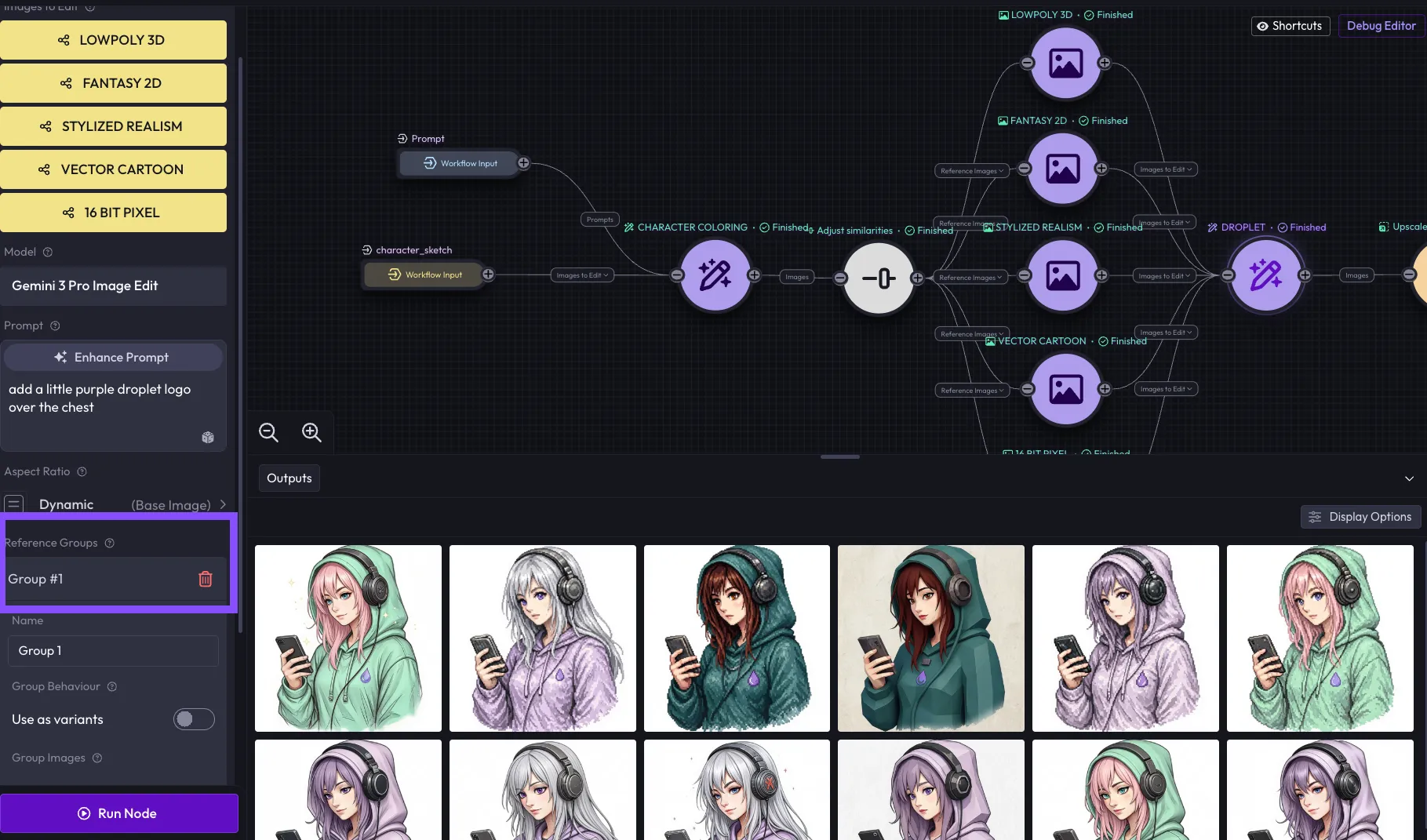
- Audio and video transformation nodes in Blueprints: Eight new utility nodes are now available in the workflows node-based editor: Trim Video, Trim Audio, Resize Video, Split Video & Audio, Hue & Saturation, Extract Frame (with timestamp support), and a Reference Audio node for attaching audio references to generation tasks. A further five nodes ship today adding Volume Control, Speed Adjustment, and Multi-track Mixing, rounding out the core audio/video processing toolkit.
- Forge support in MCP App: The MCP interface now supports both workflow and forge generation modes, with auto-detection and real-time progress tracking. Previously limited to workflows, agents can now run forge generations and monitor their output directly from the MCP app UI. In order to access it, add
https://mcp.app.layer.ai/mcpas a connector to your Claude. - Text node with runtime input support: A new Text node handles string and string list values with runtime input support and conversion to and from prompt format, enabling more flexible text handling within blueprint workflows.
- Social media size presets: Instagram, Facebook, LinkedIn, and other platform-optimized size presets are now available in image composition workflows, removing the need to manually enter dimensions for common formats.
- MCP now open to all authenticated users: MCP server access is no longer restricted to internal users and is available to all authenticated accounts.
- Multi-workspace support & improvements: Layer now fully support parent/child workspace structure that lets studios manage Creative Unit (CU) budgets across multiple teams or sub-studios from a single place.
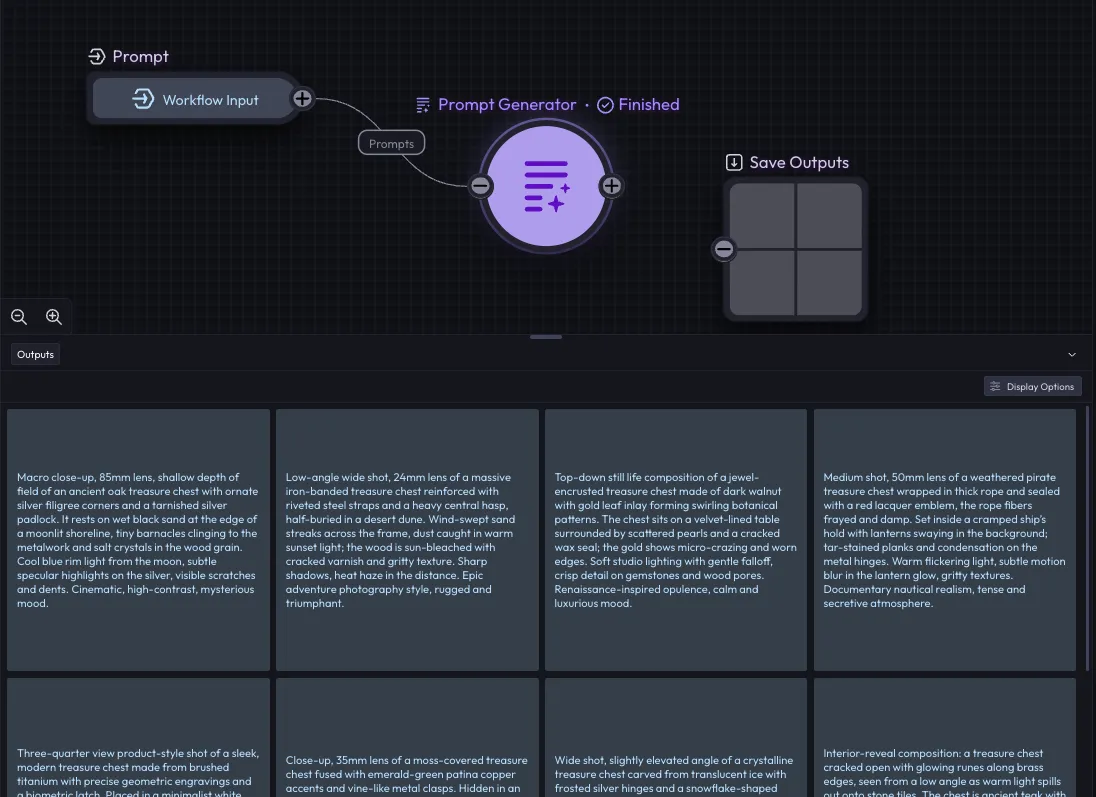
- Prompt Template node in Workflows: A new Prompt Template node lets you create reusable prompt templates using @mention syntax, which converts to dynamic placeholders at runtime. Useful for teams standardizing prompt structures across multiple workflows. GA coming soon, ask for access!
- New aspect ratios for Nano Banana: 4:1, 8:1, 1:4, 1:8, you can find them under ULTRA section.
Bug fixes & improvements
- Activity feed access restored for enterprise customers: Fixed an incorrect permission check that was preventing enterprise users from accessing the activity feed.
- File picker thumbnail loading: The file picker now loads thumbnails instead of full-size images, preventing several hundred MBs from loading unnecessarily when browsing recent files.
- Style defaults no longer overwrite session values: Fixed a bug where reopening a previously saved inference form would reset user-configured values back to style defaults.
- Form validation on untouched fields: Validation no longer triggers on fields the user has not interacted with when other fields become disabled, reducing misleading error states.
- Video creation from object tiles: Right-clicking an object to create a video now correctly extracts the first frame instead of passing an invalid array.
- Reference image dimension snapping: The dimensions field now automatically adjusts when a reference image changes, including for models that do not provide size presets.
- Five production frontend errors resolved: Fixes address crashes affecting 30+ users, including issues in workflows version mapping and file handling.
- File upload encoding fixed: Files uploaded from URLs are now stored with correct encoding metadata, preventing corrupted downloads.
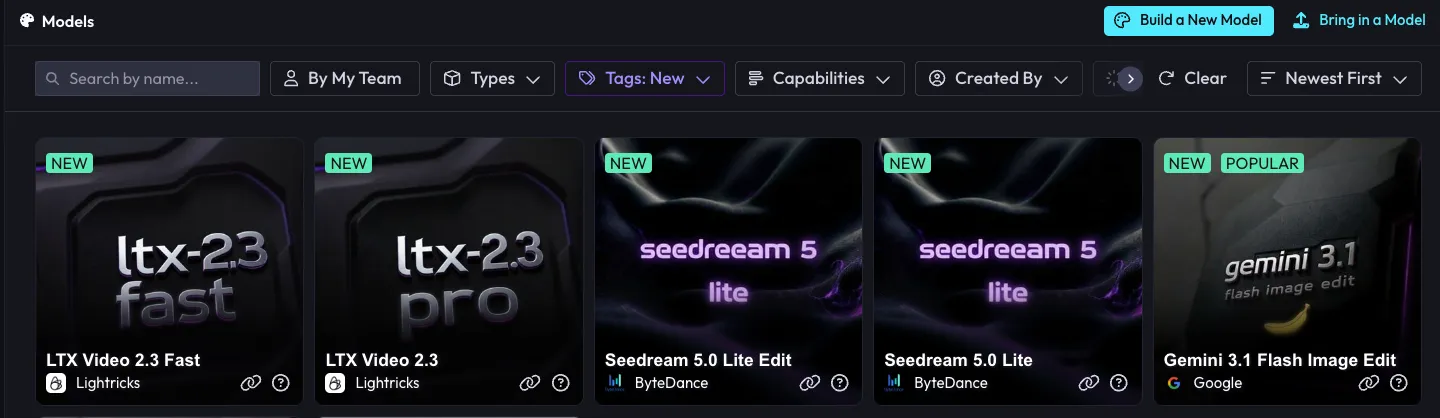
- LTX v2.3 video generation restored: Updated the model endpoint to resolve failures that were preventing video generation from completing. (shipped March 9)
- Workspace creation redirect fixed: Users are now properly navigated into their new workspace after creation instead of being left on the creation page.
New models3

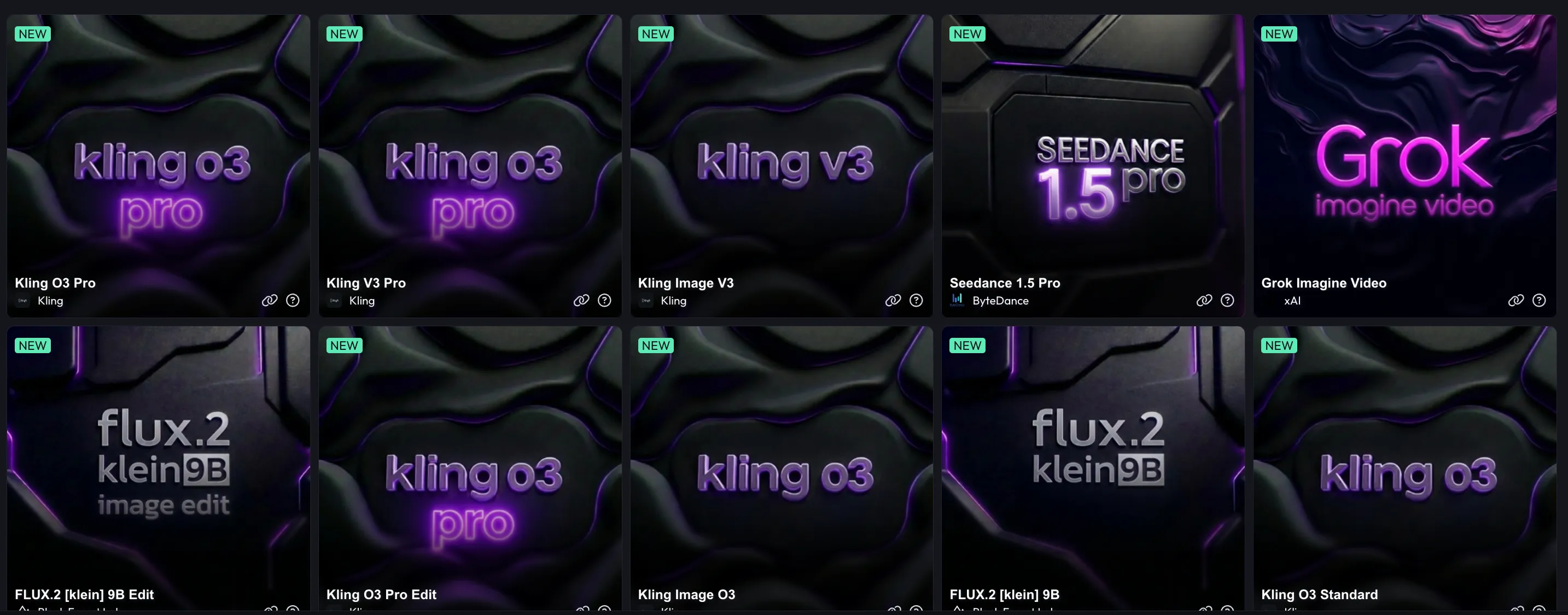
Qwen Image 2 Image
Image
ImageQwen
Qwen Image 2 standard text-to-image model with strong prompt adherence and diverse style support.

Qwen Image 2 ProImage
ImageQwen
Qwen Image 2 Pro tier with higher quality text-to-image generation and enhanced detail.

Grok Imagine ImageImage
ImagexAI
xAI's image generation model capable of creating high-quality images from text prompts.
 Video
Video


 3D
3D