Skip to content

Changelog

What's new on Layer

Product updates, new models, improvements, and fixes — shipped continuously.

New Templates system, UX updates & platform improvements
Features

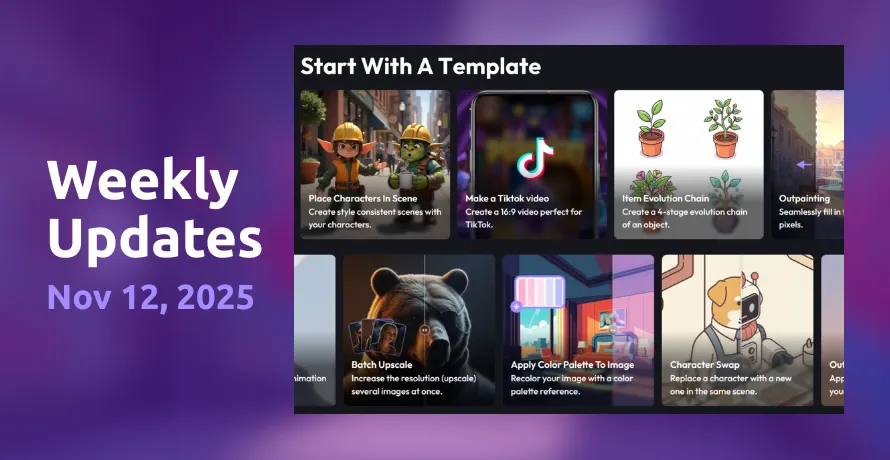
  • Templates are now live on Layer! You've probably noticed these on our homepage, you can now select preloaded working sessions that make it easier to do specific tasks inside Layer. Anything from TikTok videos to batch upscaling - all available in just a few clicks. We'll be adding lots more of these in the future, give it a try today!
Bugfix/Improvements
  • Fixed an issue where style transfer reference based images were not working with FLUX dev/LoRas.
  • Edited the way we communicate "New Version" in-app notices so they don't stack up in an annoying way.
  • Fixed a bug with the Style Reference type in 2D Forges where picking a style ref was leading to errors.
  • Fixed a bug where upscale models were not showing up in the 2D style selection window.
  • Resolved an issue with custom style game characters failing to forge in certain workspaces.
  • Fixed a small issue with Omnihuman model where unit cost was not displaying correctly.
  • Solved an issue with the AI Avatar model forging returning an error, we hunted down the problem with the model folks and it's now working as intended.
Hailuo 2.3 video, Qwen custom training, and Meshy 6 for 3D

Features

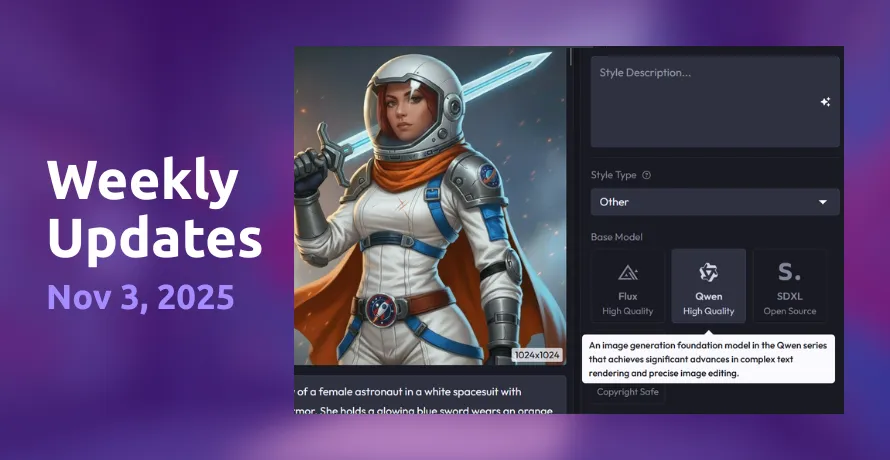
  • Custom style training now available with Qwen. Joining our image models for custom training, Qwen from Alibaba Cloud features strong text rendering, layout, and multilingual support.
Bugfix/Improvements
  • Fixed a bug that removed UI elements related to uploading a reference image to image generation.
  • Added the ability to paste image references directly into the reference image box inside Layer. Always good to save a step!
  • Updated the video generation UX so that resolution choice was more obvious and visible - especially important when switching between models.
  • Added the ability to generate transparent images once you've removed the background from a generation.
  • Added more info details to some of our error messages, to provide context about what went wrong with a generation.
  • Added the ability to Prompt Edit specific layers inside the Canvas tool.
New models2

New video refine options and more Gemini 2.5 aspect ratios

Features

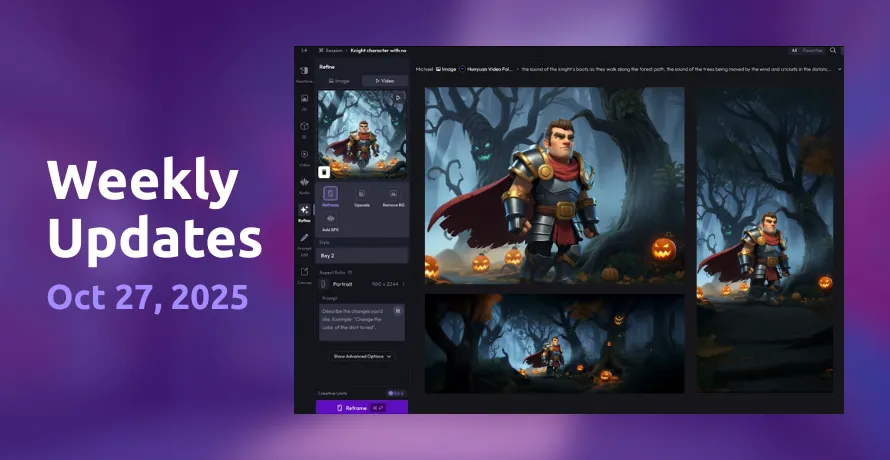
  • New video refinement tools! You can now add sound effects/audio to a video using a prompt, remove backgrounds for transparent videos, and also export videos into different aspect ratio formats.
  • Gemini 2.5 Flash Edit now supports new aspect ratios. Landscape, Square, Portrait, Flex - Gemini now supports it all! Just choose the aspect ratio from the dropdown and edit any type of game asset with ease.
Bugfix/Improvements
  • Added a studio request for the option to choose orientation when adding a reference image + image to edit.
  • Fixed a bug reported by one of our studio partners that caused pages to freeze when returning a specific server error.
  • Fixed some Forge logic around generation seeds to ensure each image has a unique seed. Previously, batches of generations were under one seed, which caused issues with reforging.
  • Fixed a bug that caused pages to freeze after being left open for a long time - not great for you million tab users!

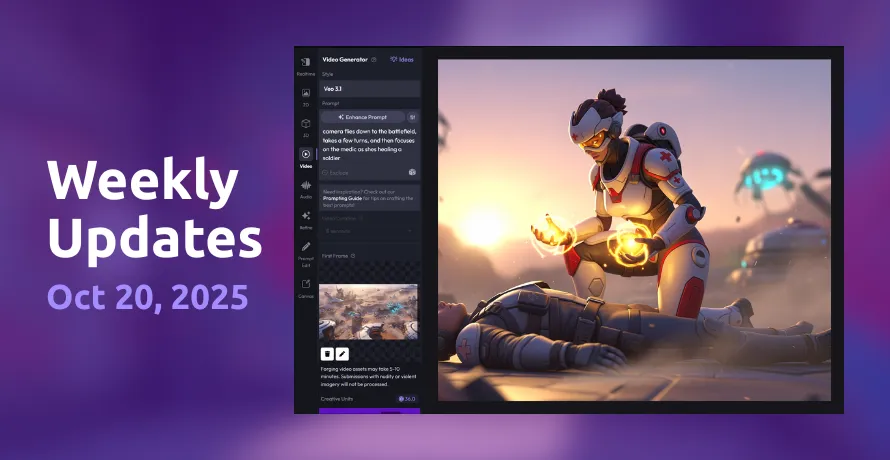
Veo 3.1 arrives with an improved Image Editor

Features

  • New & improved Image Editor. The built-in image editor received upgrades to fix bugs and improve aspect ratio handling.
    • Click the Aspect Ratio button to quickly select common aspect ratios for your reference image.
    • Click the Vertical and Horizontal buttons to easily center your reference image vertically or horizontally.
    • "Snap to" buttons allow you to quickly fit your reference image to the aspect ratio's vertical and horizontal bounds.
    • Use the image handles to expand and zoom in on your image, then drag it around for the perfect fit in your aspect ratio.
Bugfix/Improvements
  • Added a studio request to make full prompts more easily visible; click on a Forge image to see the full prompt + parameters.
  • Fixed an issue where automated image captioning in the Style Training form was no longer working.
  • Updated Forge session UX to show more tileable previews of generations, especially in sessions with many images in the feed.
  • Fixed a bug in the image editor with aspect ratios that led to unsupported ratio selection.
  • Fixed a bug with image cropping inside the image editor for visibility of previous image state.
  • Fixed an issue with image editing that caused a "shadow" to appear on the previous image.
  • Fixed a bug with dragging and dropping video reference files as 2D image references, now with frame selection capability.
New models1

Sora 2, Qwen Plus, and Style Blending

Features

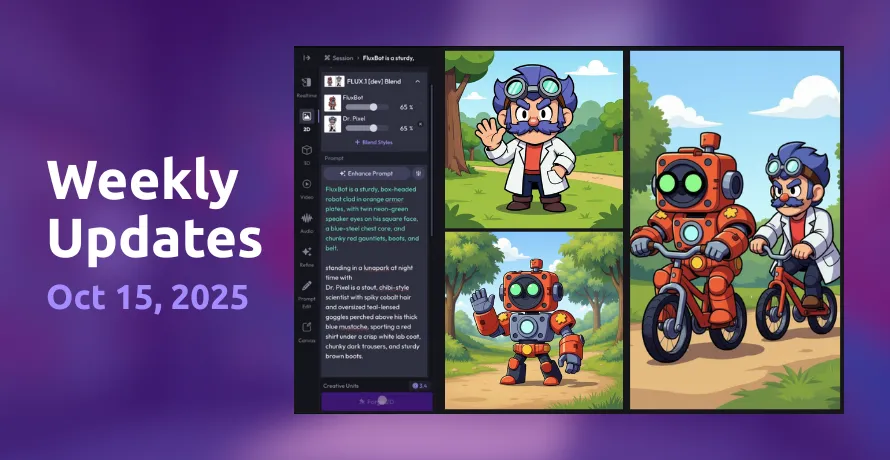
  • Style Blending is now on Layer! Merge two different trained models on Layer to combine styles or characters into one generation. Get started today with any trained custom FLUX style - tutorial.
  • FLUX Kontext LoRas can now be uploaded. At the request of our studio partners, this lets you run training sessions using the model.
Bugfix/Improvements
  • Fixed a bug that was causing timeouts with Kohya training.
  • Squashed a bug with Prompt Edit, where Step1XEdit model edits were failing.
  • Fixed an issue with Sora generations where longer 8s generations were still returning shorter 4s videos.
  • Fixed some minor visual bugs on the Usage dashboard on Workspaces, where total Creative Units would not match the full unit list.
New models3

Kling 2.5, Wan 2.5, Seedream 4, and full Prompt Editing

Features

  • We added a ton of new models across 2D, Video, and Editing, now live for all Layer creators. For a full list, check out our blog.
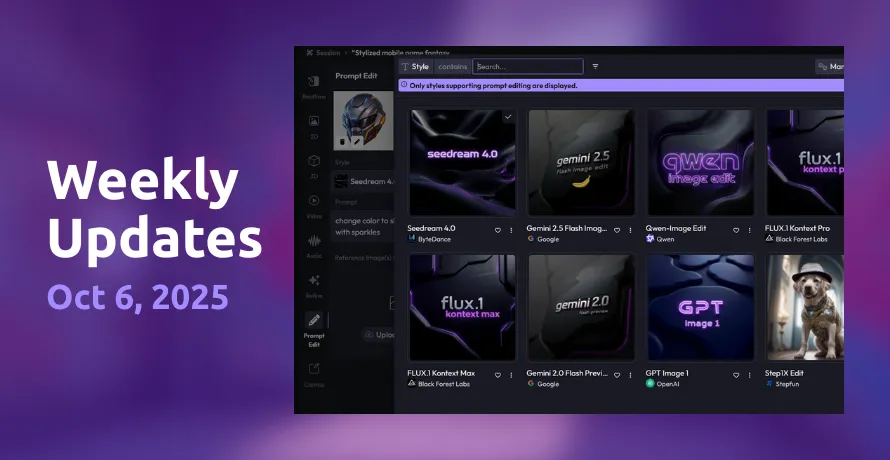
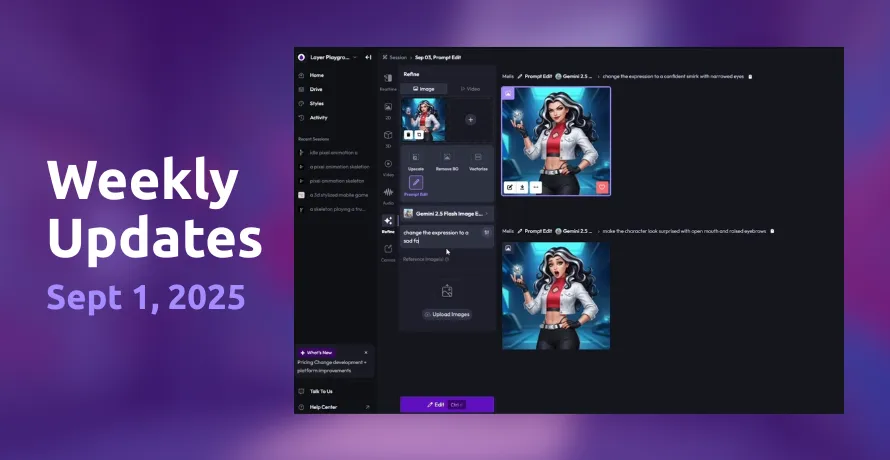
  • Prompt Editing is now a full feature on Layer. You may have noticed this already on the homepage! We've added Prompt Edit as a full separate tool, since it's seeing so much use from game studios.
  • Witness the full firepower of Gemini Flash 2.5 Image Edit. The Prompt Edit tool has been updated to use the Nano Banana as the default edit model, allowing Layer customers to quickly and easily modify images exactly how they want.
  • Select, crop, fit, and tweak reference images easier than ever. Layer has rolled out an improved Reference Image editor that lets you do more with your reference images than ever before. Use helpful tools like vertical and horizontal alignment or fit the image to the space so you create the perfect reference for your generations.
  • Naysayers rejoice - Negative Prompting is now in Flux! By clicking on the "- Exclude" section of the prompt, you'll be able to specify what you don't want Flux to include. Want to exclude dragons from your fantasy scene? Now you can explicitly tell Flux Dev styles to exclude those pesky lizards in your generations.
  • Custom Date Picker - Flexible date selection on usage dashboard: Choose exact dates and ranges for your projects, campaigns, or asset timelines.
Bugfix/Improvements
  • Updated the Crop tool so you can now expand beyond image bounds to create more flexible aspect ratios.
  • Added last frame functionality to Seedance Lite video generations.
  • Made some UI improvements to the text prompt box so full prompts are now always visible when you click into a single image.
  • Added a "Copy Prompt" button to the sidenav so it's easier to grab the full prompt without clicking into the full box.
  • Fixed a bug where Gemini Flash 2.5 Preview images were coming out squashed/stretched sometimes.
  • Fixed a bug that caused import styles to not work in some instances on personal workspaces.
New models4

New consumption-based pricing goes live, plus Veo 3 Fast

Features

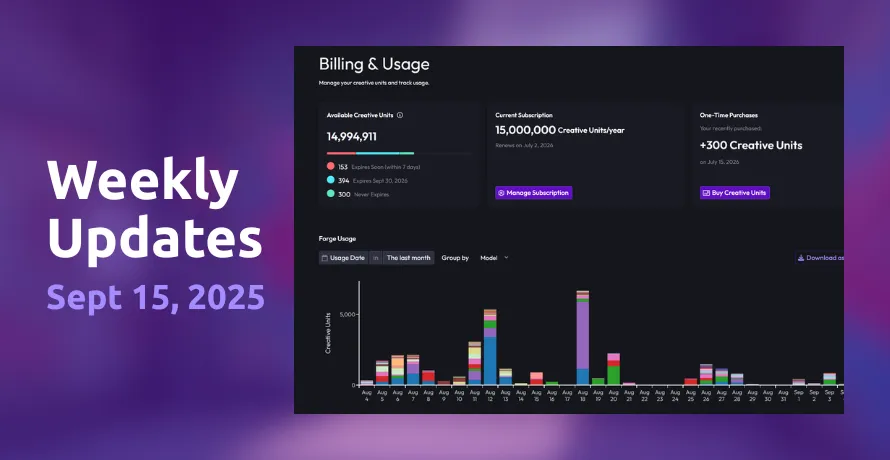
  • New Pricing is live! Our new consumption-based model has arrived. Generations now use Creative Units, and you can see your Usage in your workspace dashboard. Make sure you sign up for a subscription or purchase one-time units to keep creating.
  • New Billing/Usage flow now online. Alongside the pricing changes, we updated the UI for Usage dashboard and billing flows to be more intuitive and easier to navigate. You can now see clear estimates of your Creative Unit usage across different users/models, and the breakdown between subscriptions, standalone packs, and more.
  • Veo 3 is cheaper than ever! In addition to being available to everyone, Veo 3 is now also cheaper than it's ever been before. Start empowering your inner Scorsese or Tarantino and let your kino flag fly.
Bugfix/Improvements
  • Removed seat limits for all workspaces to align with the new pricing model - invite as many team members as you want and share units between each user!
  • Added previously locked models like Veo 3 to all workspaces.
  • Added updated pricing telemetry to track Creative Unit usage across each specific model.
  • Fixed some common inference errors that would show up around character length for prompts, aspect ratios, and sample counts.
  • Fixed a bug where PSD exports were not working correctly when brought into Photoshop.
  • Fixed an error when uploading multiple images to Gemini Flash 2.5, as the model should allow up to 6 reference images.
  • Fixed a bug that was causing errors with Imagen 3 Fast forging inside the Canvas.
New models1

Google Gemini 2.5, Qwen, and style sorting

Features

  • Style sorting in workspaces. Added a feature that sorts which styles are used more often within a workspace in the past 30 days. This allows you to easily select the style you need without searching through all default and custom styles.
Bugfix/Improvements
  • Fixed a bug which showed an image generation error with an "unknown" code… which wasn't very helpful.
  • Updated Veo 3 capabilities in Layer to match functionality from the model provider with aspect ratio and reference image adjustments.
  • Added new tiles in the Layer Drive, updating the UX for better file management across your workspace.
  • Fixed a bug that led to aspect ratio options disappearing for Kling 2.1 Pro under certain conditions.
  • Fixed a bug where re-forging an image selection would switch the workspace.
New models2

Reforge from activity view and style training improvements

Features

  • Pricing updates coming soon on Sept 2nd. We're heads down on building the best experience as we transition to the new system.
Bugfix/Improvements
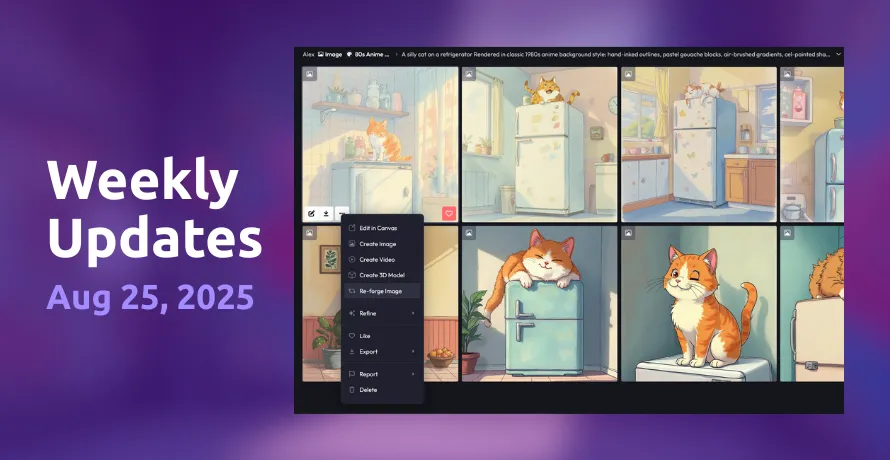
  • Added the ability to easily reforge assets from the activity view, so you don't need to go into the Forge directly.
  • Added separate status elements for style training so you can see the status of multiple trainings at once.
  • Added a nice visual cue that shows the progress of style training for each image in an uploaded set.
  • Updated aspect ratios for FLUX image generations with more options for portrait and landscape outputs.
  • Fixed a bug on the workspace members page so it's only showing active members. Also added the ability to see active vs suspended users in a clean list.
  • Fixed an issue where the Realtime Canvas feature would continue to generate variations even when idle.

16K upscaling, style page UX, and bugfixes

Features

  • No features this week - just bugfixes.
  • … and some big stuff coming soon 😉
Bugfix/Improvements
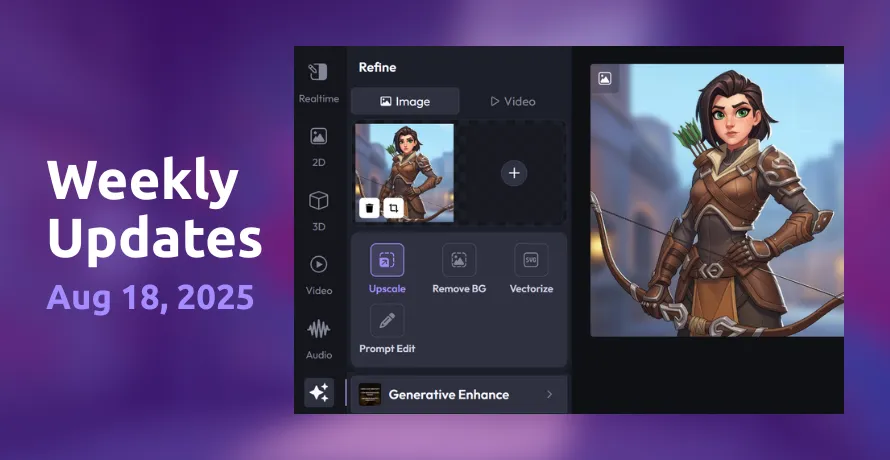
  • Increased maximum resolutions in upscaler to support 16K across all models.
  • UX improvements to the style pages, adding details such as style creator, trained model, etc.
  • Fixed a bug where style training was not completing in some workspaces.
  • Added ability to post videos as cover images for style pages.
  • Added new style details view on style pages.
  • Added support for editing of featured files for created styles.

Ready to scale your creative production?