Skip to content

Changelog

What's new on Layer

Product updates, new models, improvements, and fixes — shipped continuously.

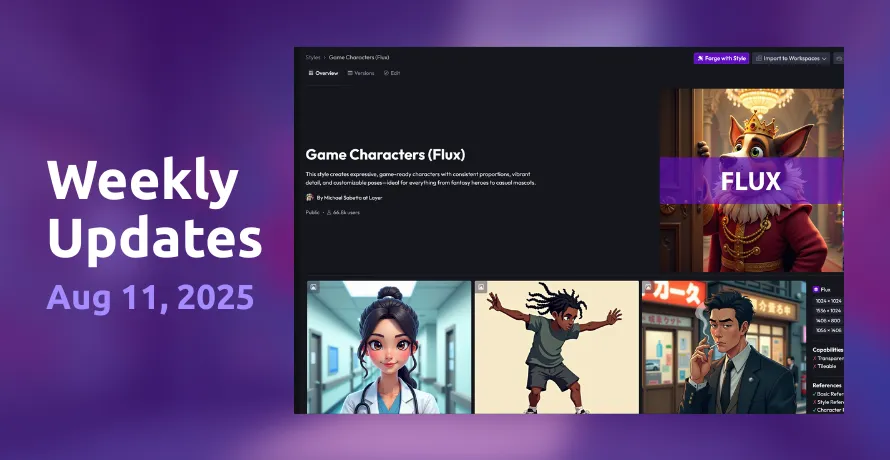
New Styles overview page
Features

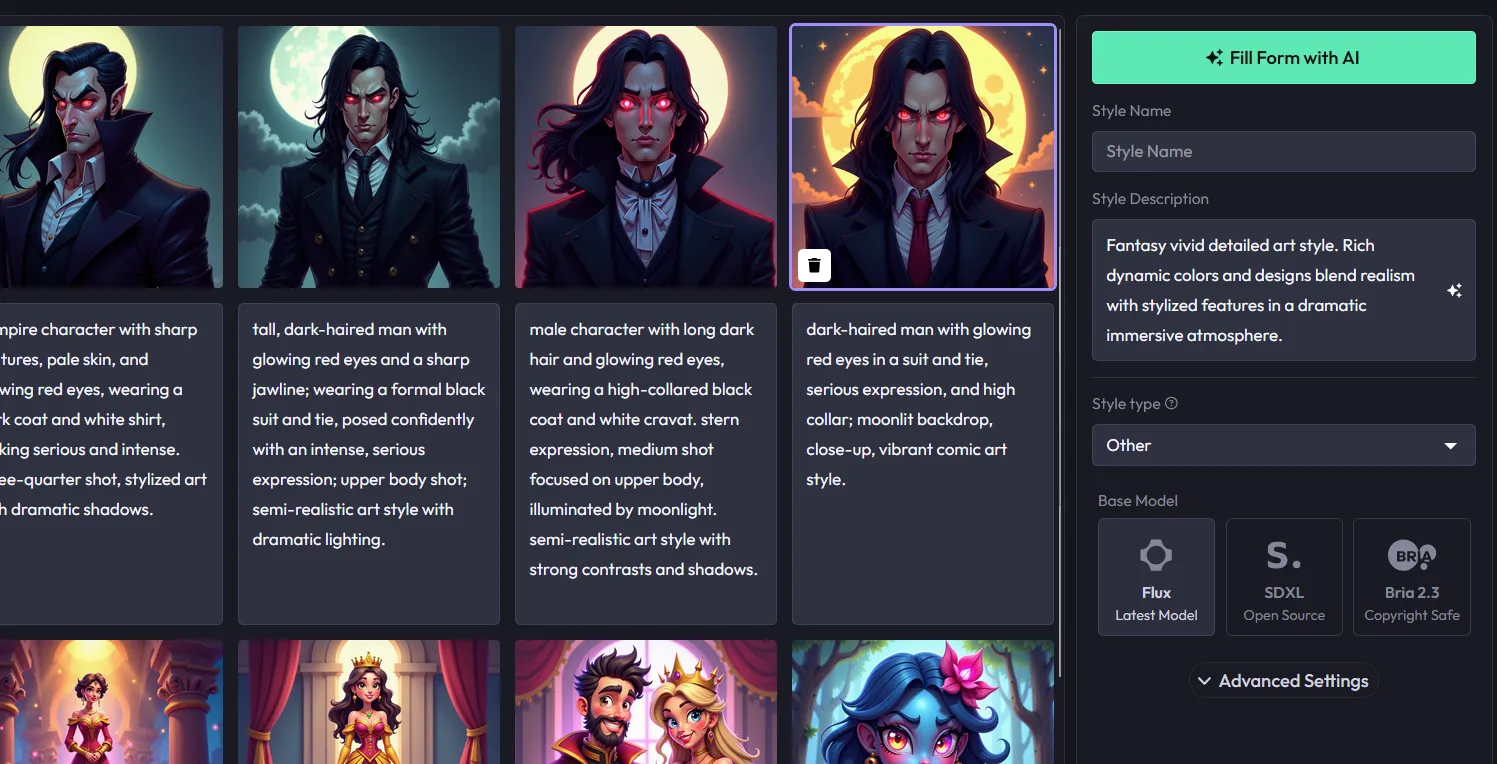
  • New Styles overview page is live! Now, when you visit your custom styles, you'll see a brand-new overview telling you details about the style like which resolutions it supports, the model it was trained on, and its capabilities. Plus, a revamped Gallery view to showcase your creation using this style.
Bugfix/Improvements
  • Added page for new versions of style variations, allowing overview pages to be viewed based on role and workspace.
  • Updated the Usage Reporting dashboard with more model parameters and finetuned metering.
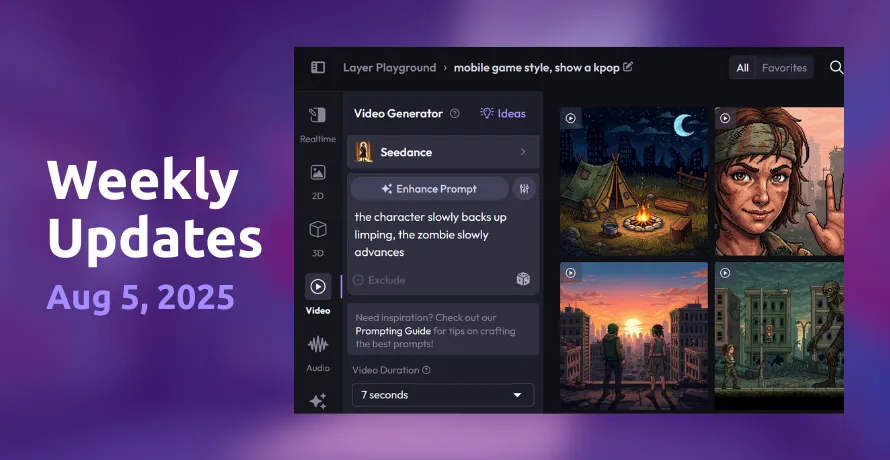
Workspace usage tracking, Seedance video, and frame selector

Features

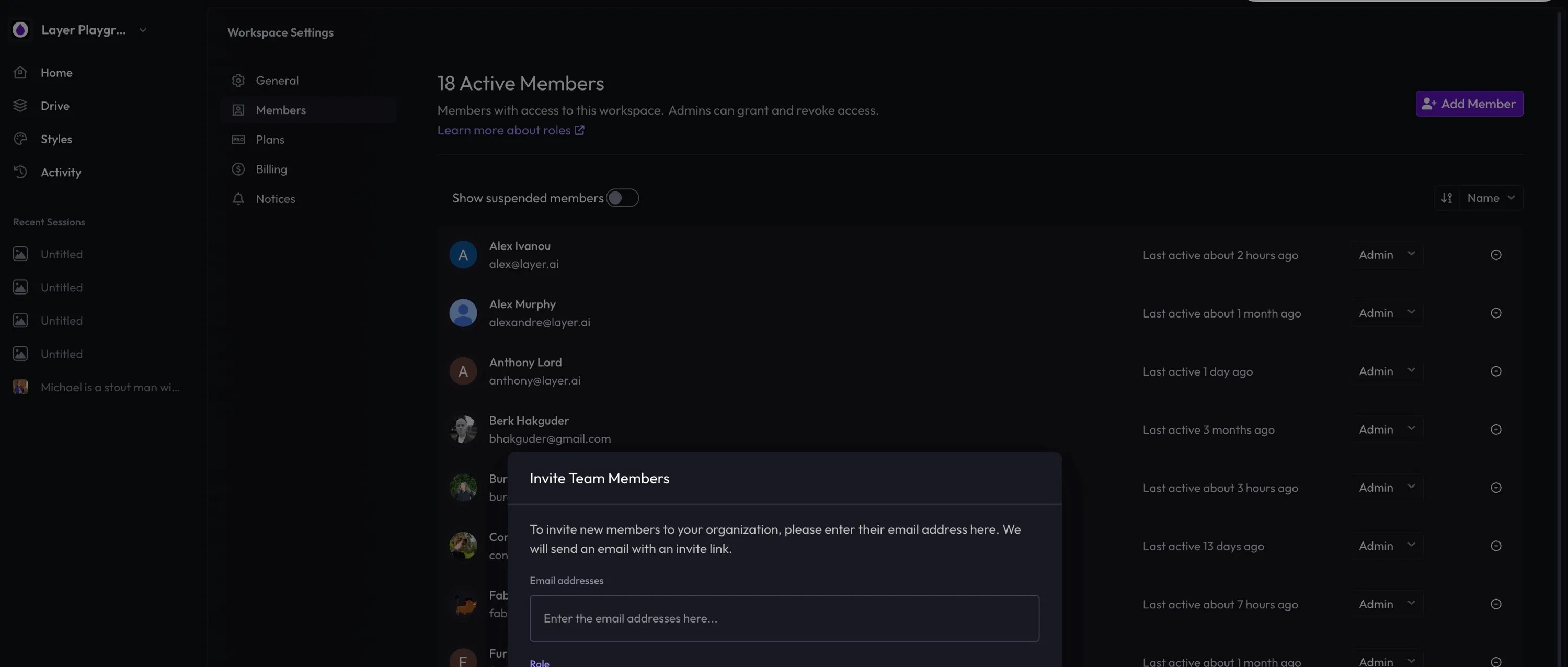
  • Workspace usage tracking is now live. As part of our new Pricing updates coming in September, we've added the ability to see usage metrics across your entire workspace. This can be found under Workspace Settings > Usage.
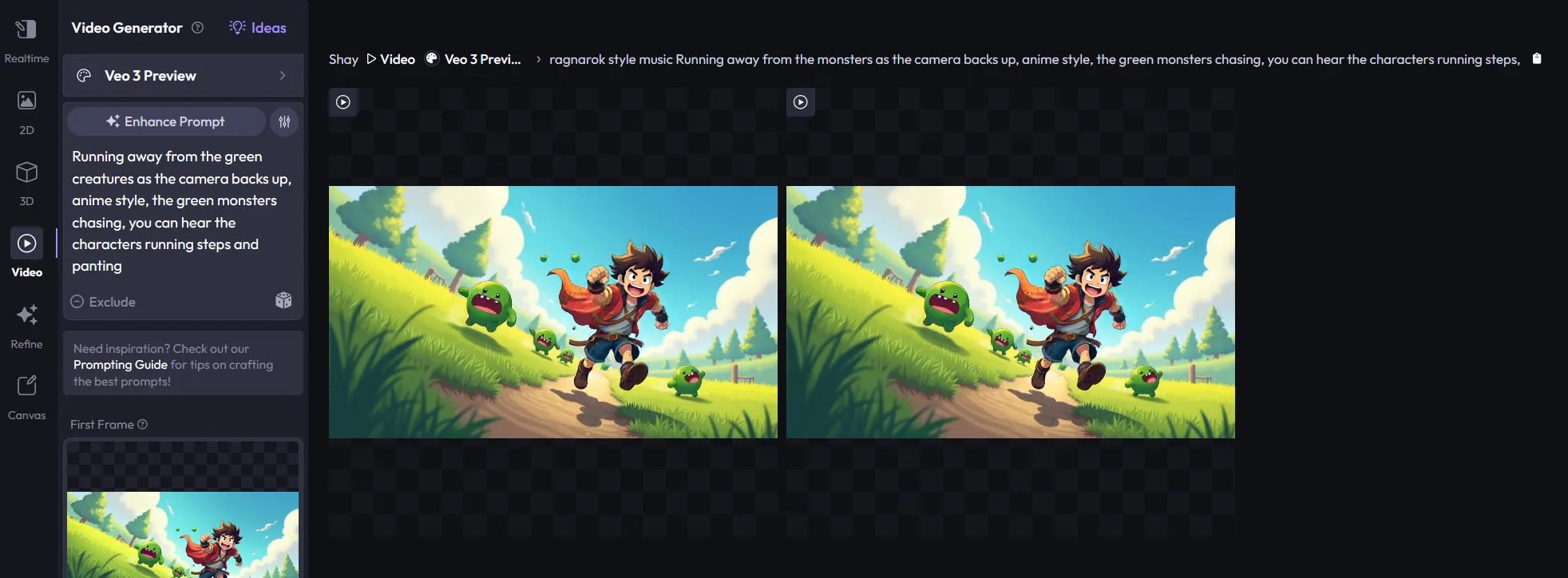
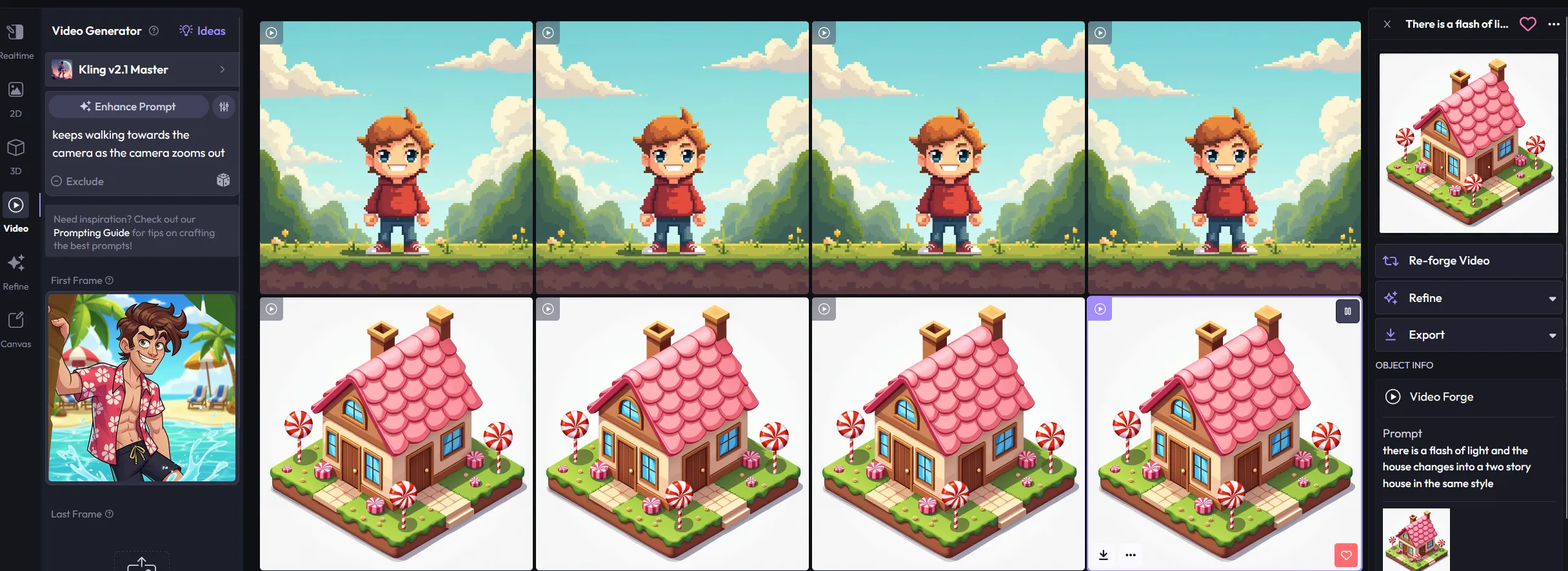
  • Frame Selector for Videos. Now part of our Refine tools, you can select individual frames within a generated video. This is perfect for creating consistent first frame/last frame assets with multiple generations.
Bugfix/Improvements
  • Updated the UX flow when training a new Custom Style.
  • Added new video tutorial to the Custom Styles Training page, walking through the new training process.
  • Updated lipsync videos to automatically set the video duration to match the uploaded audio file length.
  • Added more descriptive error messages when a generation fails, displaying the actual message from the API (when available) rather than a generic one.
  • Switched Topaz to be the new default upscaling model for video.
New models1

Lipsync audio, improved upscaler, and drag & drop

Features

  • Lipsync for Audio generation. In partnership with Eleven Labs, we've added lipsync to video creation inside Layer. Navigate to Video, choose AI Avatar as a model, and generate video with integrated lipsync audio.
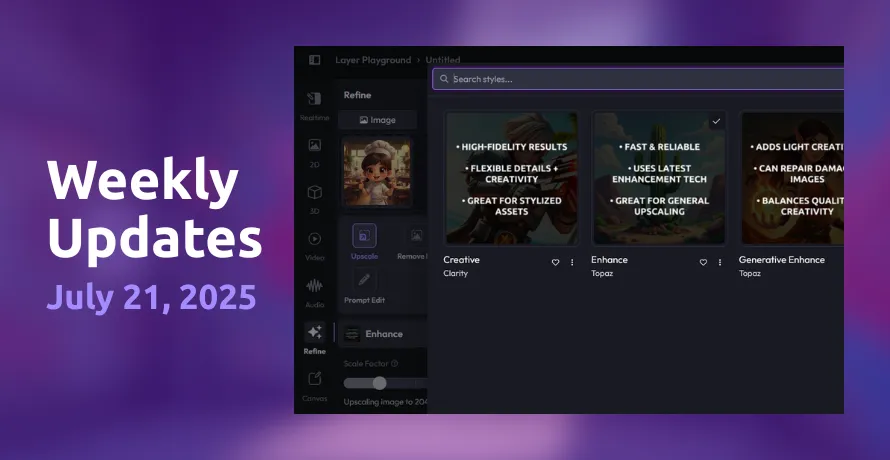
  • Improved Asset Upscaler. We've updated our upscale Refine Tool, giving you the ability to create custom upscale resolutions, creativity settings, and choose your ideal upscale model. This lets you set upscale standards for your entire workspace, ensuring assets are always upscaled based on your project dimensions.
  • New Drag and Drop functionality. A subtle but HUGE UX improvement, you can now drag and drop asset files around the Layer Forge - directly as a reference or to auto-create prompt copy.
  • Reference file improvements. You can now edit, select, and choose the ideal sections of your uploaded reference image during the upload process - no outside editing required!
Bugfix/Improvements
  • Fixed an issue that would cause a Server Error when opening folders in the Layer Drive. You can now manage your assets - without crashes!
  • Added a trigger that times out failed Forges after a certain amount of time, marking them as Failed so you don't need to keep waiting around.
  • Fixed an issue with Kling where video dimensions would get cropped, leading to weird generations.
  • Added a toggle to manually create captions for each image in Style Training vs. auto captioning - for those who like precision (and writing a lot).
  • Added the ability to generate less than 4 images at a time in the main Forge, giving you more control over the amount of assets you want to create.
  • Fixed an issue where product text was a bit cropped for taller letters inside the Reference Image selector.

Custom Style Training V2

Features

  • New Custom Style Training V2. We've updated our custom style training system to be faster, easier, and more intuitive. You can upload up to 100 assets, mass edit (remove backgrounds, upscale, etc) all inside a new UI flow. The system now includes automatic AI-powered data completion for suffixes, titles, descriptions, and forms.
Bugfix/Improvements
  • Fixed a Refill tool bug that produced plain grey infills when expanding scenes.
  • Resolved an issue where empty Forge sessions were reappearing in recent sessions.
  • Corrected low resolution thumbnails appearing in recent Forge sessions.
  • Fixed upscaler settings that could generate unwanted NSFW imagery based on creativity levels.
  • Resolved a problem preventing style pages from opening in 2D Forge sessions.
  • Fixed a Mask tool error in Canvas when running inference without a selection.

Audio generation and image cropper tool

Features

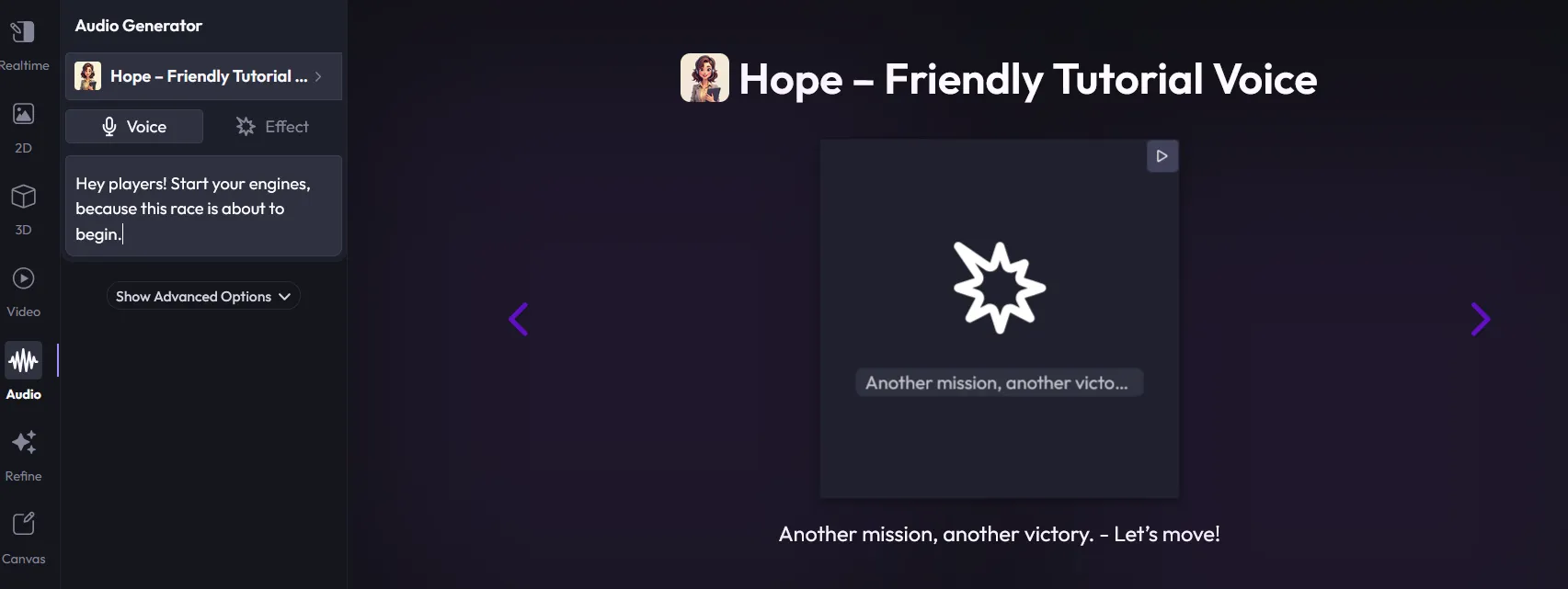
  • Audio Generation (v1) has arrived! Added audio generation to Layer in partnership with Eleven Labs. Supports sound effects and a library of 10 high-quality voices. Generate audio from text prompts and export as .wav. Lip sync support coming soon.
  • Custom Style Training V2 is… almost here. Major UI/UX improvements to the custom style training flow - designed to make the process faster and more intuitive for game studios creating styles with existing assets.
  • More editing control with the Image Cropper Tool. Added a new cropper component with a movable window for uploaded images. You can now edit assets with precision for export or use as references by selecting the four corners. There's also the ability to automatically expand the image to any size!
Bugfix/Improvements
  • Fixed an issue where style cover images were not loading for some customers.
  • Fixed a bug where old videos appeared during upscaling instead of the newly uploaded ones.
  • Fixed low-res thumbnails in the Recent Sessions section.
  • Capped image upload sizes for Drive and reference images - improves backend performance and handling.
  • Disabled form and caption inputs until caption generation completes.
  • Improved Crop UX in the Expand flow - added clearer tooltips and dialogs.
  • Added automatic expand in Refine: expand to a specified aspect ratio by padding with transparent pixels.
  • Added voice previews for speech generation - hover or click play to preview using a default sample text.
  • Added hotkey support for the file picker and preview list.

Outline references and Topaz upscaling

Features

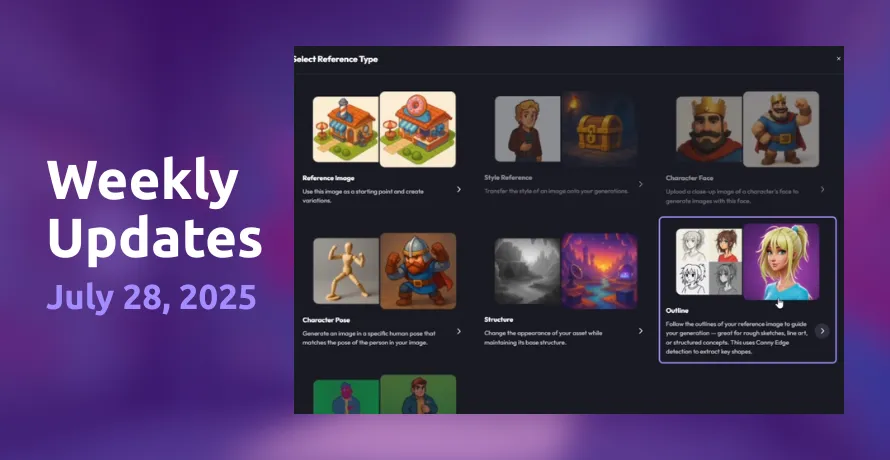
  • New reference type: Outline (formerly known as Canny Edge). A faster, more flexible way to turn rough concepts into polished production art. Just drop in a sketch, add a guiding prompt, apply a style - and you're off. Tutorial here.
  • Upscaling - now with TopazLabs. Now joining our default SDXL based upscaling models, we've added Topaz for improved image upscaling. You can now select different upscale models under our Refine tools.
  • We heard you're keen to create with Seedance - expect it next week!
Bugfix/Improvements
  • Fixed a bug that caused a blank page to appear during app releases on Layer. While the issue would resolve itself over time, we solved the root issue going forward.
  • Added longer audio generation support for sound effects. You can now generate the maximum length sound effects possible with the ElevenLabs API.
  • Added functionality to add more images to style training flows after the initial image upload.
  • Added a limit to the size of image captions, to avoid errors and backend issues.
  • Added ability to fine tune models in Style Training.
  • Fixed a bug in the Drive that navigated users to the wrong area when selecting styles from multiple images.

Model changes, prompt updates, and bugfixes

New Features

  • Removed shutterstock from available styles as it is deprecated.
  • Removed support for prompt substitutions.
  • Added support for billing admins to see members in a workspace.
Fixes
  • Removed a domain check from SCIM so that people with different email domains could sign-up to the same workspace.
  • Fixed an issue when selecting a Folder crashed Drive.
  • Fixed an issue where the File details drawer could not be closed in the Style Details page.
  • Fixed an issue where Files could not be unposted by Style owner if the file belonged to another workspace.

Veo 3 early access and Forge Explorer

New Features

  • Intercom-Powered Updates: Replaced the in-app release notes feed with Intercom to surface the latest updates more effectively. (So meta!)
  • Posted Files in Forge Explorer: Added support for "Posted Files" in Forge Explorer, enabling users to replay previous Forges with ease.
  • Improved Tile Responsiveness: Enhanced responsiveness of action buttons on tiles across Activity, Drive, and Forge Session pages.
Fixes
  • Fixed an issue where some 3D previews were not rendering correctly.
  • Fixed a UI issue in Canvas where Brush dropdowns appeared broken on Firefox.
  • Fixed a bug where the eyedropper tool didn't pick colors correctly.
  • Fixed a problem where deleting styles didn't behave as expected.
New models1

FLUX Kontext, Kling 2.1, and UI improvements

New Features

  • Prompt Edit in Canvas: You can now edit prompts directly on the Canvas - just select a region and click the icon in the selection toolbar.
  • Favorited Forges Filter: Easily filter your favorited forges on the Activity page.
  • UI Refresh: Updated and improved the overall look and feel of the application.
Fixes
  • Fixed an issue where Negative Prompt appeared incorrectly as a style setting for Flux.
  • Fixed overlapping Canvas shortcuts that caused interference.
  • Fixed an issue in Session where selecting an asset prevented text copying.
  • Fixed a bug with updating video duration.
New models3

Imagen 4, Prompt Ideas, and Video Gen limits on Pro

New Features

  • Refine Options on Canvas: Fine-tune your generations directly on the canvas with new refinement tools for more control and precision.
  • Introducing "Ideas": Explore inspiration from your past favorite generations and discover what others in your workspace are creating.
  • Video Generation Limits for Pro Plans: Pro users can now generate up to 100 videos every 30 days—helping ensure fair usage and consistent performance.
Fixes
  • Resolved an issue where Art Directors couldn't see user filters on the Activity page.
  • Fixed a bug that caused training failures when too many assets were added.
  • Restored the missing "Unpost from Style" option on the Gallery page.
  • Patched a SCIM issue that occasionally re-enabled disabled users in specific integrations.
  • Fixed preview rendering and right-click menu visibility for directories in Drive.
  • Exporting assets to Drive now works as expected.
New models1

Ready to scale your creative production?