This is
the Next Layer.
Talk to your creative agent.
From brief to campaign. In minutes.
Try out Layer today
This is
the Next Layer.
Talk to your creative agent.
From brief to campaign. In minutes.
Try out Layer today














Agentic
Stop operating tools. Start briefing an agent.
Layer understands your brief, builds the plan, uses the right tools, and gives you production-ready creative every time.
Creative Agent
Hand it the brief: it researches, ideates, picks models, builds workflows and generates the assets.
MCP Server
Point your coding agent at Layer over MCP and it can generate, train, and run workflows.
Command-Line Interface
Generate from your terminal, and script Layer into any pipeline you already run.
Agent Skills
Teach Claude Code, Cursor, or Codex the craft of directing Layer, in one command.
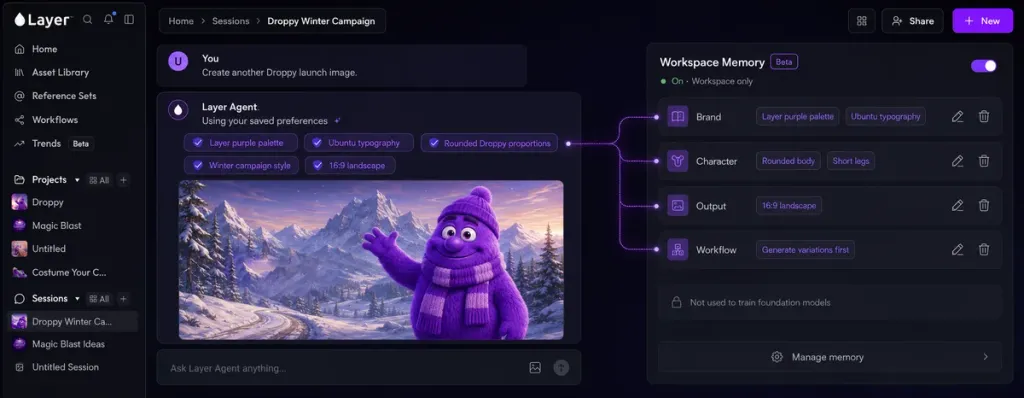
Memory
The agent learns your preferences and the way you work, and gets better every day. Workspace-scoped. Never used to train foundation models. Under your control.
Playable Generation
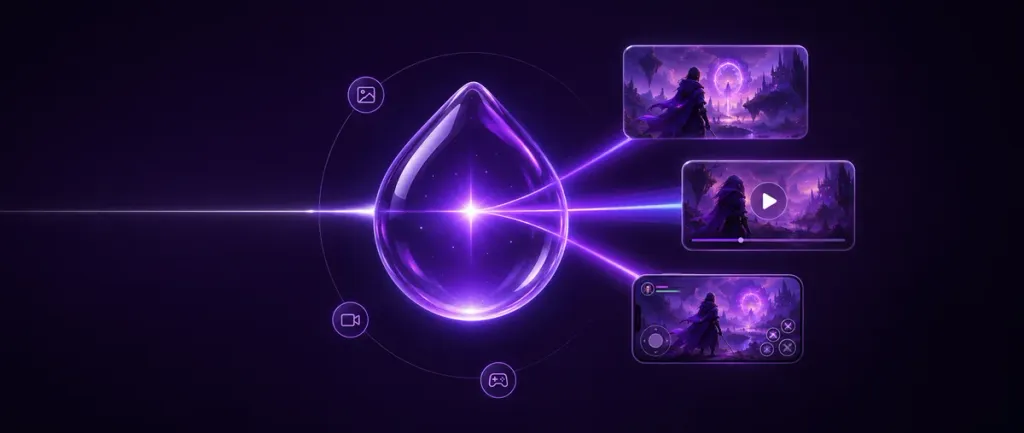
Generate playable HTML games and ads from your brief and project assets. The format with the highest intent, without the engineering backlog.
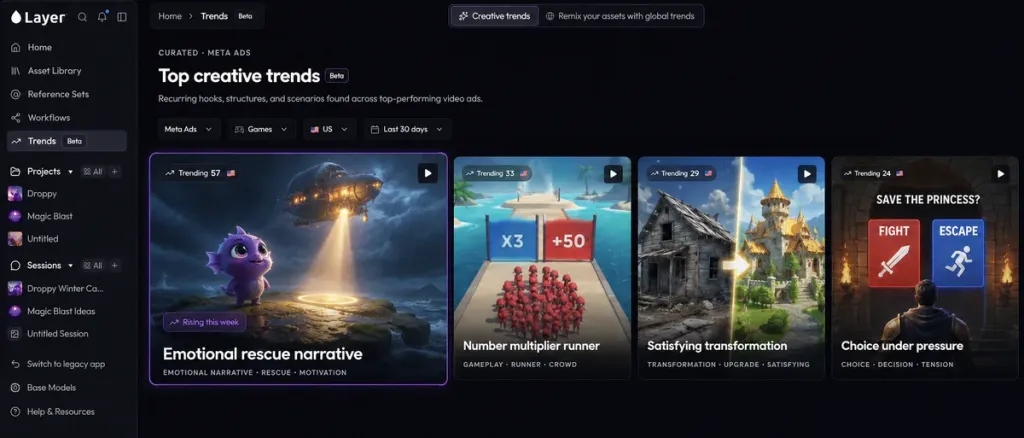
Trends
BetaTrending UA creatives broken down by structure, ready to remix with your own project assets.
Workspace Skills
Plain-language instructions your team writes once, and Layer's agent follows in every chat they cover.
Where this is going
The full creative loop. One system built around you.
Layer connects every stage of the creative process, so your team moves faster and makes better work.
Plan with clarity
From brief to structured intent.
Create with backbone
Generated systematically, not one-off.
Review with accuracy
QA and brand checks built in.
Learn and improve
Every campaign makes the next one stronger.
One system, built around you and your team.
Use cases
Built for the work creative teams actually do.
Filter by team above. Every one of these runs on the same agent, projects and production stack.
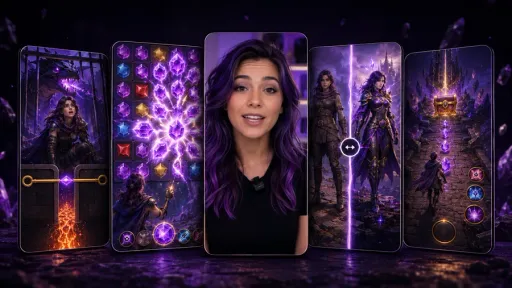
Ad Campaigns
End-to-end campaigns across channels and formats.
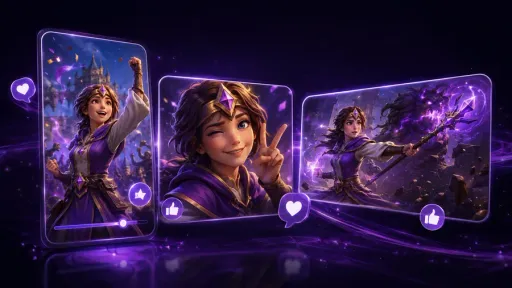
Social Content
Always-on content that platforms and audiences love.
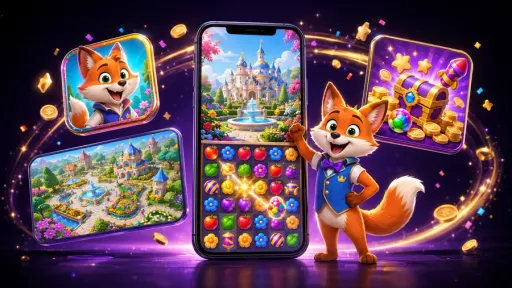
Product Launches
From concept to launch, fast and on-brand.

Gaming & Playables
Playable ads and in-game moments that drive engagement.
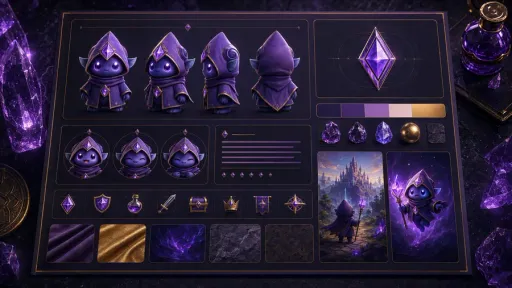
Brand Systems
Keep your visual identity consistent everywhere.

Events & Activations
Standout event content, ready on a live-ops cadence.
Generate
Every modality. Every model.
Model-agnostic generation and editing across image, video, 3D and audio. Use it hands-on or let the agent drive.
Image

Image Generation
Generate 2D content with leading models like FLUX, QWEN and SDXL, or with your own trained models.
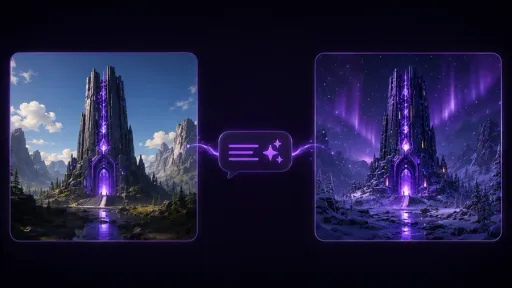
Edit with Prompts
Change text, swap elements or tweak visuals with a prompt. Everything stays on-style.
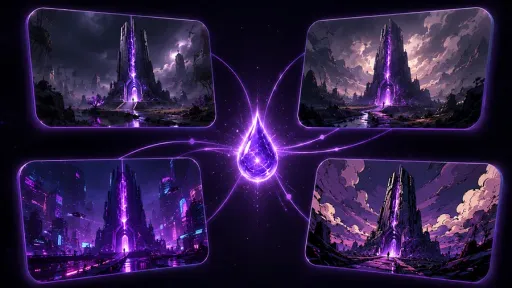
Upscale
Upscale to print and store resolution without softening the art, across images and video.
Remove Background
Cut a clean subject out of images and video, at batch scale and with edges you can ship.
Change Camera Angle
Re-shoot a finished image from another angle, keeping the subject and the set.
Change Lighting
Relight an image — time of day, key direction, mood — without touching the subject.
Inpaint
Mask a region and describe what belongs there. Fix a hand, remove a logo, change a sign.
Reframe & Outpaint
Outpaint one asset into every aspect ratio a channel asks for, instead of re-shooting the composition.
Split into Layers
Separate a flat image into editable layers, so a finished asset goes back to being adjustable.
Vectorize
Turn raster art into clean vectors for UI, logos and anything that has to scale.
Video

Video Generation
Full-length video with Veo 3.1, Seedance, Kling and Wan, sequenced prompt by prompt on a timeline.
Image to Video
Animate a still into a hook, a loop or a beat of story, from one keyframe.
Camera & VFX Presets
Named camera moves and VFX looks, so a shot list reads the same to the model as to your editor.
Convert FPS
Retime and interpolate footage to the frame rate a channel or an engine expects.
Extend Video
Continue a clip past its last frame, so a shot lasts as long as the cut needs.
Lip Sync
Drive a character's mouth from any voice track, so localized VO looks native.
Video Elements
Drop a character, prop or product into a generated shot and keep it consistent across the cut.
Video Subtitles
Caption a cut in the languages you ship in, burned in or as a track.
Video Timeline Editor
Assemble generated clips, audio and subtitles into a finished cut, in the same workspace that made them.
3D
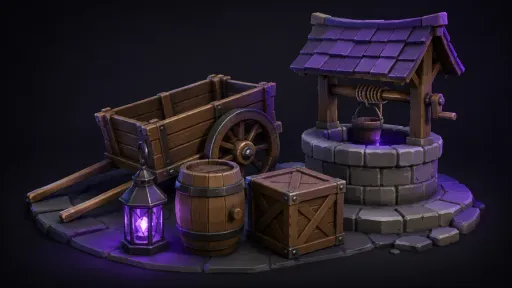
3D Generation
Prompt or image to mesh, with T/A poses, PBR textures and export to Blender, Maya or your engine.
Image to 3D
Turn concept art or a photo into a textured mesh you can spin, judge and export.
Remesh
Retopologize generated or scanned geometry to a face budget your pipeline will accept.
Retexture
Re-surface an existing mesh with new PBR materials, keeping the geometry you approved.
Rig & Animate
Rig a generated character and drive it with motion, straight from the mesh.
Audio
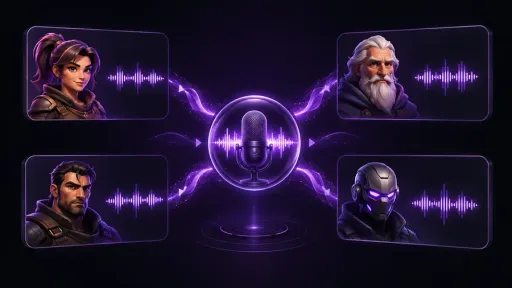
Audio Generation
Sound effects, character VO and lipsync video, powered by ElevenLabs.
Text to Speech
Character VO and narration in the voices and languages you need.
Audio Cleanup
Strip noise, room and hiss out of a recording before it goes near a cut.
Sound Effects
Generate SFX to picture — impacts, UI, ambience — instead of hunting a library.
Voice Changer
Keep a performance and change the voice performing it, take by take.
Customize
Teach it your game.
Your characters, your palette, your voices. Layer generates on-brand because you told it what on-brand means.
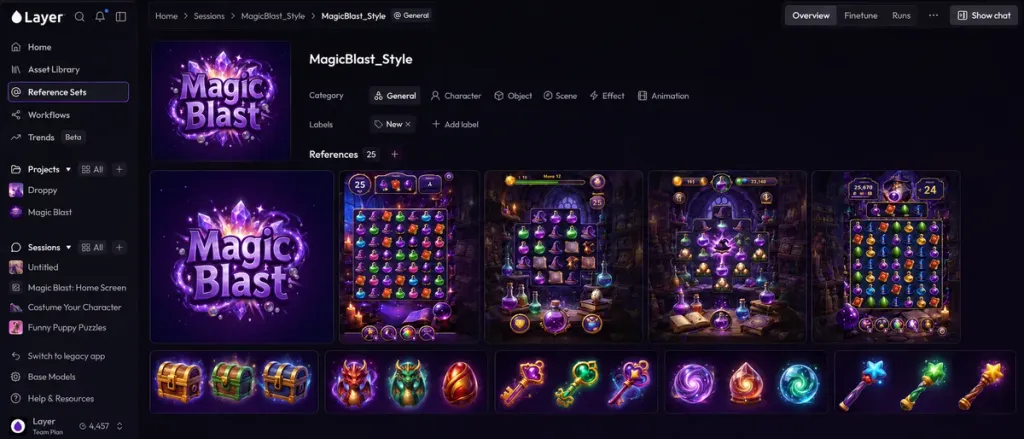
Reference Sets
Reusable libraries of characters, backgrounds, objects and styles that describe your brand visually.
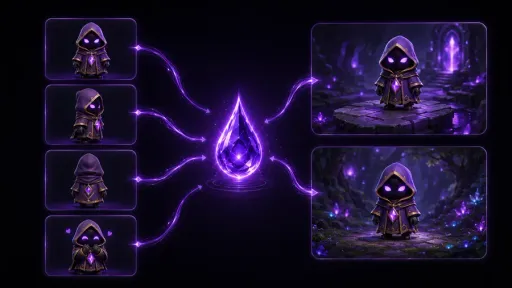
Custom Model Training
Teach Layer your art style, your characters' voices, and your animation, so every generation stays on-brand. 40+ pre-built models to start fast.
Voice Cloning
Clone an approved voice into a Reference Set, then reuse it across every line and language.
Automate
Do it once. Then never again.
Turn a production step into a pipeline the whole team runs, and run it across a whole set of assets at once.
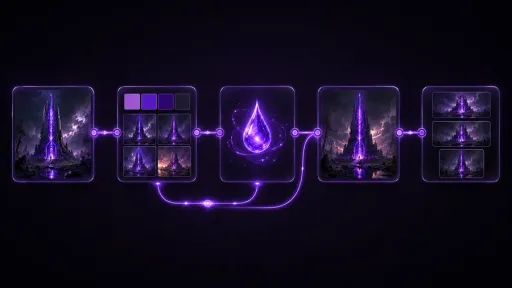
Node-Based Workflows
Repeatable pipelines in a node-based editor, built by you or by the agent, standard across the team.
Batch Generation & Editing
Run one prompt, one edit or one workflow across a whole set of assets at once.
QA Outputs
Score every generation for brand adherence and quality automatically. Set the rules once.
Platform
Where the work lives.
One workspace holding every generation, connected to the tools and channels your studio already runs on.
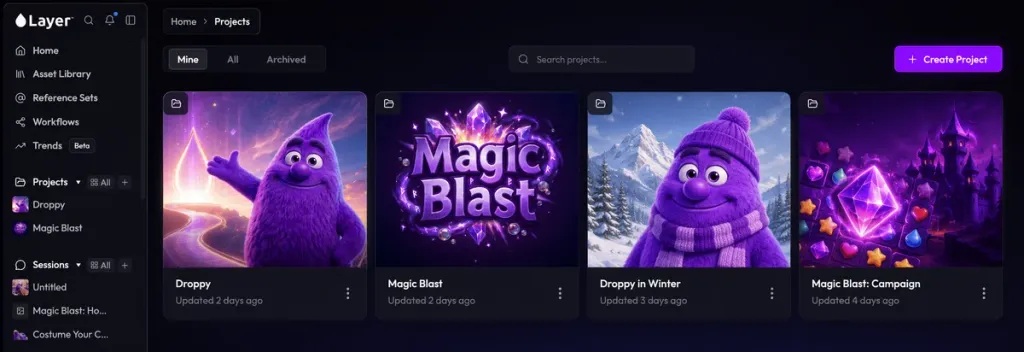
Projects
Per-project instructions and assets that keep the agent on brief, run after run.
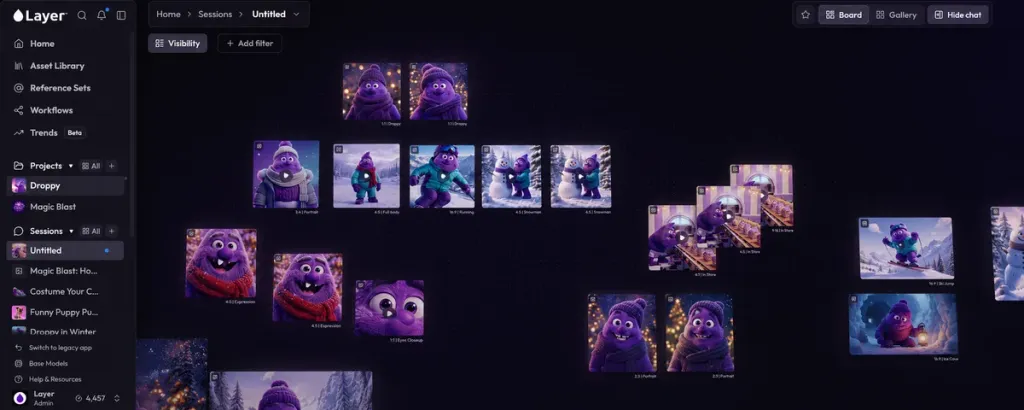
Infinite Board
Organize assets spatially, compare variants side by side, and work with your agent on one canvas.
Asset Library & Search
Every generation, upload and variant in one searchable library. Find an asset by describing it.
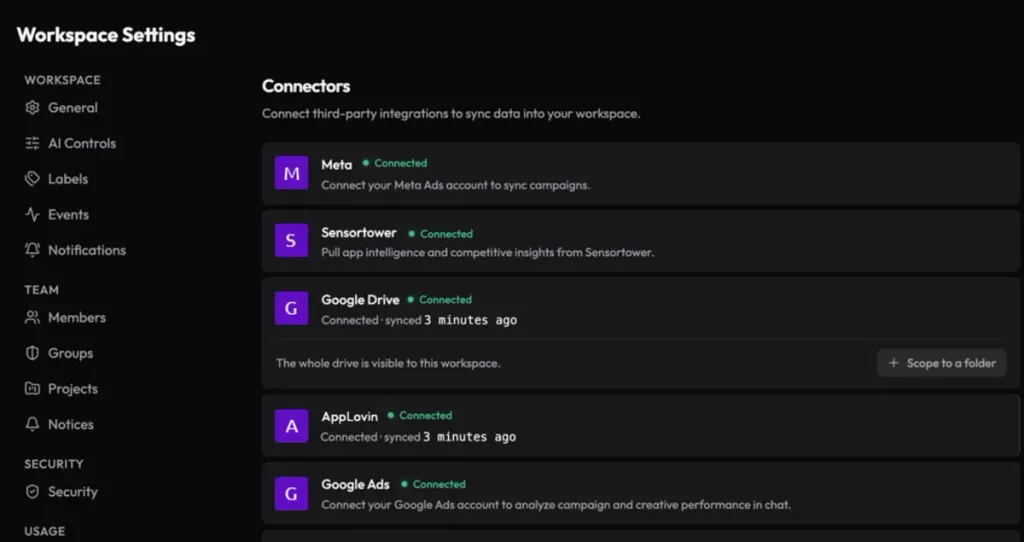
Connectors
Connect AppLovin, Meta, Google, TikTok and Drive, so your agent learns how creative performed.
REST API
Drive Layer from your own build scripts and services over the REST API.
FAQ
What does the Creative Agent actually do?+
You give it a brief. It researches trends, drafts concepts, picks the right model for the job, builds or reuses workflows, resolves your Reference Sets and Projects, QAs the output and generates the assets. You review and direct at any step.
Is my data used to train AI models?+
No. Layer does not train or fine-tune foundation models on customer data. Workspace Memory stores your prompts, preferences and configurations inside your isolated workspace, only to personalize your own experience.
How does Agent QA save us money?+
Generation costs Creative Units, and failed generations are the hidden tax. Agent QA reviews outputs against your brief, identifies issues, corrects the prompt and regenerates, learning from every run. Fewer wasted generations, lower cost per usable asset.
Does the Layer Agent use Creative Units?+
Most agent actions don't consume Creative Units. Intensive actions like game asset direction, workflow creation and architecture, and our playable ads charge units to use.
Do I have to use the Layer Agent?+
No. The agent is optional. Everything you do in Layer today works without it and will continue to do so. If you choose not to adopt the agent, its pricing will not change your existing workflow.
Can Layer generate playable ads?+
Playable-style video ads, yes, today. Generated playable HTML games and ads are in development. Talk to us if you want early access.
We're a game art team, not a UA team. Is Layer still for us?+
Yes. Custom model training, Reference Sets, 3D, refinement and the workflow builder were built for art production and keep getting better. Use the filter above to see the features tagged for Game Art Production.
How does pricing work?+
Consumption-based Creative Units, no seat fees. Invite your whole team at no extra cost. Plans start at $10/month for 300 CUs, and 10% of unused CUs roll over each period.
More questions? Check out our Help Center.