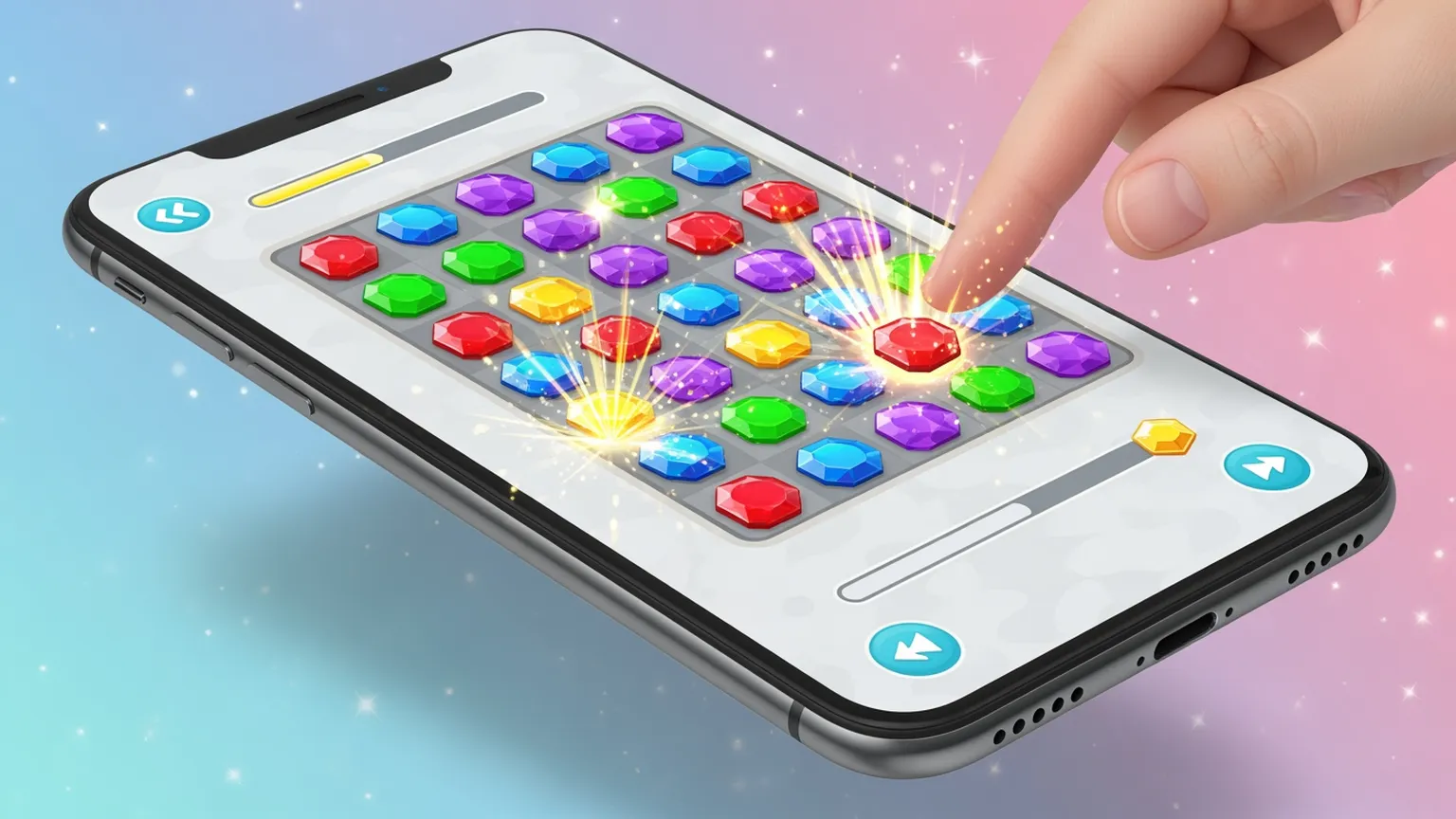
Playable ads consistently outperform static and video formats for mobile game user acquisition. They let players experience gameplay before installing — driving higher-quality installs and better retention. But producing playable ad assets is resource-intensive: every interactive experience needs custom character art, backgrounds, UI elements, reward screens, and multiple visual states.
Layer accelerates playable ad creative production by generating the visual assets interactive ads need. Create character variations, environment backgrounds, UI mockups, and reward screens at scale. Test multiple visual themes for your playable experiences without waiting for art production. Whether you're building playables for Meta, TikTok, Unity Ads, or AppLovin, Layer helps you produce the visual variety that drives playable ad performance.
Why Playable Ads Win in Mobile Game UA
Playable ads have become essential for mobile game user acquisition:
Higher Conversion Rates Playable ads drive 2–3x higher conversion rates than static ads. Players who try before they install convert at dramatically higher rates.
Better Post-Install Quality Users who experience gameplay before installing have higher Day 1 and Day 7 retention. They know what they're getting.
Network Priority Ad networks like Unity Ads, ironSource, and AppLovin prioritize playable inventory. Better placements mean lower CPIs.
Creative Differentiation Most competitors run static and video. Playable ads stand out in the ad feed and command attention.
The challenge: playable ads require more visual assets than any other format. Layer solves the production bottleneck.
Visual Assets for Interactive Experiences
Every playable ad needs a full set of visual components. Layer generates them at scale:
Character Art for Playables Generate character sprites, poses, and expressions for interactive gameplay moments. Create multiple character options to test which drives engagement.
Environment Backgrounds Produce background scenes, levels, and game worlds that frame the playable experience. Test different visual themes and settings.
UI Elements and Overlays Design buttons, progress bars, score displays, and tutorial prompts that guide the mini-game experience.
Reward Screens and End Cards Create the conversion moment — reward reveal screens, "Install to continue" prompts, and app store redirect cards.
Complete playable ad asset packages in hours instead of weeks.
Multi-Variant Playable Testing
The best-performing playable ads emerge from testing multiple visual approaches:
Theme Testing Generate the same gameplay mechanic with different visual themes — fantasy, sci-fi, casual, realistic. Find which aesthetic drives installs for your audience.
Difficulty Framing Test visual cues that frame difficulty differently — easy-looking vs. challenging. How the playable feels visually affects completion and install rates.
Reward Visualization Test different reward representations — treasure chests, character unlocks, power-ups, currency. Visual reward framing impacts conversion.
Character Variations Test different protagonist designs in the playable experience. Character appeal directly impacts engagement.
Layer gives you the visual variety to test systematically instead of guessing.
End Card Optimization
The end card is where playable engagement converts to installs. Layer helps you optimize this critical moment:
Layout Variations Generate dozens of end card layouts — different CTA positions, app store badge placements, and visual hierarchies.
Reward Display Test how rewards earned during the playable are visualized on the end card. Larger, more prominent rewards often increase conversion.
Social Proof Elements Generate end cards with rating displays, download counters, and review quotes. Test which social proof elements move the needle.
Urgency and Scarcity Create end cards with limited-time offers, exclusive rewards, and countdown visuals. Test urgency-driven conversion.
Optimize the highest-leverage moment in the playable ad funnel.
Cross-Network Playable Assets
Different ad networks have different playable ad specifications. Layer covers them all:
Unity Ads & ironSource Assets sized and optimized for the leading in-app ad networks. Both end cards and interactive visual elements.
AppLovin & MAX Creative formatted for AppLovin's playable specifications and mediation stack.
Meta Playable Ads Visual assets for Facebook and Instagram playable ad formats.
Mintegral & Other Networks Coverage for emerging playable ad networks in your media mix.
One production pipeline for every playable ad network.
Production Workflow for Playable Studios
Layer integrates into the playable ad production process:
Art Direction Exploration Explore visual directions quickly before committing development resources to building the interactive experience.
Asset Handoff Export production-ready visual assets that playable ad developers can integrate directly into HTML5 or Unity experiences.
Iteration Speed When playable performance data comes back, generate revised visual assets in hours — not a full production cycle.
Team Collaboration UA managers, artists, and playable developers share a single workspace with organized asset libraries and approval workflows.
Faster iteration on the highest-performing ad format in mobile game UA.