AI Sprite Sheet Generator
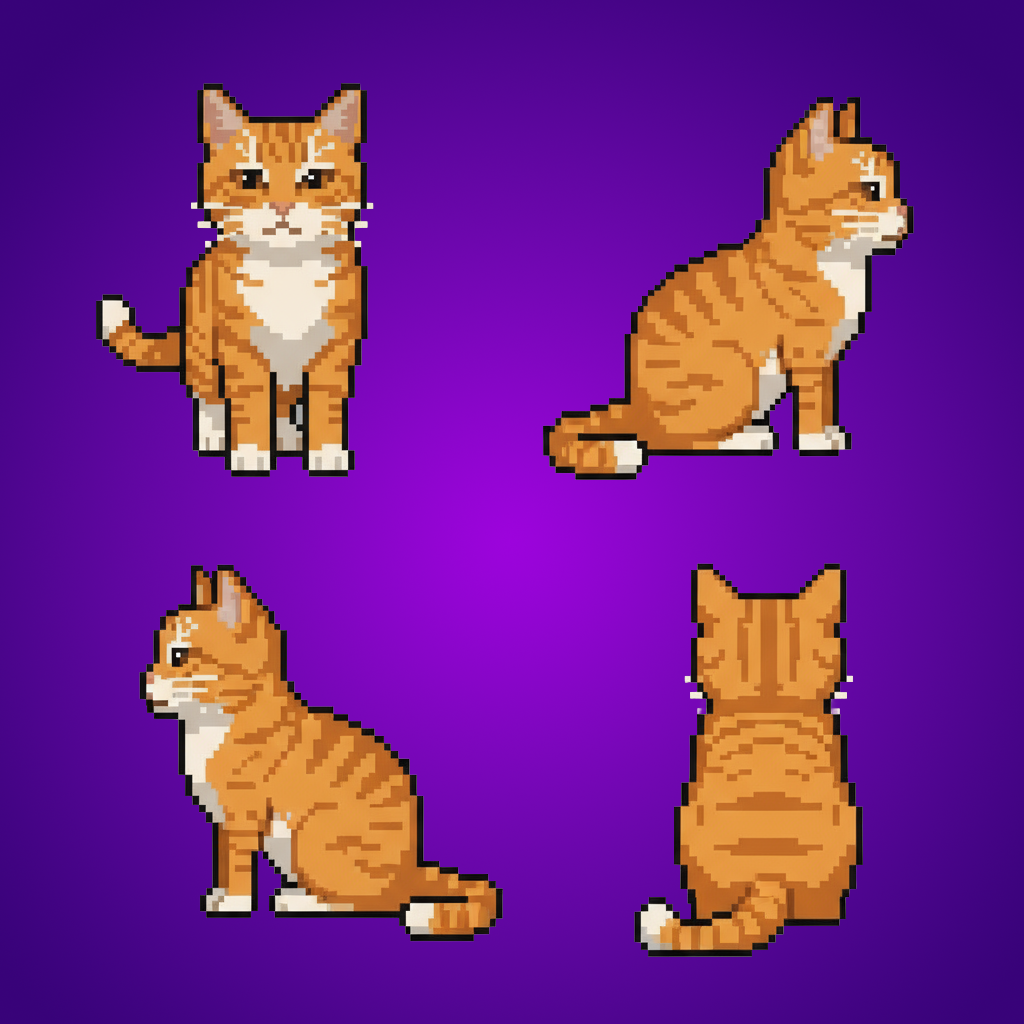
Gallery
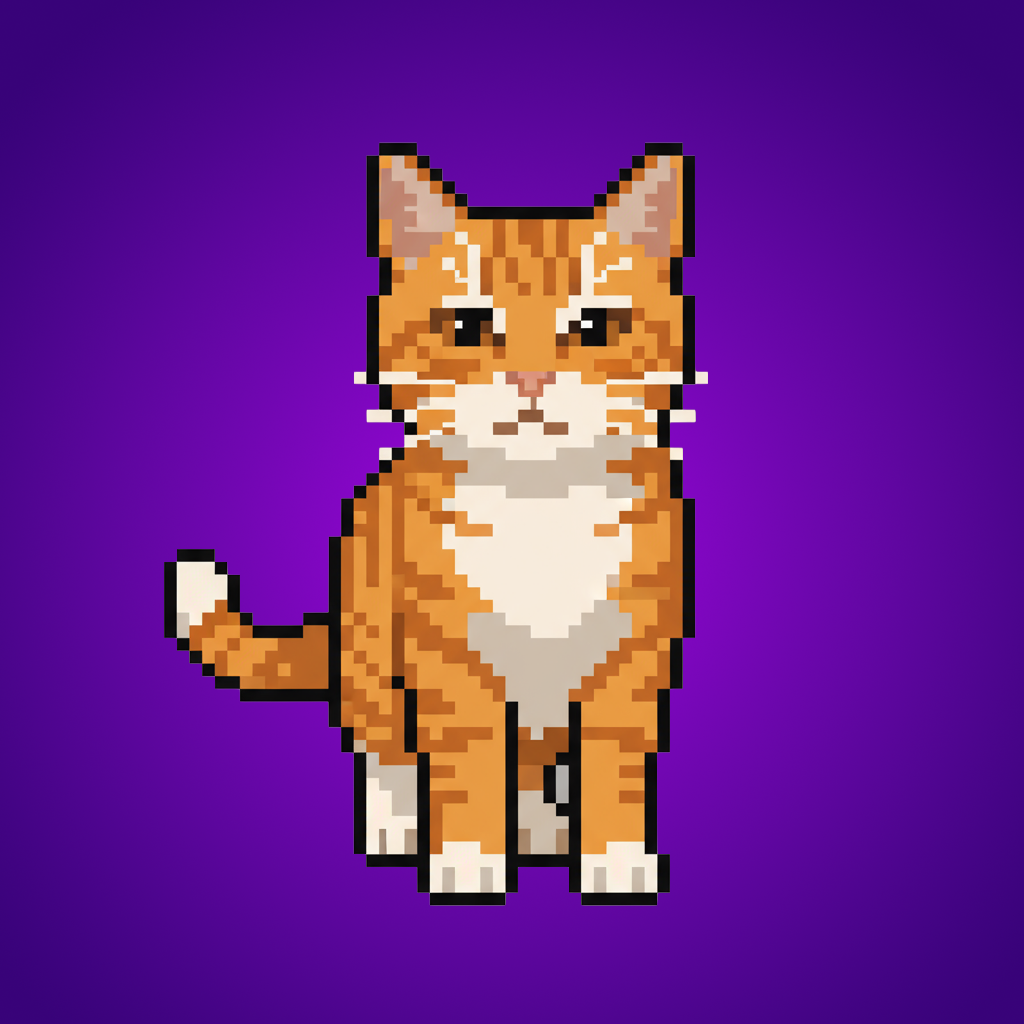
How To Use AI Sprite Sheet Generator

Choose
Select Generate a Sprite Sheet from the template library in your Layer workspace.

Adjust
Upload your reference images, adjust parameters and customize settings for your specific needs.

Generate
Hit generate and Layer produces your results. Refine, iterate, or batch-produce at scale.
Automated Sprite Sheet Generation
Turn a single character or object image into a complete sprite sheet with multiple poses arranged on a single atlas. Output is formatted for direct import into game engines and animation frameworks.
Animation Frame Creation from Static Images
Generate sequential animation frames from a single reference image, covering idle, walk, run, and attack cycles. Eliminate the need to hand-draw every frame while maintaining consistent proportions.
Game-Ready Sprite Strips for 2D Engines
Produce sprite strips formatted for popular 2D engines like Unity, Godot, and GameMaker. Sprites maintain pixel-perfect alignment and consistent spacing for seamless integration into your animation system.
Batch Sprite Production for Large Projects
Scale sprite sheet creation across dozens of characters, items, or effects in a single workflow. Maintain visual consistency across your entire sprite library while dramatically reducing manual production time.
FAQ
What does the Generate a Sprite Sheet Layer use case template do?
The Generate a Sprite Sheet Layer use case template turns an image into a series of sprites arranged in a single sprite sheet.
When should I use this Generate a Sprite Sheet use case template?
Use this Layer use case template when preparing:
Animation frames
Character movement sets
Sprite-based gameplay
Can I control the number of frames?
Yes. You can define how many sprites or poses are generated.
Is the output engine-ready?
Yes. Sprite sheets are suitable for common game engines and frameworks.
Does this use case template preserve proportions?
Yes. Pixel-perfect proportions are maintained.
Can I batch generate sprite sheets?
Yes. Batch workflows are supported.
What types of sprites work best?
Characters and objects with consistent silhouettes and clear poses work best.
More questions? Check out our Help Center .