
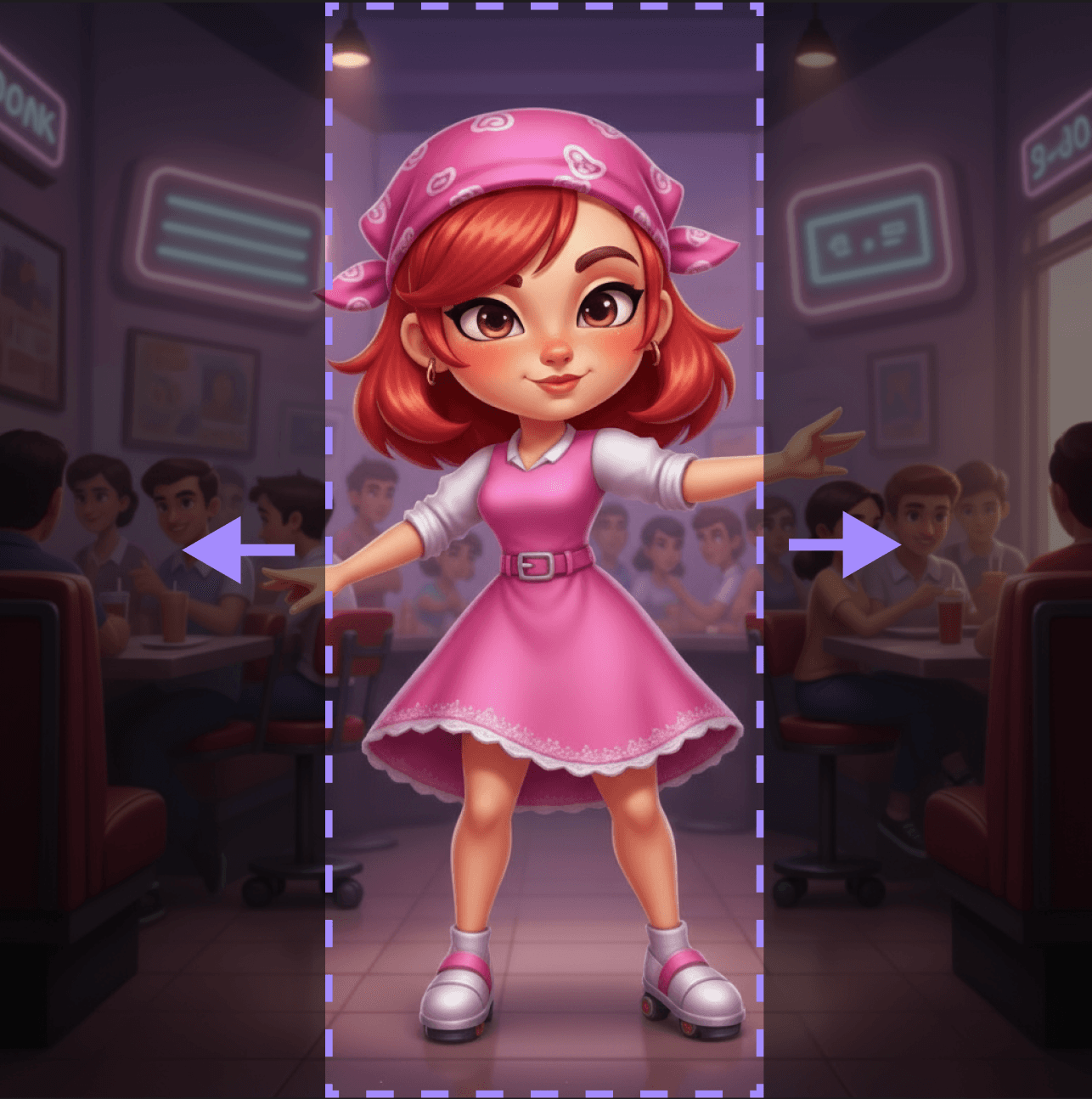
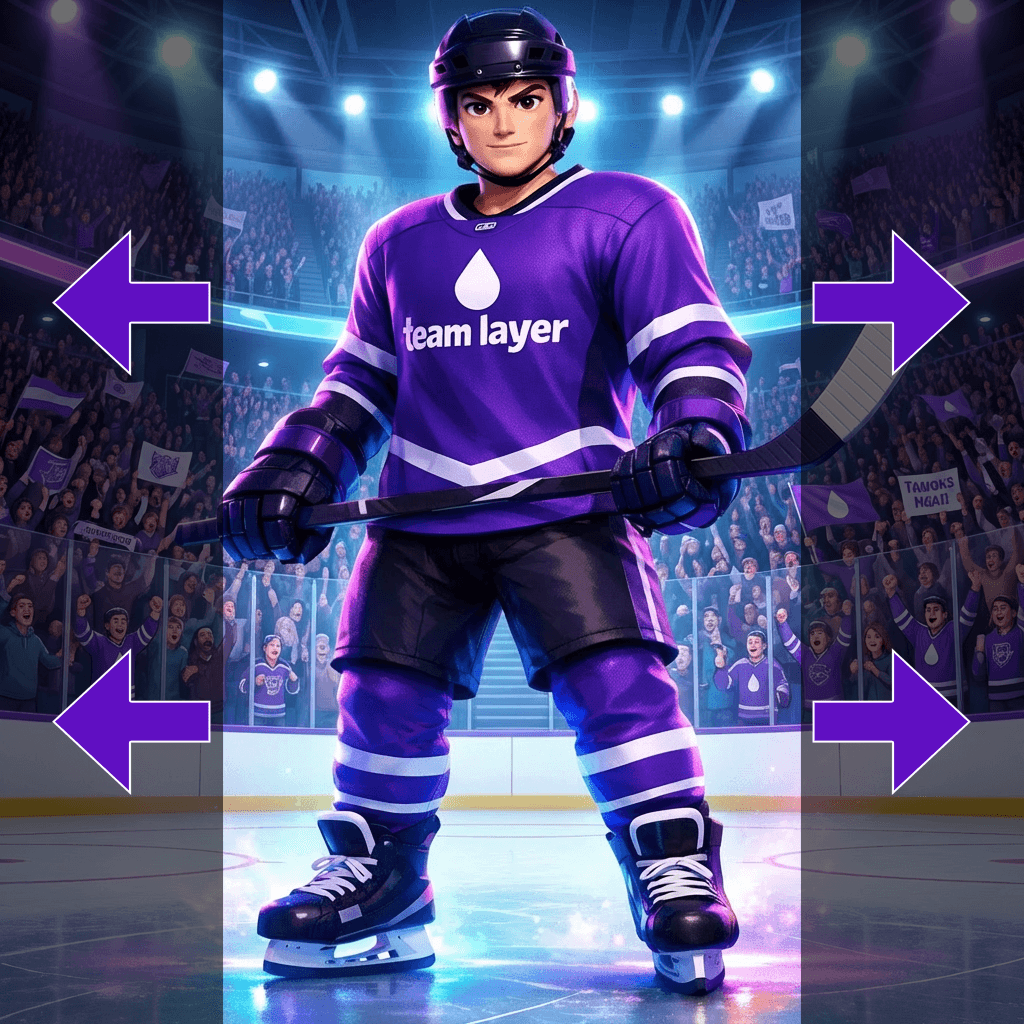
Expand transparent areas in images to create complete, seamless compositions
How to Outpaint?
Discover More

FAQ
What are Layer templates used for?
Layer templates are designed to help game studios, UA teams, LiveOps teams, and artists automate a specific creative task using AI-powered workflows. It reduces manual work while maintaining visual consistency and production quality.
Do I need design or technical skills to use templates?
No. Layer templates are built to be usable by non-technical users, including marketers, product managers, and artists. Advanced users can customize prompts, styles, and inputs, but no coding is required.
Can I use templates with my own art style or assets?
Yes. You can upload your own reference images, styles, characters, or assets to ensure outputs match your game’s existing art direction.
What does the Outpainting Layer use case template do?
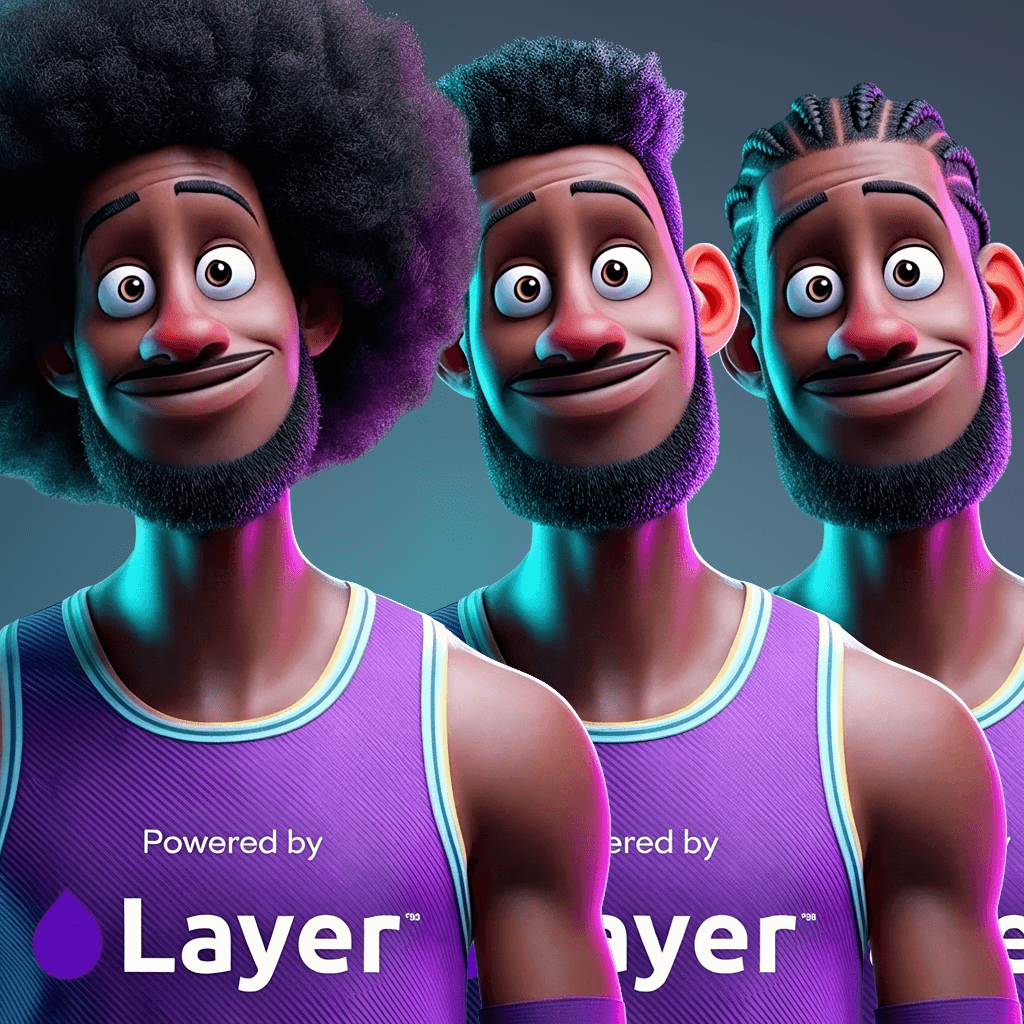
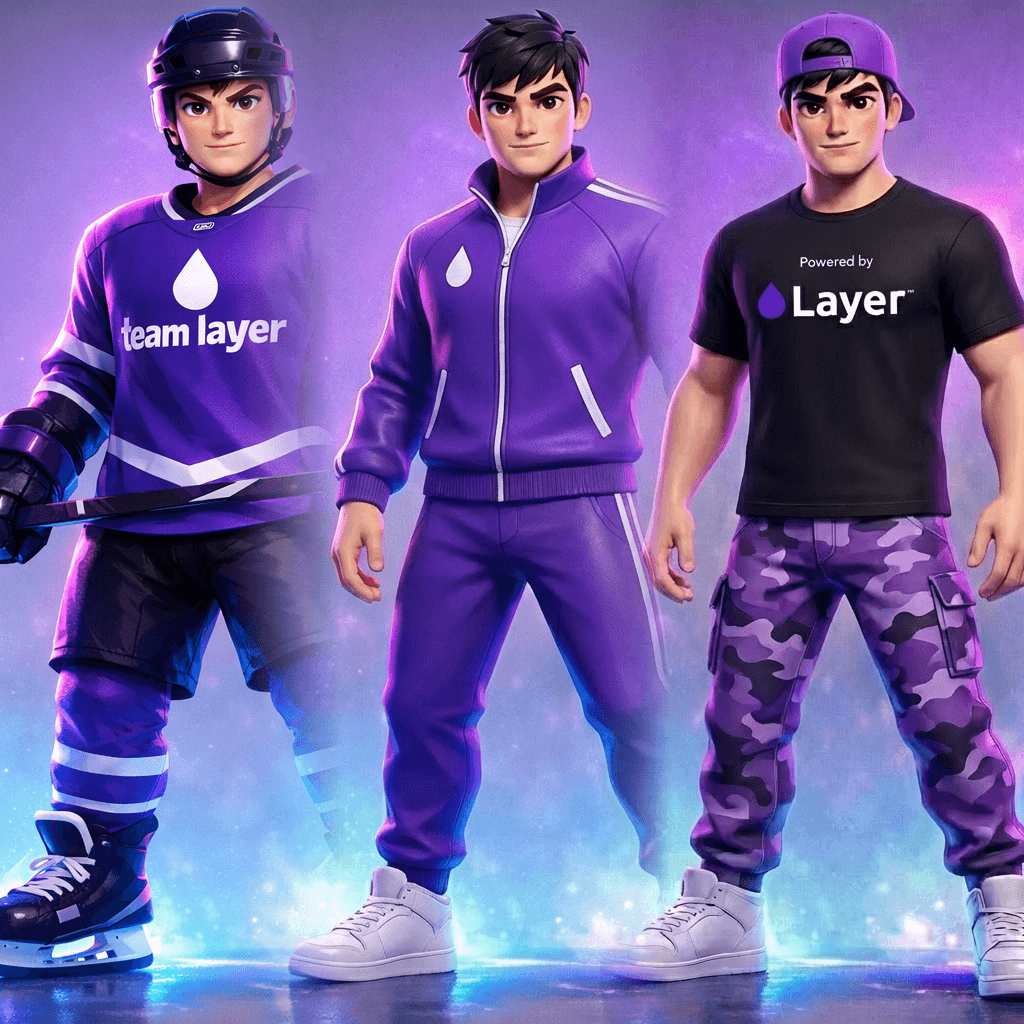
The Outpainting Layer use case template expands transparent or cropped areas of an image to create a complete, seamless composition that matches the original style, lighting, and perspective.
When should I use this Outpainting use case template?
Use this Layer use case template when you need to:
Extend artwork for new aspect ratios
Adapt assets for UA creatives or store placements
Reuse cropped or partial images without redrawing
Does this use case template preserve the original image?
Yes. All original pixels remain unchanged; only the transparent or expanded areas are generated.
Can I control what appears in the outpainted areas?
Yes. You can prompt specific elements such as environment details, props, or background extensions.
Is this useful for LiveOps and seasonal content?
Absolutely. It’s commonly used to create event-themed or seasonal extensions of the same base artwork.
Can I batch outpaint multiple images?
Yes. The Outpainting Layer use case template supports batch processing at scale.
What image formats work best?
PNG is recommended, especially when transparency is involved.


