AI Character Outfit Generator
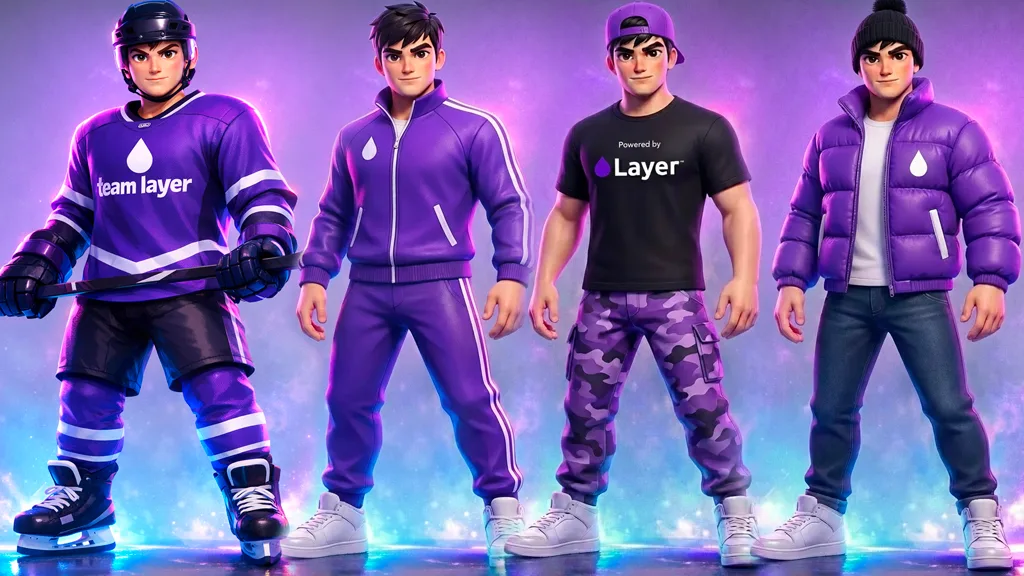
Gallery
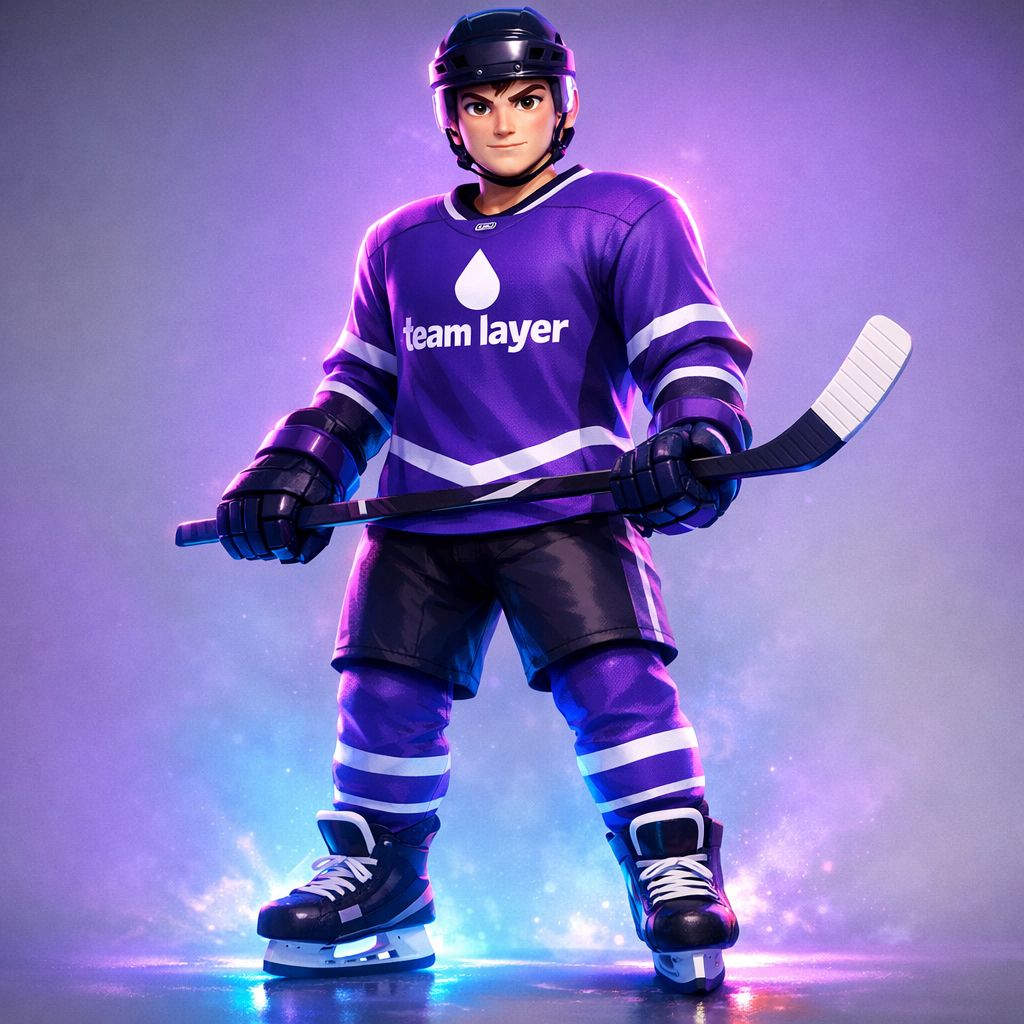
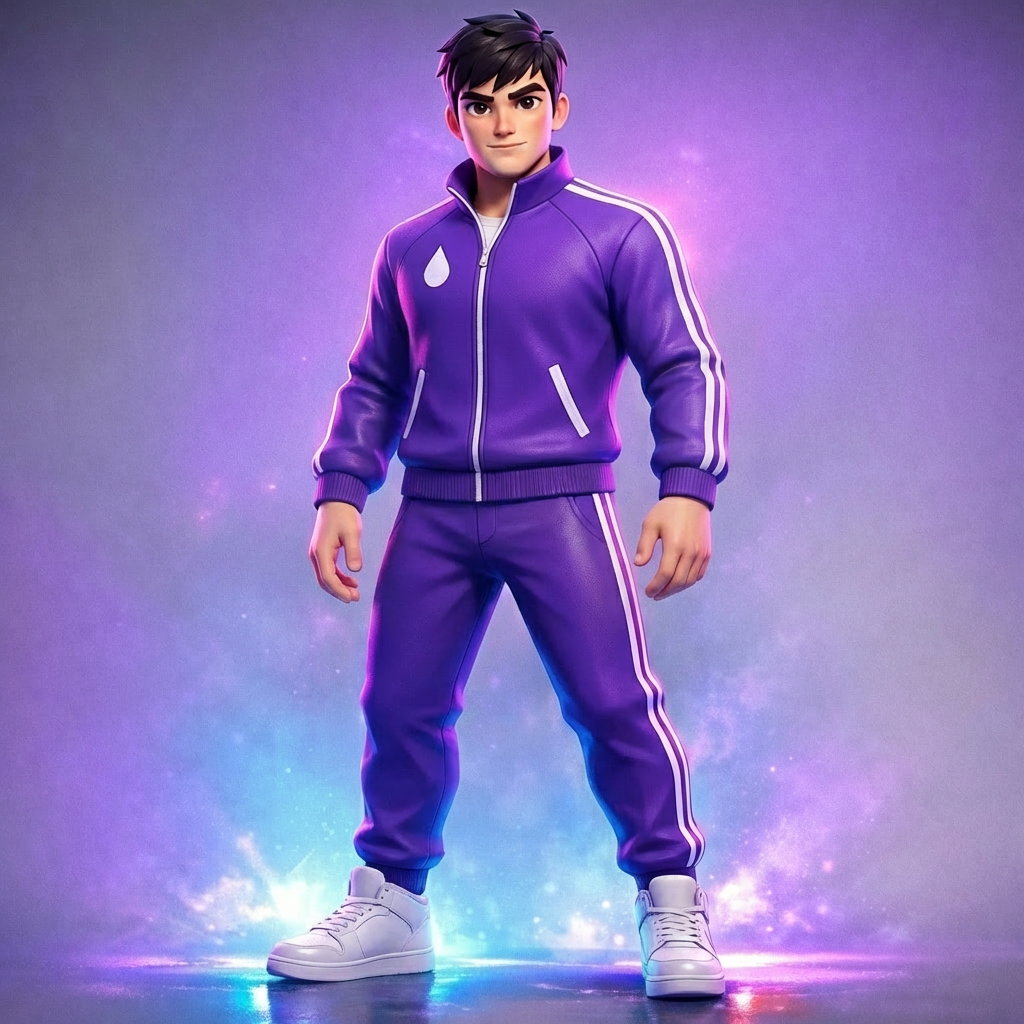
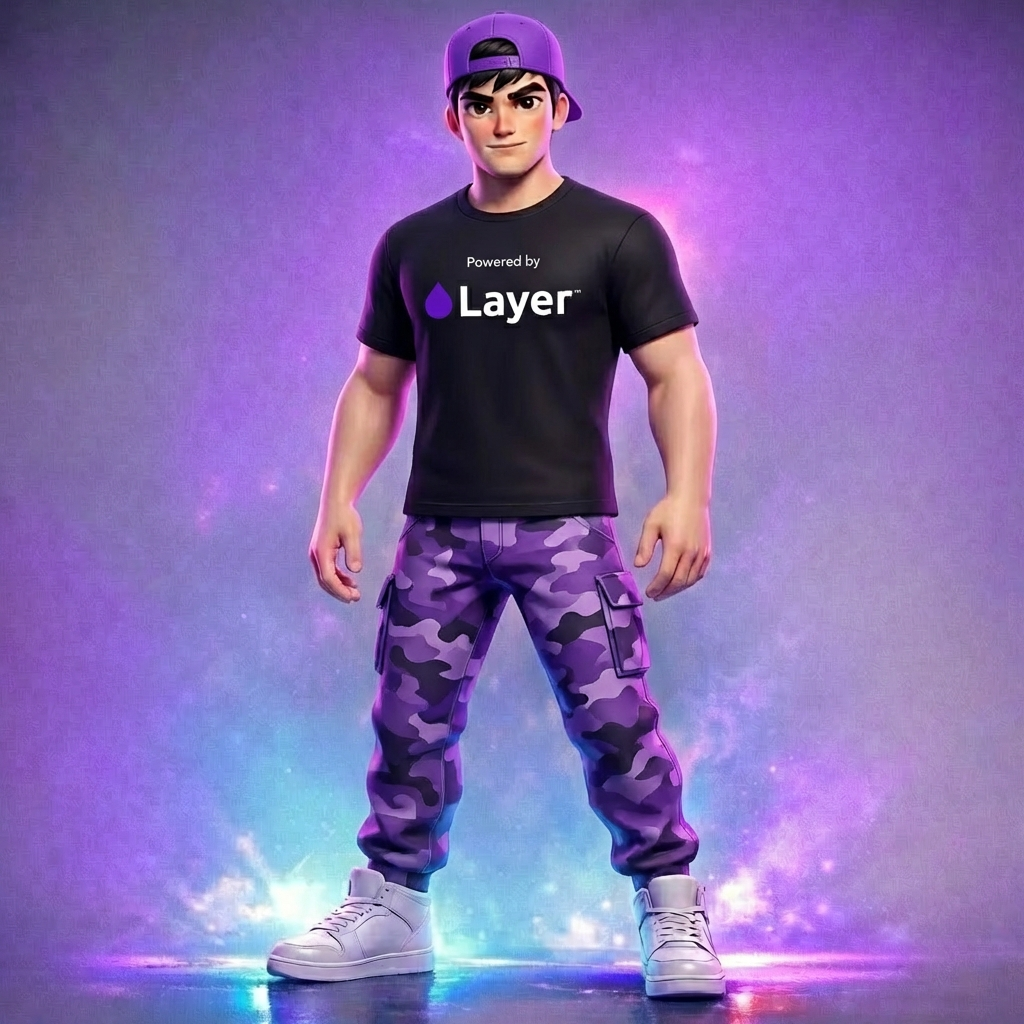
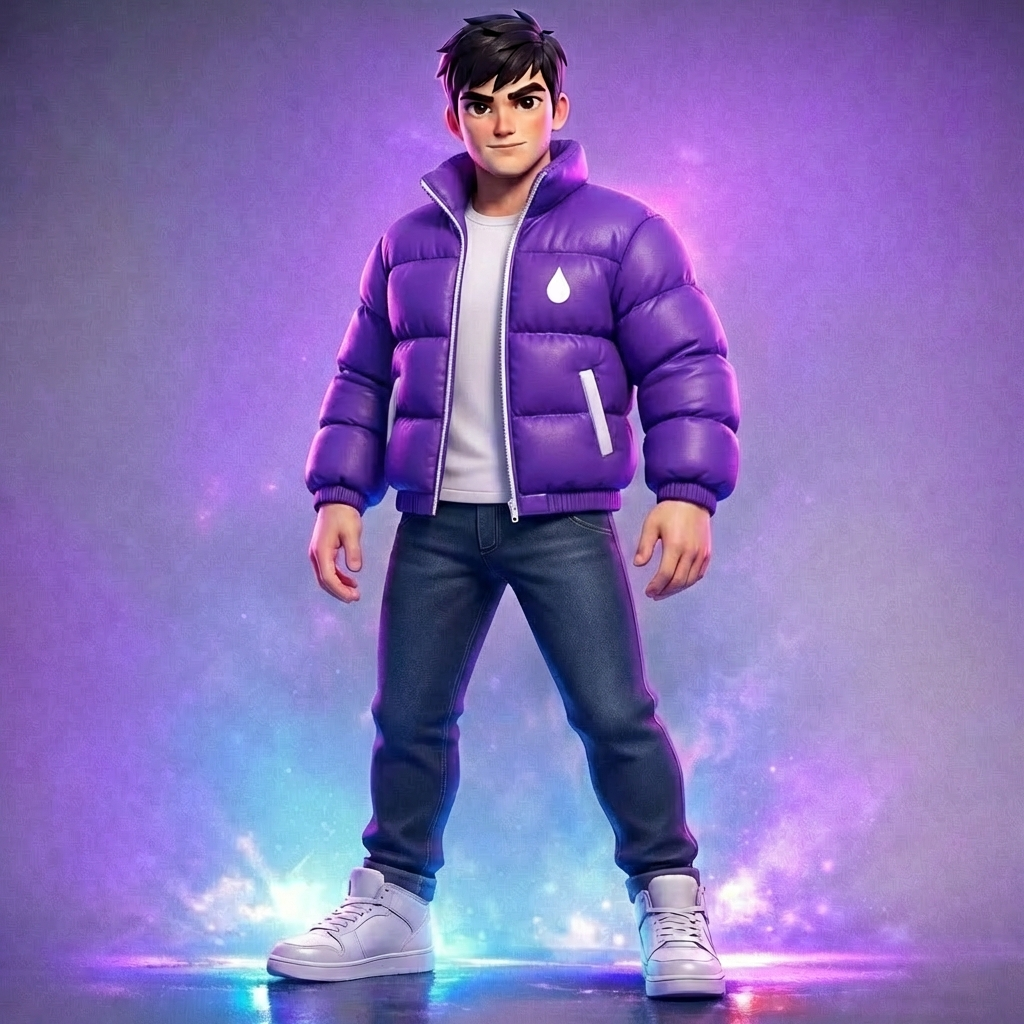
How To Use AI Character Outfit Generator

Choose
Select Outfit Change from the template library in your Layer workspace.

Adjust
Upload your reference images, adjust parameters and customize settings for your specific needs.

Generate
Hit generate and Layer produces your results. Refine, iterate, or batch-produce at scale.
Design costume variations without re-illustrating characters
Apply new outfits, armor sets, or accessories to existing character art while preserving identity, pose, and proportions. This dramatically reduces the cost of exploring costume directions during pre-production and concept phases.
Concept seasonal skins and themed cosmetics
Generate holiday, event, and collaboration-themed outfit concepts across your character roster. Art directors can review dozens of seasonal directions quickly and select the strongest options before assigning full production work.
Preview battle pass tier rewards and progression skins
Visualize how characters look at each battle pass tier or progression milestone to validate that upgrades feel meaningful and visually distinct. Product teams can use these previews to fine-tune reward pacing and monetization appeal.
Explore character wardrobe options for world-building
Generate outfit variations that reflect faction identity, class roles, or narrative context within your game world. Consistent style transfer ensures every wardrobe option reinforces the art direction while giving players expressive choices.
FAQ
What does the Outfit Change Layer use case template do?
The Outfit Change Layer use case template updates a character’s outfit or accessories while keeping the original character identity, pose, proportions, and art style intact.
Are the character’s face and body preserved?
Yes. Facial features, body anatomy, proportions, and pose remain unchanged. Only clothing and cosmetic elements are modified.
When should I use this Outfit Change use case template?
Use this Layer use case template to create cosmetic skins, outfit variations, or themed costumes without re-illustrating the character.
Can I use this for seasonal or event-based skins?
Yes. It’s well suited for seasonal outfits, event cosmetics, faction uniforms, and rarity-based variations.
Can I upload outfit references?
Yes. Providing outfit references or style guides improves accuracy and visual consistency.
Is this useful for LiveOps and monetization workflows?
Absolutely. This use case template is commonly used for LiveOps cosmetic drops, store visuals, and UA creatives.
Is this safe for IP-sensitive characters?
Yes, as long as you own or are authorized to use the character IP.
More questions? Check out our Help Center .