AI Character Scene Compositing

Gallery
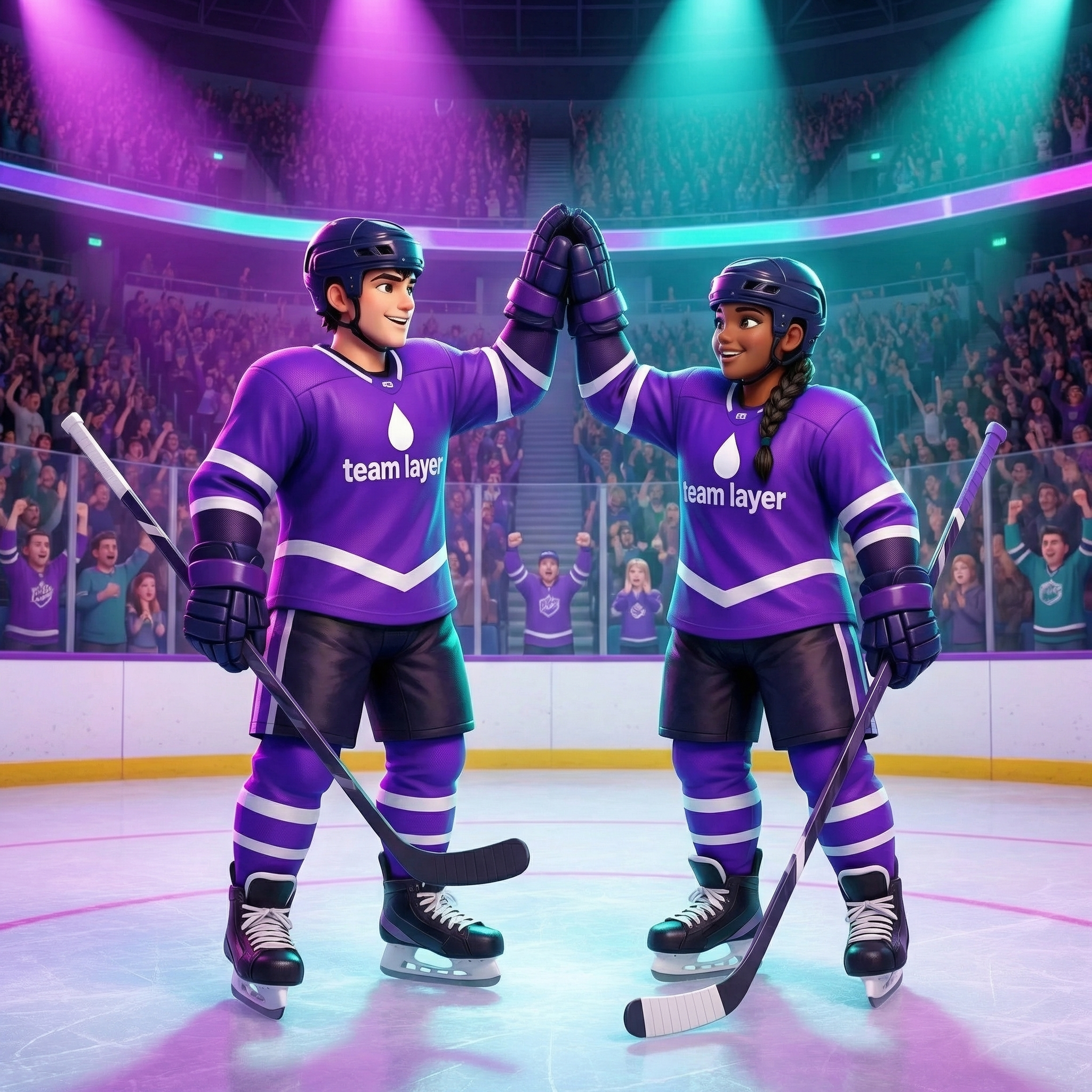
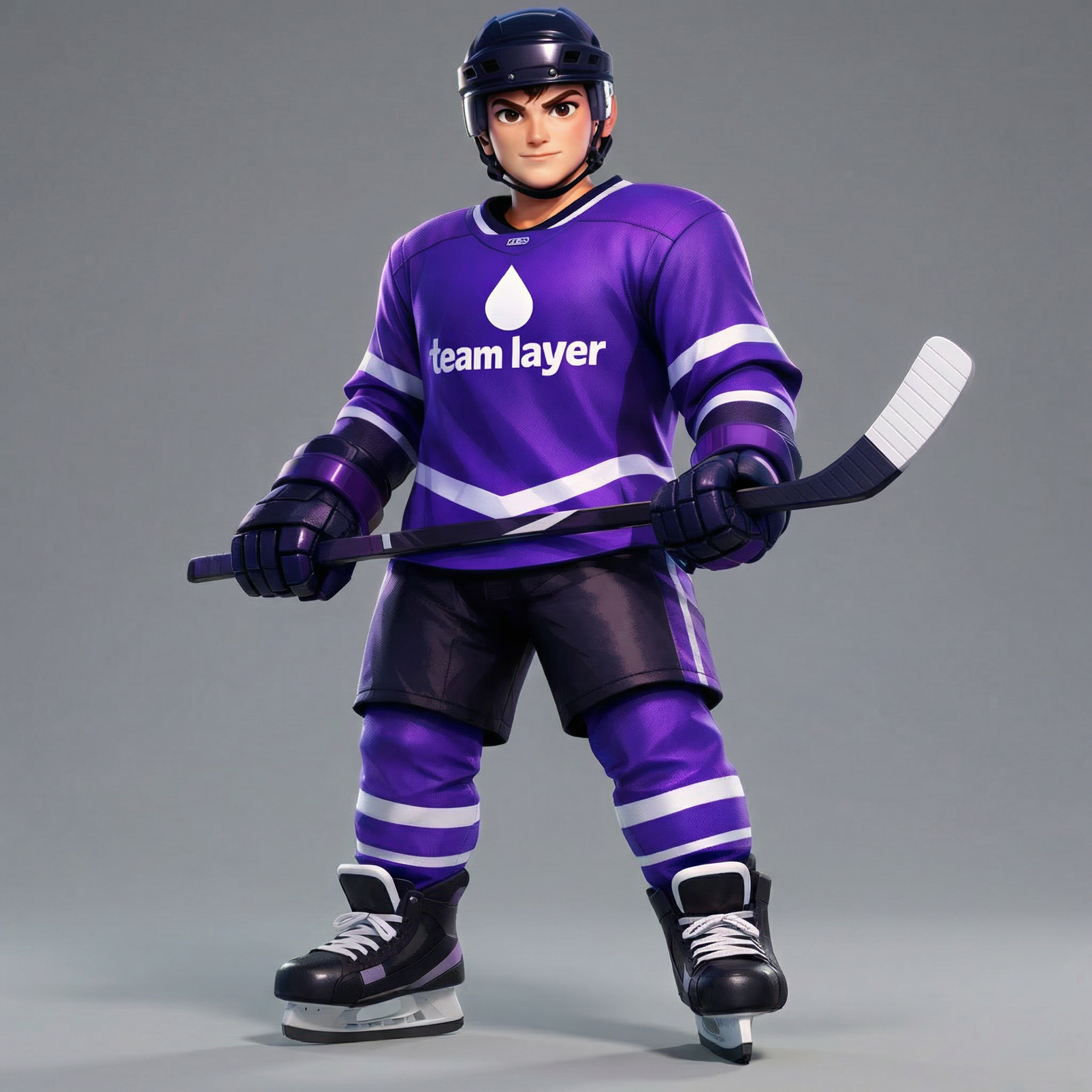
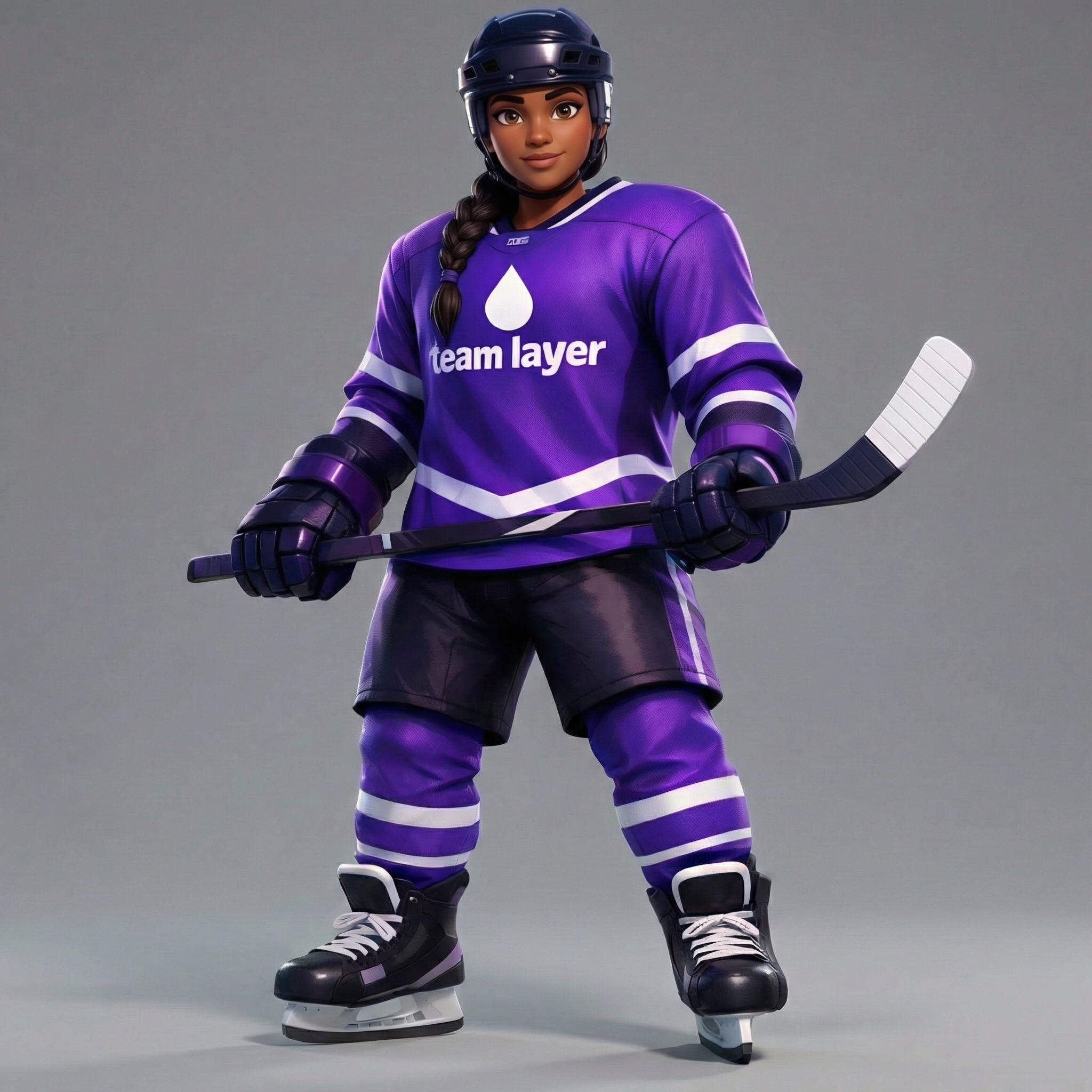
How To Use AI Character Scene Compositing

Choose
Select Place Characters Into a Scene from the template library in your Layer workspace.

Adjust
Upload your reference images, adjust parameters and customize settings for your specific needs.

Generate
Hit generate and Layer produces your results. Refine, iterate, or batch-produce at scale.
Character-Scene Compositing for Game Art
Place characters into existing scenes with automatic matching of lighting, perspective, and scale. Layer ensures characters look like they belong in the environment, eliminating the manual compositing work that typically slows down creative production.
Style-Consistent Character Placement
Insert characters into scenes while preserving a unified art style across both elements. Whether your game uses cel-shading, painterly textures, or pixel art, characters are adapted to blend naturally with the target environment.
Marketing Scene Assembly
Build compelling marketing visuals by combining characters and backgrounds into polished key art. Produce UA creatives, app store screenshots, and social media assets at scale without requiring a dedicated compositing artist for every variant.
Narrative Scene Building for Storytelling
Construct story-driven scenes by placing characters in contextual environments for cutscenes, dialogue sequences, and promotional narratives. Rapidly iterate on character-scene combinations to find the compositions that best communicate your game's story.
FAQ
What does the Place Characters Into a Scene Layer use case template do?
The Place Characters Into a Scene Layer use case template inserts characters into an existing scene while matching the scene's style, lighting, and perspective.
When should I use this Place Characters Into a Scene use case template?
Use this Layer use case template when you need to:
Create story-driven or lifestyle scenes
Produce UA creatives with characters in context
Reuse backgrounds with different characters
Does this use case template match lighting and scale automatically?
Yes. Characters are adapted to match scene lighting, depth, and proportions for a natural result.
Can I control character placement and pose?
Yes. You can guide positioning, orientation, and context within the scene.
Is this useful for UA, marketing, and narrative content?
Absolutely. It's widely used for UA ads, key art, and narrative visuals.
Can I batch place characters into multiple scenes?
Yes. Batch workflows are supported for scalable creative production.
What scenes work best?
Scenes with clear depth, lighting cues, and open space integrate characters most naturally.
More questions? Check out our Help Center .