AI Scene Lighting Editor
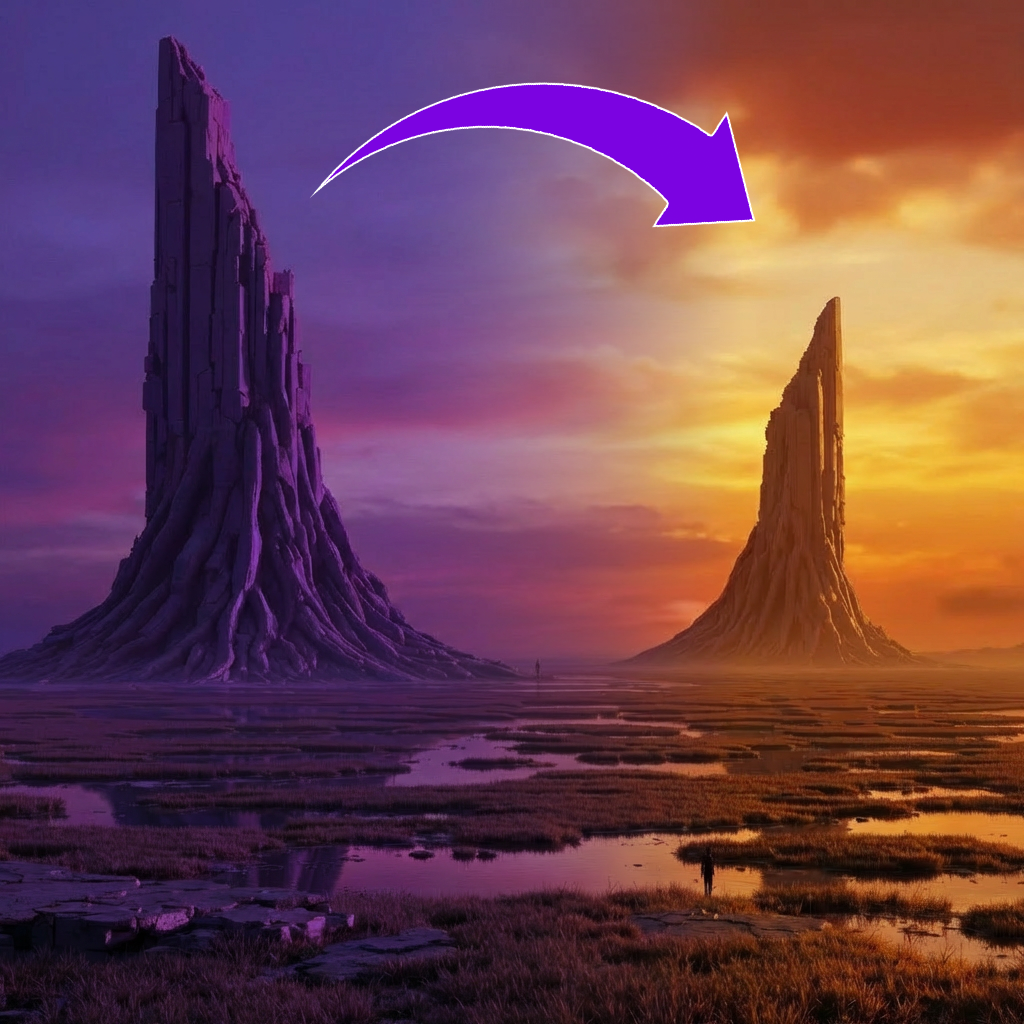
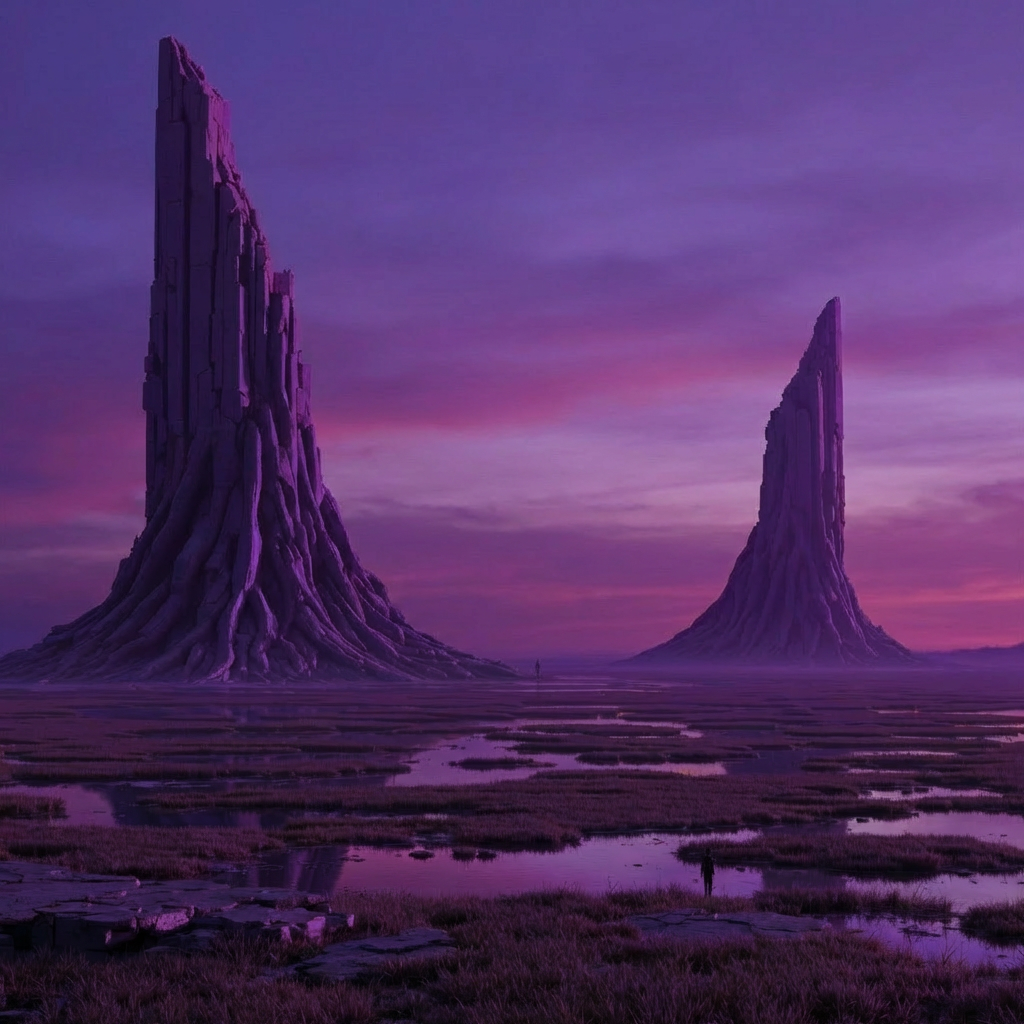
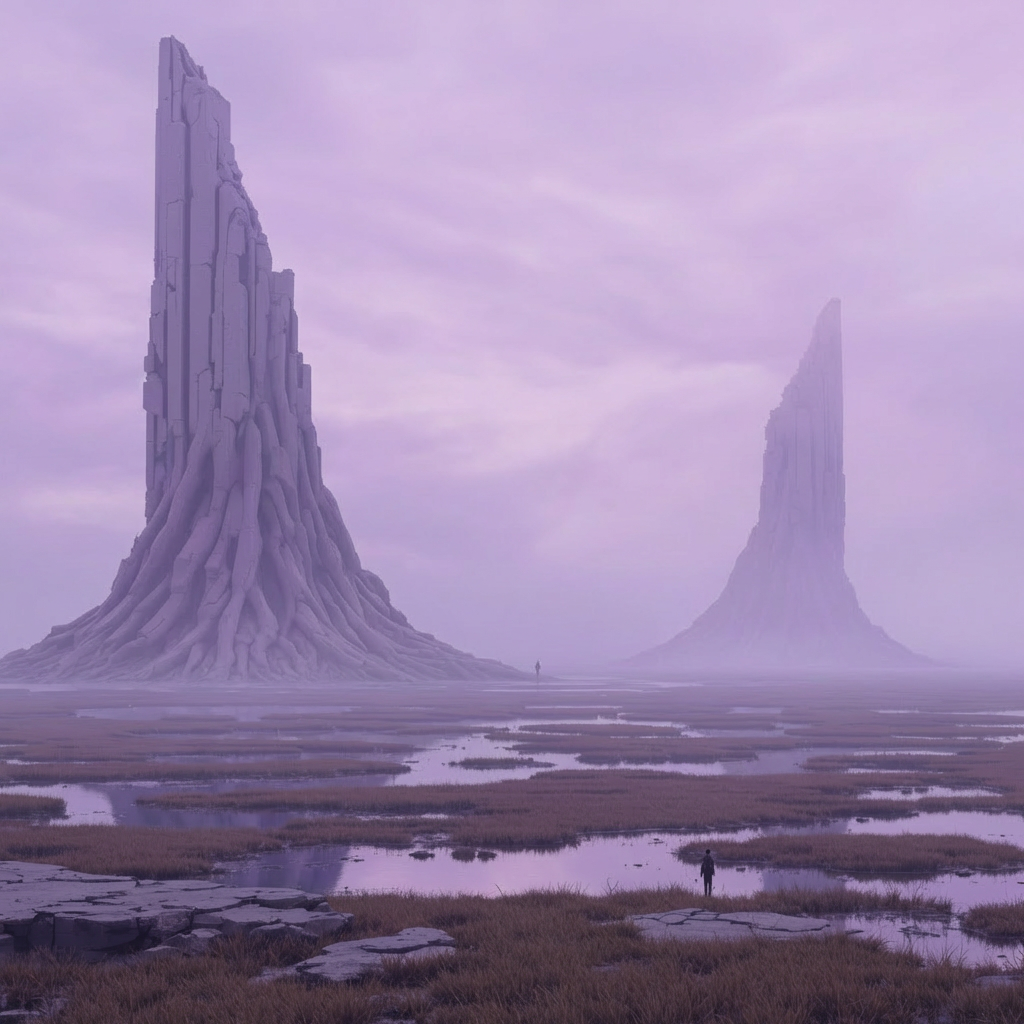
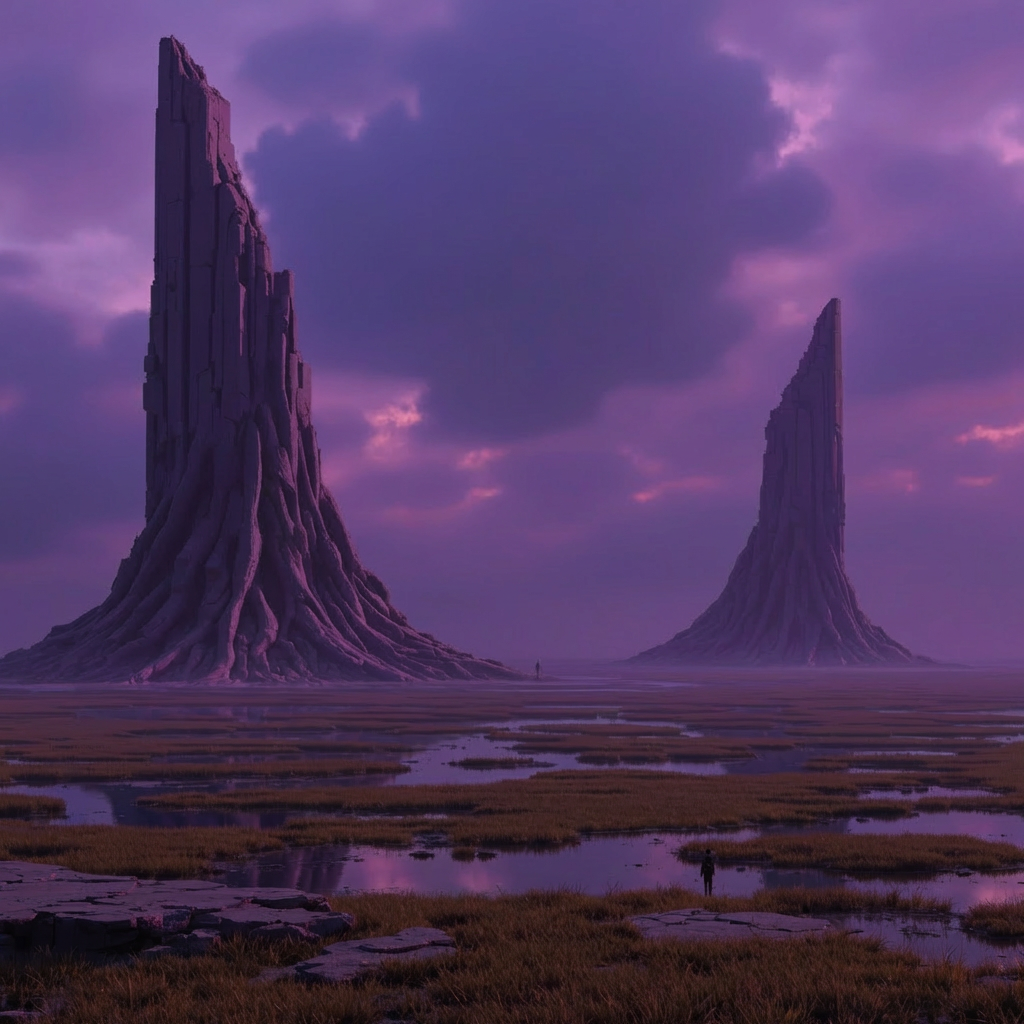
Gallery
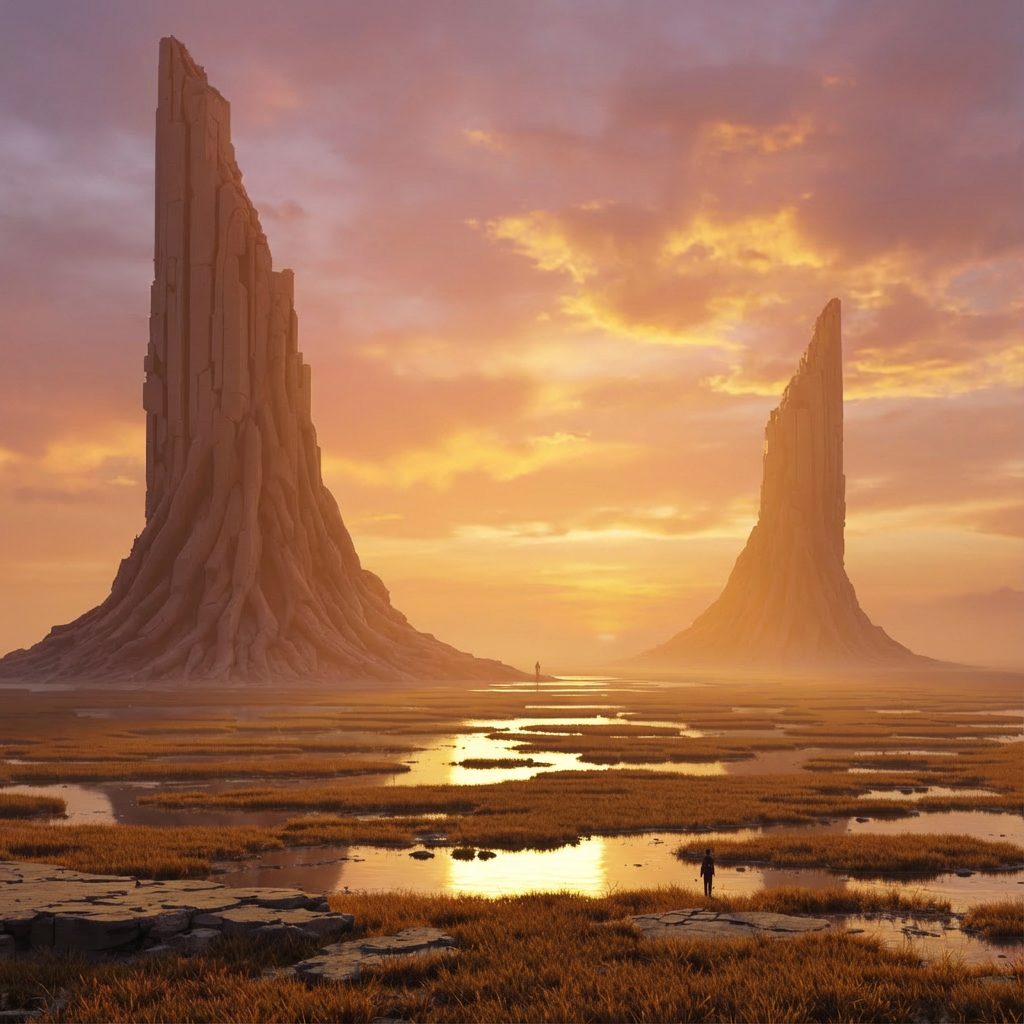
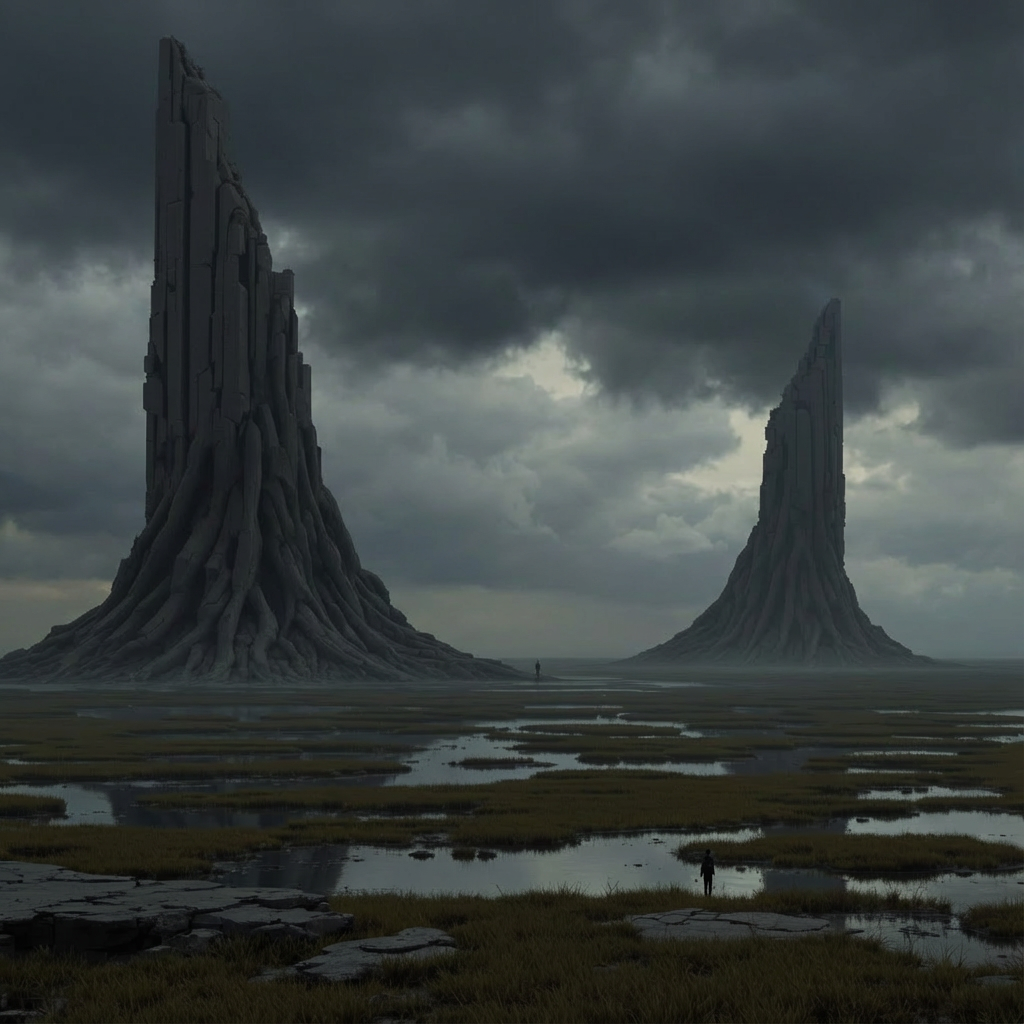

How To Use AI Scene Lighting Editor

Choose
Select Change a Scene's Lighting from the template library in your Layer workspace.

Adjust
Upload your reference images, adjust parameters and customize settings for your specific needs.

Generate
Hit generate and Layer produces your results. Refine, iterate, or batch-produce at scale.
Dynamic Lighting Changes for Game Scenes
Transform the lighting of any scene to create entirely new moods and atmospheres without altering geometry or layout. Shift from bright daylight to dramatic sunset, or from warm interiors to cold moonlit exteriors, all while preserving the original scene structure.
Time-of-Day Variants from a Single Scene
Generate dawn, midday, dusk, and nighttime versions of the same scene from one base image. This lets studios produce multiple environment variants for day-night cycles, level progression, or A/B testing UA creatives without re-rendering each version.
Mood and Atmosphere Transformation
Redefine the emotional tone of a scene by adjusting lighting direction, color temperature, and shadow intensity. Create tense, ominous atmospheres for horror levels, warm and inviting tones for social hubs, or vibrant energy for action sequences.
Seasonal Lighting Variants for LiveOps
Produce seasonal lighting variations of existing environments for holiday events, limited-time modes, and themed content updates. Deliver winter twilight, autumn golden hour, or summer noon versions rapidly, keeping your LiveOps calendar stocked with fresh visuals.
FAQ
What does the Change a Scene’s Lighting Layer use case template do?
The Change a Scene’s Lighting Layer use case template transforms the lighting, mood, and atmosphere of a scene without altering geometry or layout.
When should I use this Change a Scene’s Lighting use case template?
Use this Layer use case template when creating:
Day/night variations
Seasonal or dramatic moods
A/B tests for UA creatives
Does this use case template change textures or objects?
No. Only lighting and color mood are adjusted.
Can I specify lighting styles?
Yes. You can define lighting direction, time of day, or mood.
Is this useful for LiveOps and marketing?
Absolutely. It’s commonly used for rapid visual refreshes.
Can I batch apply lighting changes?
Yes. Batch workflows are supported.
What scenes work best?
Scenes with clear depth, lighting cues, and structure work best.
More questions? Check out our Help Center .