Features
AI-powered video generation for game content and trailers
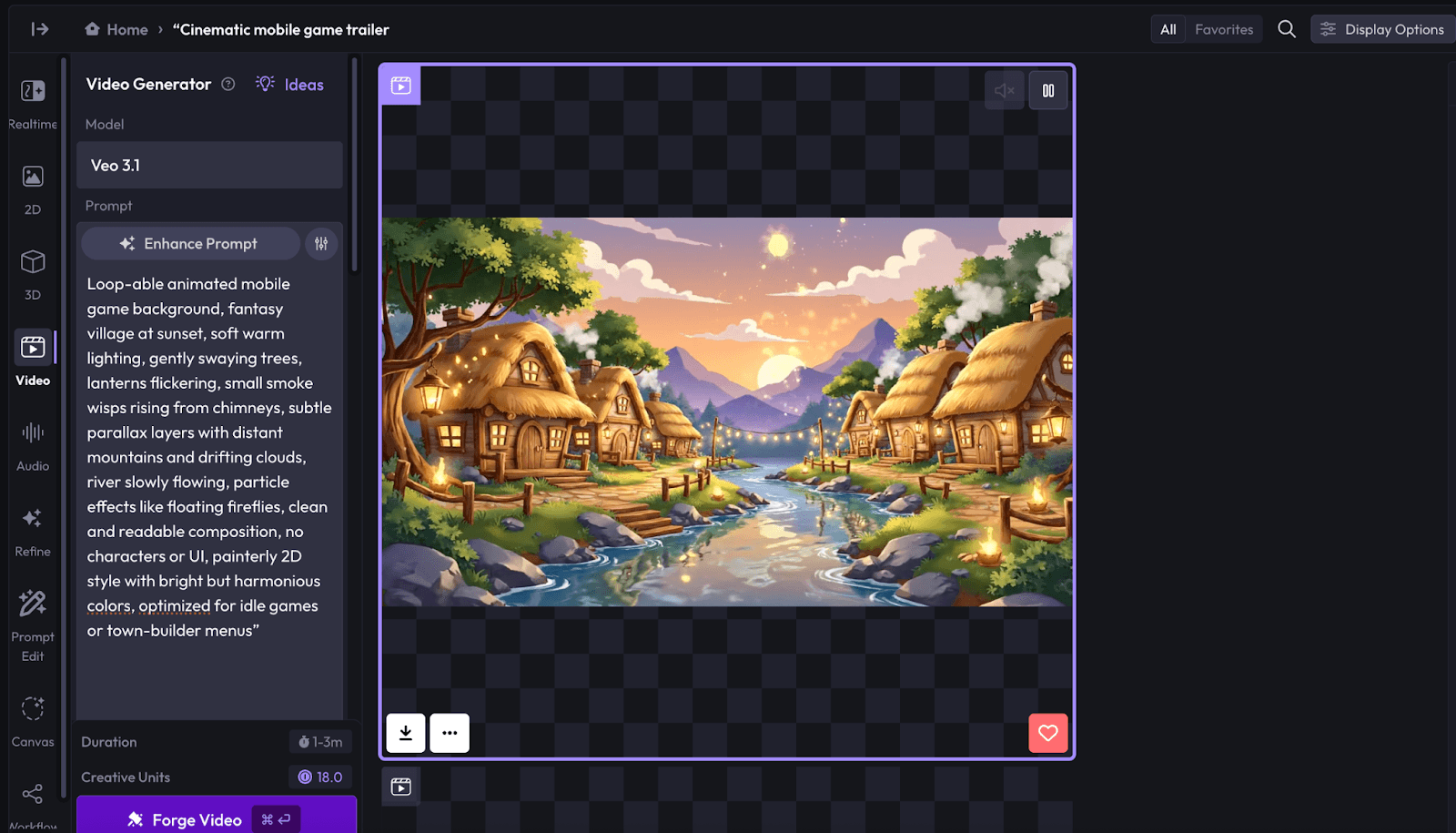
Use the latest AI video models to create gameplay trailers, animations, marketing videos, or in-game cinematics - all from text prompts or images references. Whether you're editing, upscaling, or generating video from scratch, Layer gives you full creative control and production-ready results.
AI video tools built for game studio production pipelines
Access top video generation models
Layer gives you access to the most advanced gen-AI video models available - including Kling, Veo, Wan, and Minimax. Each model supports different strengths across cinematic motion, lighting, and fidelity. Create amazing gameplay trailers, animated cutscenes, or social clips.
Edit, upscale, and refine video in one workflow
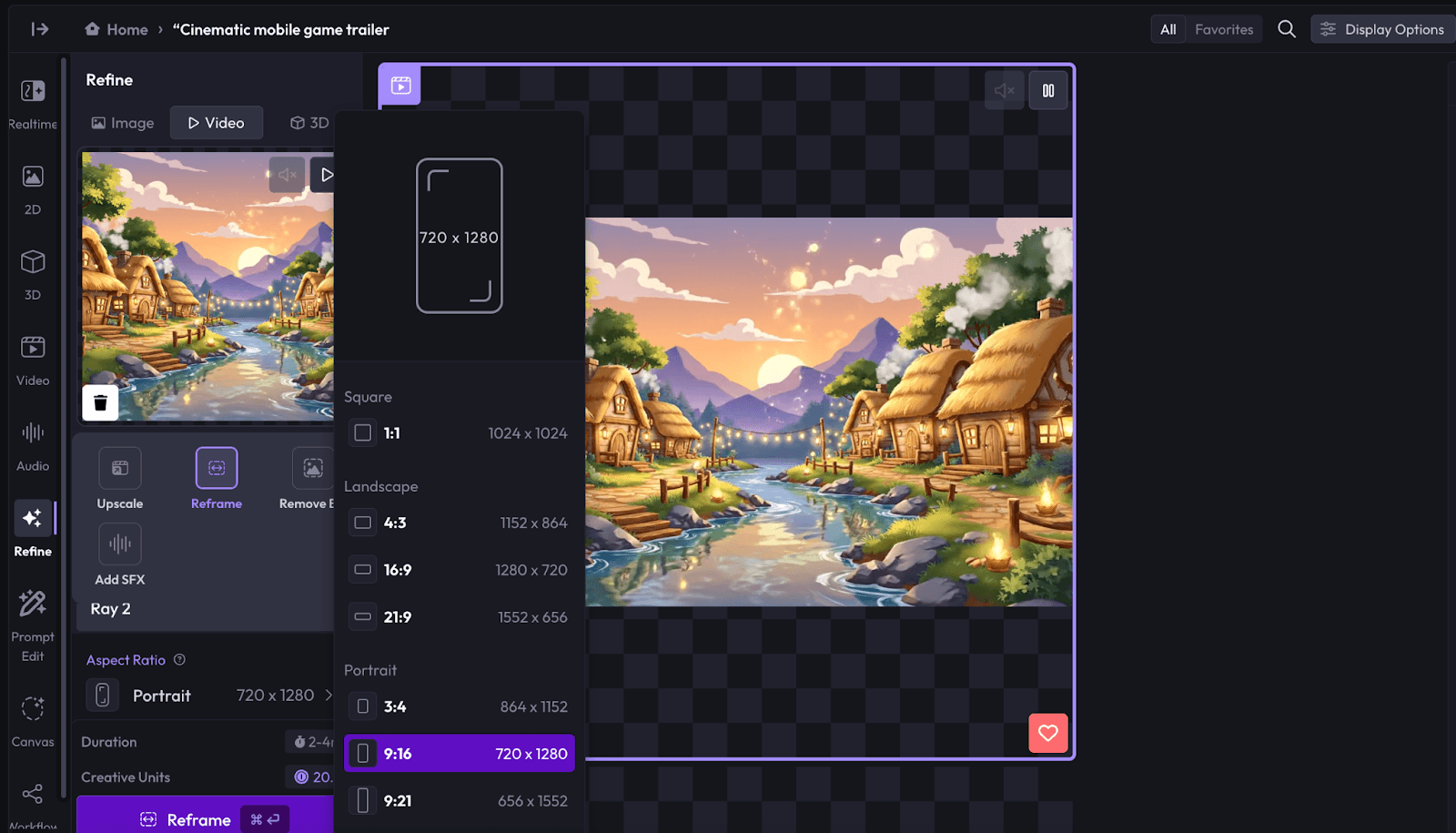
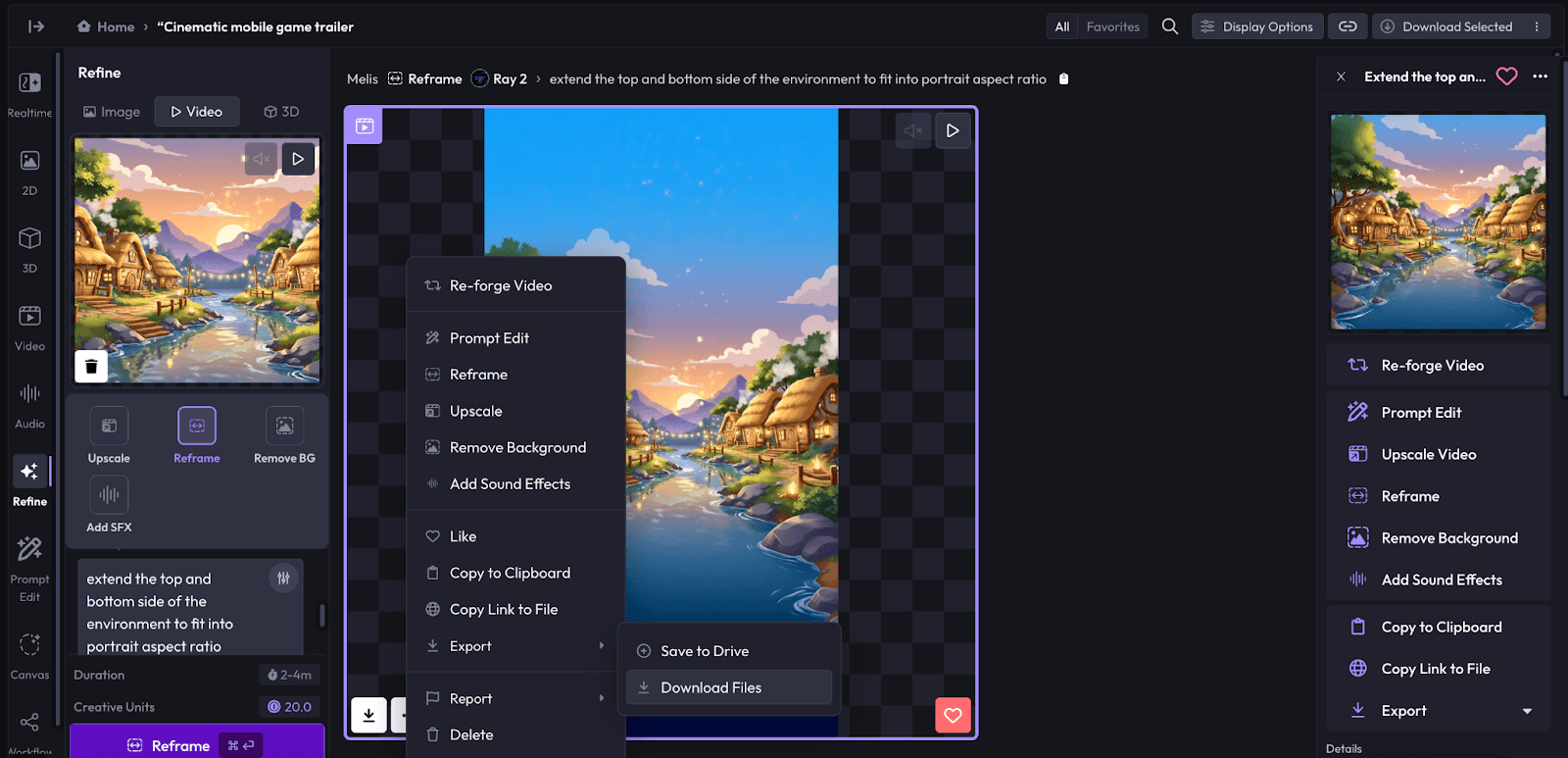
Do more than just generate. Clean up frames, edit sequences, upscale resolution, and reframe content using powerful video editing and enhancement tools. Perfect for studios creating marketing content, different video formats, or cinematic in-game assets.
Create with precision using guided video tools
Fine-tune your output with advanced controls like first-frame and last-frame guidance, image prompting, and frame interpolation. These tools give you direct influence over motion, pacing, and visual continuity - ideal for game teams that care about shot composition and polish.
Create any video asset your game needs
Whether you’re shipping a new game or running live updates, Layer helps you generate high-quality video content fast - from trailers and cinematics to ads and social clips.
Get started with
AI video generation
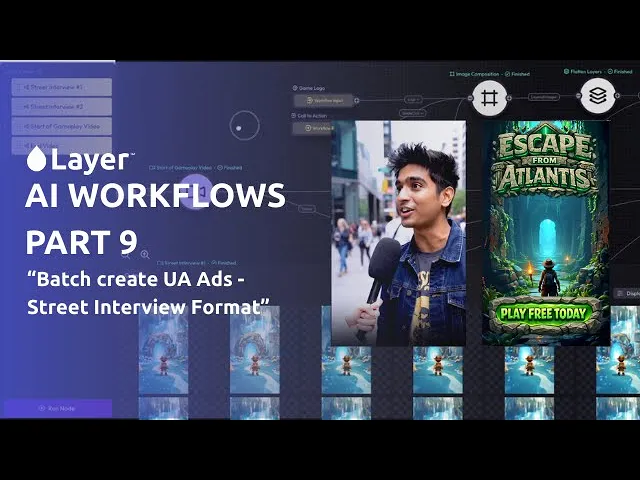
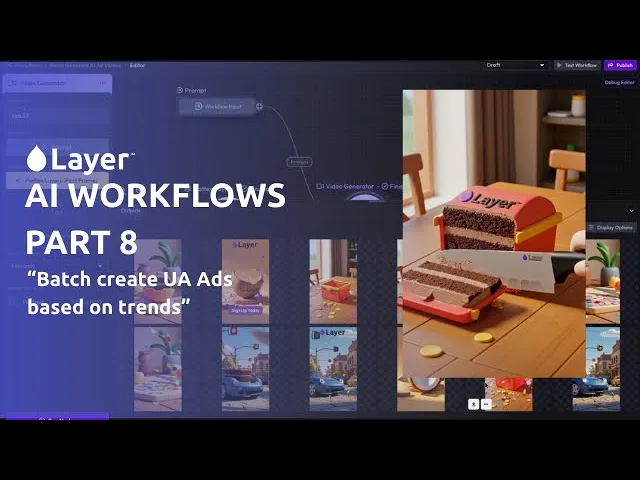
Learn how to create better AI-generated video content with practical guides from the Layer team. Whether you're experimenting with cinematic prompts or dialing in precise motion control, these quick tutorials will help you get the most out of Layer's video tools.

FAQ
What types of video assets can I make with Layer?
Layer supports every kind of video asset game studios need — from cinematic trailers and in-game cutscenes to background animations, UA ads, and social content. Whether it’s pre-production concepts or final production assets, you can generate it in Layer.
Can I create Video generations in my own game style?
Yes. With Custom Styles and using image references to kick off video generation, you ensure each video matches your IP. Coupled with our First Frame/Last Frame feature, this ensures consistency across trailers, cutscenes, and marketing assets.
Is Layer free? How do I get started?
Layer has a Free plan with Creative Units (CUs) so you can test video generation right away. Just sign up, upload a reference or prompt, and start creating. Once you’re ready to dive in, paid subscriptions scale with your production needs.
Do I need experience with AI generation to use Layer?
No experience required. Layer’s workflow is designed for game developers, artists, and creators of all types - with drag-and-drop references, simple prompt editing, and frame-level controls for refining videos.
Which AI models does Layer have for Video?
Layer includes leading video models such as Veo 3, Seedance, Kling v2.1 Master, Minimax, Minimax Live, Hunyuan and more - full list of video models here. We continuously add new models so studios always have access to the latest in video AI.
Is Layer the best platform for generating Video game assets?
Yes! Layer is built for game studios, combining multiple AI video models, custom style training, frame selection tools, and flexible upscaling in one platform. It’s the fastest way to produce high-quality, game-ready video assets.
What makes Layer different?
Layer is the only platform focused entirely on game studios. We’re model-agnostic, give you full creative control with Refine and Canvas tools, and scale with your production pipelines - from indie teams to AAA. That means faster production, consistent quality, and assets ready for real game pipelines.