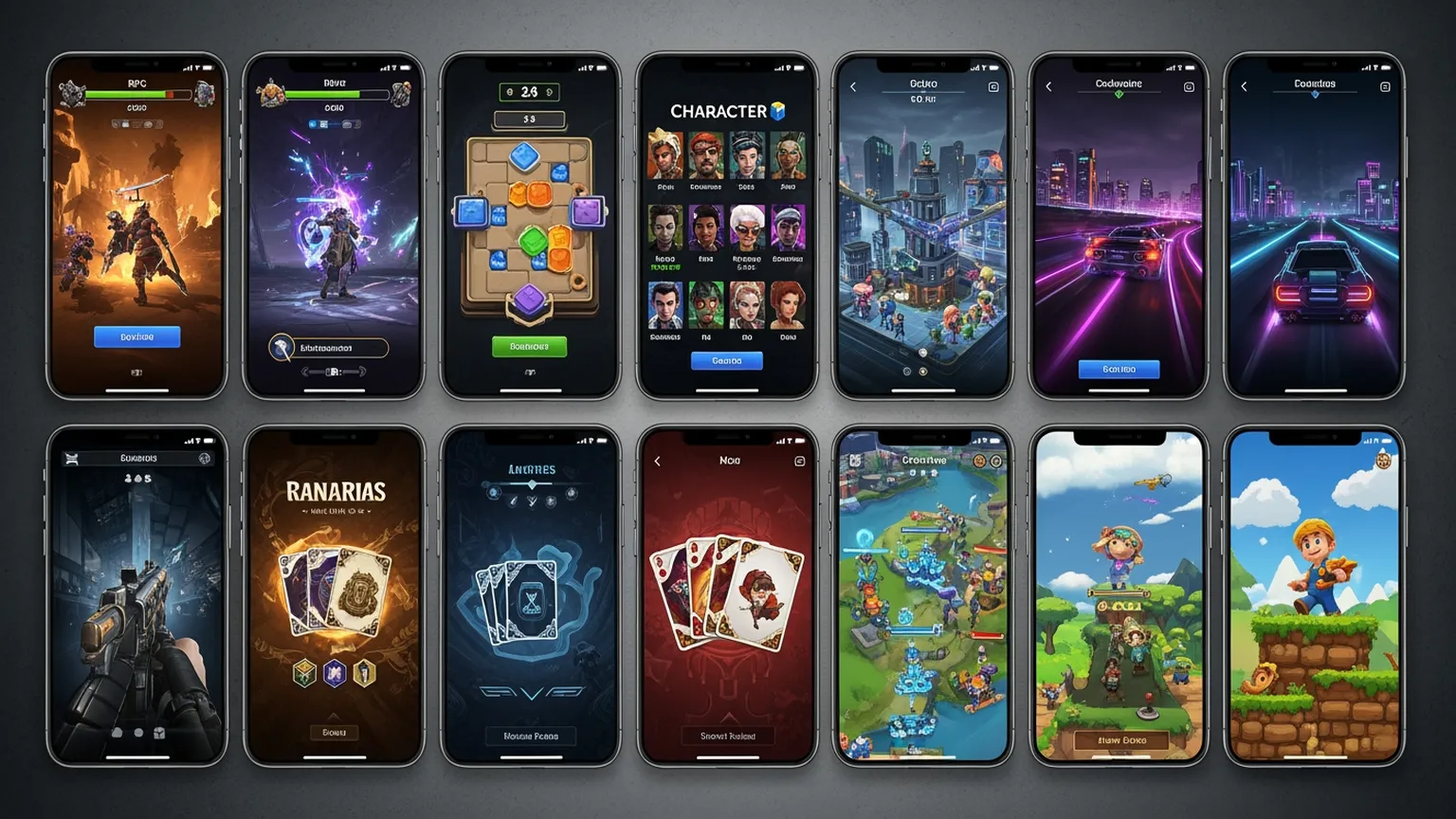
App store screenshots are the most underoptimized asset in mobile game UA. Every paid install clicks through to your store listing — and your screenshots determine whether that click becomes a download. Yet most studios design screenshots once and leave them unchanged for months.
Layer transforms app store screenshot production into a testable, data-driven process. Generate dozens of screenshot variations to A/B test on the App Store and Google Play. Explore different layouts, feature highlights, character showcases, and visual treatments. Find the screenshot set that maximizes conversion rate from store visit to install. Whether you're optimizing for organic ASO or paid UA store conversion, Layer helps you build the screenshot set that converts.
Why App Store Screenshots Matter for UA
Screenshots are the conversion bottleneck between ad click and install:
Every Paid Click Hits Your Store Page No matter how good your UA ads are, users land on your app store listing before installing. Screenshots are the primary visual decision factor.
30–50% of Store Visitors Browse Screenshots On both iOS and Google Play, screenshots are the most-viewed element after the icon. They're your highest-leverage ASO asset.
Screenshot Testing Lifts CVR 15–30% Studios that systematically test screenshots typically see 15–30% conversion rate improvements — which directly lowers effective CPI across all UA channels.
Most Studios Don't Test Despite the impact, most mobile game studios design screenshots once and rarely update them. This is a massive competitive opportunity.
Layer makes screenshot testing as easy as ad creative testing.
Screenshot Layout Exploration
Layer helps you explore the visual approaches that drive store conversion:
Gameplay-Forward Layouts Generate screenshots showcasing actual gameplay moments — battles, building, exploration, progression. Show what players will actually do.
Character-Focused Designs Create screenshots that lead with your game's characters. Hero shots, character lineups, and personality-driven compositions.
Feature Highlight Layouts Design screenshots that call out specific features — multiplayer, customization, competitive modes. Communicate your game's value proposition visually.
Social Proof Integration Generate screenshot designs incorporating ratings, awards, player counts, and review quotes. Test whether social proof elements lift conversion.
Panoramic and Connected Sets Create screenshot sequences that tell a visual story when scrolled — panoramic scenes, progressive reveals, and narrative sequences.
Explore more layout approaches in a day than traditional design produces in a month.
Platform-Specific Optimization
iOS and Google Play have different screenshot strategies. Layer covers both:
iOS App Store Generate screenshots sized for iPhone and iPad displays. Create portrait and landscape variations. Design for the first-three-visible layout that Apple's store uses.
Google Play Store Produce screenshots optimized for Google Play's layout. Feature graphics, phone frame mockups, and the visual style that converts on Android.
Size Variations Generate all required device sizes from a single creative direction — iPhone 6.7", iPad 12.9", and every Android resolution Google requires.
A/B Test Assets Both Apple and Google offer store listing experiments. Layer produces the variant sets you need to run statistically significant tests.
Native store optimization for both major platforms.
Screenshot A/B Testing at Scale
Systematic screenshot testing requires volume. Layer delivers:
First Screenshot Testing The first screenshot is the most important — it's visible without scrolling. Generate 20+ first-screenshot variations to find the highest-converting lead image.
Full Set Testing Test complete screenshot sets — different narrative sequences, feature ordering, and visual progressions.
Element Isolation Test individual variables: background colors, text overlay styles, character positions, and CTA placement. Get clean signals on what converts.
Seasonal Refreshes Generate updated screenshots for seasonal events, game updates, and feature launches. Keep your store listing fresh and relevant.
The testing volume that drives meaningful ASO improvements.
Localized Store Screenshots
Global games need localized store listings. Layer accelerates localized creative production:
Market-Specific Screenshots Generate culturally appropriate screenshots for each target market. Visual preferences vary significantly across regions.
Text Overlay Localization Create screenshots with space and compositions that work across languages — including longer German text and character-based CJK scripts.
Regional Feature Emphasis Highlight features that resonate in specific markets. Social features for Asian markets, competitive features for Western markets.
Rapid Market Testing Soft-launch store listings in new markets with localized screenshots without waiting for full localization cycles.
Localized ASO at the speed of global launches.
From Screenshots to Store Conversion
Layer supports the complete app store optimization workflow:
Icon and Screenshot Cohesion Generate screenshots that visually complement your app icon. Consistent visual language across all store elements.
Feature Graphic Design Create Google Play feature graphics and iOS promotional art that aligns with your screenshot design language.
Preview Video Frames Generate key frames and thumbnail images for app preview videos.
Store Listing Refresh Cadence Build a sustainable production pipeline for regular store listing updates tied to game updates and seasonal events.
Complete store visual optimization, not just screenshots.