Skip to content

Changelog

What's new on Layer

Product updates, new models, improvements, and fixes — shipped continuously.

Video arrives on Layer, batch generations, and prompting
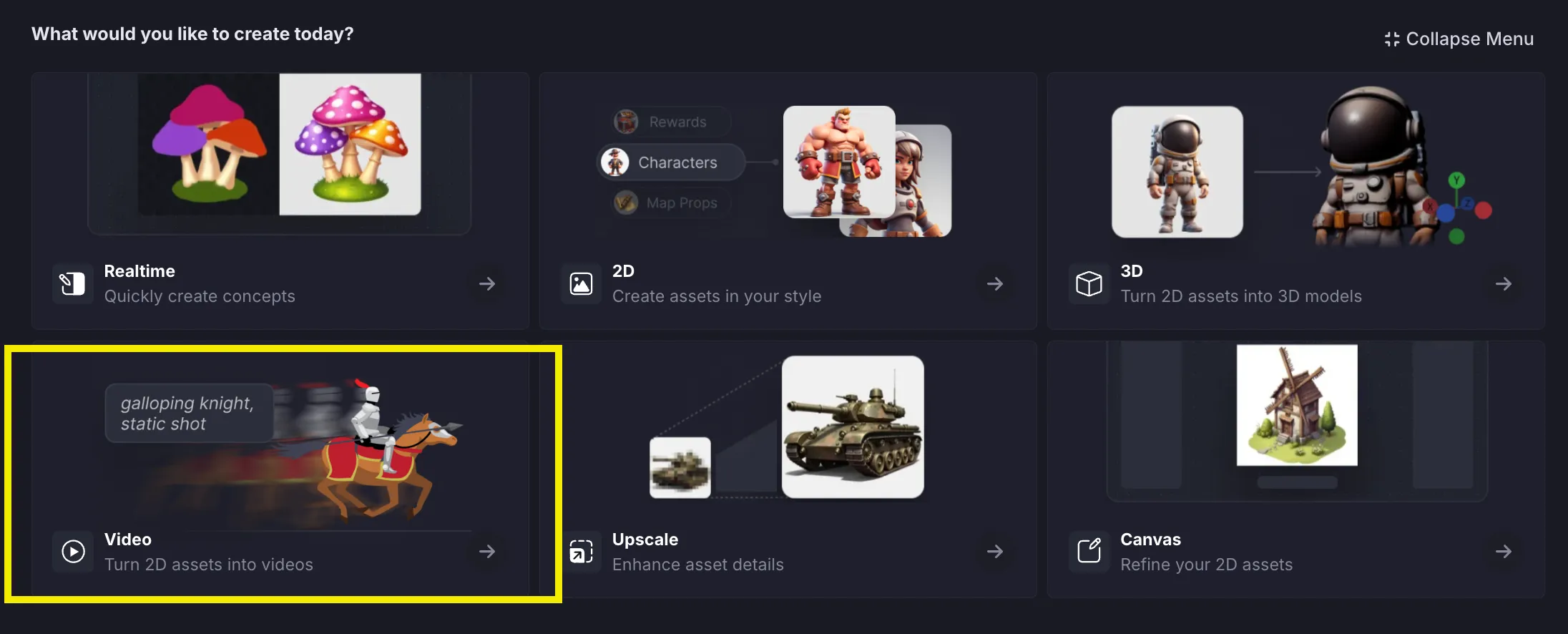
New Features

  • Added Video generation option for Pro, Studio, and Enterprise customers.
  • Added ethically trained, copyright compliant Shutterstock/Nvidia Edify 3D model for Enterprise customers.
  • Added description mode for Realtime canvas, and improved generation quality of Draw references.
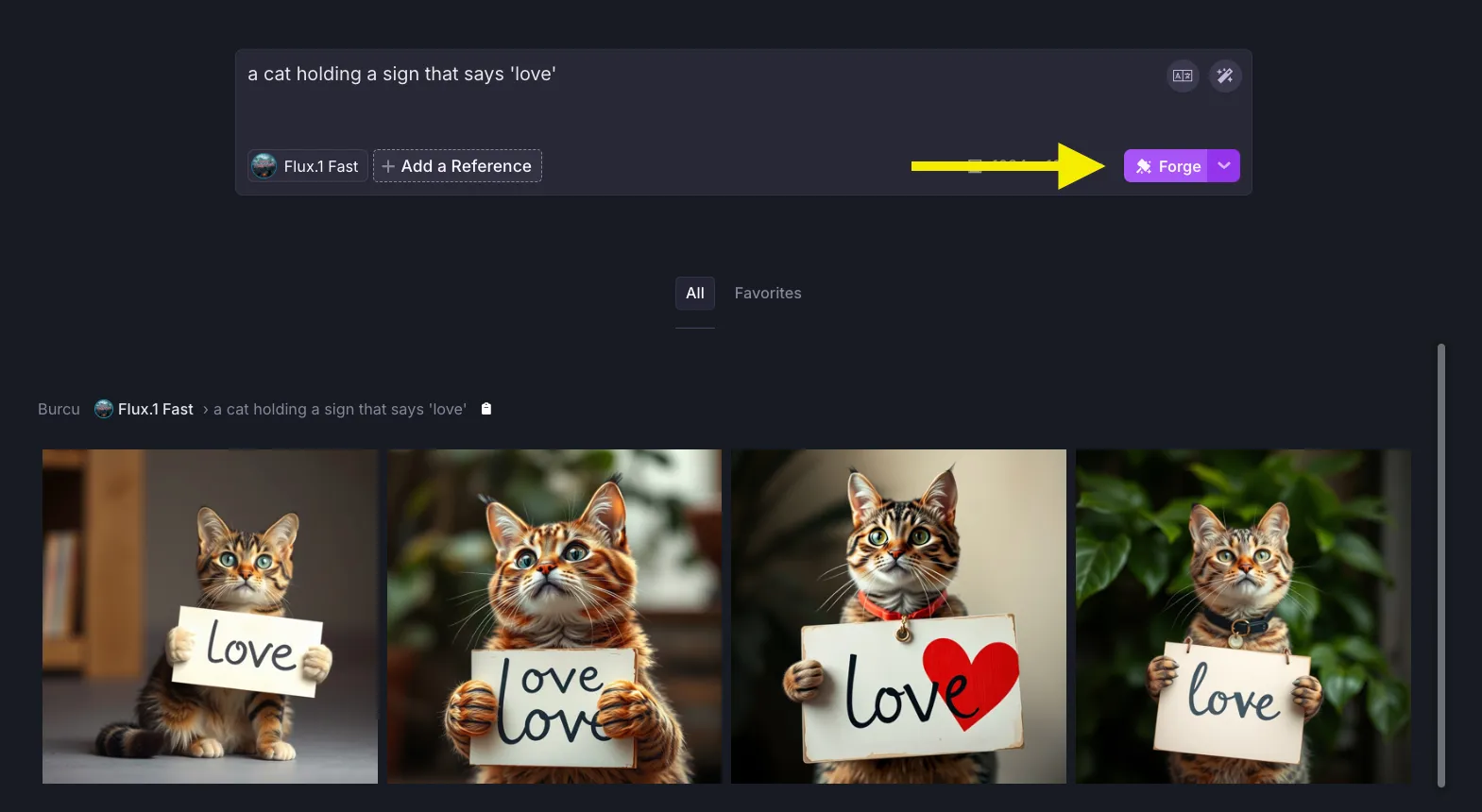
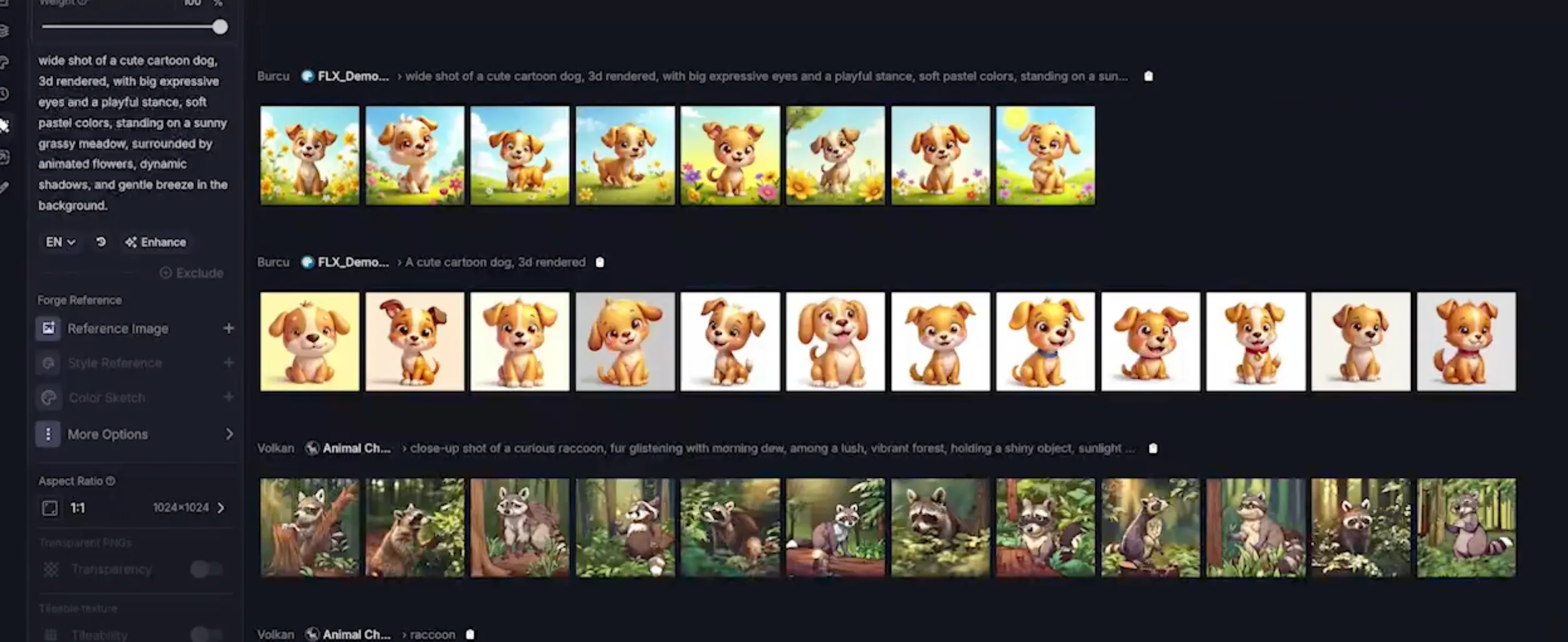
  • Added support for batch size, allowing users to Forge up to 16 images at a time.
  • Added support for users to generate prompts based on the uploaded reference image.
  • Improved prompt suggestions by making it more of an autocomplete.
  • Improved speed of generations via parallelization, achieving way faster Forge speeds.
  • Improved file options across Forge Sessions, Drive, and History to offer a more uniform and consistent experience for File post-processing.
Fixes
  • Fixed small bugs on realtime canvas.
  • Fixed a couple of long outstanding performance issues with Layer, and now the application should work way smoother than before.
Realtime Canvas, low-poly 3D assets, and improvements

New Features

  • Realtime Canvas: Transform your creative process with our new Realtime Canvas! Concepting images with Gen AI is now smoother and more intuitive than ever.
  • Enhanced Session View Header: Stay organized with a revamped session header that displays the session name and provides quick access to common actions.
  • Smarter Color Picker: Enjoy a new color picker for both the regular and Realtime Canvas, which remembers your previously selected colors for faster, consistent design choices.
  • Low-Poly Asset Optimization: Create low-poly assets with ease by enabling support for a smaller number of faces.
Fixes
  • Improved Loading Bar Visibility: Resolved an issue where the loading bar was partially hidden, ensuring a seamless user experience.

3D generation improvements and bug fixes

New Features

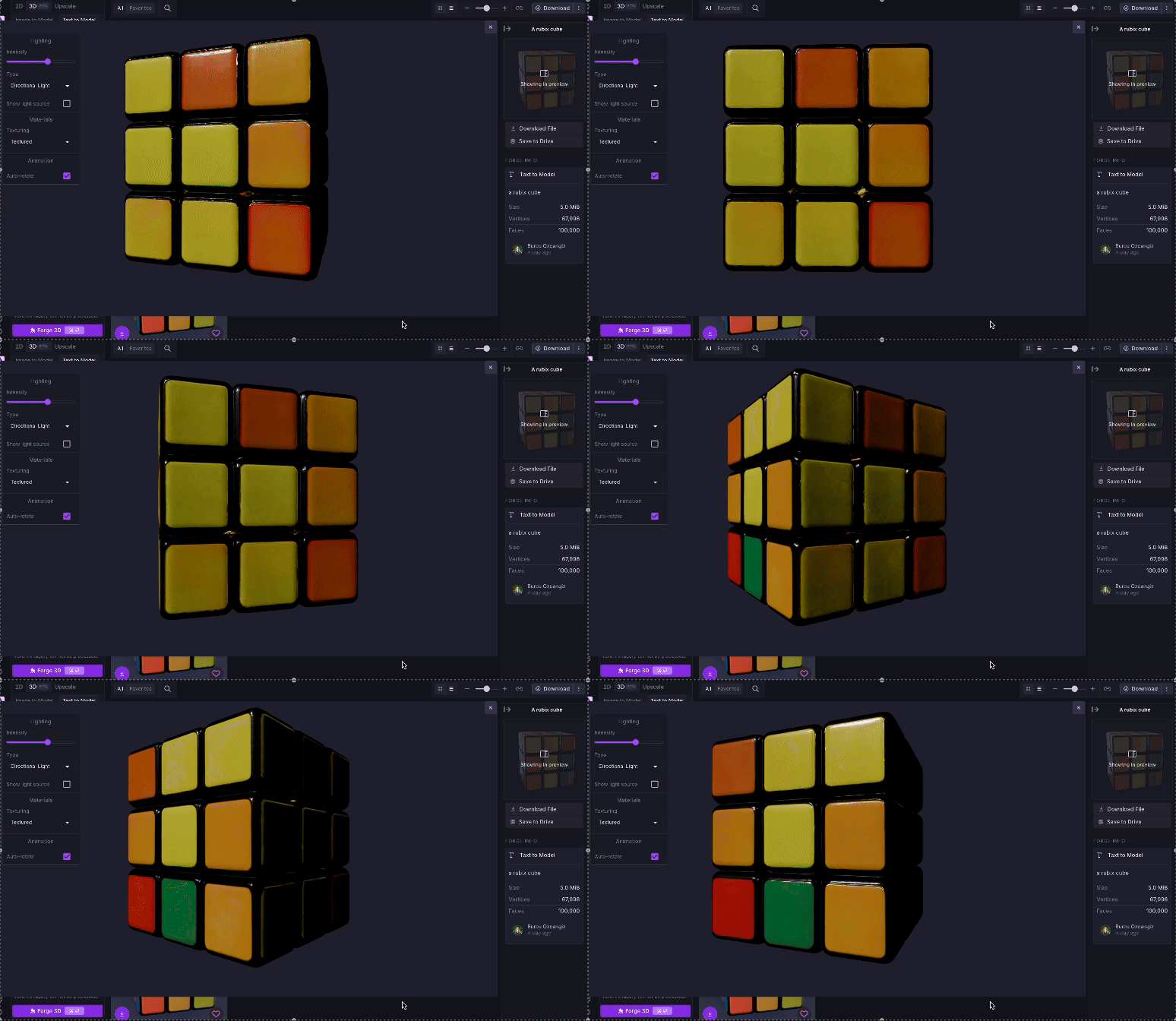
  • Added auto rotation on axis to 3D generation
  • Added ability to set the number of faces for 3D generation
  • Added support for textureless previews for 3D generations
Fixes
  • Fixed an issue where billing admins were unable to load the application
  • Fixed an issue where users did not get informative error messages when forging with custom styles after their trial expired
  • Fixed an issue where no meaningful error was shown when user entered Canvas and their GPU acceleration was disabled

FLUX custom styles, Imagen 3, and Forge improvements

New Features

  • LoRA Training Support with Flux: Enhanced flexibility with newly added support for LoRA trainings, integrated seamlessly with Flux.
  • Forge Visualization on Homepage: Redesigned homepage to offer a clearer, more intuitive visualization of your Forges.
  • Session File Downloads: Added the ability to download all files from a session in one easy click.
  • Workspace Members Update: Now showing last login information for each member on the Workspace members page.
  • Archiving Styles: Added options to archive and unarchive styles for improved organization.
Bug Fixes
  • Shortcut Conflict Resolved: Changed the Background shortcut from "B" to "G" to prevent overlap with the Brush tool.
  • Forge Content Stability: Resolved an issue causing content shifts when creating new Forges.
  • Multiple File Downloads Issue: Fixed an issue where downloading multiple files would result in an incomplete download.
  • Favorites Tab Persistence: Addressed an issue where Forges created while viewing Favorites did not automatically shift to "All," ensuring visibility of all new Forges.
  • Prompt History Privacy Fix: Corrected an oversight that made the prompt history page visible to all users.
  • Style Default Application: Fixed an issue where style defaults wouldn't apply correctly when navigating from the Styles page.
  • User Filter Display in Prompt History: Improved user filter on the Prompt History page to show email addresses when names are unavailable, eliminating empty rows.
  • Network Stability Enhancements: Various stability updates to reduce network-related errors.
New models1

Easy upgrade flow for outdated styles and Forge polish

New Features

  • Introduced a new style highlight feature to flag out-of-date styles, encouraging upgrades for improved results.
  • Added the ability to archive and unarchive styles without deletion, enhancing workspace organization and style management.
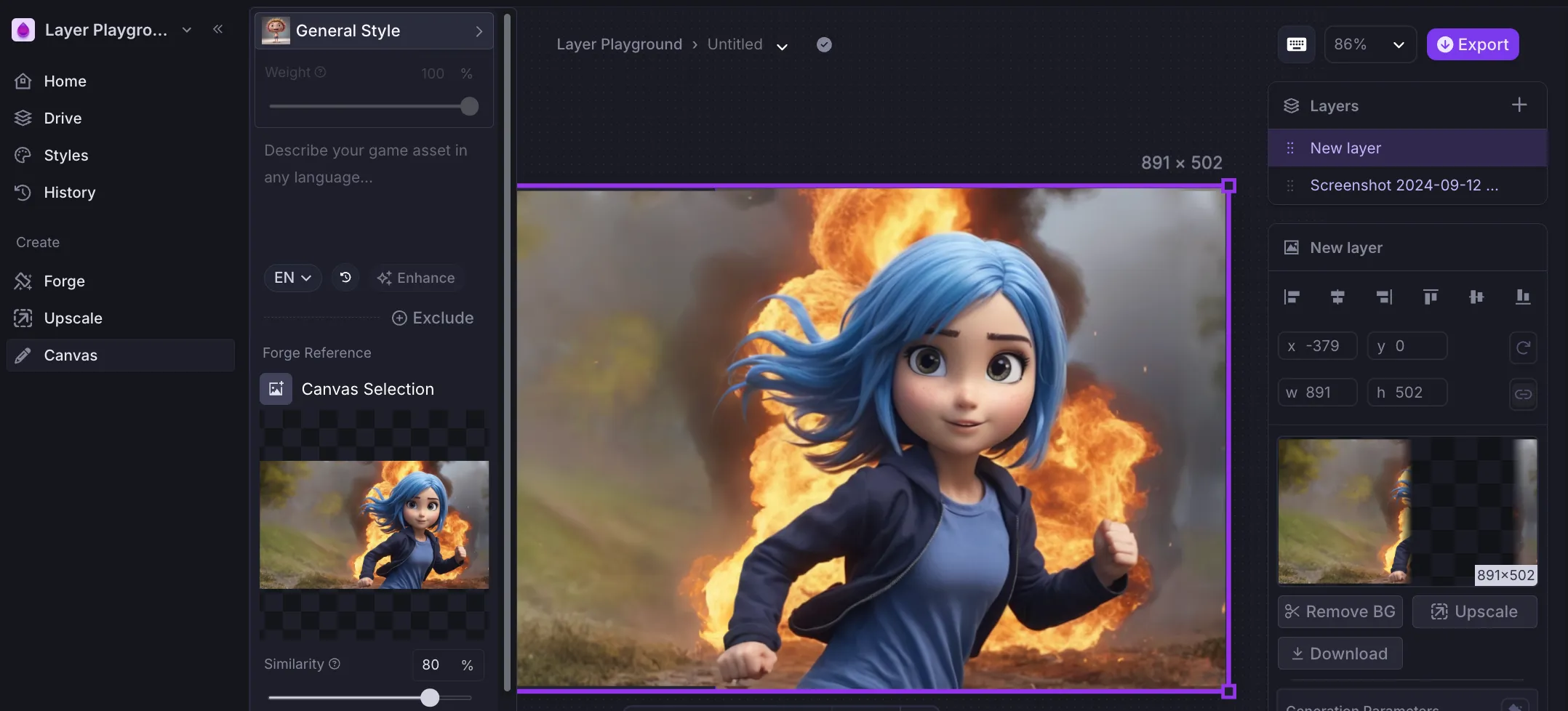
  • Adjusted the default similarity threshold for Forge references from 80% to 50% for more accurate generation outcomes.
  • Implemented a notification to alert users when a new version of the application is available.
  • Added visibility of failed Canvas forges in the sidebar, preventing them from disappearing and reducing user confusion.
Fixes
  • Resolved an issue where reference images wouldn't display correctly in preview mode.
  • Fixed a bug that prevented images from loading when navigating results in Forge view using keyboard shortcuts.

The all-new Forge experience

New Features

  • Introducing the All-New Forge Experience: We've revamped the image creation journey on Layer. The updated Forge offers a more streamlined and intuitive user experience, making it easier than ever to generate stunning images. Plus, you can now directly upscale your images right from the side navigation, giving you more control at your fingertips.
  • Enhanced Style Control with LoRA Style Weight: Now, you can fine-tune how much influence a specific style has on your generated images with our new Style Weight configuration for LoRAs. Create exactly the look you envision with precision style adjustments.
  • Unified Support Links in Side Navigation: We've reorganized all support resources into the side navigation, so help is always just a click away.
  • "My Workspaces" Link Added: Easily access all your workspaces! We've added the missing link to "My Workspaces," giving you a comprehensive view of every workspace you belong to.
Fixes
  • Close Preview Button Misplacement Fixed: Resolved an issue where the Close Preview button was appearing in the wrong location when viewing images in full screen mode.
  • Navigation Stability Improved: Fixed a bug that caused navigation issues when previewing workspace pages you weren't a part of, or non-workspace pages.

Layer Forges are now 2x faster

New Features

  • Changed basic generations to use a faster inference pipeline and greatly increasing Forge speeds SD based styles both custom and exploration.
Fixes
  • Fixed an issue where UI state did not update accordingly when forges had completed in Canvas view, resulting in seemingly long forges.

Tileable generations and several enhancements

New Features

  • Style Trainings Tutorial Video: We've added a brand-new tutorial video on style trainings, now available in Style Studio. Perfect your creative process with ease!
  • Tileable Generations: Unlock seamless designs with support for tileable generations, now accessible via the advanced options in Forge.
  • Shareable Links: Easily share your assets with the new option to copy shareable links directly from the "Export" menu.
  • Quick Copy Prompts: Need to reuse a prompt? You can now copy prompts directly from the File Details drawer with just a click.
  • Enhanced Text Descriptions: Style Studio now supports multiline texts for descriptions and negative prompts. Plus, we've added a link to our negative prompting guidelines for extra guidance.
  • Gamegos Case Study: Discover the impact of our tools with the newly released Gamegos case study.
Fixes
  • Image Refinement Error: We've squashed the pesky error that appeared when refining and editing upscaled images.
  • Model Upload Issue: Fixed an issue where uploading a model would incorrectly use the model as its own cover image.
  • TextField Regressions: Fixed the appearance of certain TextFields on the Style Details page for a smoother experience.
  • Faster Scheduling: Improved scheduling logic for generations, giving you faster and more efficient results.

Collapsible Navigation and Several Fixes

New Features

  • Collapsible Navigation: We've introduced a new collapsible navigation for easier access and a cleaner interface.
  • Enhanced Canvas Sessions: Canvas sessions can now be filtered and searched, just like Forge sessions, improving your workflow.
  • Copy Larger Prompts: You can now copy larger prompts that were previously cut off, using the new "Copy to Clipboard" button in Forge view.
  • Default Cover Images: All styles without a set cover image will now automatically use input images from training.
Fixes
  • Depth Map Rename: The depth map option has been renamed to "Structure" in reference settings for clarity.
  • Error States for Forges: When a Forge fails, an error state will now appear instead of the Forge disappearing from view.
  • Favorites Tab Issue: Resolved an issue where the Favorites tab would deselect when loading the Forge view.
  • Reliability Improvements: We've improved application reliability by addressing issues that caused some server restarts.

FLUX 1.0, BRIA 2.3 Inpainting and several enhancements

New Features

  • Poser Revolution: Unleash your creativity with our brand-new Poser tool! Choose from a curated set of poses or craft your own custom poses directly within your workspace.
  • Enhanced Style Creation Wizard: We've supercharged the style creation experience, making it smoother and more intuitive than ever.
  • Bria 2.3 In-Painting Model: Elevate your creations with our latest in-painting model, Bria 2.3, delivering even more refined and realistic image generations.
  • Smart Style Covers: Your newly trained styles now automatically feature training images as cover images. Plus, we've backfilled covers for older styles, ensuring every style looks its best.
  • Streamlined Style Studio: We've simplified the Style Studio view to focus on what matters—your Workplace Styles and Exploration Styles.
  • Easy Deletion: Say goodbye with confidence—our new delete dialog ensures seamless style management.
Bug Fixes
  • PNG Fix: We've corrected an issue where PNG files were incorrectly labeled as JPGs, ensuring smooth integration with other tools.
  • Featured Styles Glitch: No more confusion—featured styles now stay in their lane, separate from posted files.
  • Edit Control Error: We've resolved an issue where unnecessary edit controls appeared on the style details page, keeping things clean and error-free.
New models1

Ready to scale your creative production?