Skip to content

Changelog

What's new on Layer

Product updates, new models, improvements, and fixes — shipped continuously.

BRIA 2.3 upgrade, cover image input, and fixes
New Features

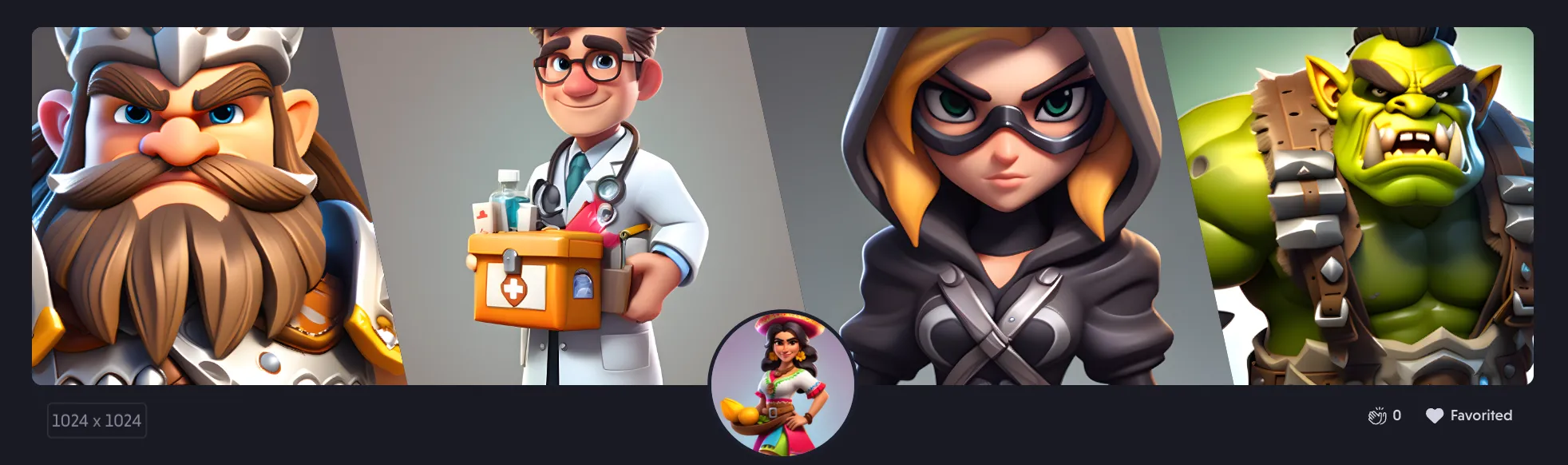
  • Cover Image Input: A new Cover Image input feature now allows you to reorder cover images for your styles effortlessly. This gives you more flexibility and customization options for showcasing your work.
  • Bria Upgrade to 2.3: We've upgraded from Bria 2.1 to Bria 2.3, which brings proper support for reference types. This enhancement ensures smoother operations and better integration within your workflow.
  • Dismiss Button for What's New Box: We've added a handy dismiss button to the What's New box, giving you control over your notifications. Stay informed, but only when you want to!
Fixes
  • Black Images with Reference Types: We addressed an issue where forges would sometimes produce black images when using reference types. This fix ensures consistent and accurate image rendering.
  • Shortcuts Visibility on Canvas: An issue where shortcuts on the canvas would occasionally get hidden below the fold has been resolved. Your shortcuts will now always be visible and easily accessible.
  • Asset Name Length on Canvas: We've fixed a problem where asset names would be excessively long on the canvas, taking up too much space. Names will now display in a more manageable and readable manner.
  • Readability Issues with Banners: Some readability issues with banners on the home page have been fixed, making sure your user experience remains smooth and visually pleasing.
  • TOS Acceptance During Sign-Up: We resolved an issue where users were required to accept the Terms of Service twice when signing up. This process is now streamlined for your convenience.
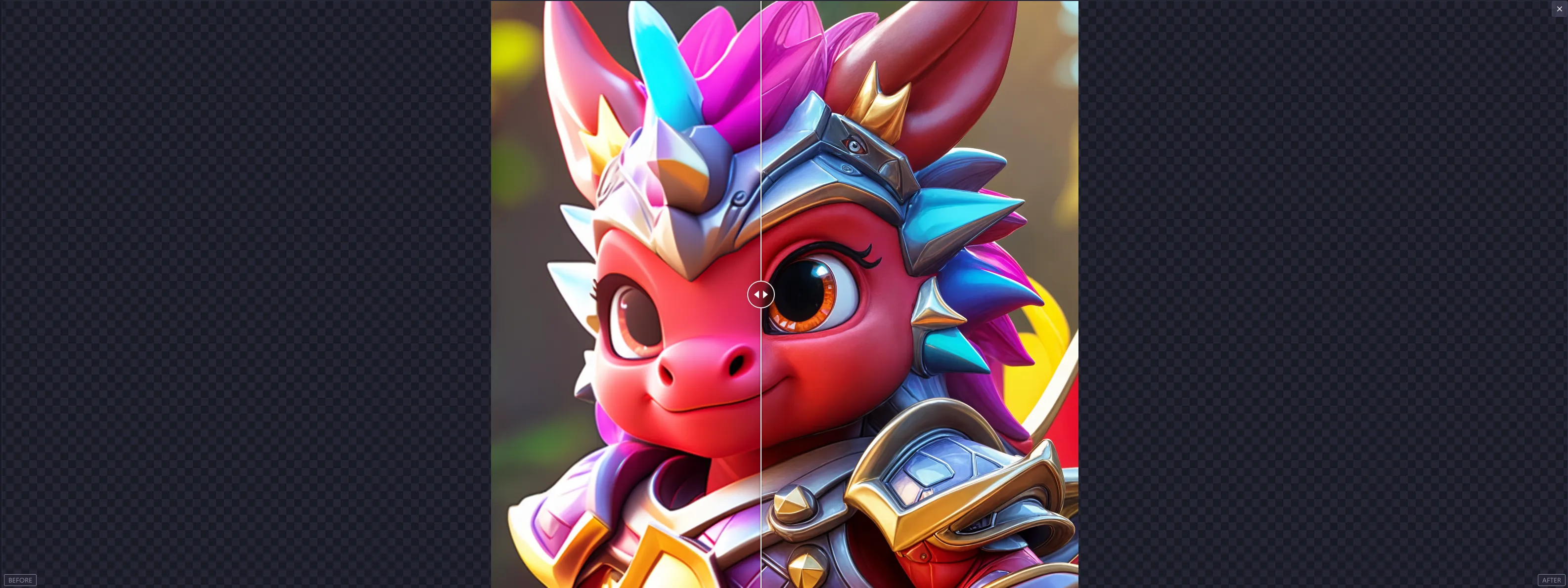
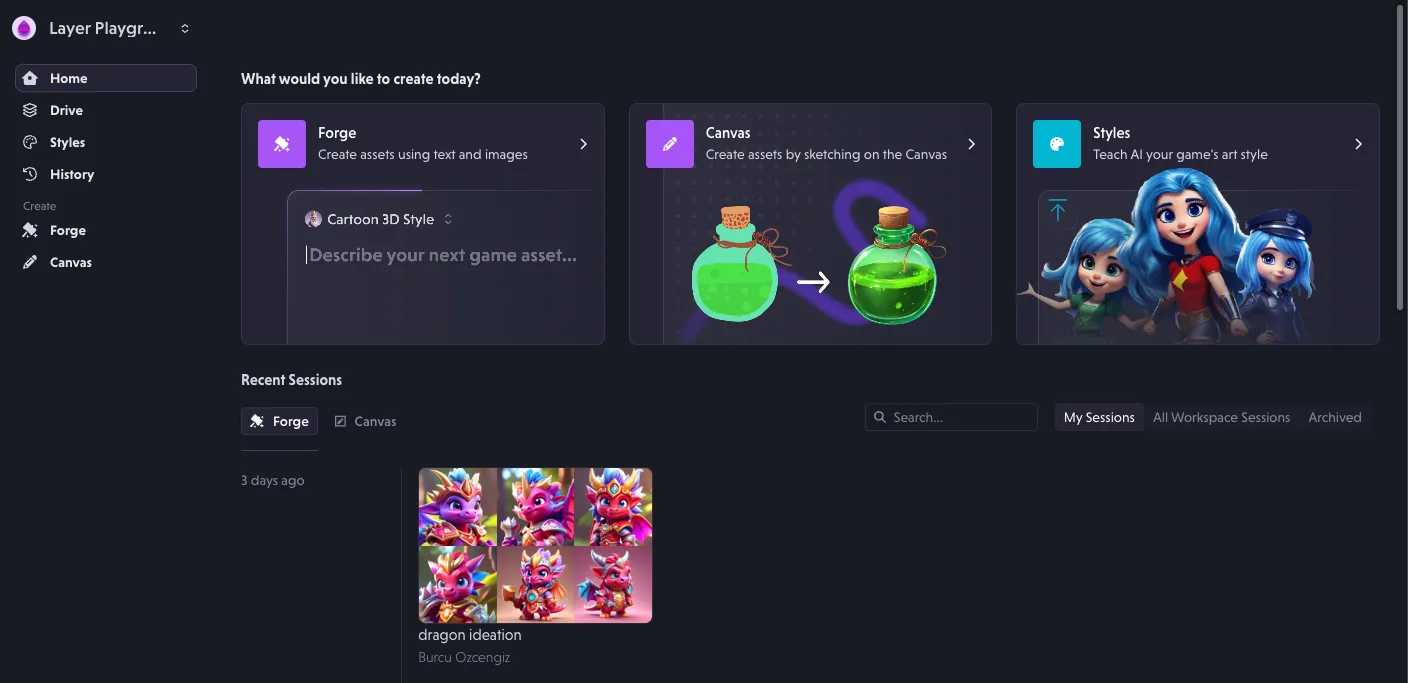
New upscaler with before/after previews, drag & drop, SCIM

Home Page UX Improvements

We've refined the user experience on our home page to make it more intuitive and enjoyable. Expect a smoother and more engaging interface that simplifies navigation and boosts productivity.

Forge Enhancements

Our Forge tool has received significant upgrades:

  • New Upscaler with Before/After Previews: Visualize your enhancements effortlessly with our new upscaler feature, allowing you to see before and after comparisons.
  • Space Bar Previews: Quickly open previews by simply pressing the space bar, making the process faster and more efficient.
  • Drag and Drop Images: Now you can easily drag and drop images directly into the Forge box for a seamless workflow.
Workspace Enhancements

We've made several improvements to the Workspace for better organization and usability:

  • Improved Dropdown Organization: Elements in the Workspace dropdown are now better organized for easier access.
  • Clickable Workspace Avatars: Navigate more efficiently by clicking on workspace avatars.
Drive Improvements

Accessing your files is now more convenient:

  • Last Drive Location Memory: The drive will now remember the last location you accessed, saving you time when you return.

SCIM Support

We are pleased to announce SCIM support for Layer, providing streamlined user management and integration capabilities for large organizations.

Fixes

We've addressed several issues to improve stability and performance:

  • Keyboard Shortcuts on Forge Page: Resolved an issue affecting keyboard shortcuts on the Forge page.
  • Image Resolution in Previews: Fixed the problem of using images with too small a resolution for previews in Forge.
  • Content Clipping in Style Creation Wizard: Corrected issues with content clipping in the style creation wizard.
  • Similarity in Exploration Styles: Addressed issues with similarity in some exploration styles, enhancing the diversity of results.
  • Error Handling for Black Images: Improved error handling for cases when black images are generated.
  • Thumbnails on Style Page: Fixed a regression issue affecting thumbnails on the style page.

Revamped home page, prompt translations, and drag & drop

Revamped Home Page

  • Newly Organized Home Page: We've reorganized the home page to provide a clearer view of Layer AI's capabilities, making it easier for you to navigate and understand the full range of features.

Simplified Navigation

  • Simplified Menu: Accessing your workspace and user details is now more straightforward with our new simplified menu. This change aims to streamline your workflow and save you time.
Performance Enhancements
  • Improved Page Load Performance: To ensure a faster browsing experience, we've implemented thumbnails that significantly improve page load times.
Reliability Improvements
  • Enhanced Scheduling Logic: We've made substantial improvements to our scheduling logic, resulting in a more reliable and consistent performance.

New Features

  • Release Notes Widget: Stay updated with the latest features and improvements through our new release notes widget located in the side navigation.
  • Prompt Translations: Our new translation feature allows you to translate prompts from your home language to English, ensuring more accurate and effective generations.
  • Drag and Drop: Our prompt box and all other import sections now support drag and drop in addition to select from drive and copy paste.
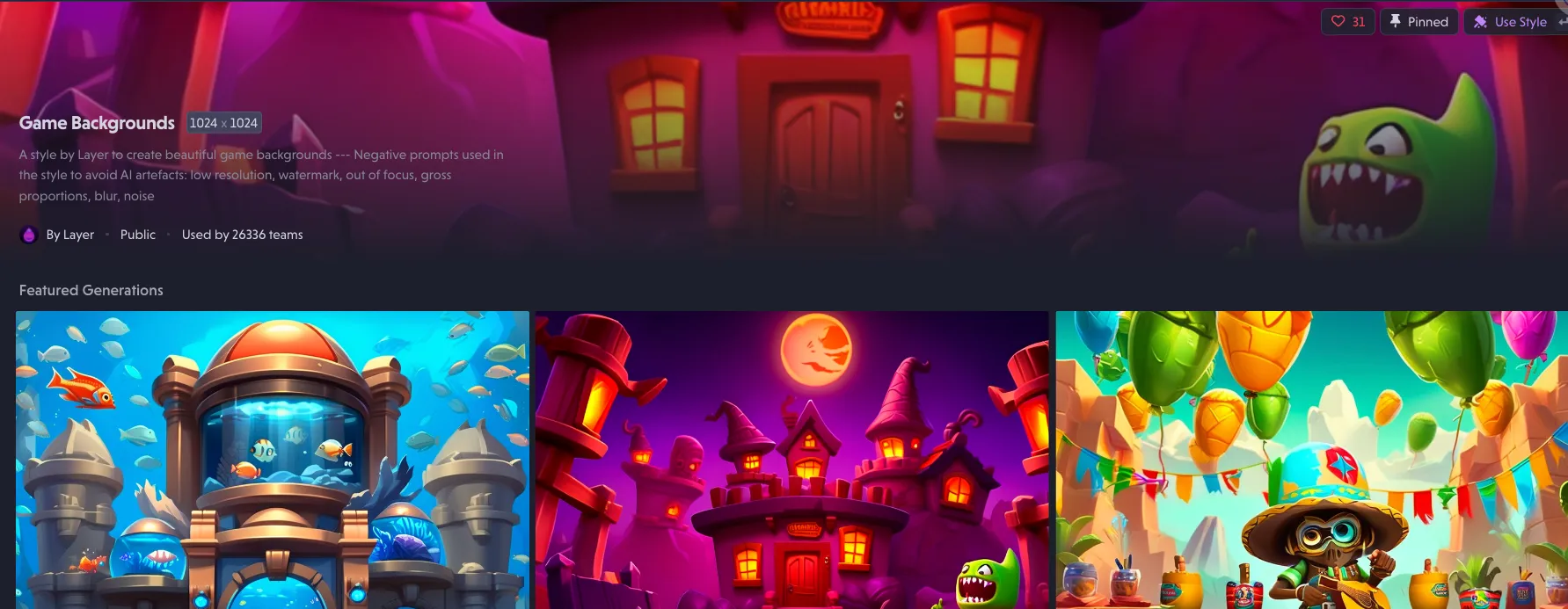
  • Enhanced Style Management: The style dropdown now exclusively shows imported styles. You can easily remove undesired styles by unlinking them from your workspace. Styles can now be searched using partial search terms, making it easier to find the exact style you need.
  • New Style Creation Tools: We've added upscaling and a "remove background" feature to the style creation funnel, providing you with more powerful editing options to prepare your assets for style training.
User Experience Improvements
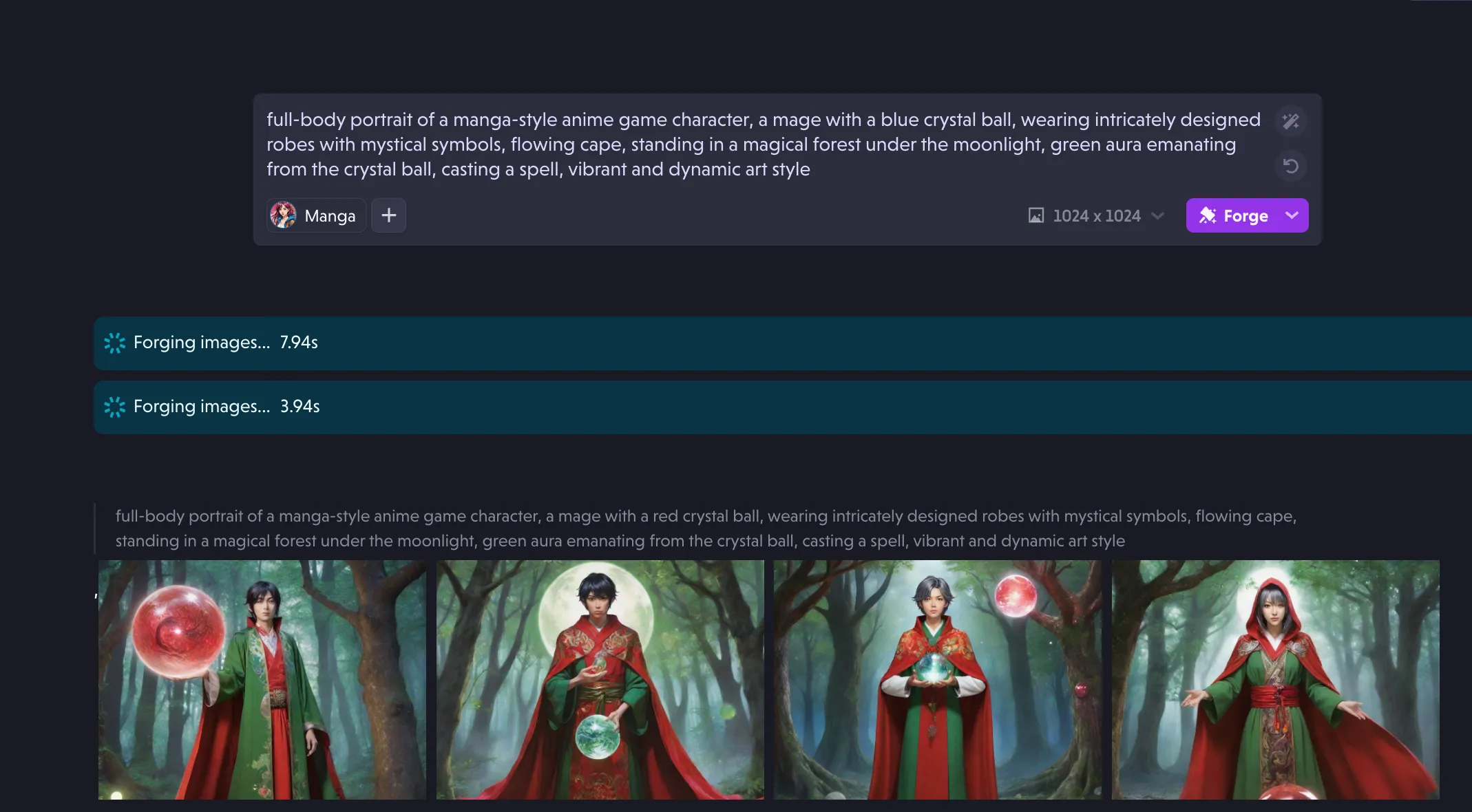
  • Multi Forging Experience: The multi forging experience now highlights the style used for generation, and we have improved loaders for a smoother user experience.
  • Drive Access Memory: The application now remembers your previously accessed location in Drive, enhancing your productivity and ease of access.
Bug Fixes
  • Forge Navigation: Fixed the back button behavior when entering a Forge.
  • Scrollbar Design: Improved the look and feel of scrollbars across the application.
  • Forging Issues: Resolved sporadic issues encountered during forging.
  • Thumbnail Aspect Ratio: Fixed the warping issue of thumbnail aspect ratios for inferences on the home page.

Forge Sessions V2, redesigned Styles page, multi-language prompts

What's new

Forge Sessions V2

  • Forge session Favorites tab was added. Users can favorite generations and see them under 'Favorites' tab and perform batch operations such as upscale, export, remove background and more.
  • New loading screen for multi-forge is live.

Styles Page Redesign

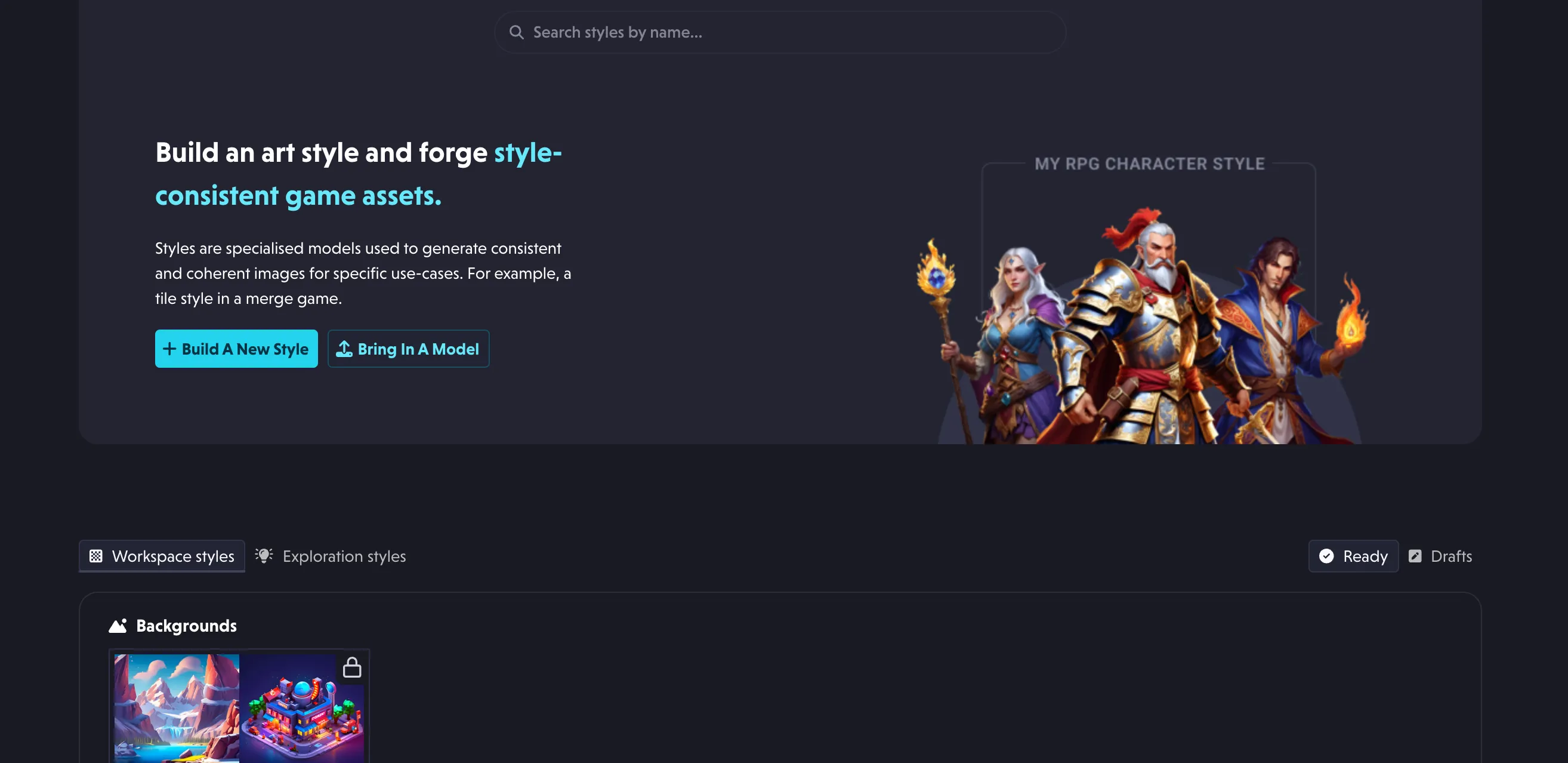
  • Completely redesigned the styles page.
  • Added search & groups to easily manage styles.
  • Added base model to style settings page.
  • Added the tutorial view and success stories for first time users.
  • Model uploads feature is clarified for users who have been importing third party models.
  • Workspace styles, Exploration styles and Draft styles are separated for users to easily find their styles.

Prompt box

  • Multi-language support was added on the prompt box. Users can now type in any language, use the magic wand and forge. Since we're using a translation service, we recommend looking out for any potential mistakes and reporting to us if any unusual behavior is encountered.
  • Clarification on UX regarding adding references and selecting new styles.
Bug Fixes
  • Bug preventing forges from displaying was fixed.
  • Prompt enhancer related bug is fixed. Now enhance history is cleared when user erases their prompt to reset for brand new generations.
  • Fixed styles editor cropper which was causing black backgrounds.

Session downloads, crop refinement, and image copying

What's new

  • Added single-click download to session files
  • Added an ellipsis icon for more actions on session files were added on forge results
  • Add crop file refinement support
  • Allow copying of images to the clipboard through the sessions page
  • Added basic multi-forge support
  • Set image to image width to the ideal size for image generation
Bug Fixes
  • Fix session drive save regression issue
  • Fix issues with session renaming bug
  • Session search bar improvements

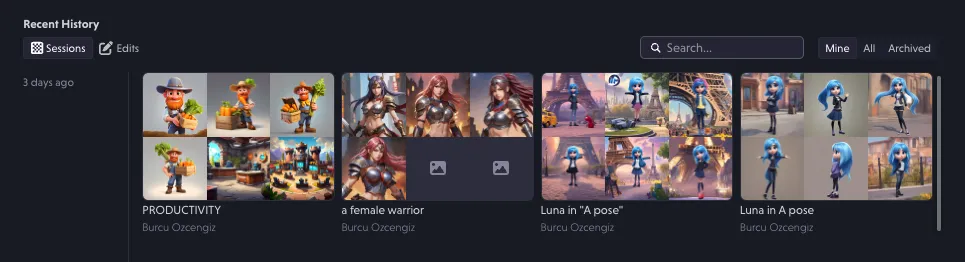
Forge Sessions: revisit and manage past generations

Forge Sessions Feature Release

Released Forge Sessions that allows users to go back and revisit their generations. As part of this release users can:

  • Access their past forges in chronological order
  • See their other workspace members' forges
  • Access edited generations and resume work from where they left
  • Batch select, download, upscale and export assets to move them to their library
  • Like their assets and access them later in their favorites section
Bug Fixes

Fixed an issue where cropped images in style training would lose black outlines due to Layer adding a black background to transparent backgrounds.

Platform improvements and bug fixes

  • Fixed an issue where not all styles were visible in all parts of the workspace due to limited pagination.
  • Fixed an issue where using a reference image resulted in unexpected results.
  • Fixed search on prompt history page.
  • Fixed bookmarking.
  • Updated starter styles to high resolution ones.
  • Added saving indicator to canvas.

Local forge history, button improvements, and fixes

New Features

  • Added a feature that saves the last 20 forges for the user on their device for quicker re-forges.
  • Improved affordance of buttons on the error page.
Bug fixes
  • Fixed a bug where users who no longer were part of a company domain were able to login with their previous email to their personal workspace.
  • Fixed a source of many connectivity issues that resulted in application errors.
  • Fixed an issue where default style used wrong options for forging.
  • Fixed an issue where a reference image resulted in wrong image size being used for Forges after re-selecting a style.
  • Fixed a bug where pinned styles were not showing up on the homepage.
  • Fixed an issue where style reference and face reference features were not working properly.

More stable forging, client-side monitoring, and fixes

  • Fixed various client-side errors in the application to enhance stability.
  • Implemented quality and reliability improvements, reducing errors across the application.
  • Added release notes visibility to the main application's side navigation.
  • Enhanced visibility of key links on our error page for better user experience.
  • Added monitoring for client-side network errors to identify and diagnose sporadic errors.
  • Fixed a label in style details page for better clarity.
  • Fixed an issue with the brush tool leaving empty spots when moving the mouse quickly.

Forge history search, transparent generation, and fixes

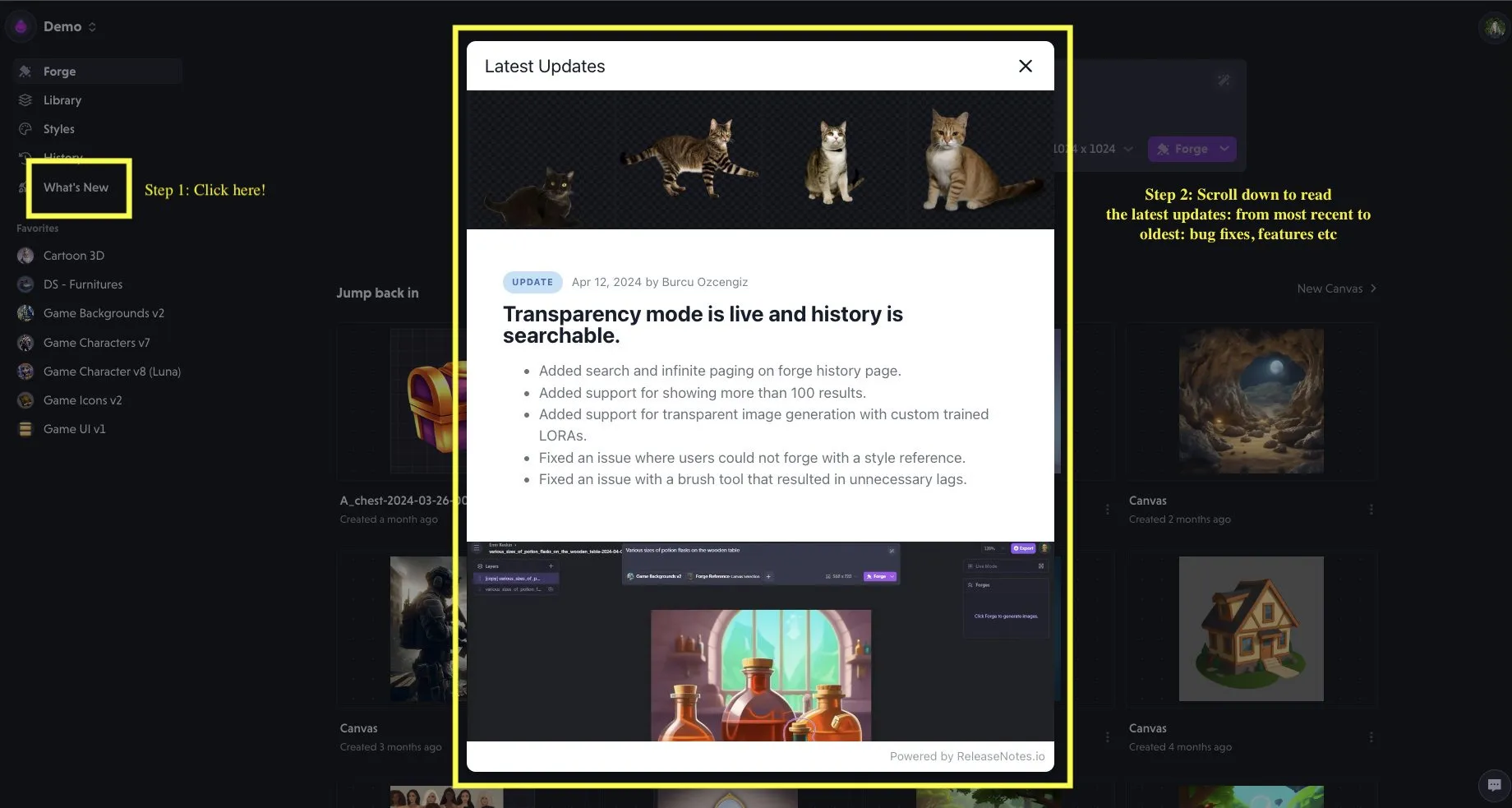
  • Added search and infinite paging on forge history page.
  • Added support for showing more than 100 results.
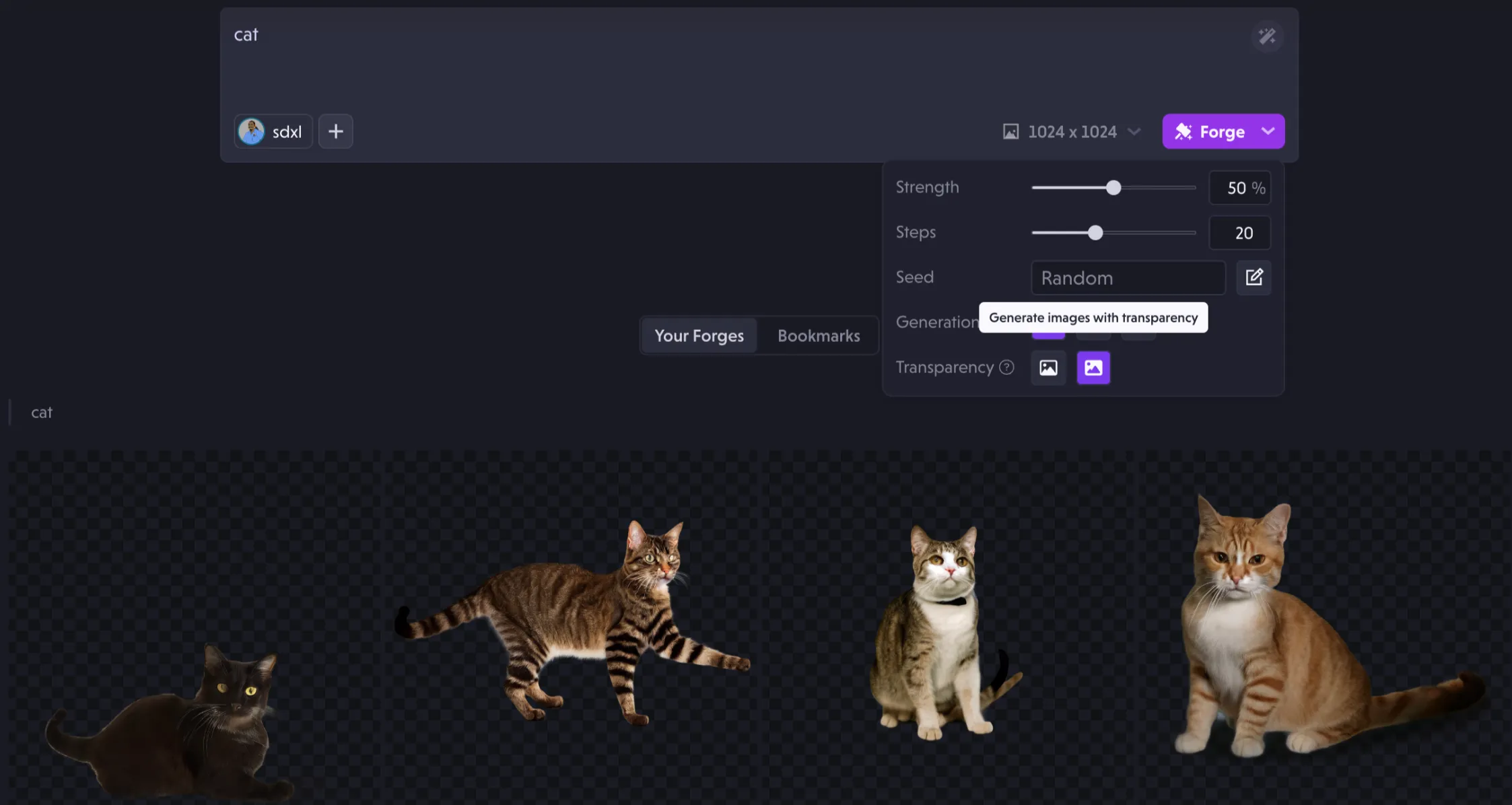
  • Added support for transparent image generation with custom trained LORAs.
  • Fixed an issue where users could not forge with a style reference.
  • Fixed an issue with a brush tool that resulted in unnecessary lags.

Ready to scale your creative production?