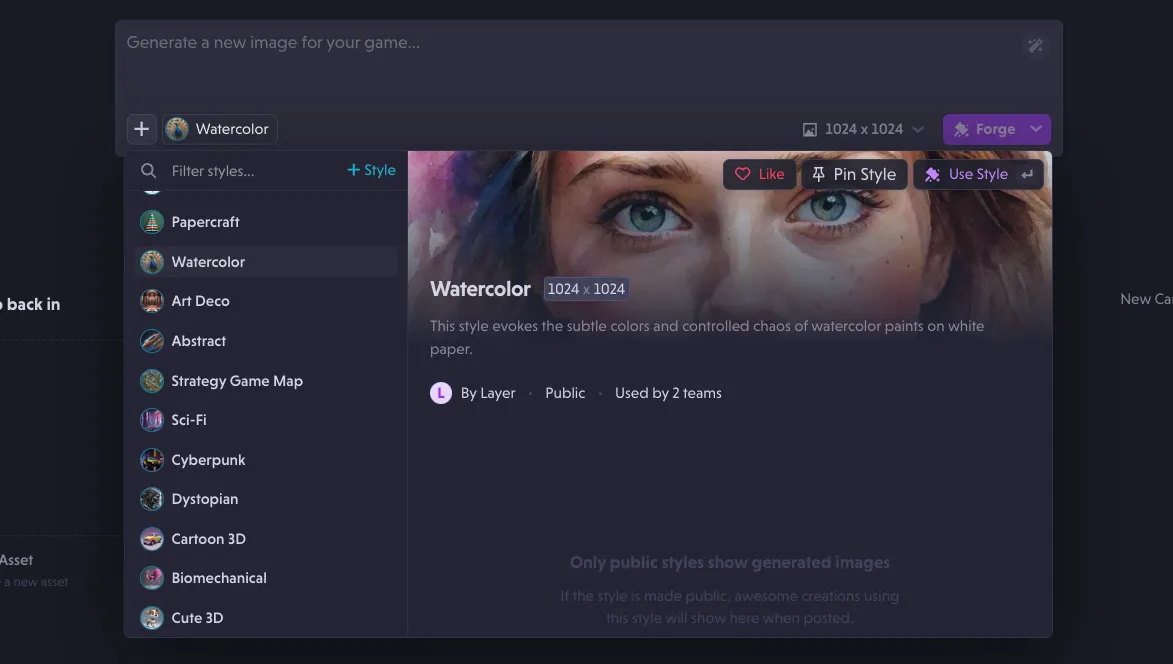
Remove Anything tool, better error messaging, and tutorials
New Features
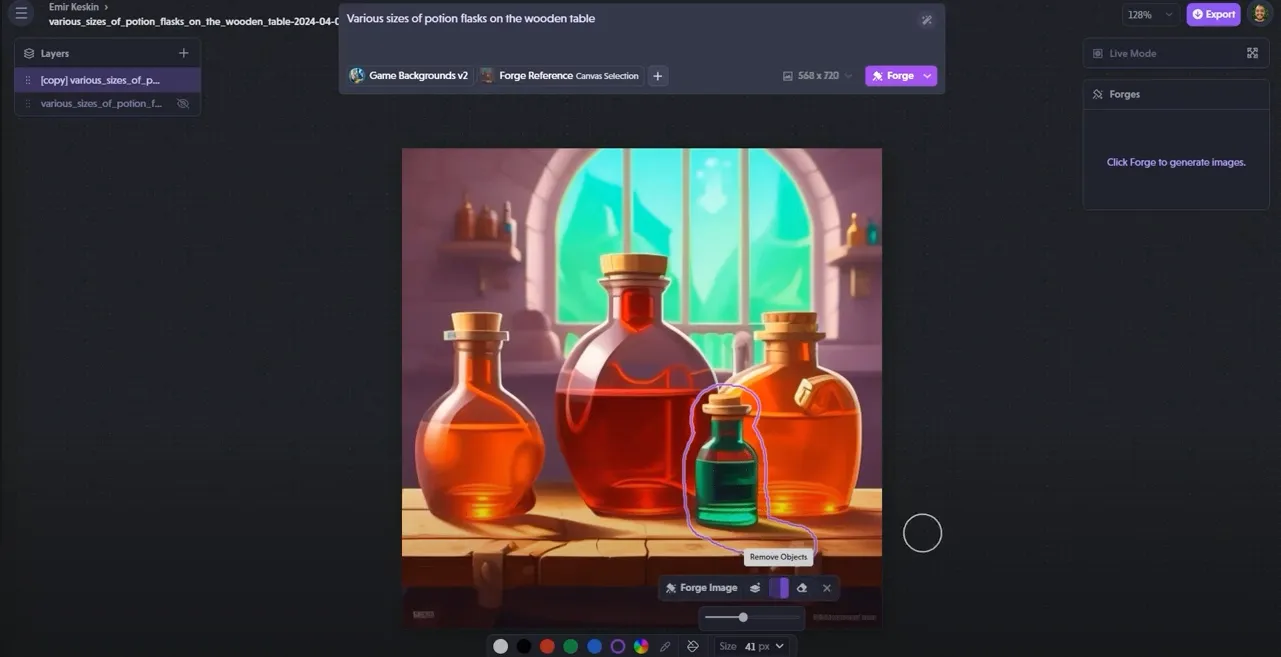
- Introduced support for the "Remove Anything" tool, allowing users to easily erase unwanted elements from images.
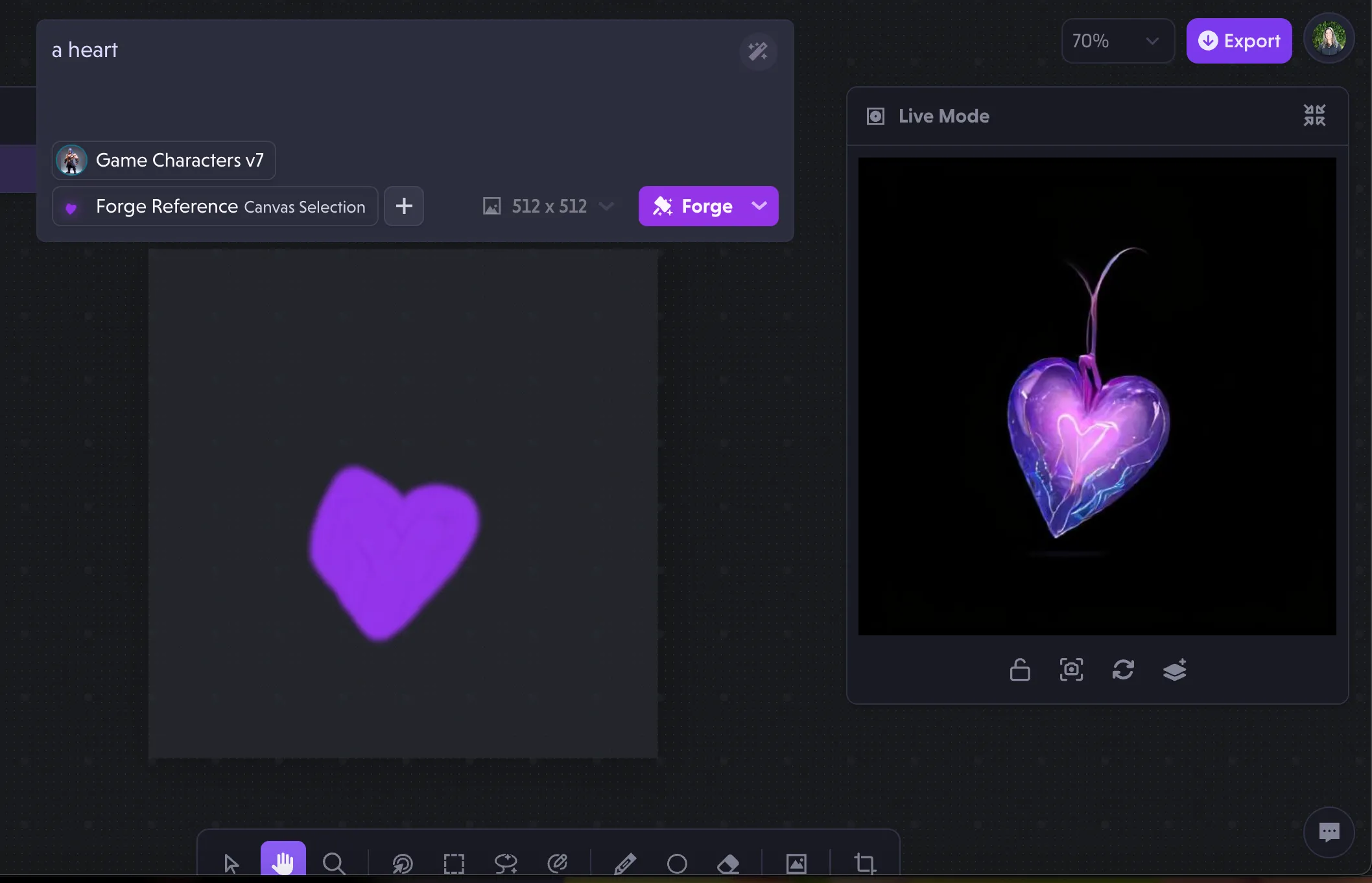
- Included IP Adapter Face Plus (Face references) as a selectable option.
- Enhanced error messaging for login failures caused by domain enforcement or incorrect credentials.
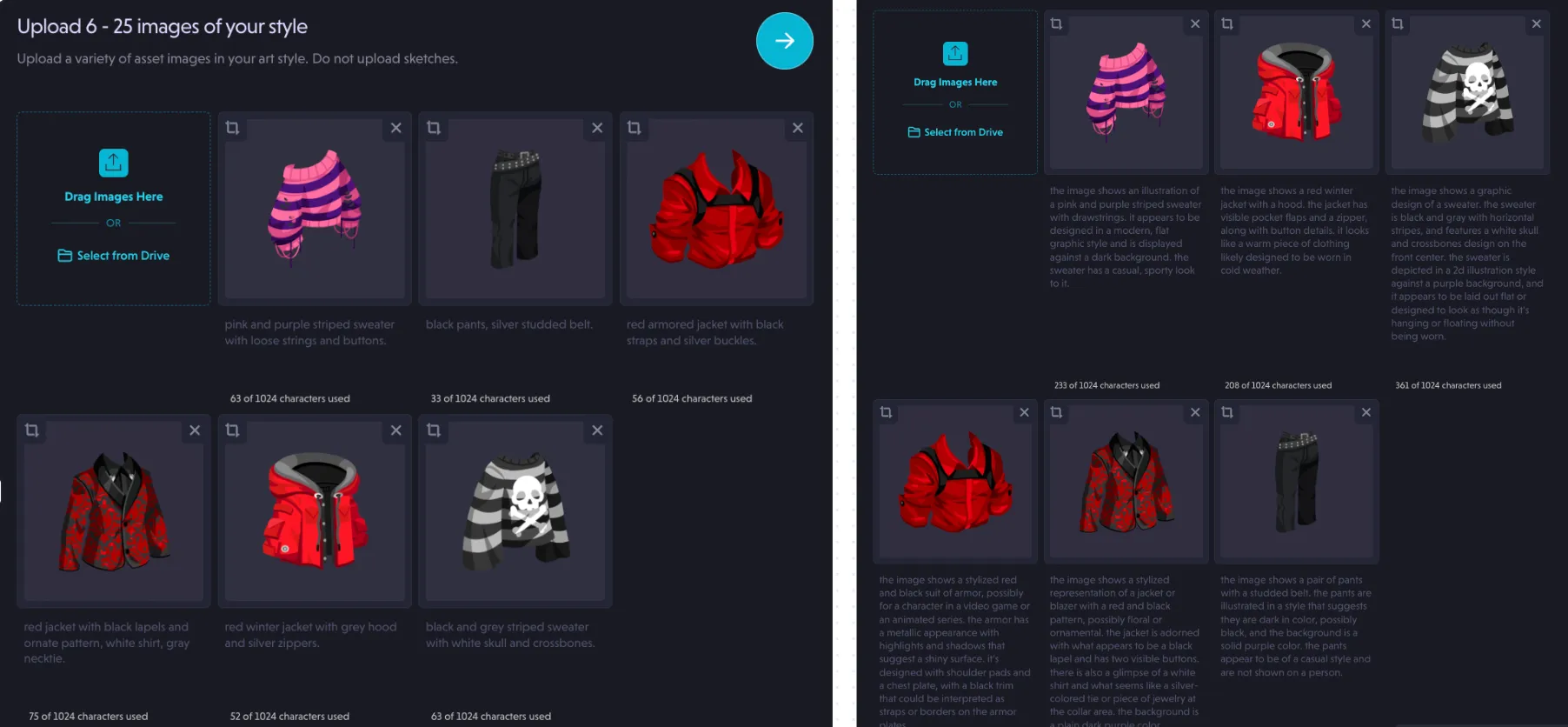
- Implemented onboarding processes specifically designed for first-time users.
- Released a tutorial video demonstrating the functionality of the "Remove Anything" tool.
Bug Fixes
- Resolved an issue with workspace notice formatting.
- Fixed a bug where erasing selections caused image shifting.
- Addressed a regression in the style dropdown link.
- Rectified a regression that caused styles to disappear from the history page.
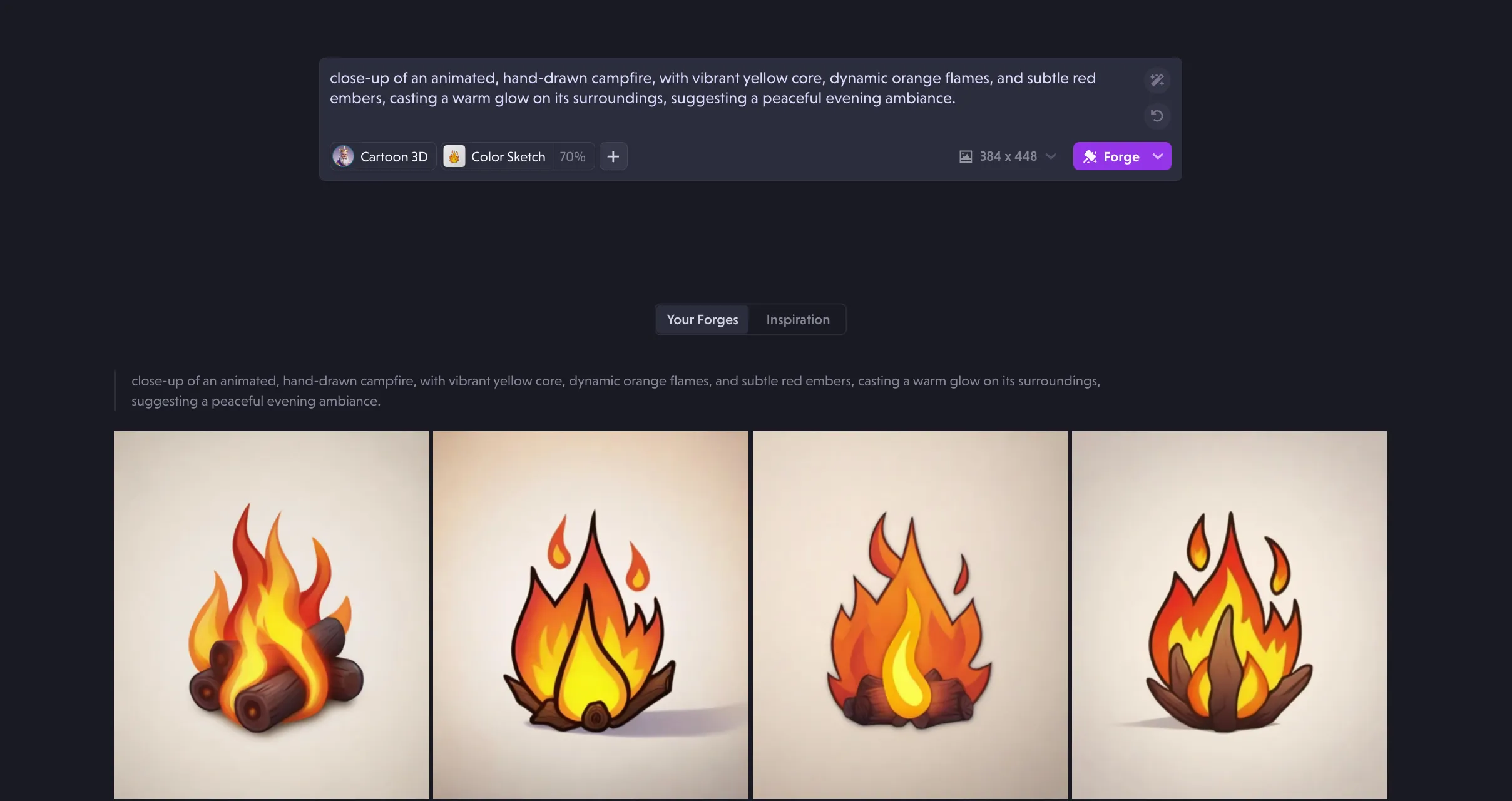
- Fixed an issue preventing users from selecting bw or color sketch after certain style selections.
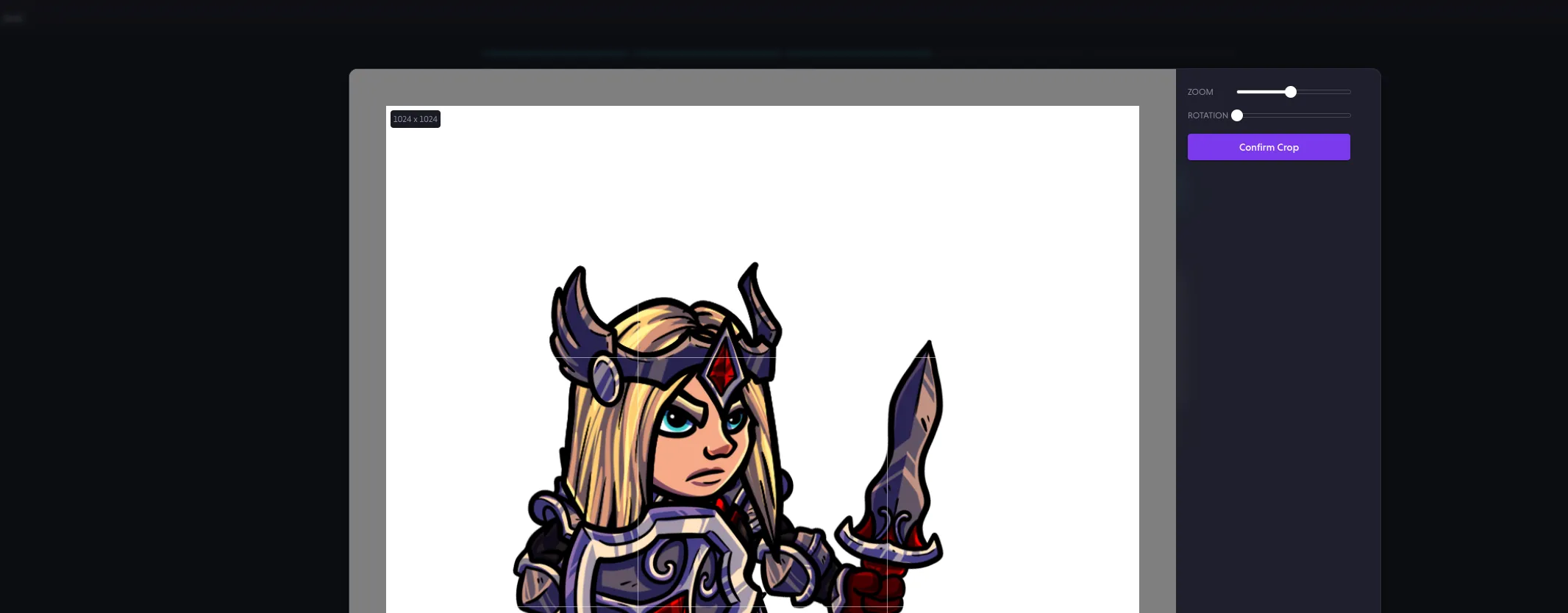
- Corrected an issue related to object selection.
- Resolved a crash occurring when rapidly changing layer visibility.
- Fixed an issue where forges occasionally produced black images due to overly aggressive adult content filtering.