AI Video Audio Generator
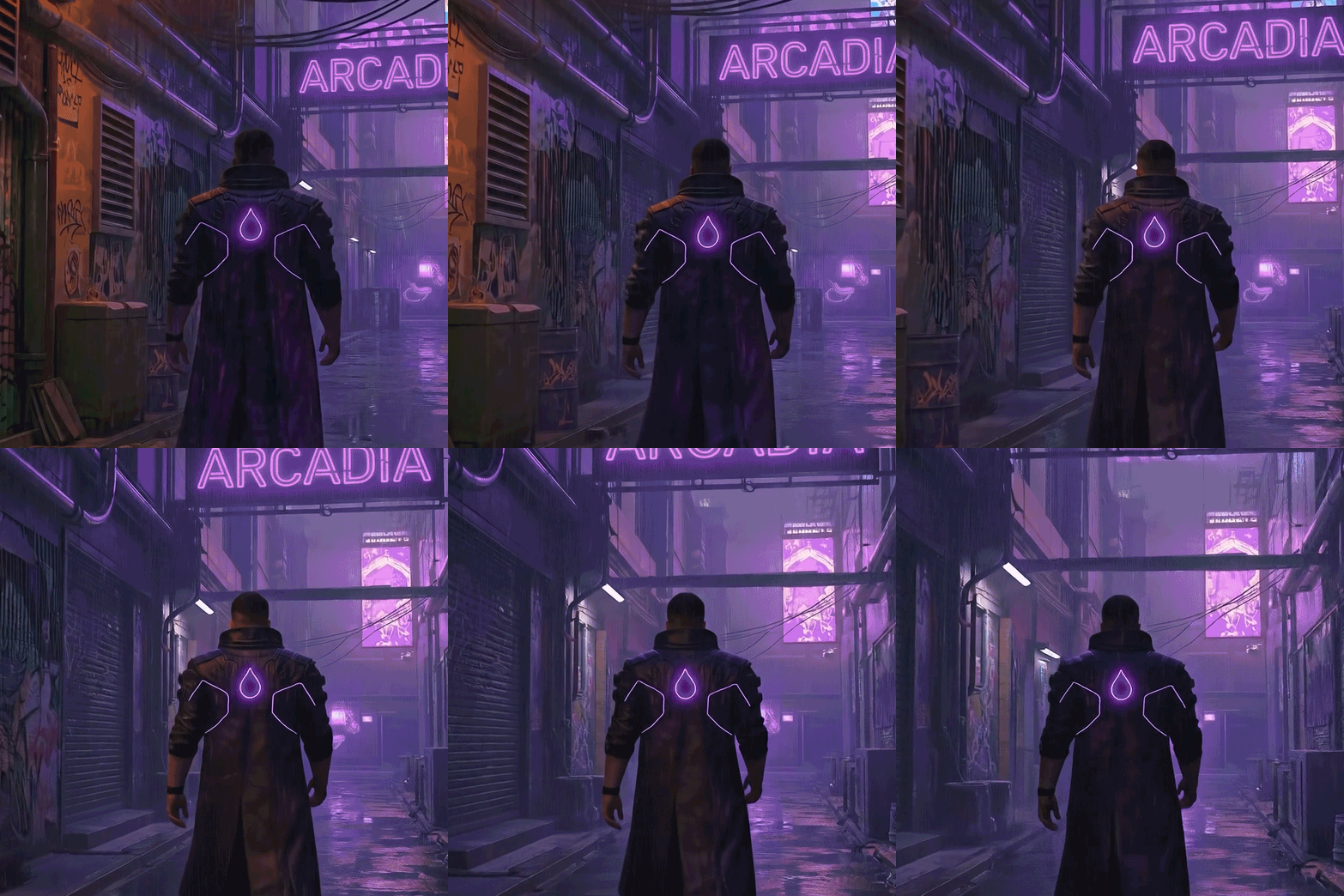
How To Use AI Video Audio Generator

Choose
Select Add Audio To A Video from the template library in your Layer workspace.

Adjust
Upload your reference images, adjust parameters and customize settings for your specific needs.

Generate
Hit generate and Layer produces your results. Refine, iterate, or batch-produce at scale.
Add sound effects and audio to game videos
Enhance gameplay clips, character animations, and environment showcases with synchronized sound effects and ambient audio. Layer aligns audio cues to visual moments, transforming silent footage into immersive content ready for distribution.
Design audio for game trailers and promotional clips
Layer sound effects, impact hits, and atmospheric audio onto trailer footage to increase dramatic impact. Audio-enhanced trailers perform better across app stores, social platforms, and ad networks where sound drives viewer retention.
Add audio to social media game content
Equip TikTok clips, Instagram Reels, and YouTube Shorts with punchy sound design that grabs attention in the first second. Audio-driven content consistently outperforms silent posts in engagement metrics across social platforms.
Produce immersive clips with synchronized audio
Create polished video content where audio timing matches on-screen action, from UI interactions and ability effects to environmental ambience. This level of audio-visual cohesion elevates marketing materials and gives viewers a true feel for the in-game experience.
FAQ
What does the Add Audio to a Video Layer use case template do?
The Add Audio to a Video Layer use case template adds sound effects, ambient audio, or music to an existing video, enhancing immersion while keeping visuals unchanged.
When should I use this Add Audio to a Video use case template?
Use this Layer use case template when you need to:
Add sound effects to gameplay clips or trailers
Enhance UA videos with audio cues
Bring environment or character moments to life
Create more engaging social or store videos
Does this use case template automatically sync audio to visuals?
Yes. The template intelligently aligns audio timing with the video’s pacing, motion, and key visual moments.
Can I use my own audio files?
Yes. You can upload your own sound effects, voiceovers, or music to ensure brand, IP, or campaign consistency.
Is this useful for UA, LiveOps, and social media videos?
Absolutely. This use case template is commonly used to increase engagement and performance in UA ads, LiveOps announcements, and short-form social videos.
Can I batch apply audio to multiple videos?
Yes. The Add Audio to a Video Layer use case template supports batch processing, allowing you to apply audio treatments across many videos efficiently.
What video formats are supported?
Common video formats are supported, making this use case template compatible with most game trailers, ads, and social content.
More questions? Check out our Help Center .