AI Color Palette Applicator
Gallery
How To Use AI Color Palette Applicator

Choose
Select Apply Color Palette To Image from the template library in your Layer workspace.

Adjust
Upload your reference images, adjust parameters and customize settings for your specific needs.

Generate
Hit generate and Layer produces your results. Refine, iterate, or batch-produce at scale.
Apply a unified color palette to game assets
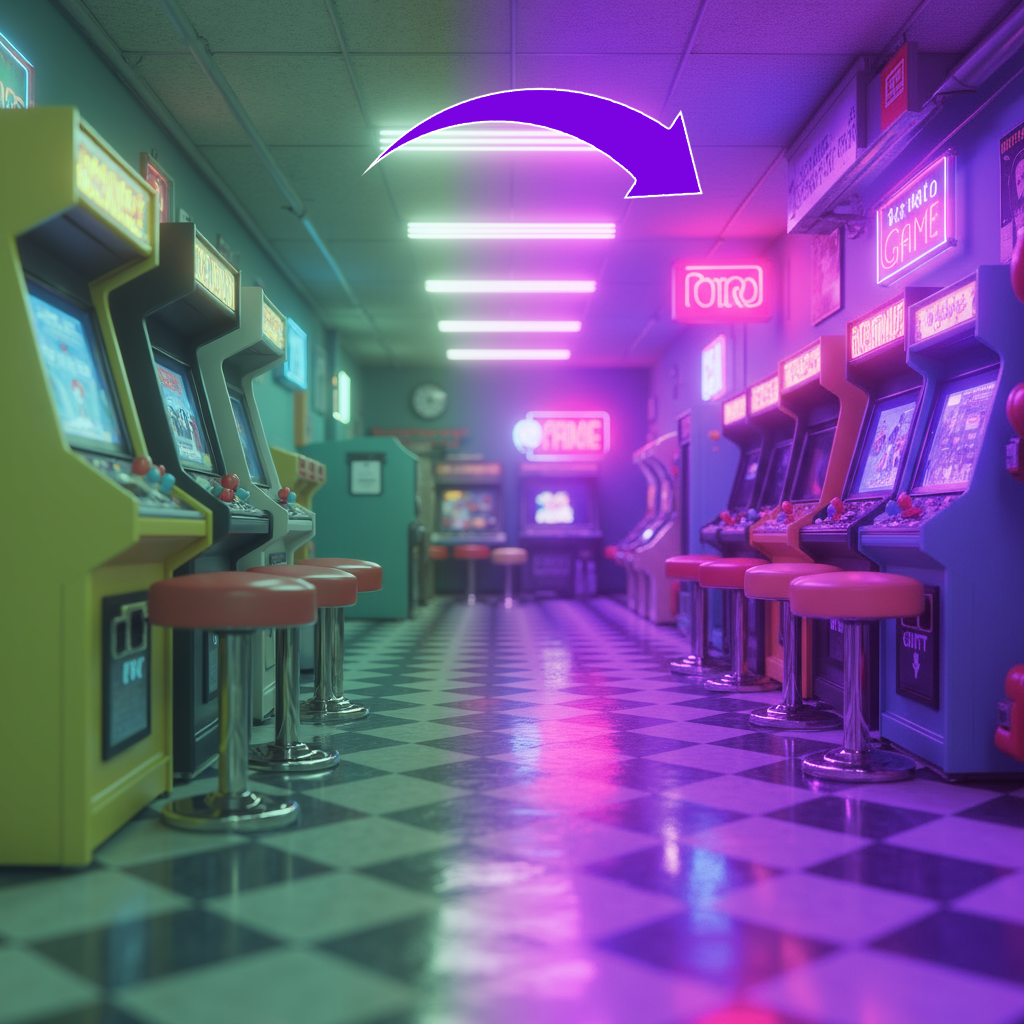
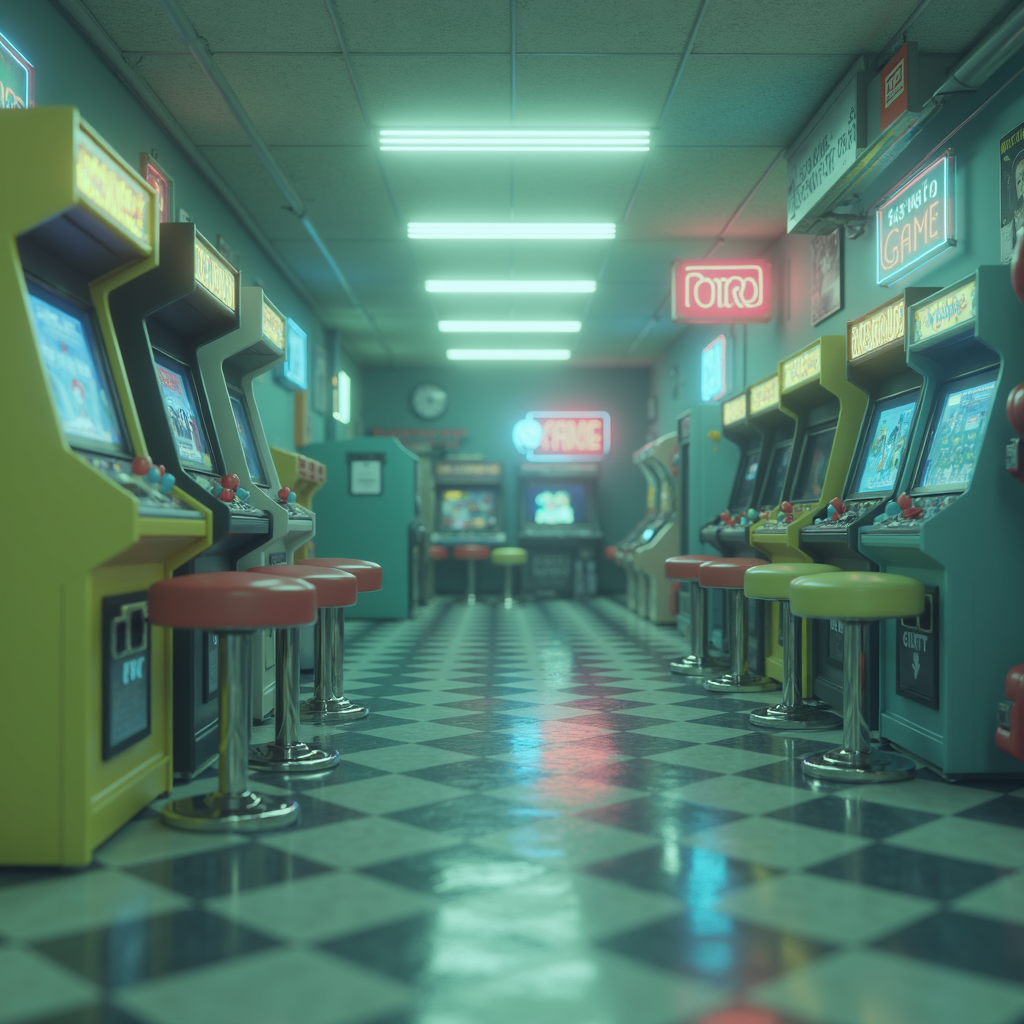
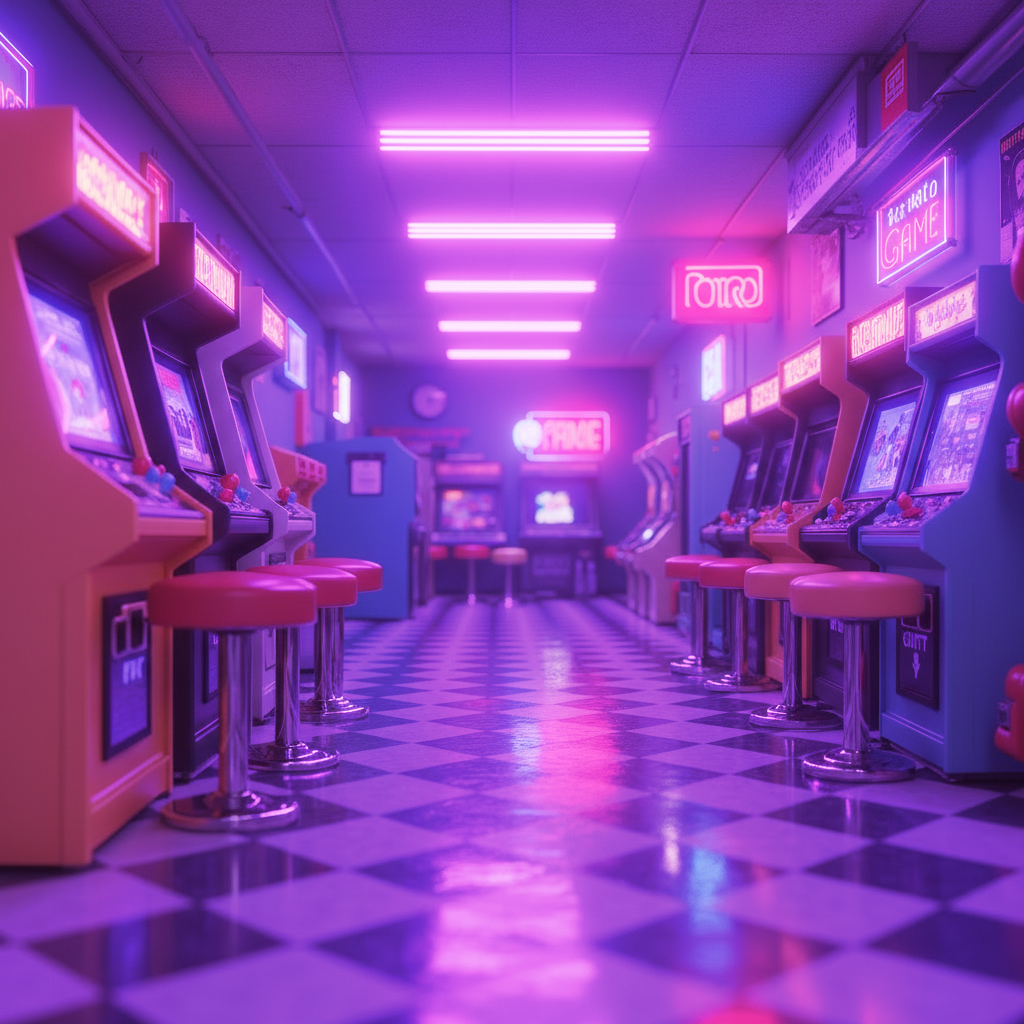
Recolor characters, environments, and props to match a defined color palette while preserving shading, lighting, and material depth. This ensures visual harmony across assets that were created by different artists or at different stages of production.
Enforce brand and IP color guidelines at scale
Standardize the colors of marketing creatives, store assets, and in-game visuals to match brand or franchise guidelines. Batch palette application eliminates manual color correction and guarantees consistency across every touchpoint.
Generate faction, team, and rarity color variants
Produce color-coded versions of the same base asset for different factions, guilds, or rarity tiers using predefined palettes. This streamlines the creation of collectible sets and competitive team identities without duplicating art production effort.
Recolor assets for mood and seasonal themes
Shift the color mood of existing artwork to match seasonal events, biome themes, or narrative tones. A warm autumn palette, cool ice theme, or neon cyberpunk treatment can be applied to entire asset sets in a single batch run.
FAQ
What does the Apply Color Palette to Image Layer use case template do?
The Apply Color Palette to Image Layer use case template recolors an image using a reference color palette while preserving the original composition, lighting, and material detail.
When should I use this Apply Color Palette to Image use case template?
Use this Layer use case template when you need to:
Enforce brand or IP color guidelines
Create consistent visual themes across assets
Generate seasonal or event-based color variants
Standardize visuals across UA or LiveOps creatives
How is this different from basic recoloring?
Unlike simple recoloring, this use case template applies a defined palette across the image, ensuring harmonious color distribution and consistent visual balance.
Does this use case template preserve shading and depth?
Yes. The template maintains highlights, shadows, textures, and material depth so the asset remains production-ready.
Can I control which areas use which colors?
Yes. You can guide how the palette is applied, allowing specific areas or elements to map to specific colors when needed.
Can I batch apply the same color palette to multiple images?
Yes. The Apply Color Palette to Image Layer use case template supports batch processing, making it easy to recolor large asset sets consistently.
What types of palette references work best?
Clear palette references with distinct color swatches work best. You can use brand palettes, rarity color systems, or event-specific color sets.
More questions? Check out our Help Center .