AI Batch Background Remover
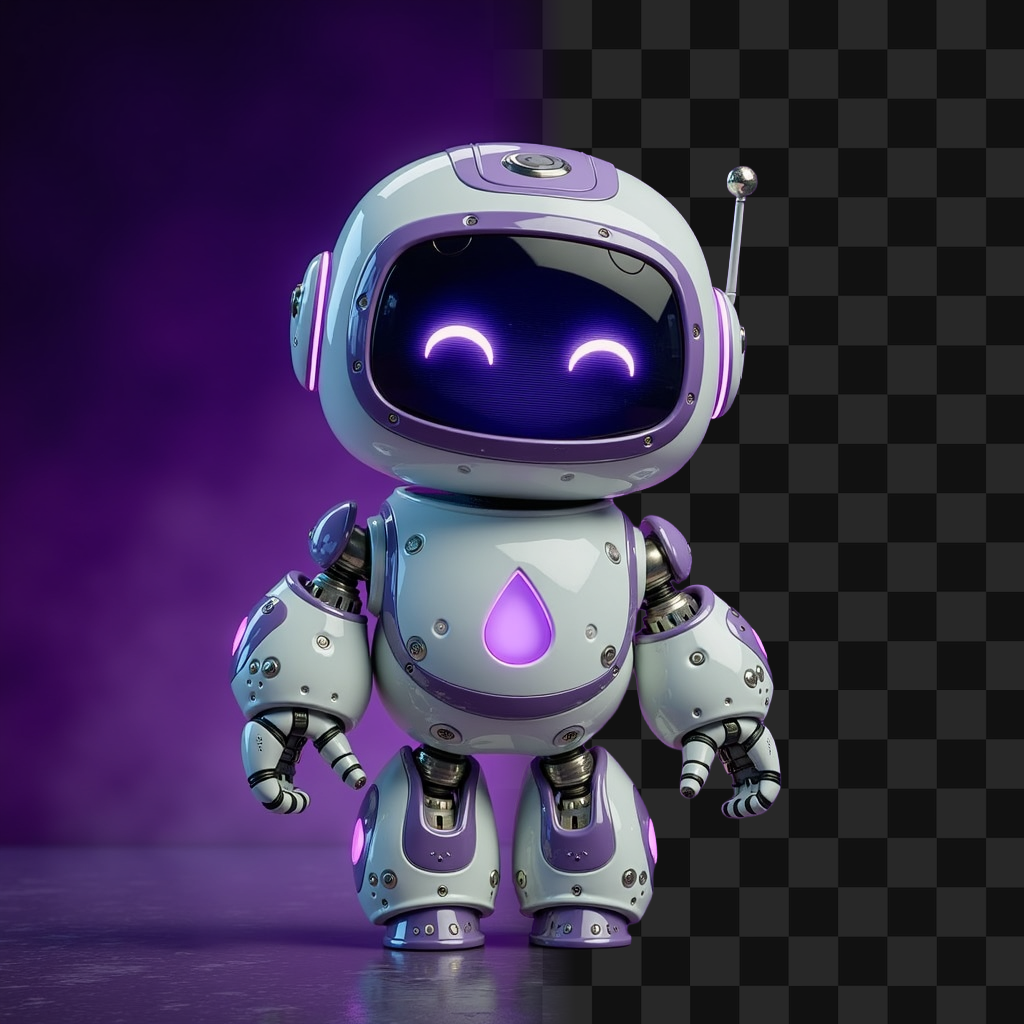
Gallery




How To Use AI Batch Background Remover

Choose
Select Batch Remove Background from the template library in your Layer workspace.

Adjust
Upload your reference images, adjust parameters and customize settings for your specific needs.

Generate
Hit generate and Layer produces your results. Refine, iterate, or batch-produce at scale.
Batch background removal for game asset pipelines
Strip backgrounds from dozens or hundreds of game assets in a single run. Layer preserves clean edges around complex shapes like hair, fur, and translucent materials, delivering transparent PNGs ready for compositing or engine import.
Prepare transparent assets for UI and store listings
Isolate characters, items, and props on transparent backgrounds for use in menus, inventory screens, and app store creatives. Batch processing ensures every asset in your library meets the same quality standard without manual masking.
Clean up catalog and marketplace assets at scale
Remove inconsistent or cluttered backgrounds from large asset libraries used in in-game shops, marketplaces, and promotional materials. Standardized transparent outputs give your storefront a polished, cohesive look across every item.
Isolate sprites and icons for production workflows
Extract individual sprites, icons, and collectibles from reference sheets or rendered scenes in bulk. This accelerates atlas preparation and ensures each isolated element retains the detail and edge quality required for in-game rendering.
FAQ
What does the Batch Remove Background Layer use case template do?
The Batch Remove Background Layer use case template removes backgrounds from multiple images at once while preserving clean edges and fine details.
When should I use this Batch Remove Background use case template?
Use this Layer use case template when preparing:
Item icons and assets
Characters for UI or compositing
Large asset libraries for reuse
Does this use case template preserve edge quality?
Yes. The template maintains clean outlines, including hair, soft edges, and small details.
What output formats are supported?
Transparent PNG outputs are supported.
Is this useful for UA and LiveOps workflows?
Yes. It’s commonly used to rapidly prepare assets for ads, events, and promotions.
Can I process large batches of images?
Yes. This use case template is built for high-volume batch processing. It is also a must-have step commonly used in Layer’s workflows offerings which allow automating repetitive sets of tasks.
What types of images work best?
Clear subjects with visual separation from the background produce the best results.
More questions? Check out our Help Center .