AI Character Scene Placement
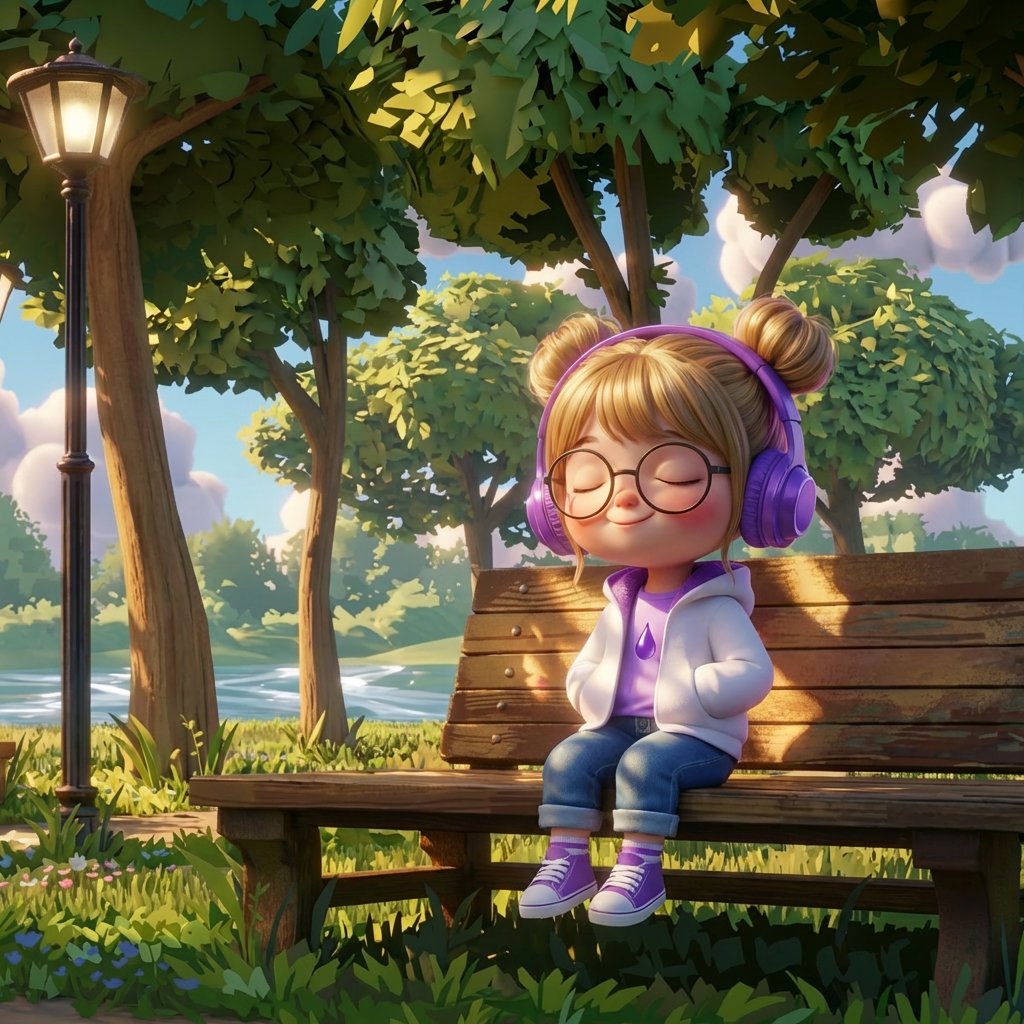
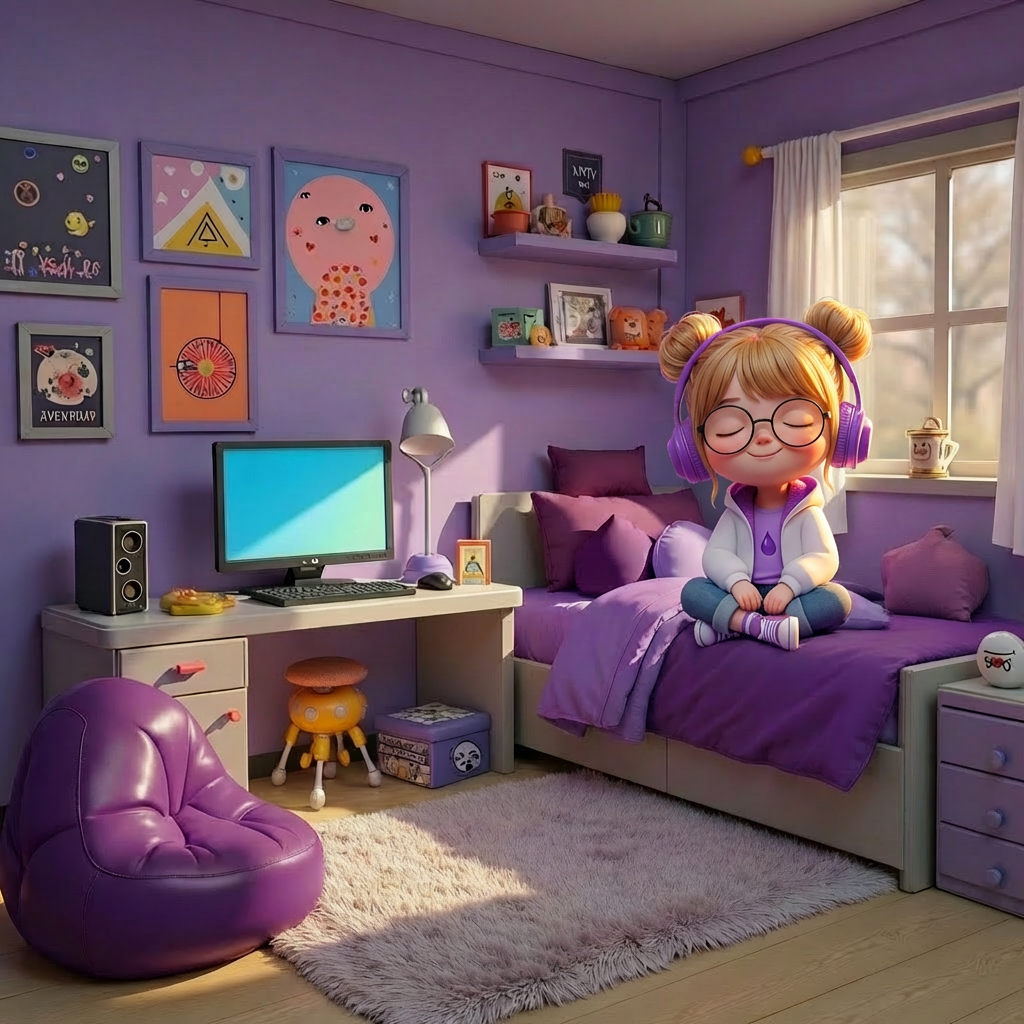
Gallery
How To Use AI Character Scene Placement

Choose
Select Consistent Character Placement from the template library in your Layer workspace.

Adjust
Upload your reference images, adjust parameters and customize settings for your specific needs.

Generate
Hit generate and Layer produces your results. Refine, iterate, or batch-produce at scale.
Place characters into scenes with style consistency
Composite characters into any environment while automatically matching art style, lighting, and color treatment. The character integrates naturally into the scene rather than looking pasted on, saving hours of manual compositing and color correction work.
Produce marketing compositions at scale
Generate promotional art showing characters in various environments for app store assets, social media campaigns, and ad creatives. Batch-produce scene compositions across your roster without scheduling dedicated illustration time for each marketing request.
Build narrative scenes for storytelling
Place characters into story-driven environments for cutscene concepts, loading screens, and narrative illustrations. Explore character-environment combinations that reinforce your game's world-building before committing to final production art.
Maintain brand consistency across all scene compositions
Ensure every character-scene combination maintains your game's established visual identity. Style-consistent placement means characters from different artists or outsource teams look unified when placed into shared environments across marketing and in-game content.
FAQ
What does the AI Character Scene Placement template do?
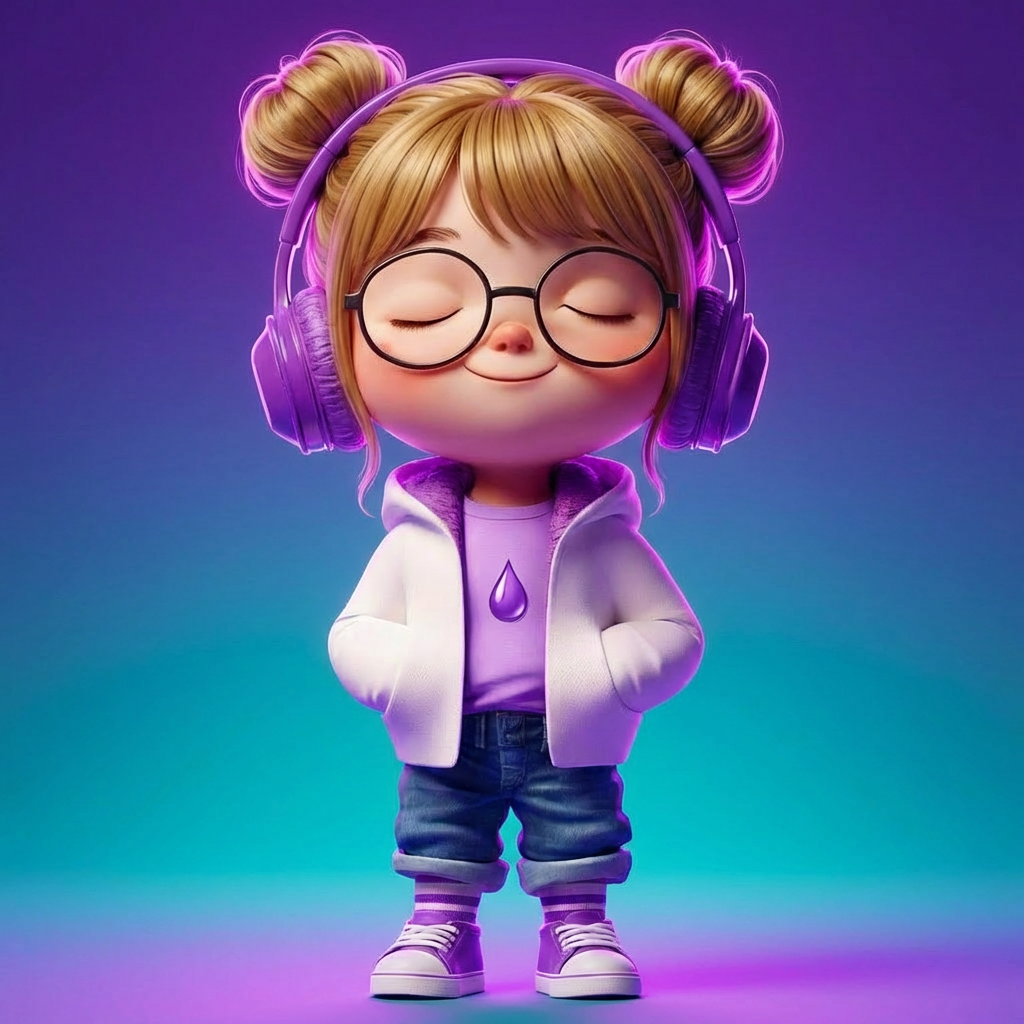
This template places a character into a scene while automatically matching the scene's art style, lighting, and color palette. Upload a character reference and a target scene — Layer composites them together with natural integration.
When should I use this template?
Use this template when you need to:
Create marketing art showing characters in environments
Build narrative scene illustrations
Produce app store and social media compositions
Test character-environment combinations for art direction
Does it maintain the character's original design?
Yes. The template preserves the character's design, proportions, and identifying features while adapting lighting, color temperature, and style rendering to match the target scene.
Can I place the same character in multiple scenes?
Yes. Use a single character reference across many different environments to rapidly produce a library of scene compositions for marketing, social content, or narrative purposes.
Does it work with different art styles?
Yes. The template handles style matching automatically — whether your scenes are photorealistic, cel-shaded, painterly, or pixel art, the character is adapted to blend naturally with the environment.
Can I batch-produce compositions?
Yes. Generate multiple character-scene combinations in batch to produce marketing asset libraries, social content calendars, or narrative illustration sets efficiently.
More questions? Check out our Help Center .