AI Object Removal Tool

Gallery
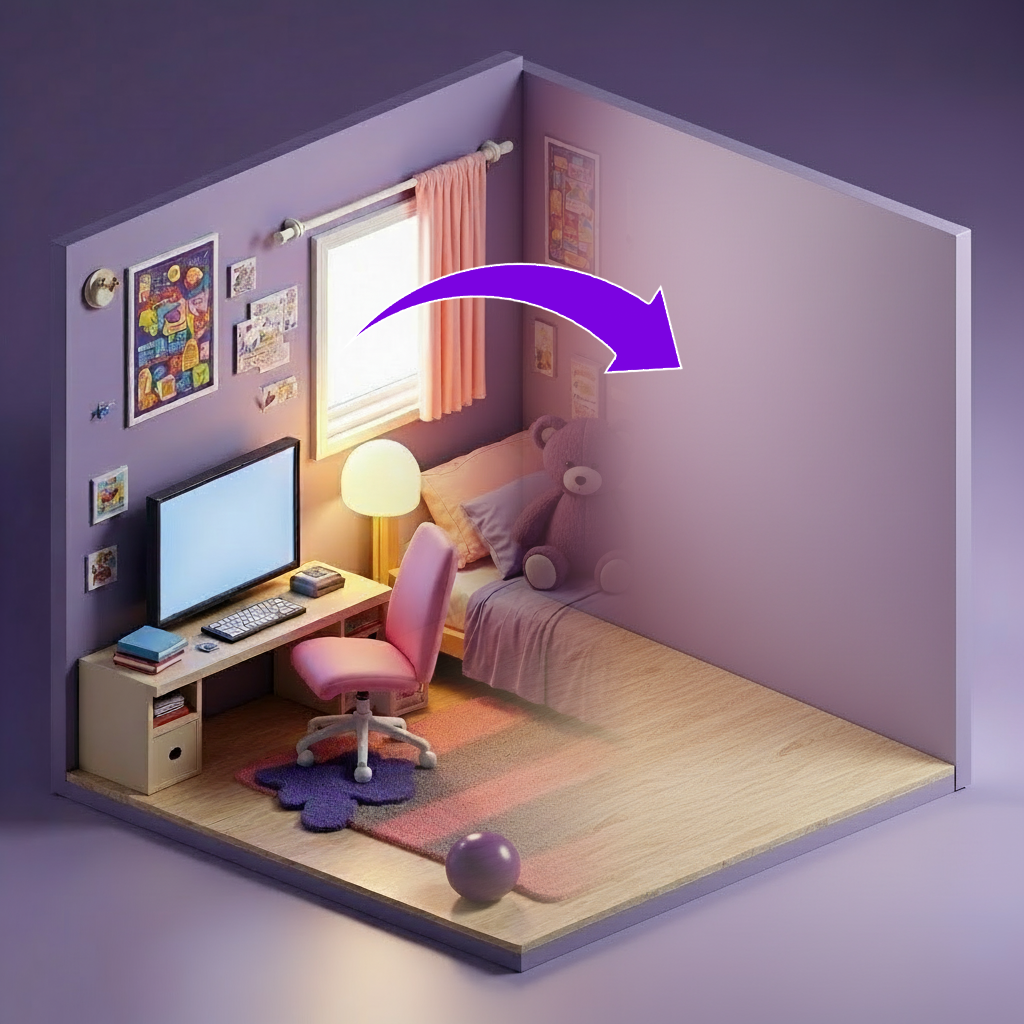

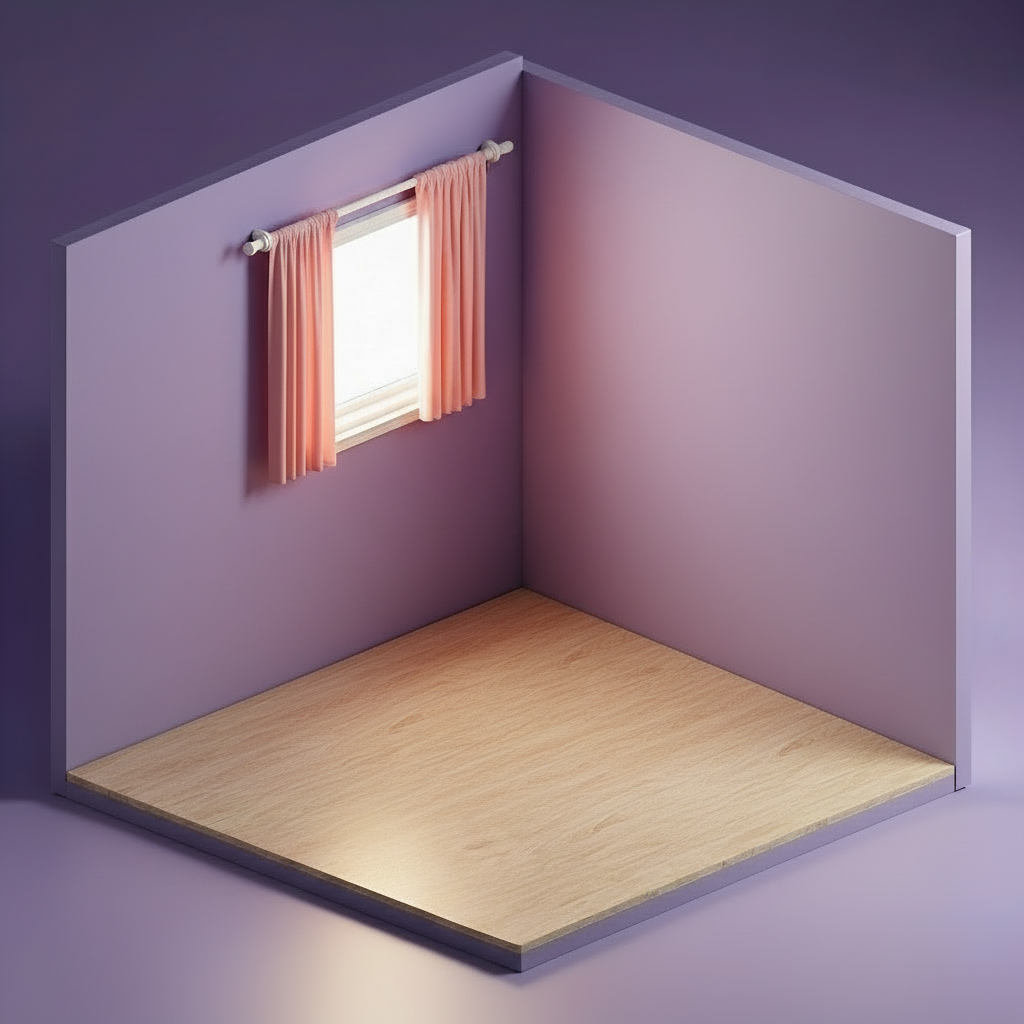
How To Use AI Object Removal Tool

Choose
Select Remove From Image from the template library in your Layer workspace.

Adjust
Upload your reference images, adjust parameters and customize settings for your specific needs.

Generate
Hit generate and Layer produces your results. Refine, iterate, or batch-produce at scale.
Remove unwanted objects from game art and scenes
Erase props, characters, or environmental clutter from finished artwork without redrawing the surrounding area. Layer intelligently fills the removed region to match lighting, textures, and perspective, saving artists hours of manual cleanup.
Clean up scenes for reuse and localization
Strip region-specific text, outdated event elements, or placeholder objects from existing scenes so they can be repurposed across campaigns and markets. This non-destructive cleanup preserves the original composition while making assets versatile.
Remove watermarks, artifacts, and visual noise
Eliminate watermarks, compression artifacts, rendering glitches, and other unwanted marks from production or reference images. The surrounding detail is reconstructed seamlessly, giving you clean assets without a full re-render or repaint.
Refine composition by removing distracting elements
Improve the visual focus of key art, promotional screenshots, and UA creatives by selectively removing background clutter or secondary subjects. This lets art directors fine-tune compositions after rendering, accelerating the review and approval cycle.
FAQ
What does the Remove From Image Layer use case template do?
The Remove From Image Layer use case template removes unwanted objects, characters, or details from an image while preserving the surrounding environment, style, and composition.
When should I use this Remove From Image use case template?
Use this Layer use case template when you need to:
Remove props, characters, or UI elements
Clean up background clutter
Localize or repurpose existing artwork
Fix mistakes without reworking the entire image
Does this use case template affect the rest of the image?
No. The template only modifies the selected area and intelligently fills the removed region so the rest of the image remains unchanged.
Does it preserve lighting and textures?
Yes. The Remove From Image Layer use case template maintains lighting, shading, textures, and perspective for a seamless result.
Is this useful for UA and LiveOps workflows?
Absolutely. It’s commonly used to clean up creatives, remove outdated event elements, or prepare assets for reuse across campaigns.
Can I batch remove elements from multiple images?
Yes. This use case template supports batch processing, allowing teams to apply the same removal logic across many assets efficiently.
What types of elements can be removed?
You can remove objects, characters, background details, UI overlays, text, or any unwanted visual element, as long as it’s clearly identifiable in the image.
More questions? Check out our Help Center .