AI Game Map Reskin Tool
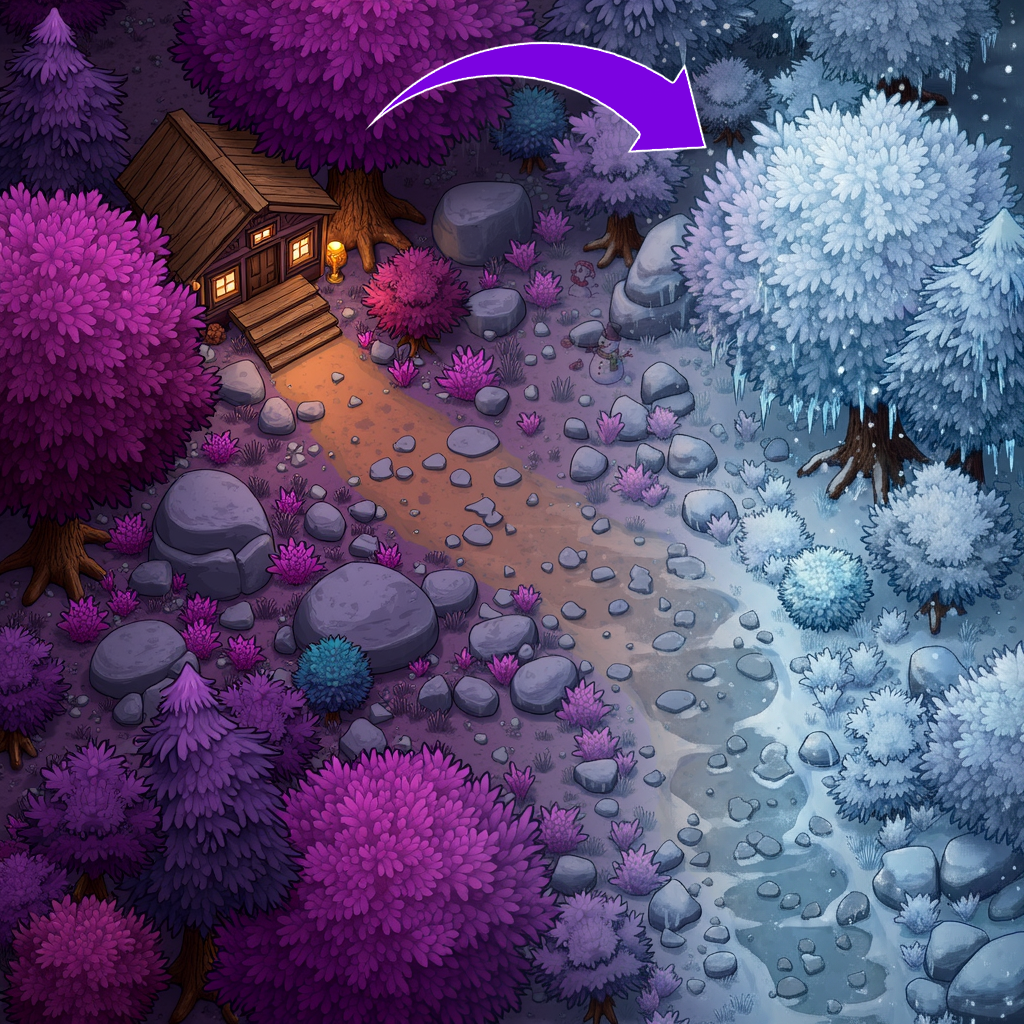
Gallery
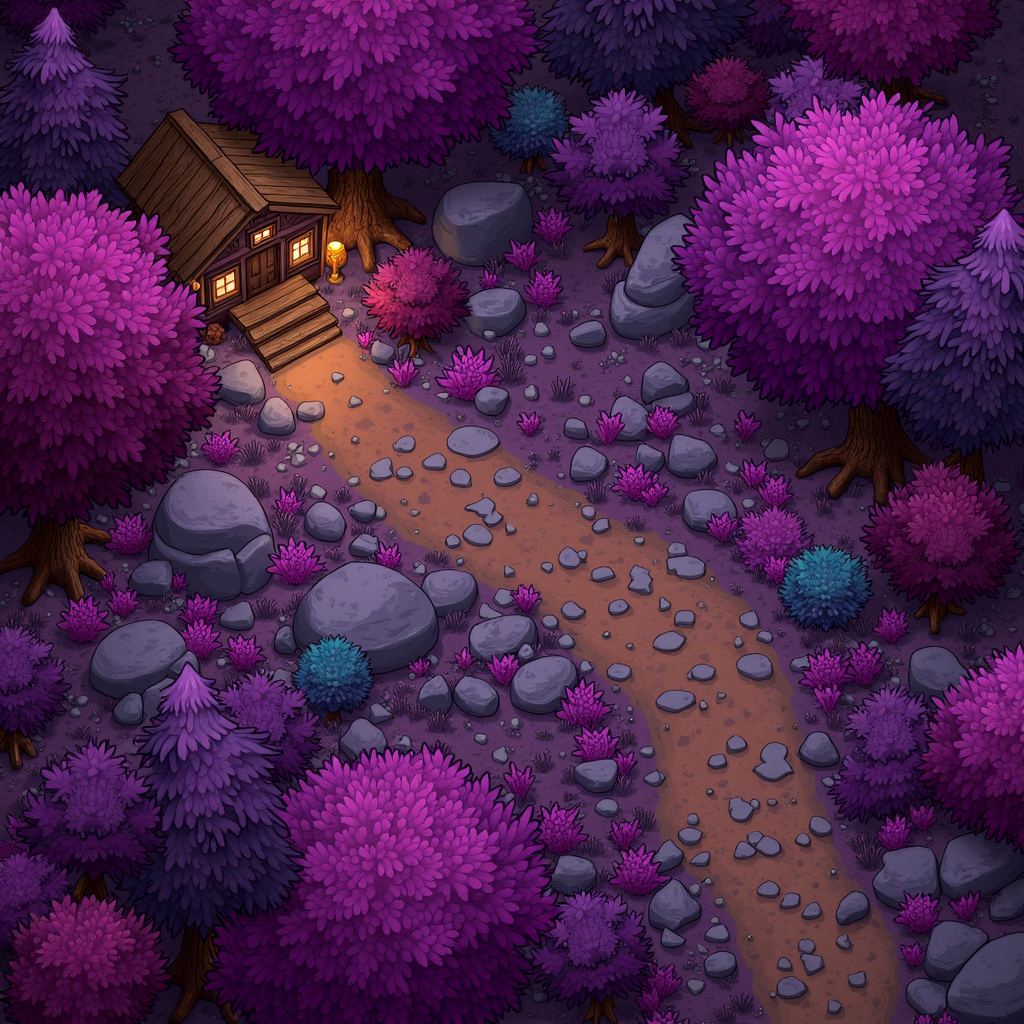
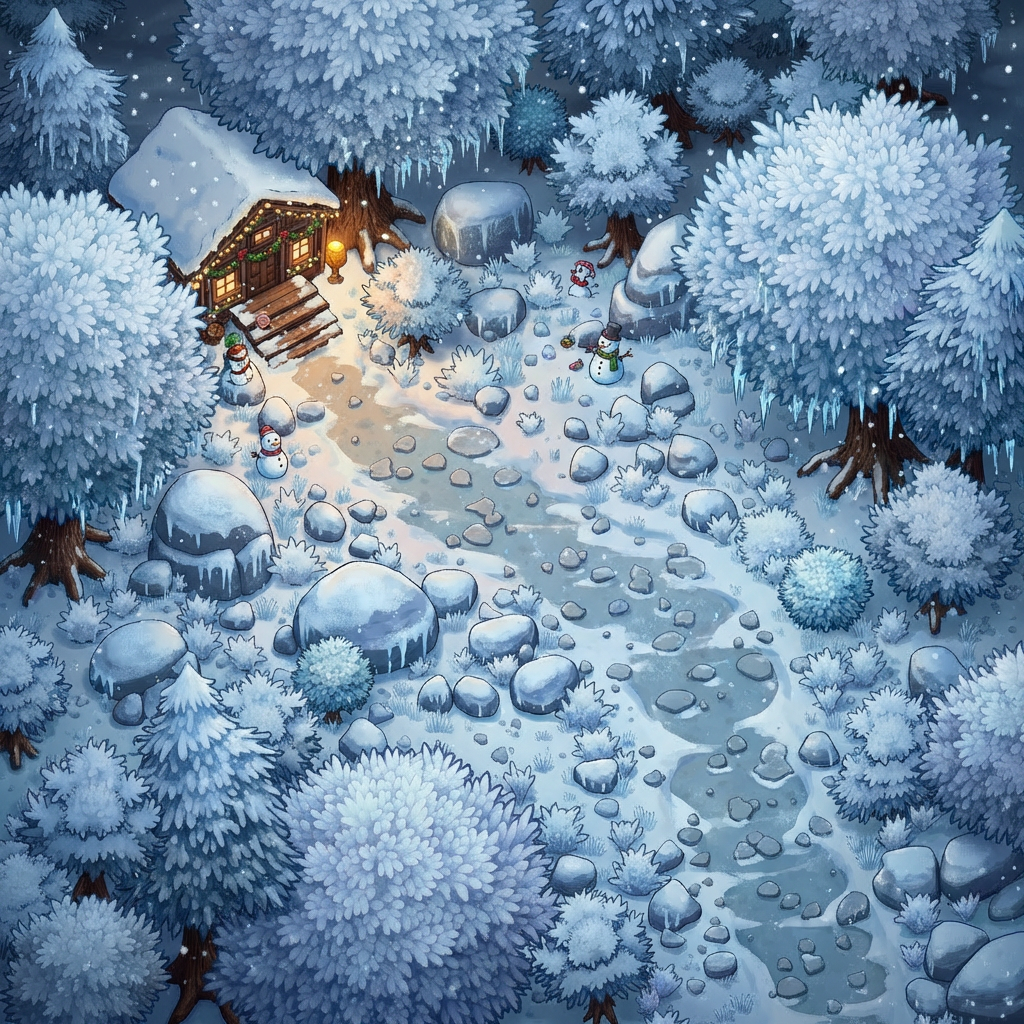
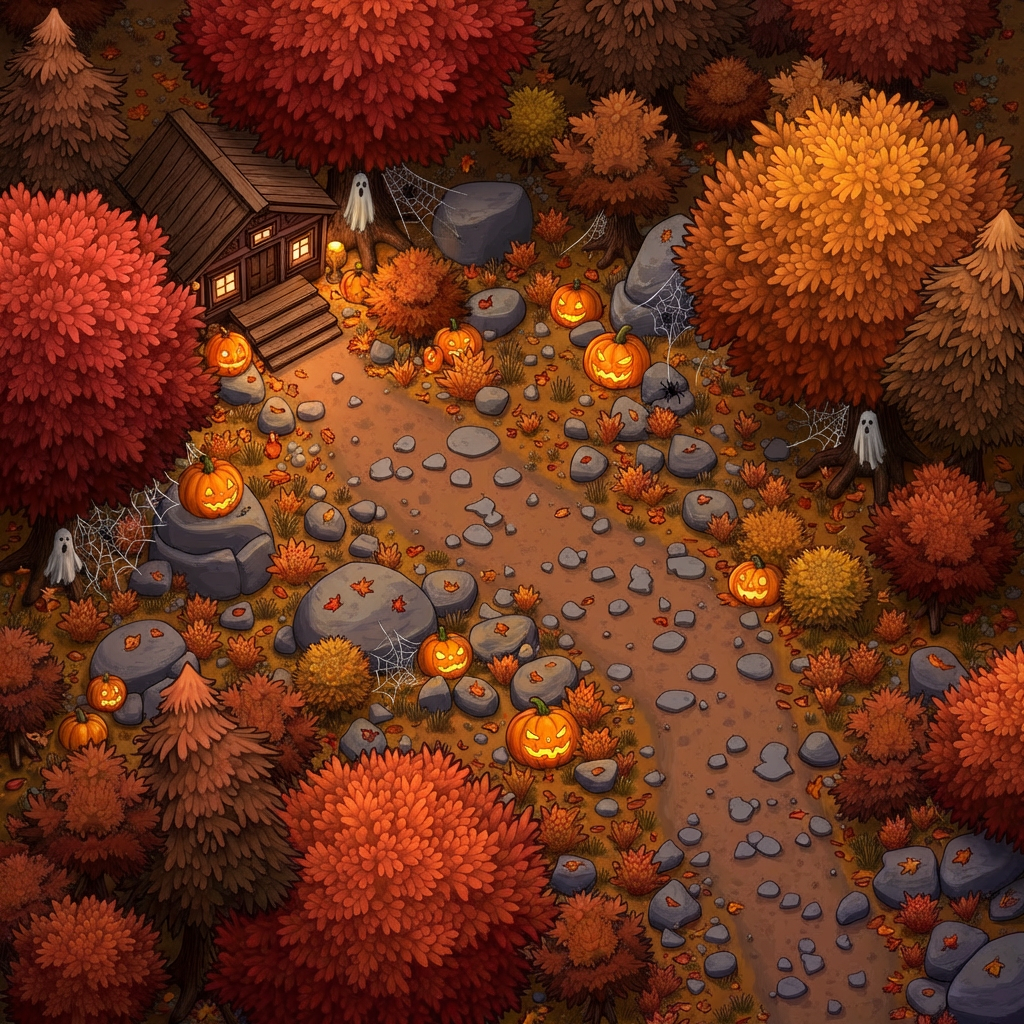
How To Use AI Game Map Reskin Tool

Choose
Select Reskin A Map from the template library in your Layer workspace.

Adjust
Upload your reference images, adjust parameters and customize settings for your specific needs.

Generate
Hit generate and Layer produces your results. Refine, iterate, or batch-produce at scale.
Map Theme Variations Without Redesigning Levels
Create entirely new visual themes for existing maps while keeping layout, paths, and gameplay logic intact. Transform a forest map into a volcanic wasteland or a medieval village into a futuristic city, all without touching level design.
Seasonal Map Reskins for LiveOps Events
Produce holiday and seasonal versions of your maps to keep content fresh for players. Generate winter snow, autumn foliage, spring bloom, or summer festival versions of existing environments on a timeline that matches your LiveOps calendar.
Biome Swaps for Level Variety
Swap the biome of any map to create variety across your game world. Convert desert terrain to tropical jungle, ice caves to lava caverns, or urban streets to underwater ruins, expanding your map pool without designing new layouts from scratch.
LiveOps Environment Updates at Scale
Batch-reskin multiple maps simultaneously to support large-scale content updates and themed events. Maintain visual consistency across an entire map set while delivering the volume of refreshed content that frequent LiveOps schedules demand.
FAQ
What does the Reskin a Map Layer use case template do?
The Reskin a Map Layer use case template changes the visual theme of a map while keeping its layout, structure, and gameplay logic intact.
When should I use this Reskin a Map use case template?
Use this Layer use case template when you need to:
Create seasonal or event-based maps
Localize visuals for regions or campaigns
Refresh existing content without redesigning levels
Extend the life of existing maps
Does this use case template change map structure or paths?
No. Only visual elements are reskinned — layout, paths, and spatial relationships remain unchanged.
Can I apply different themes (winter, desert, fantasy)?
Yes. You can specify themes, biomes, or visual directions to guide the reskin.
Is this useful for LiveOps content updates?
Absolutely. This is a common LiveOps use case for rapid seasonal or event-driven updates.
Can I batch reskin multiple maps?
Yes. The Reskin a Map Layer use case template supports batch workflows for large map sets.
What types of maps work best with this use case template?
Top-down, isometric, and clearly structured maps deliver the best results.
More questions? Check out our Help Center .