
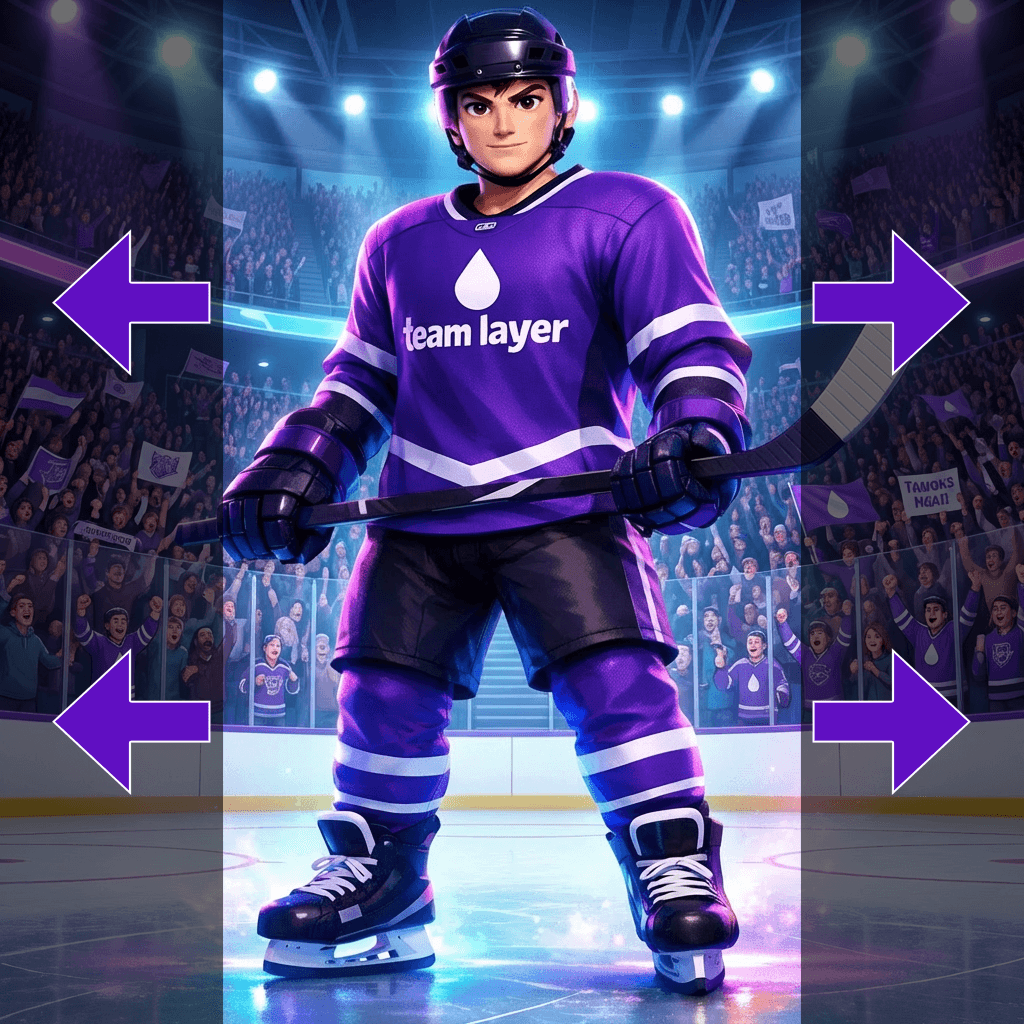
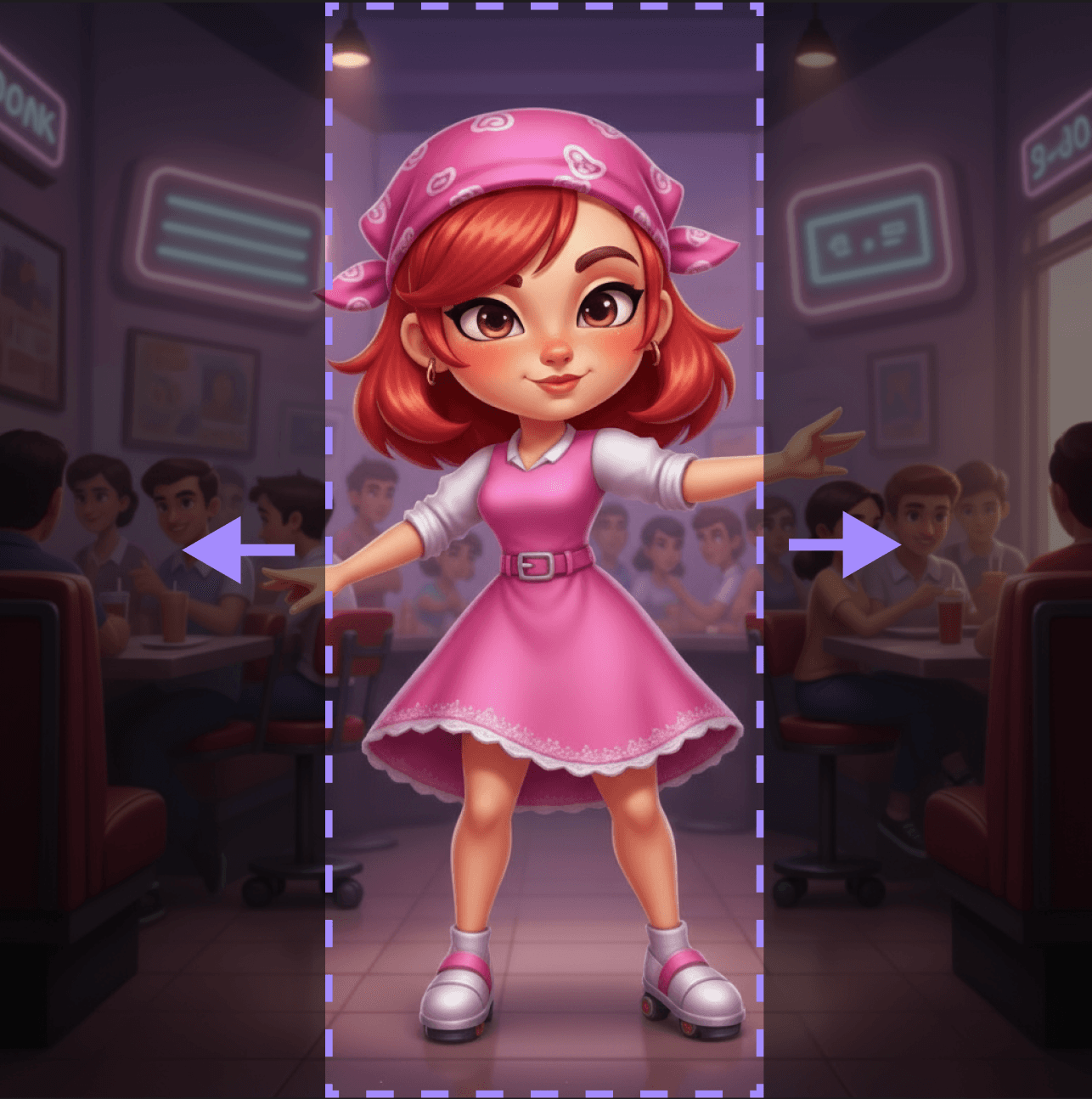
Seamlessly fill in transparent pixels.
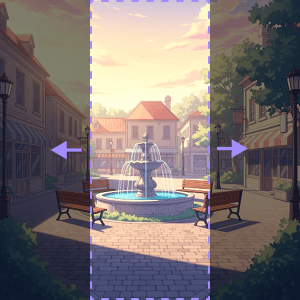
How to Outpaint?
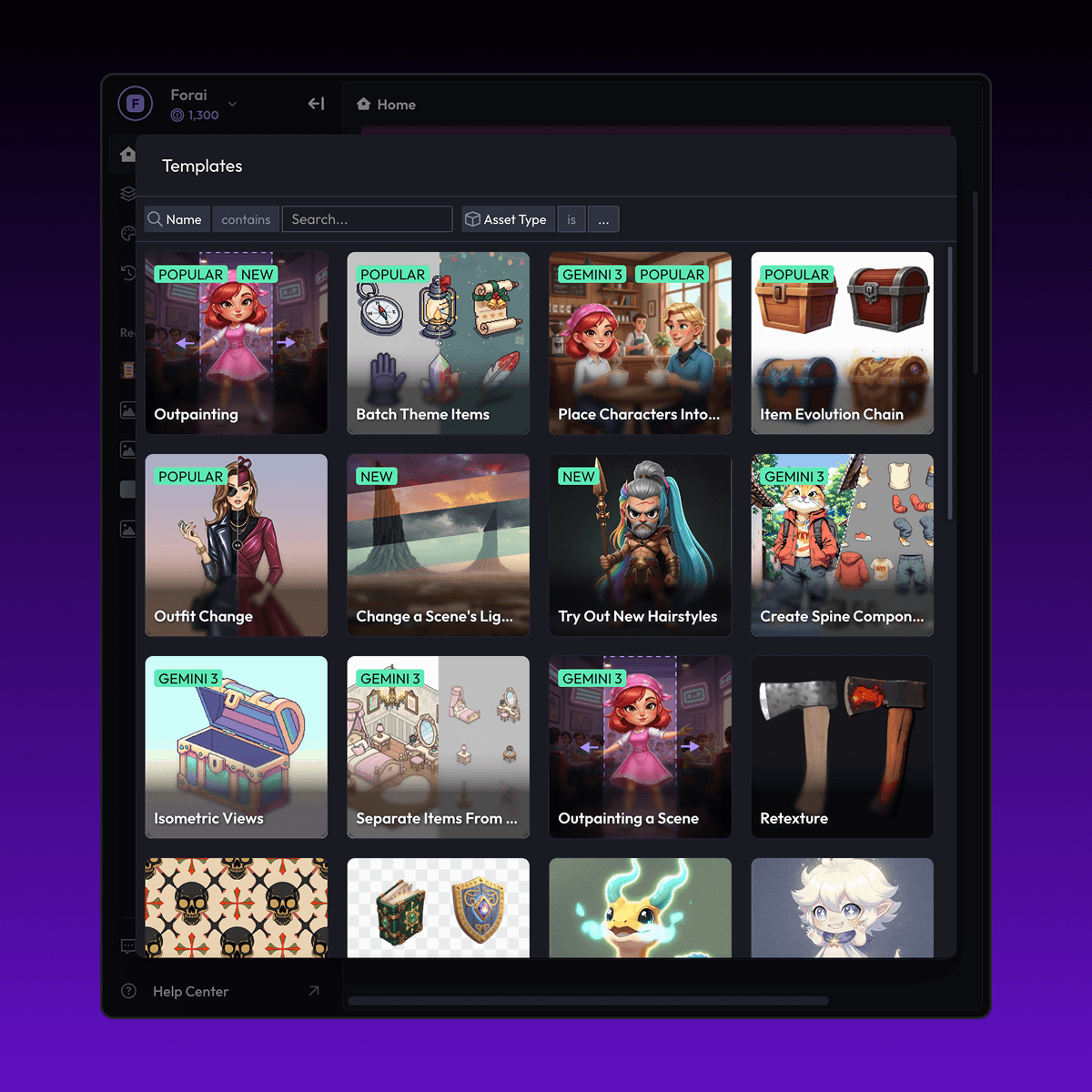
Discover More


FAQ
What are Layer templates used for?
Layer templates are designed to help game studios, UA teams, LiveOps teams, and artists automate a specific creative task using AI-powered workflows. It reduces manual work while maintaining visual consistency and production quality.
Do I need design or technical skills to use templates?
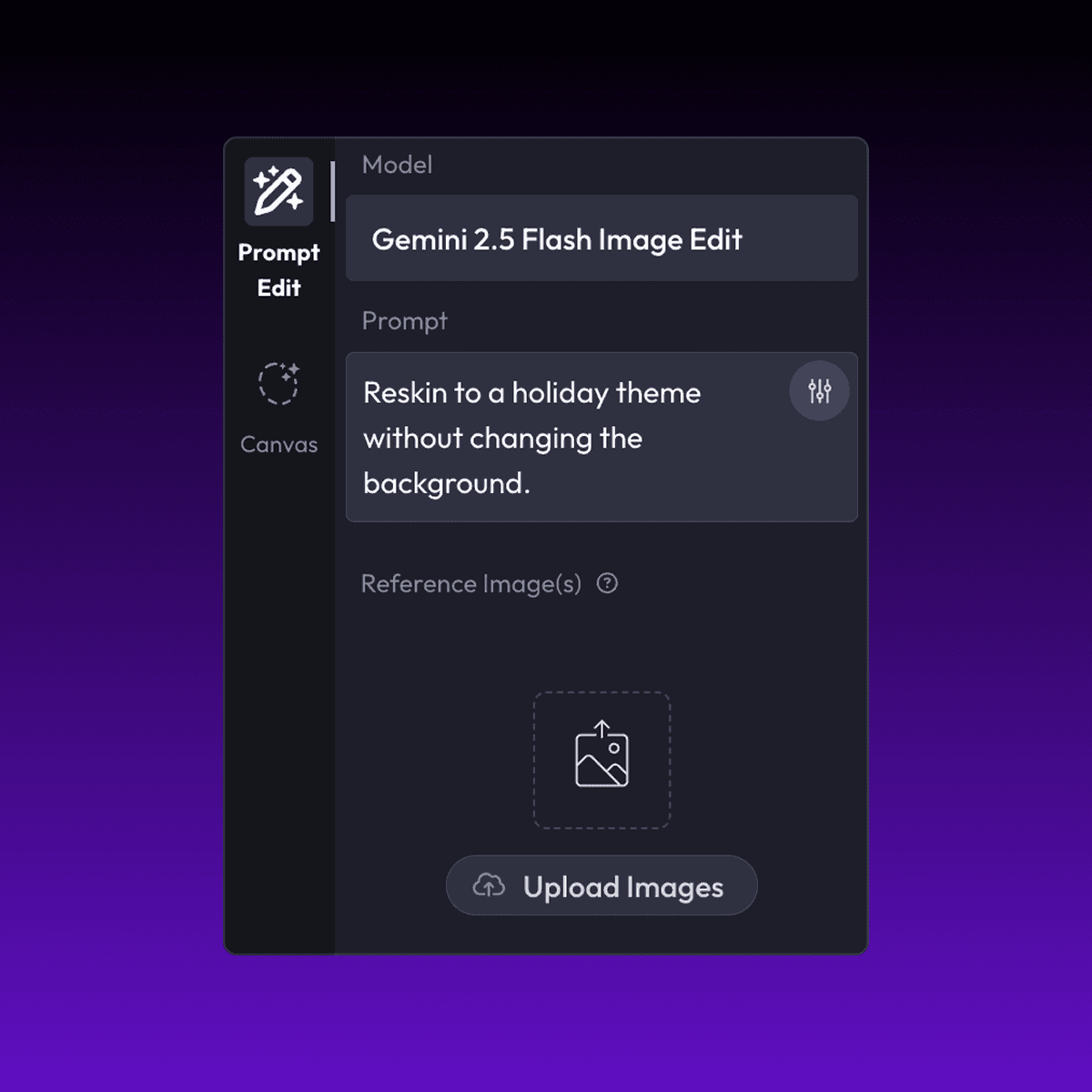
No. Layer templates are built to be usable by non-technical users, including marketers, product managers, and artists. Advanced users can customize prompts, styles, and inputs, but no coding is required.
Can I use templates with my own art style or assets?
Yes. You can upload your own reference images, styles, characters, or assets to ensure outputs match your game’s existing art direction.


