AI Character Turnaround Generator
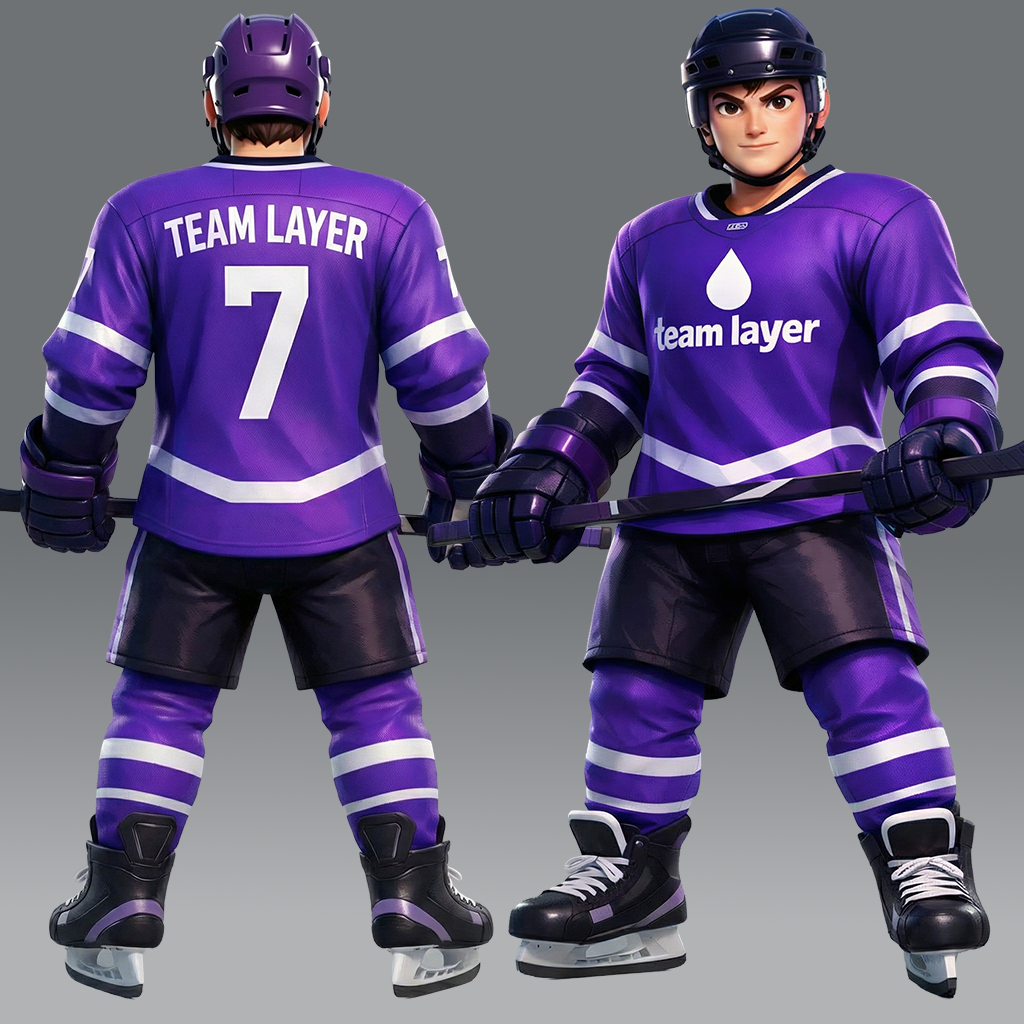
Gallery
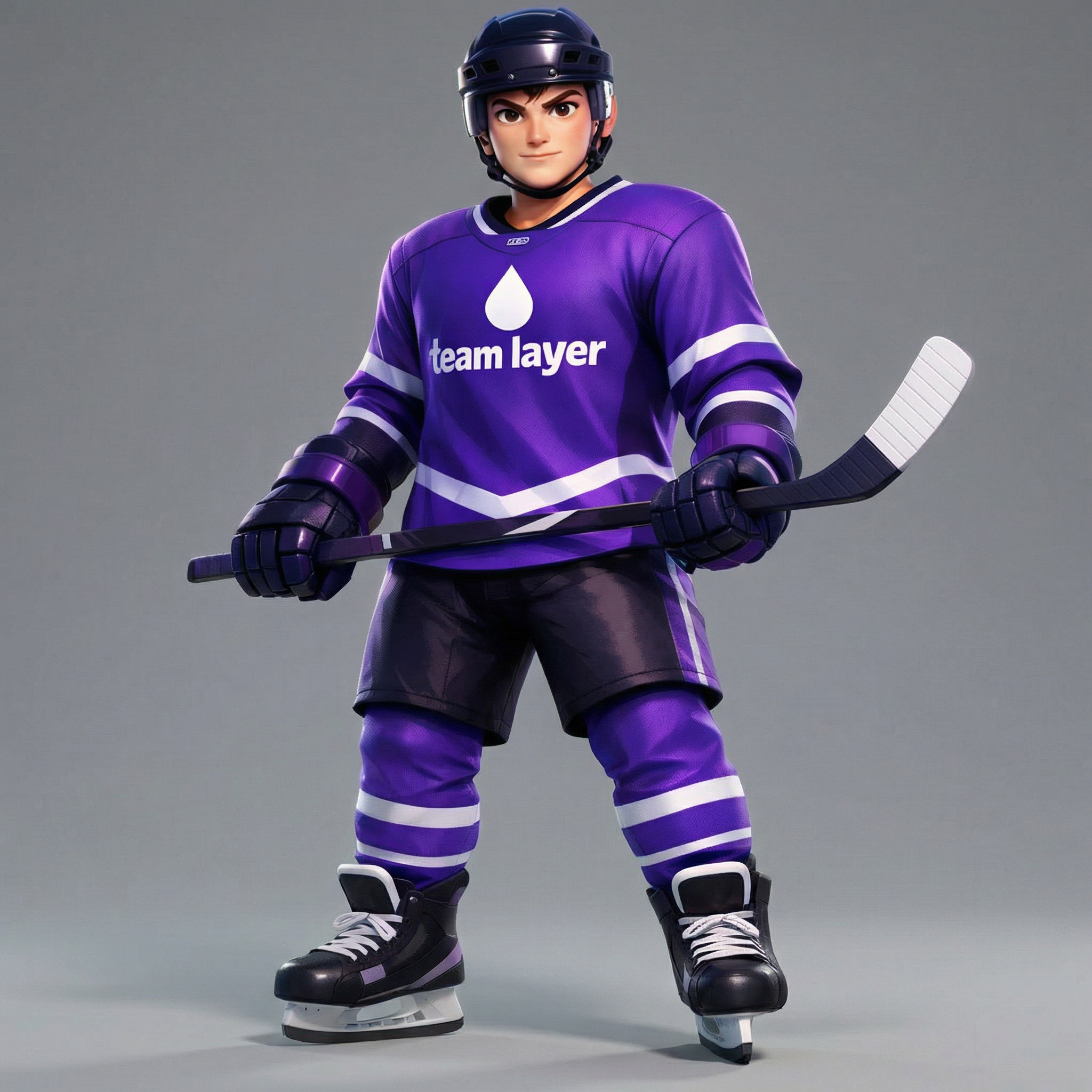
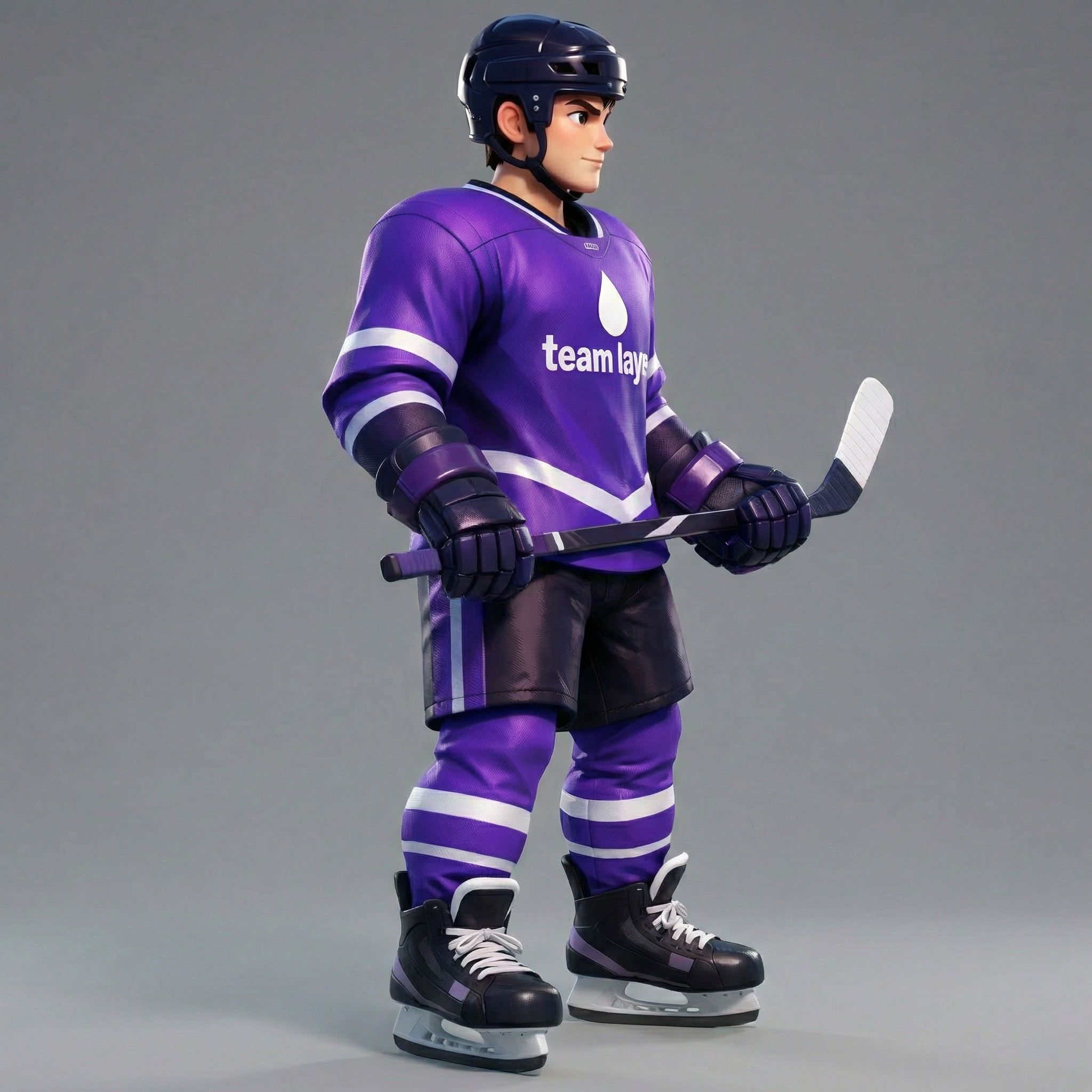
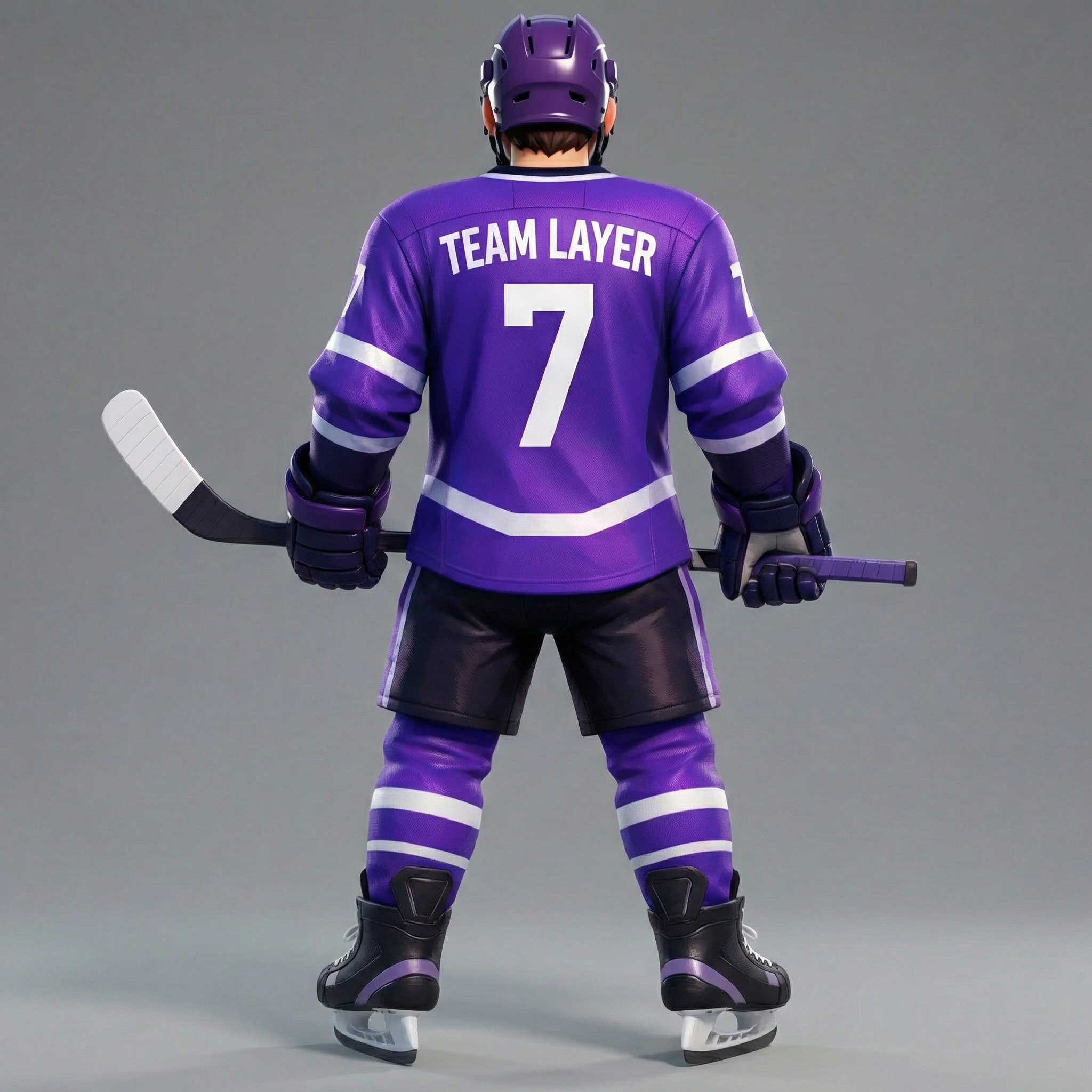
How To Use AI Character Turnaround Generator

Choose
Select Character Rear View from the template library in your Layer workspace.

Adjust
Upload your reference images, adjust parameters and customize settings for your specific needs.

Generate
Hit generate and Layer produces your results. Refine, iterate, or batch-produce at scale.
Create character turnaround sheets from a single image
Generate full turnaround references showing front, side, and rear views from one piece of concept art. This accelerates the character pipeline by giving 3D modelers and animators the multi-angle documentation they need without additional illustration passes.
Generate back-view references for 3D modeling
Produce detailed rear-angle views that reveal costume construction, hair flow, and accessory placement from behind. 3D artists use these references to resolve ambiguities in the original concept and build accurate models faster.
Document characters from multiple angles at scale
Batch-generate alternate perspectives for entire character rosters, building a comprehensive visual library for production teams. Consistent multi-angle documentation reduces miscommunication between concept artists, modelers, and riggers.
Maintain art direction consistency across character views
Ensure that proportions, color palettes, and design details remain faithful across every generated angle. Layer preserves the original art style, so character sheets stay on-brand whether the studio works in stylized, realistic, or chibi aesthetics.
FAQ
What does the Character Rear View Layer use case template do?
The Character Rear View Layer use case template generates rear and alternate angle views of a character based on a single existing character image, while preserving style, proportions, and identity.
When should I use this Character Rear View use case template?
Use this Layer use case template when you need to:
Create character turnarounds or model sheets
Visualize characters from multiple perspectives
Prepare assets for animation or 3D blocking
Support character customization systems
Does this use case template preserve the original character design?
Yes. The template maintains facial structure, body proportions, clothing details, and overall art style to ensure visual consistency across angles.
Can I generate more than just a back view?
Yes. In addition to rear views, this use case template can generate side and alternate angles depending on your configuration.
Is this useful for game production and animation workflows?
Absolutely. This use case template is commonly used during character design, animation prep, and production planning to reduce manual redraws.
Can I batch generate rear views for multiple characters?
Yes. The Character Rear View Layer use case template supports batch processing, making it easy to scale character exploration across teams.
What types of characters work best with this use case template?
Characters with clear silhouettes, readable clothing details, and front-facing reference images produce the best results, though stylized and chibi characters also work well.
More questions? Check out our Help Center .