AI Character Swap Tool
Gallery


How To Use AI Character Swap Tool

Choose
Select Character Swap from the template library in your Layer workspace.

Adjust
Upload your reference images, adjust parameters and customize settings for your specific needs.

Generate
Hit generate and Layer produces your results. Refine, iterate, or batch-produce at scale.
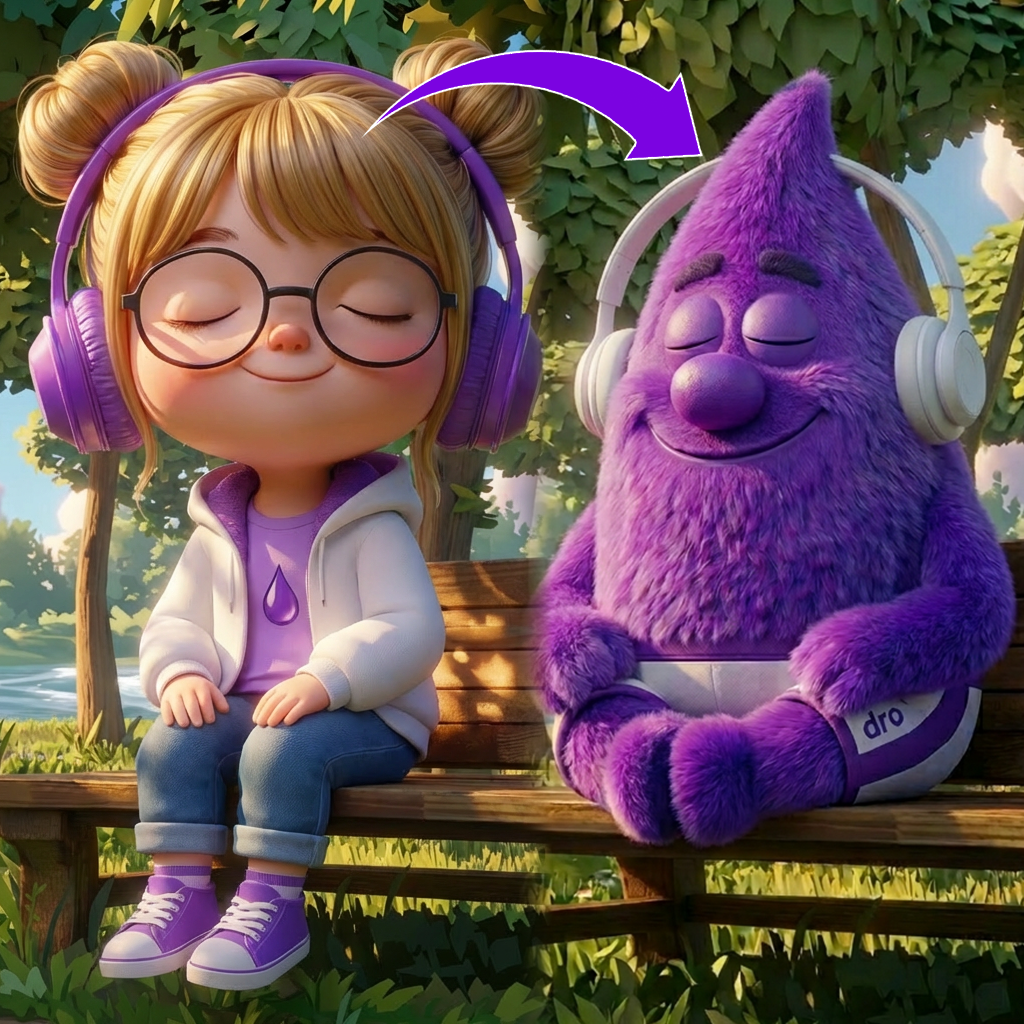
Replace characters in existing scenes without re-rendering
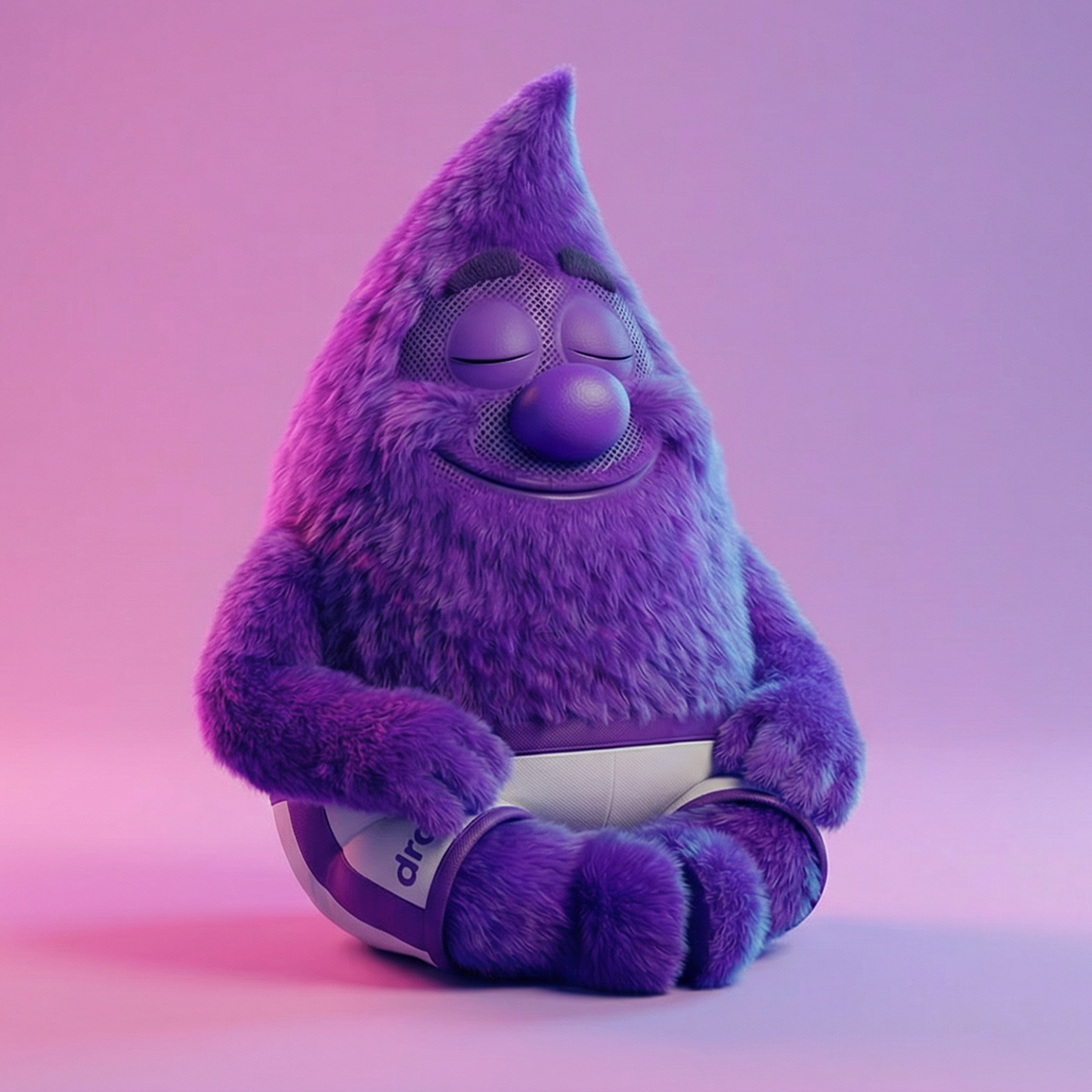
Swap one character for another while preserving the original scene layout, lighting, and perspective. This eliminates the need to rebuild compositions from scratch when updating key art, cutscenes, or promotional materials.
Reskin marketing assets for UA creative testing
Rapidly produce multiple character variants of the same ad creative to test which hero resonates best with target audiences. Performance marketing teams can iterate on character appeal without involving the full art pipeline.
A/B test character appeal across player segments
Generate identical scene compositions featuring different characters to measure engagement, click-through, and conversion differences. Data-driven character selection helps studios optimize store listings, ads, and featured content.
Create localized character variants for regional markets
Adapt character visuals for different regions by swapping in culturally relevant designs while keeping the same proven scene composition. This supports localization strategies that improve install rates and player retention in key markets.
FAQ
What does the Character Swap Layer use case template do?
The Character Swap Layer use case template replaces a character in an existing scene with a different character, while preserving the original scene layout, lighting, perspective, and style.
When should I use this Character Swap use case template?
Use this Layer use case template when you need to:
Create multiple character variants in the same environment
Localize or personalize creatives
Produce UA variations quickly
Test different characters without re-rendering scenes
Does this use case template preserve the scene and background?
Yes. The template only replaces the selected character and keeps the background, props, and scene composition unchanged.
Does it match lighting, pose, and perspective automatically?
Yes. The Character Swap Layer use case template adapts the new character to match the original lighting, camera angle, and pose context for a natural result.
Is this useful for UA, LiveOps, and marketing workflows?
Absolutely. This use case template is commonly used for UA testing, LiveOps updates, and rapid marketing iteration.
Can I batch swap characters across multiple images?
Yes. The Character Swap Layer use case template supports batch processing, making it easy to scale character variations across many assets.
What types of character images work best with this use case template?
Characters with clear silhouettes and consistent proportions work best. Providing clean reference images improves accuracy and consistency.
More questions? Check out our Help Center .