AI Image to Pixel Sprite Converter
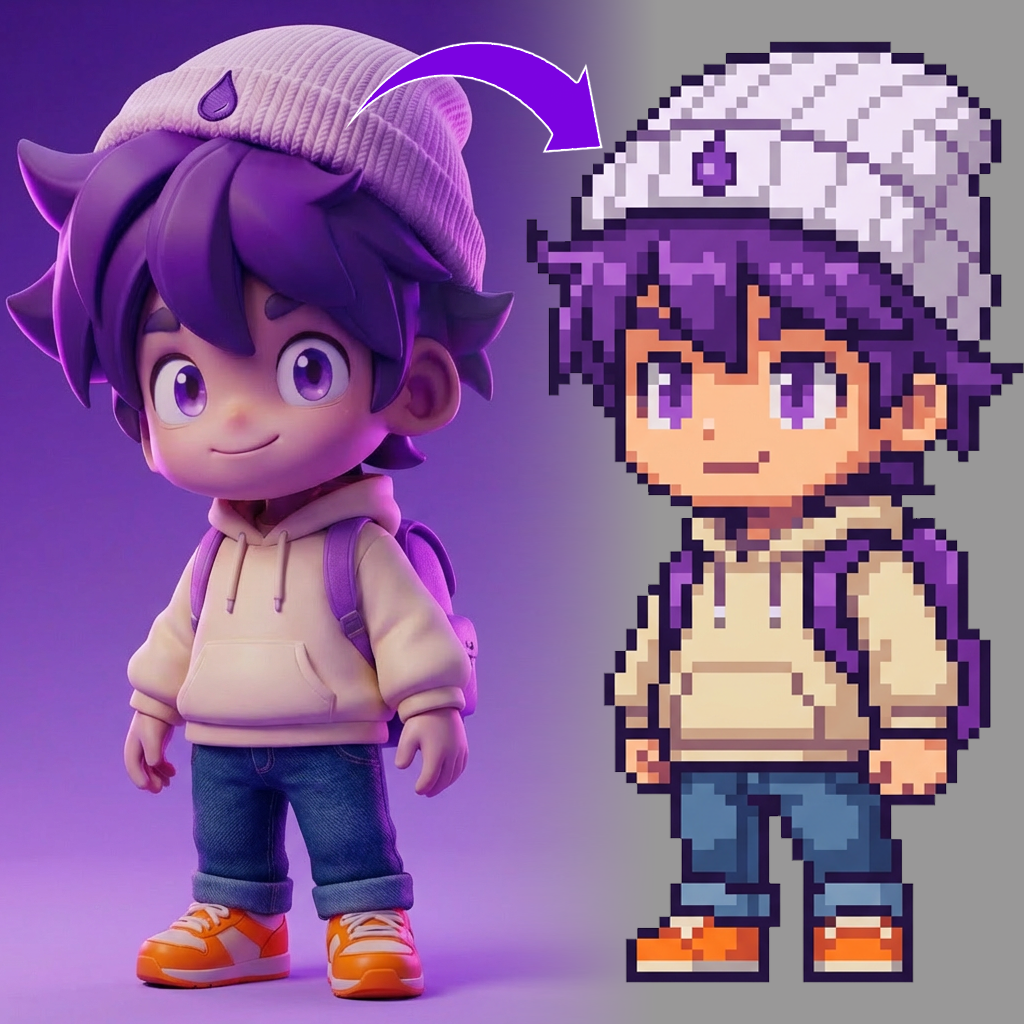
Gallery
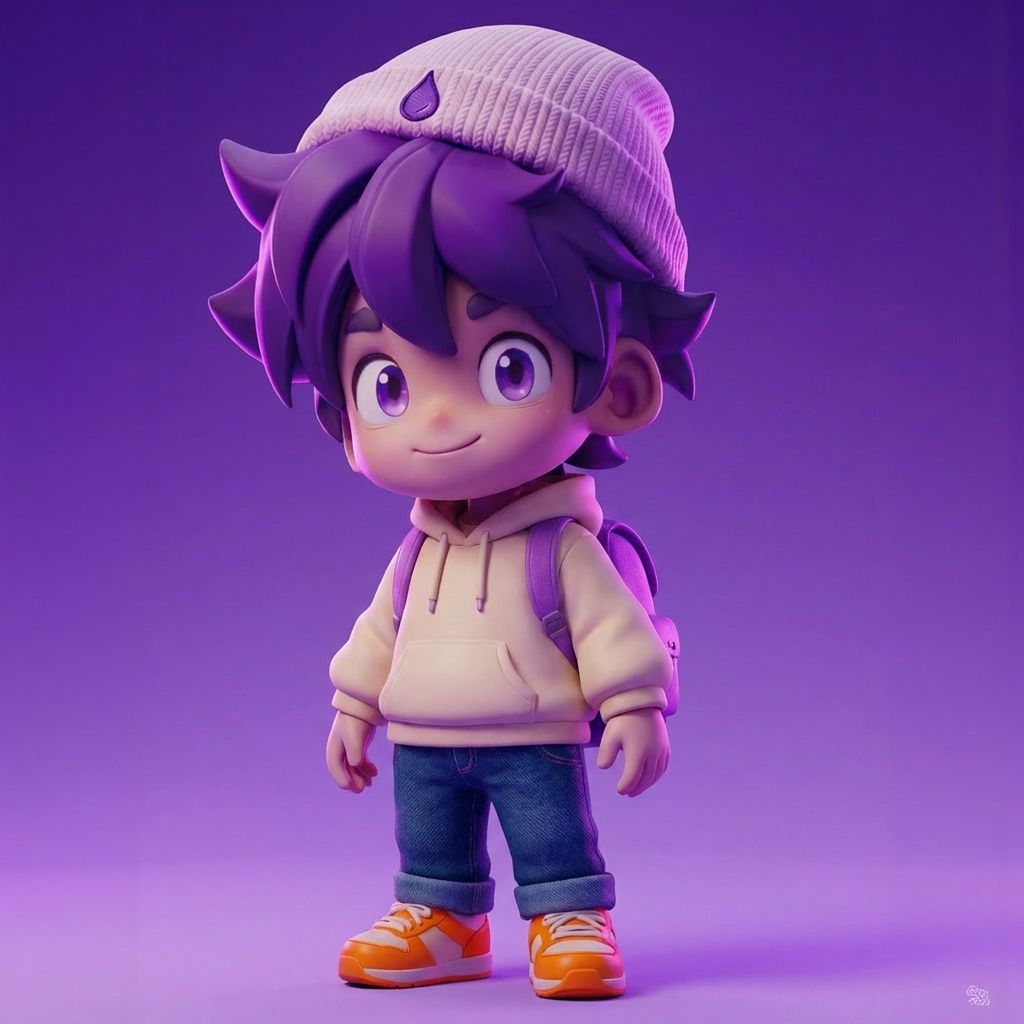
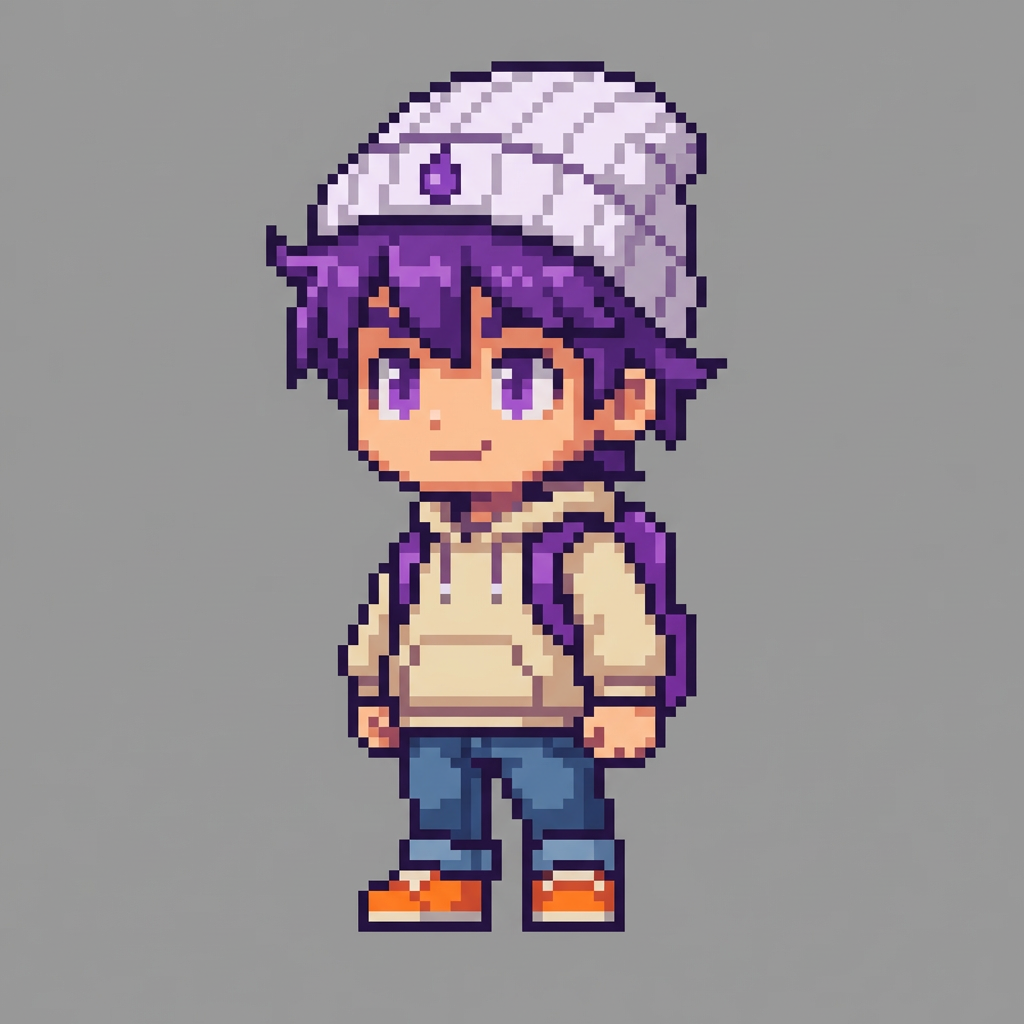
How To Use AI Image to Pixel Sprite Converter

Choose
Select Image To Sprite from the template library in your Layer workspace.

Adjust
Upload your reference images, adjust parameters and customize settings for your specific needs.

Generate
Hit generate and Layer produces your results. Refine, iterate, or batch-produce at scale.
Instant Image-to-Sprite Conversion
Convert any character or object image into a clean 2D sprite ready for use in your game. Layer preserves the subject's core features and silhouette while translating it into a sprite-friendly format.
Pixel Art Generation from Reference Images
Transform concept art, photographs, or illustrations into pixel art sprites with controllable resolution and color palettes. Produce authentic retro aesthetics without manual pixel-by-pixel editing.
Retro Game Asset Creation at Scale
Build complete sprite libraries for retro-style or indie games by batch-converting reference images. Generate consistent characters, items, and environmental objects that share a unified pixel art style.
Sprite Style Transfer Across Art Directions
Apply specific sprite styles to any input image, from 8-bit classics to modern pixel art. Maintain visual consistency across your entire sprite set by defining a target style once and applying it to all assets.
FAQ
What does the Image to Sprite Layer use case template do?
The Image to Sprite Layer use case template converts a character or subject image into a retro-style 2D sprite.
When should I use this Image to Sprite use case template?
Use this Layer use case template when creating:
Pixel-art characters
Retro or stylized games
Sprite-based prototypes
Can I control sprite resolution and style?
Yes. You can define sprite size, pixel density, and overall style.
Does this use case template preserve character identity?
Yes. Core shapes and recognizable features are retained.
Is this useful for prototyping and production?
Absolutely. It’s commonly used for rapid prototyping and sprite creation.
Can I batch convert multiple images into sprites?
Yes. Batch processing is supported.
What types of images work best?
Clear, full-body characters with simple silhouettes work best.
More questions? Check out our Help Center .