AI Selective Element Recoloring
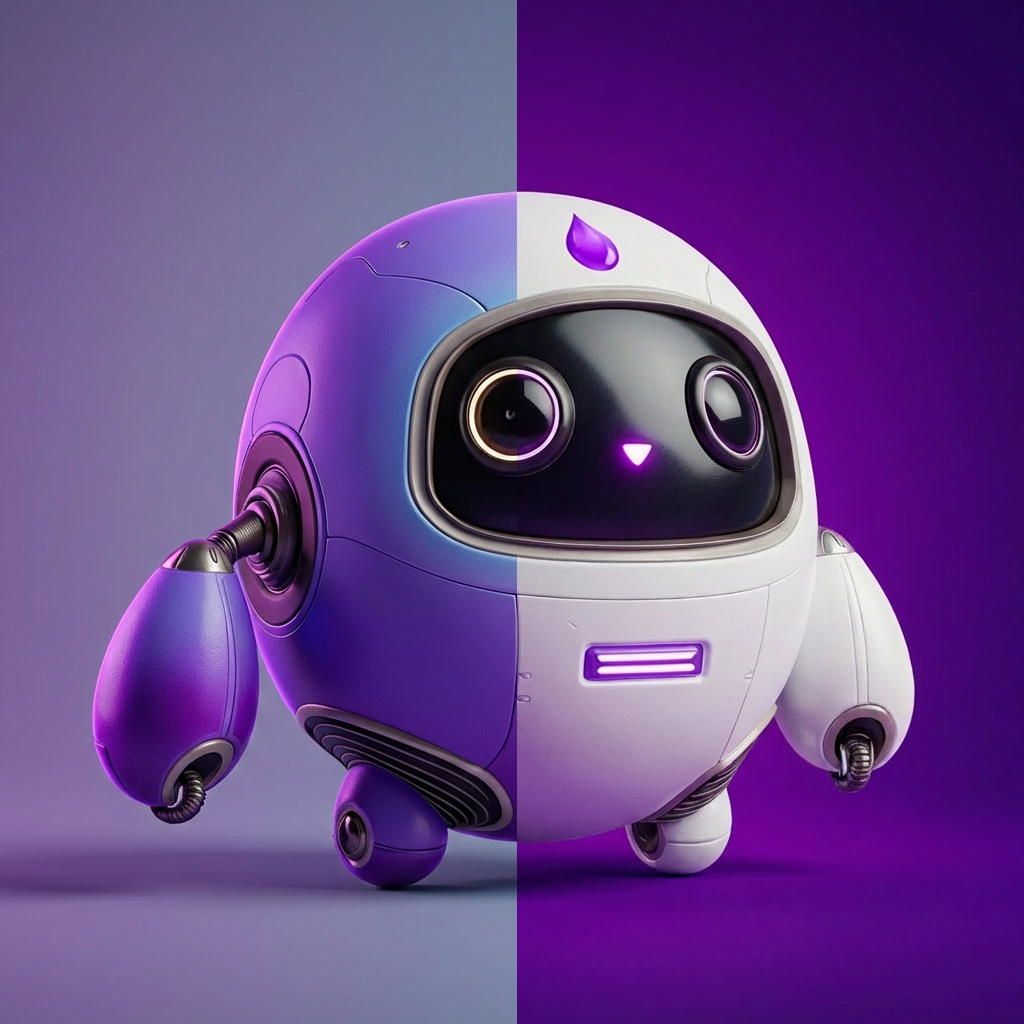
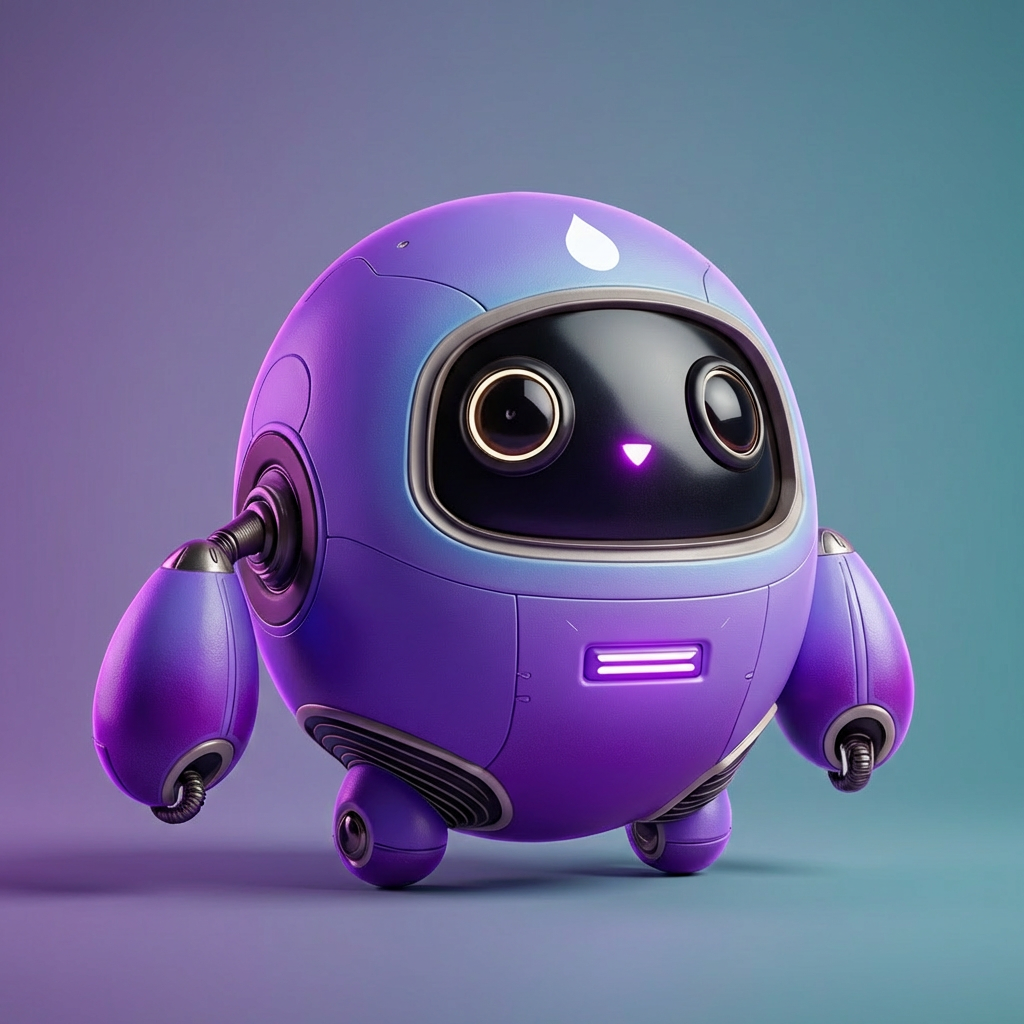
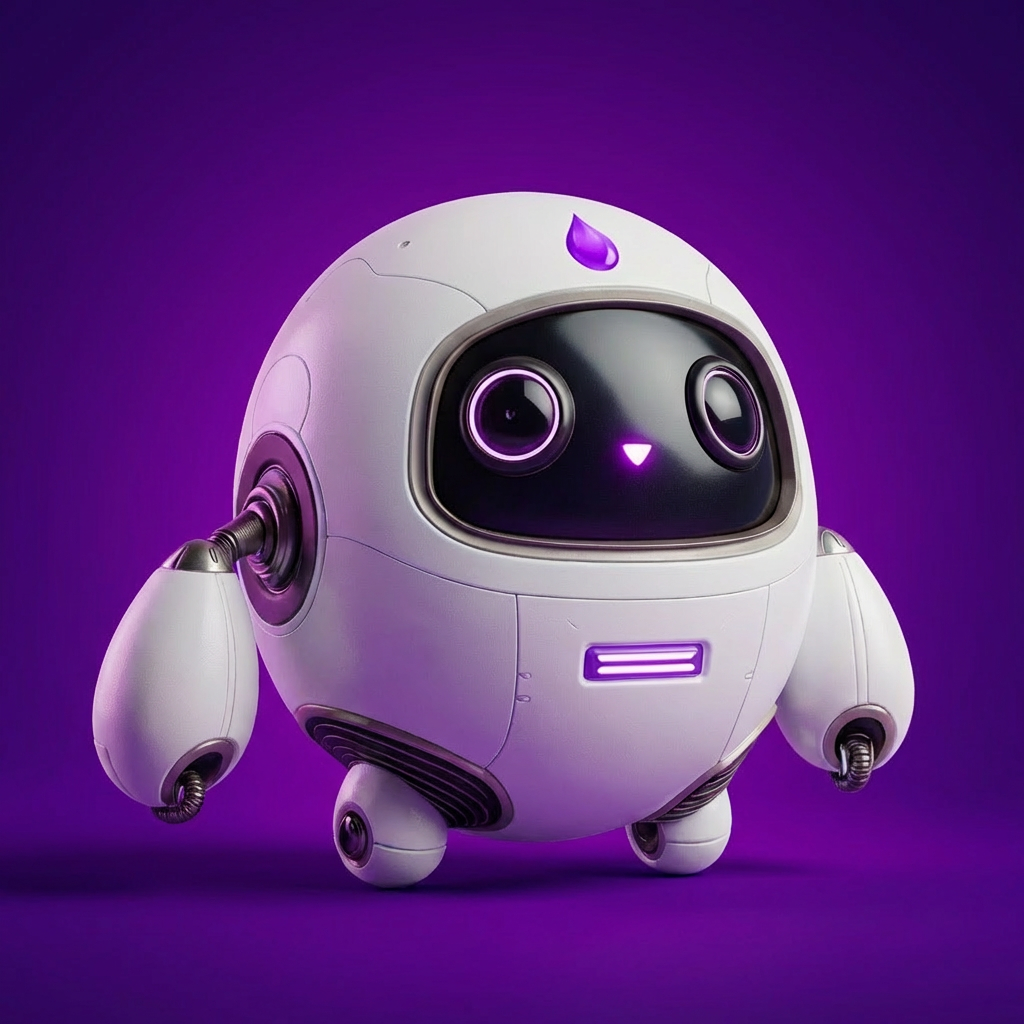
Gallery

How To Use AI Selective Element Recoloring

Choose
Select Recolor Elements from the template library in your Layer workspace.

Adjust
Upload your reference images, adjust parameters and customize settings for your specific needs.

Generate
Hit generate and Layer produces your results. Refine, iterate, or batch-produce at scale.
Recolor targeted elements within game art
Change the color of specific regions like clothing, armor, gems, or background elements without affecting the rest of the image. Layer preserves highlights, shadows, and material textures so recolored areas remain production-ready.
Create rarity tier and elemental color variants
Generate common, rare, epic, and legendary color treatments or elemental themes like fire, ice, and poison from a single base asset. Targeted recoloring produces dozens of visually distinct variants with minimal art effort.
Apply team and faction colors to characters and items
Assign team, guild, or faction identity to shared base assets by recoloring specific elements such as banners, trim, or insignia. This lets game designers ship faction-based content without commissioning unique art for every group.
Make selective color adjustments for UA and LiveOps
Fine-tune specific color accents in promotional creatives and event assets to test engagement or match campaign themes. Selective recoloring gives marketing and LiveOps teams the flexibility to iterate on visual variations quickly without returning assets to the art team.
FAQ
What does the Recolor Elements Layer use case template do?
The Recolor Elements Layer use case template changes the color of selected elements within an image, either globally or in targeted regions, while keeping shading, lighting, and material details intact.
When should I use this Recolor Elements use case template?
Use this Layer use case template when creating:
Skin or rarity variations
Elemental versions (fire, ice, poison, etc.)
Seasonal or event-based color themes
A/B test variations for UA creatives
Can I recolor only part of an image instead of the whole asset?
Yes. This Layer use case template supports localized recoloring, allowing you to target specific areas such as clothing, armor, gems, UI elements, or backgrounds without affecting the rest of the image.
Does this use case template preserve shading and material quality?
Yes. Recoloring is applied in a way that maintains highlights, shadows, textures, and material depth, so assets remain production-ready and visually consistent.
Can I batch recolor multiple assets at once?
Yes. The Recolor Elements Layer use case template supports batch processing, making it ideal for generating large sets of color variants efficiently.
Is this useful for LiveOps and UA workflows?
Absolutely. This use case template is commonly used to rapidly produce event-themed assets, regional color variations, and multiple creative versions for performance testing.
Can I control exact colors or palettes?
Yes. You can specify exact colors, palettes, or references to ensure consistency with brand guidelines, faction colors, or in-game rarity systems.
More questions? Check out our Help Center .