AI Game UI Reskin Tool
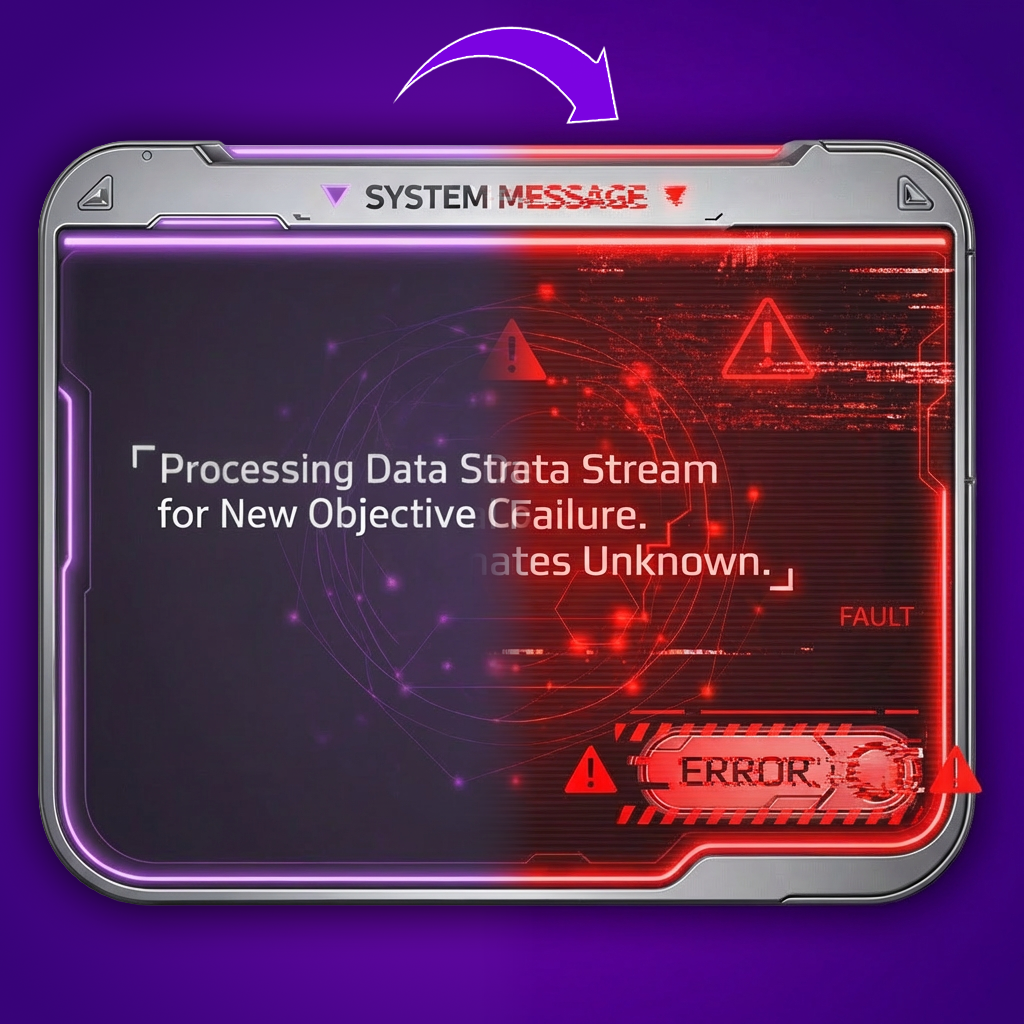
Gallery
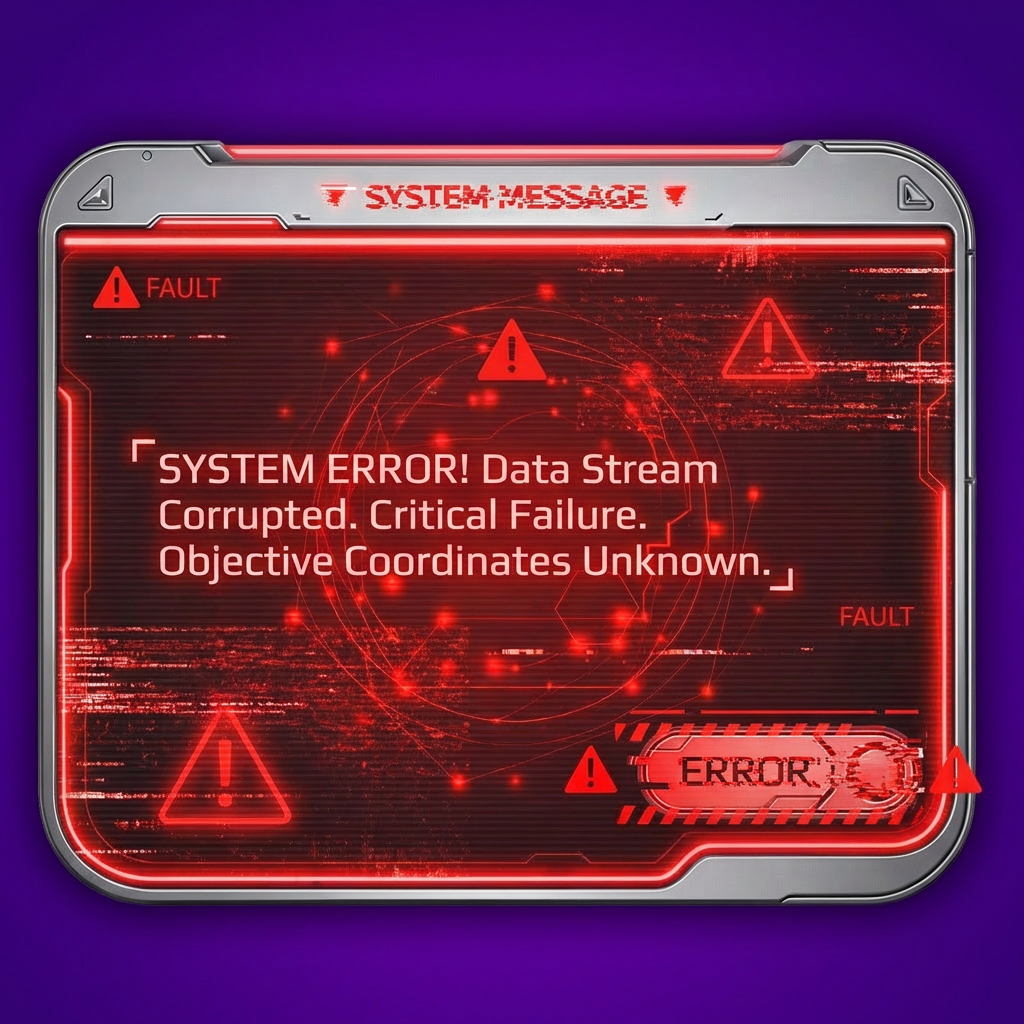
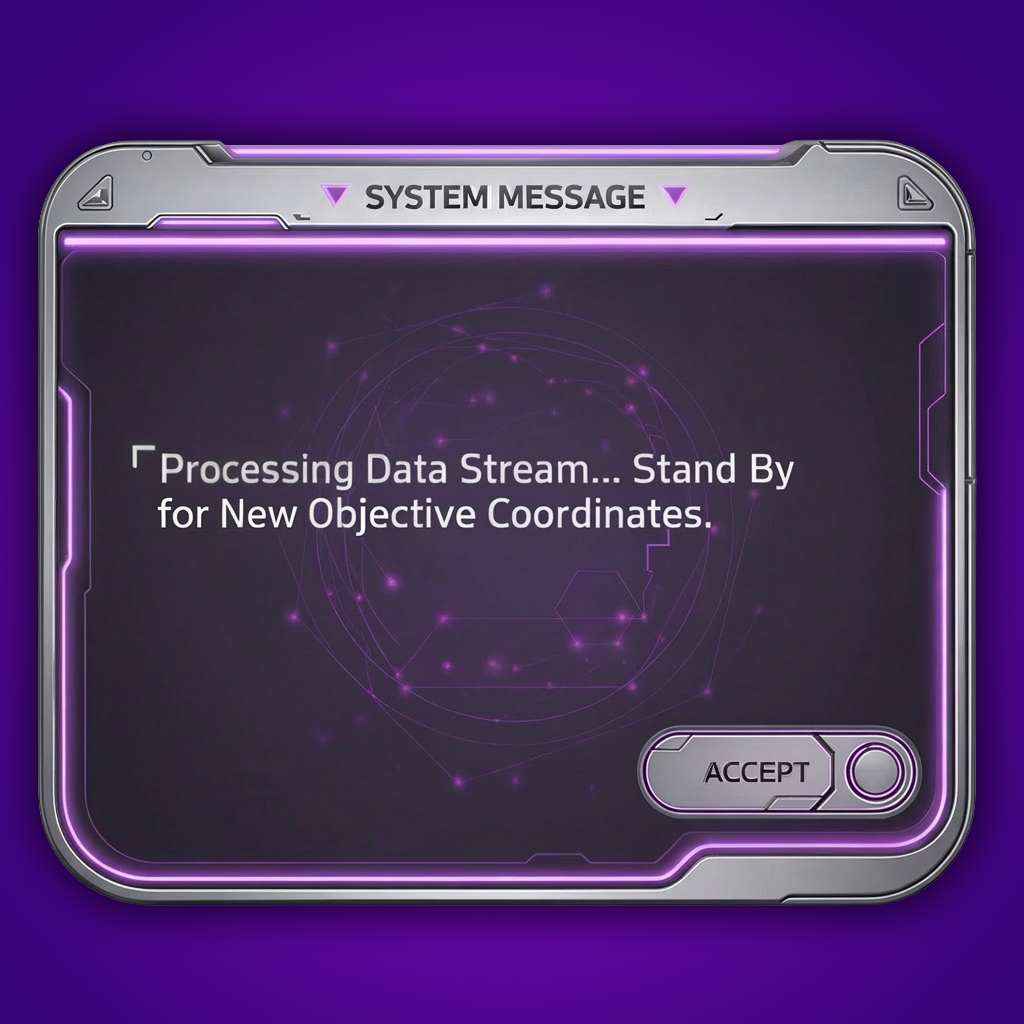
How To Use AI Game UI Reskin Tool

Choose
Select Reskin UI from the template library in your Layer workspace.

Adjust
Upload your reference images, adjust parameters and customize settings for your specific needs.

Generate
Hit generate and Layer produces your results. Refine, iterate, or batch-produce at scale.
Generate themed UI skins for game interfaces
Create entirely new visual themes for menus, HUDs, and dialog panels while preserving pixel-perfect layout and spacing. Layer changes colors, textures, and decorative elements without altering the underlying structure that developers have already integrated.
Reskin game UI for seasonal and live events
Produce event-specific interface styles for holidays, battle passes, and limited-time modes on tight LiveOps timelines. Batch reskinning lets UI artists deliver a complete themed interface refresh without rebuilding components from scratch.
Create seasonal UI variants for A/B testing
Generate multiple visual treatments of the same interface to test player preferences and engagement. Rapid UI reskinning makes it feasible to run visual experiments across different regions, player segments, or event cycles without heavy art investment.
Maintain brand consistency across UI updates
Apply updated brand guidelines, IP color palettes, or franchise styling rules to existing UI assets in bulk. This ensures that every button, panel, and icon reflects the latest visual direction while retaining the proportions and readability players expect.
FAQ
What does the Reskin UI Layer use case template do?
The Reskin UI Layer use case template changes the visual style of UI elements while preserving layout, proportions, and usability.
When should I use this Reskin UI use case template?
Use this Layer use case template when creating:
Seasonal or event UI themes
Brand or IP visual refreshes
Visual A/B tests
Does this use case template affect UI layout?
No. Only visual styling changes — spacing and structure remain intact.
Can I match a specific UI style or theme?
Yes. You can define visual direction, color schemes, and style references.
Is this useful for LiveOps updates?
Absolutely. It’s commonly used for rapid UI refreshes during events.
Can I batch reskin multiple UI assets?
Yes. The template supports batch processing.
What types of UI work best?
Panels, popups, HUD elements, and modular UI components work best.
More questions? Check out our Help Center .