AI Texture Region Editor
Gallery
How To Use AI Texture Region Editor

Choose
Select Retexture from the template library in your Layer workspace.

Adjust
Upload your reference images, adjust parameters and customize settings for your specific needs.

Generate
Hit generate and Layer produces your results. Refine, iterate, or batch-produce at scale.
Targeted Texture Region Editing
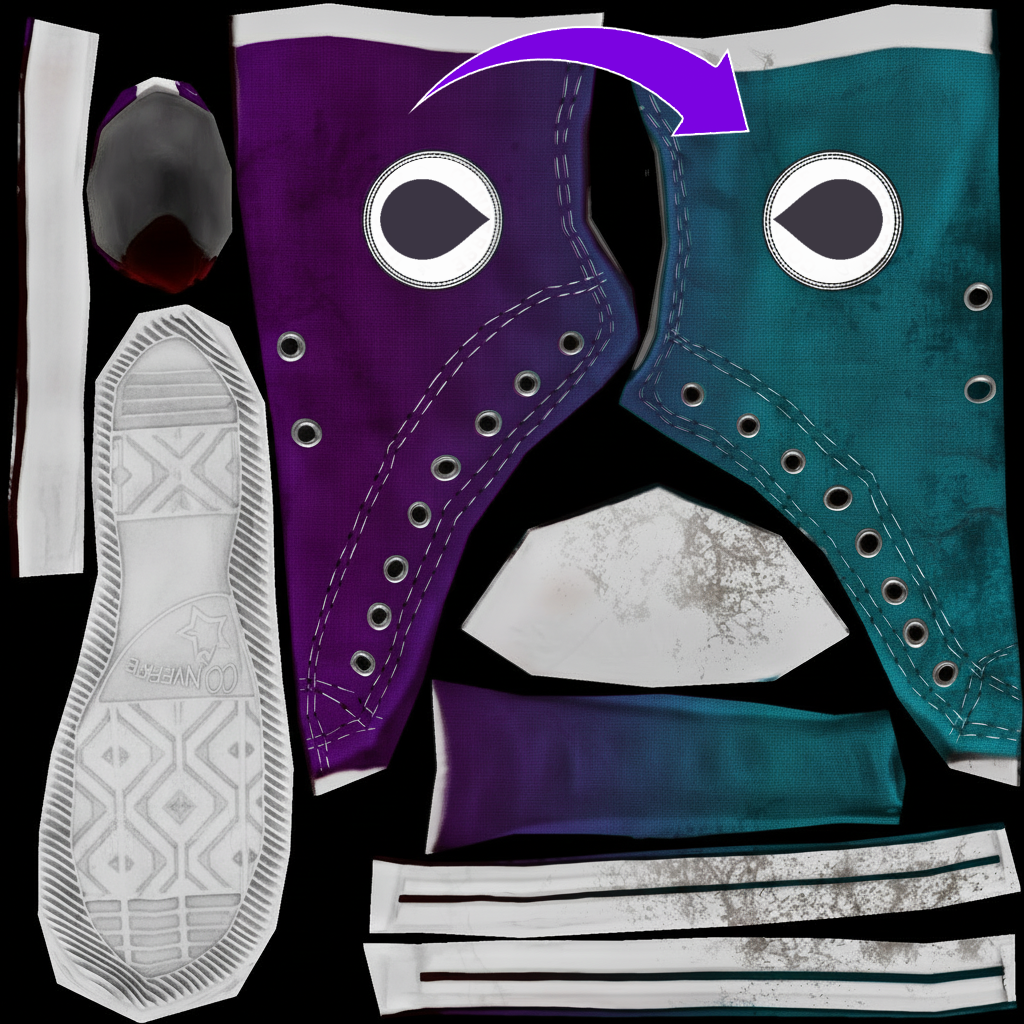
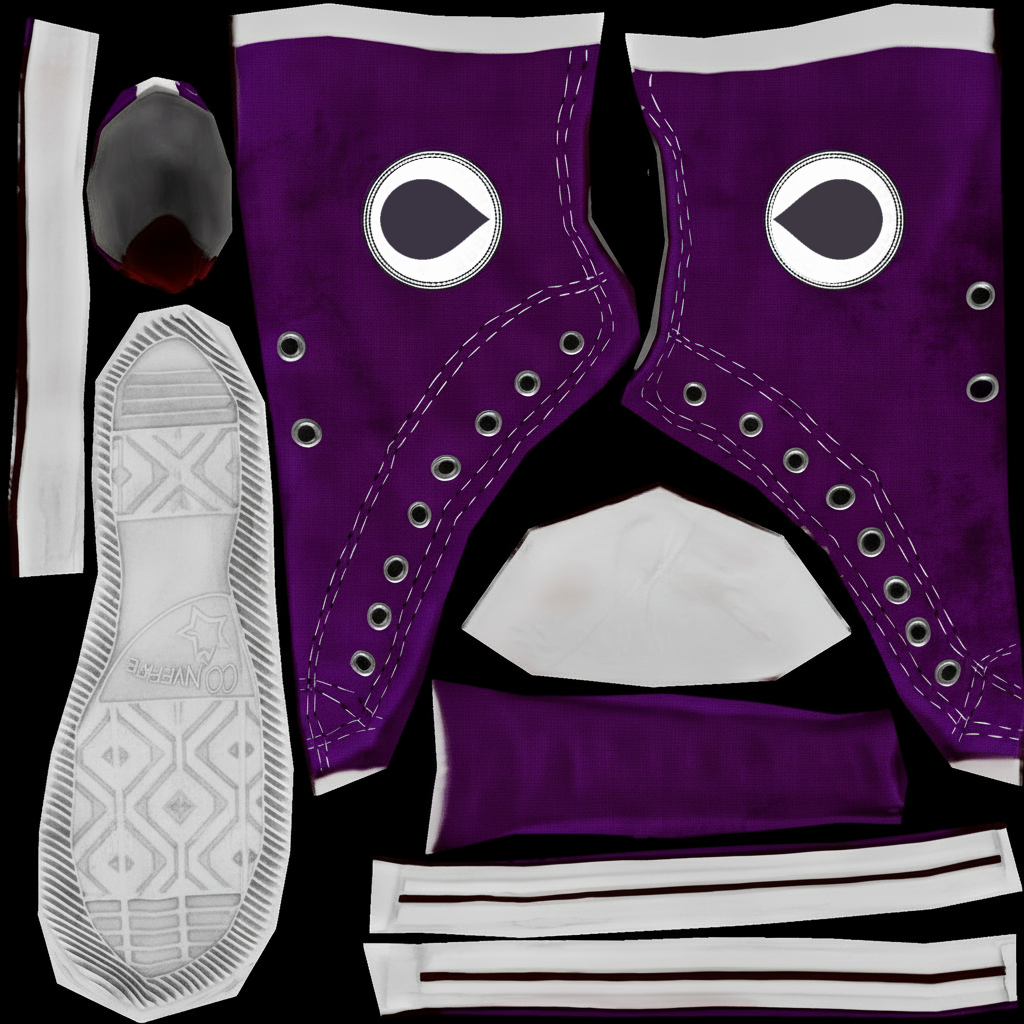
Edit or regenerate specific areas of a texture map without affecting the rest of the asset. Precisely control which regions receive updates while preserving the original UV layout and surrounding detail.
Material Refinement for Existing Assets
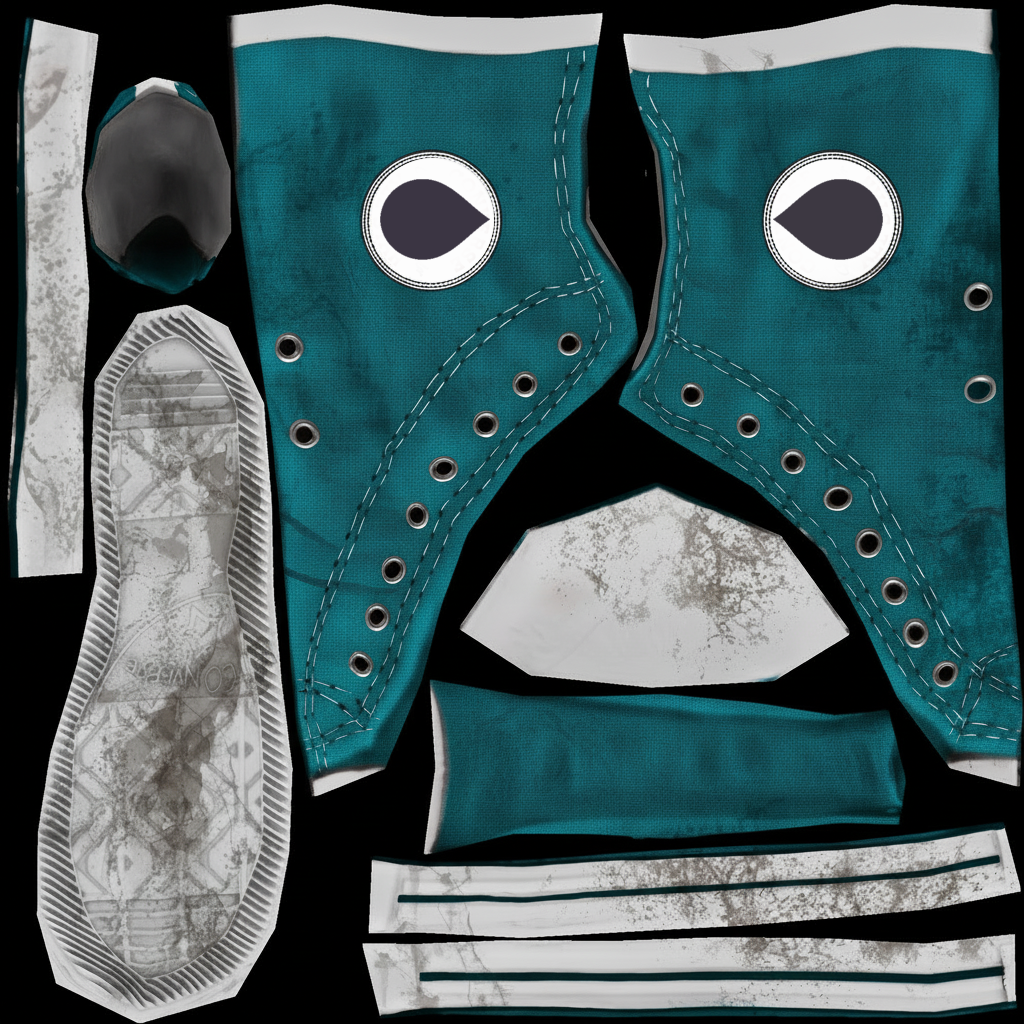
Swap or enhance surface materials on production assets to match updated art direction. Adjust metal finishes, fabric weaves, or wood grains on individual texture regions without reworking the entire map.
Damaged and Weathered Texture Variants
Generate wear, battle damage, rust, or aging effects on existing textures to create visual progression tiers. Produce multiple condition states from a single base asset for upgrade systems and environmental storytelling.
Targeted Surface Updates for Live Games
Push texture updates to shipped assets without touching geometry or re-exporting models. Ideal for seasonal events, themed content drops, or rapid iteration on in-game items that need visual refreshes.
FAQ
What does the Retexture Layer use case template do?
The Retexture Layer use case template edits or regenerates specific regions of a texture map while preserving the original asset’s structure and UV layout.
When should I use this Retexture use case template?
Use this Layer use case template when you need to:
Change materials or surface details
Create worn, damaged, or upgraded variants
Generate style or rarity-based texture variations
Update textures without reworking geometry
Does this use case template modify the underlying 3D model?
No. Retexturing only affects the texture map. Geometry, proportions, and UVs remain unchanged.
Can I target specific regions of a texture map?
Yes. You can precisely define which areas of the texture map should be edited or regenerated.
Is this useful for game-engine workflows?
Yes. Outputs are compatible with common game engines and production pipelines.
Can I batch retexture multiple assets?
Yes. The Retexture Layer use case template supports batch processing for scalable asset production.
What types of assets work best with this use case template?
Hard-surface objects, props, items, and clearly mapped textures produce the most consistent results.
More questions? Check out our Help Center .