
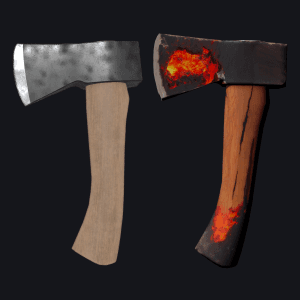
Apply a new texture to your 3D asset.
How to Retexture?
Discover More



FAQ
What are Layer templates used for?
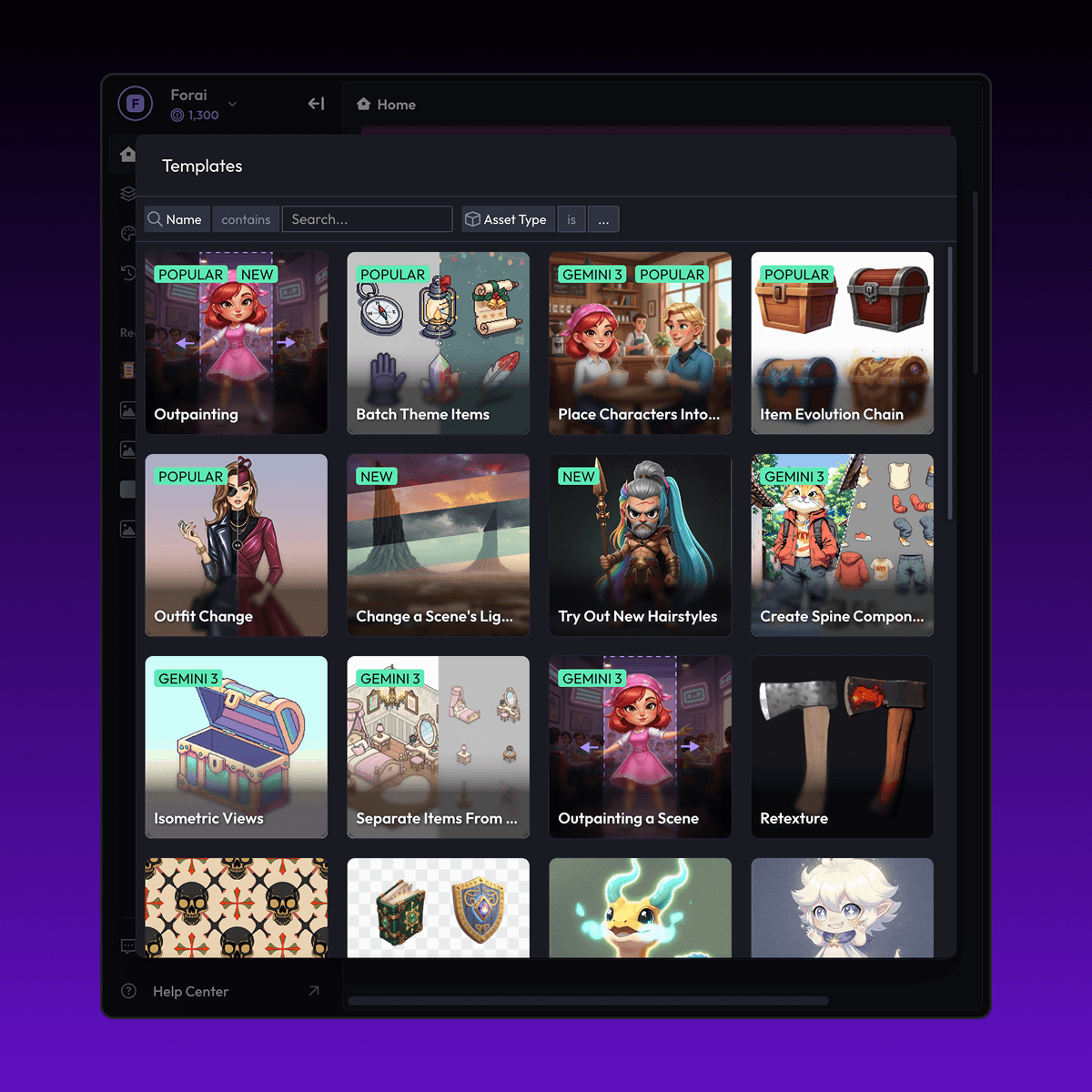
Layer templates are designed to help game studios, UA teams, LiveOps teams, and artists automate a specific creative task using AI-powered workflows. It reduces manual work while maintaining visual consistency and production quality.
Do I need design or technical skills to use templates?
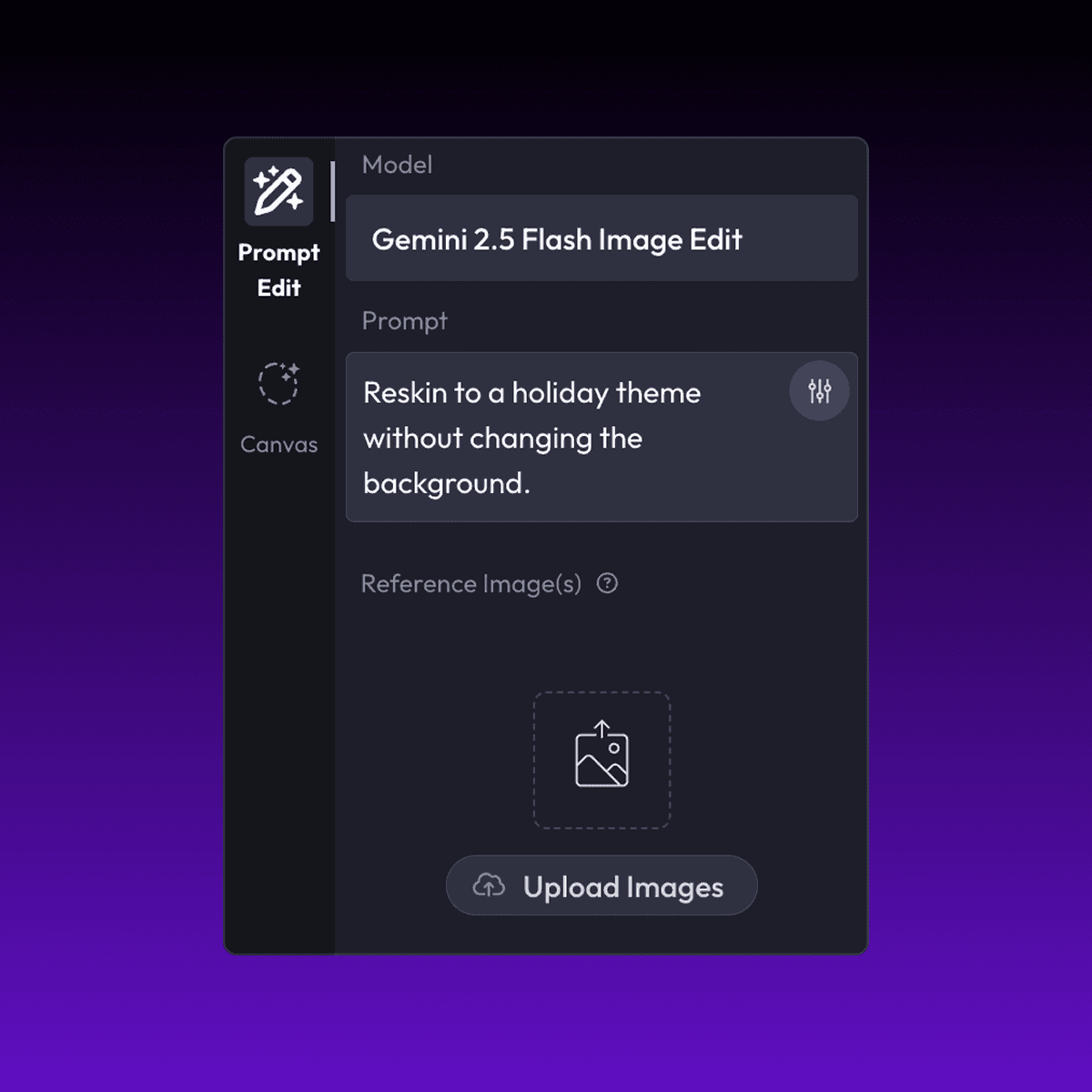
No. Layer templates are built to be usable by non-technical users, including marketers, product managers, and artists. Advanced users can customize prompts, styles, and inputs, but no coding is required.
Can I use templates with my own art style or assets?
Yes. You can upload your own reference images, styles, characters, or assets to ensure outputs match your game’s existing art direction.
What does the Retexture (3D Asset) Layer use case template do?
The Retexture (3D Asset) Layer use case template applies a new texture or material look to an existing 3D asset while keeping the original model, geometry, and proportions unchanged.
When should I use this Retexture use case template?
Use this Layer use case template when you need to:
Create material or rarity variations
Apply damage, wear, or elemental effects
Refresh asset visuals without remodeling
Generate themed or event-based versions of 3D assets
Does this use case template modify the 3D geometry?
No. Only the texture and surface appearance are changed. The underlying 3D mesh and structure remain intact.
Can I control which parts of the asset are retextured?
Yes. You can target specific regions or materials, allowing precise control over where new textures are applied.
Is this suitable for real-time game engines?
Yes. Outputs are designed to be compatible with common real-time engines and production pipelines.
Can I batch retexture multiple 3D assets?
Yes. The Retexture (3D Asset) Layer use case template supports batch processing, making it easy to scale visual updates across asset libraries.
What types of 3D assets work best with this use case template?
Props, weapons, items, and hard-surface assets with clear material separation work especially well.


