
Render different angles and perspectives of your items.
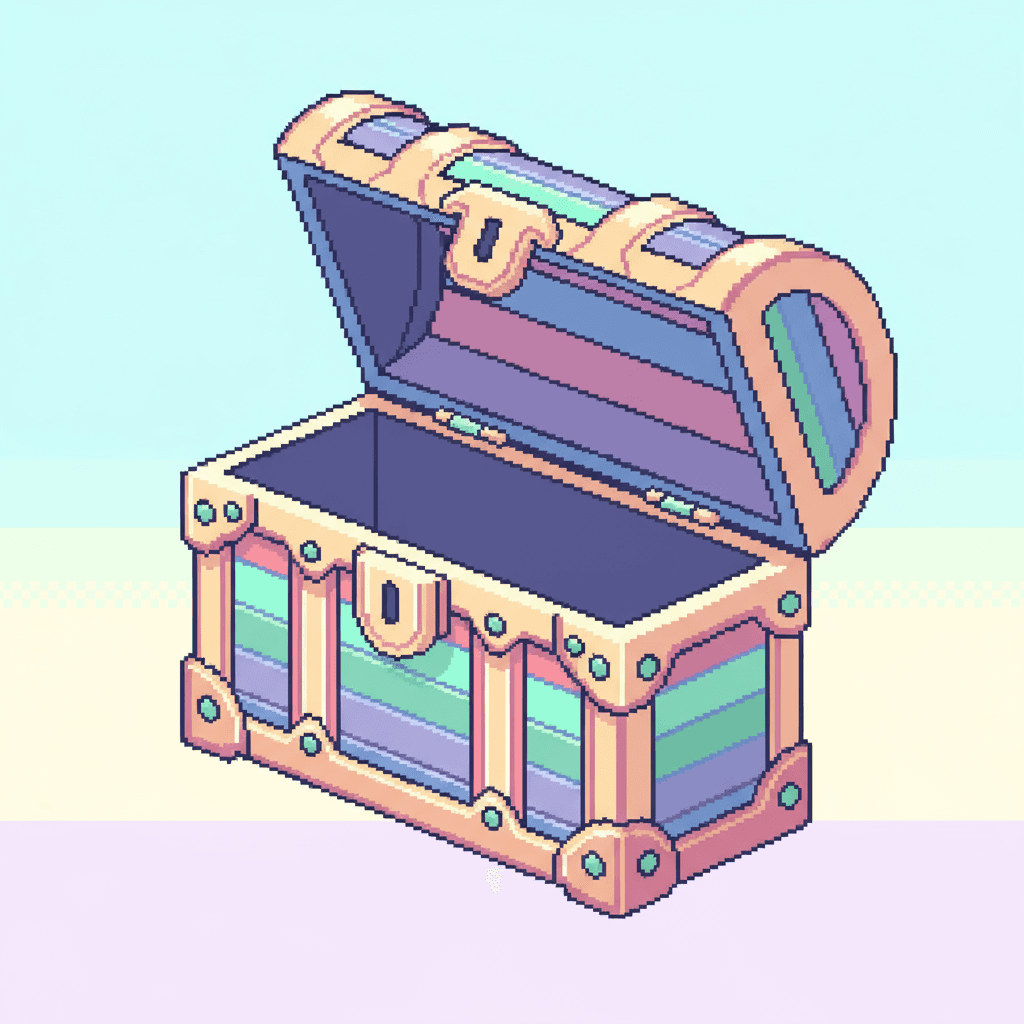
How to Isometric View?
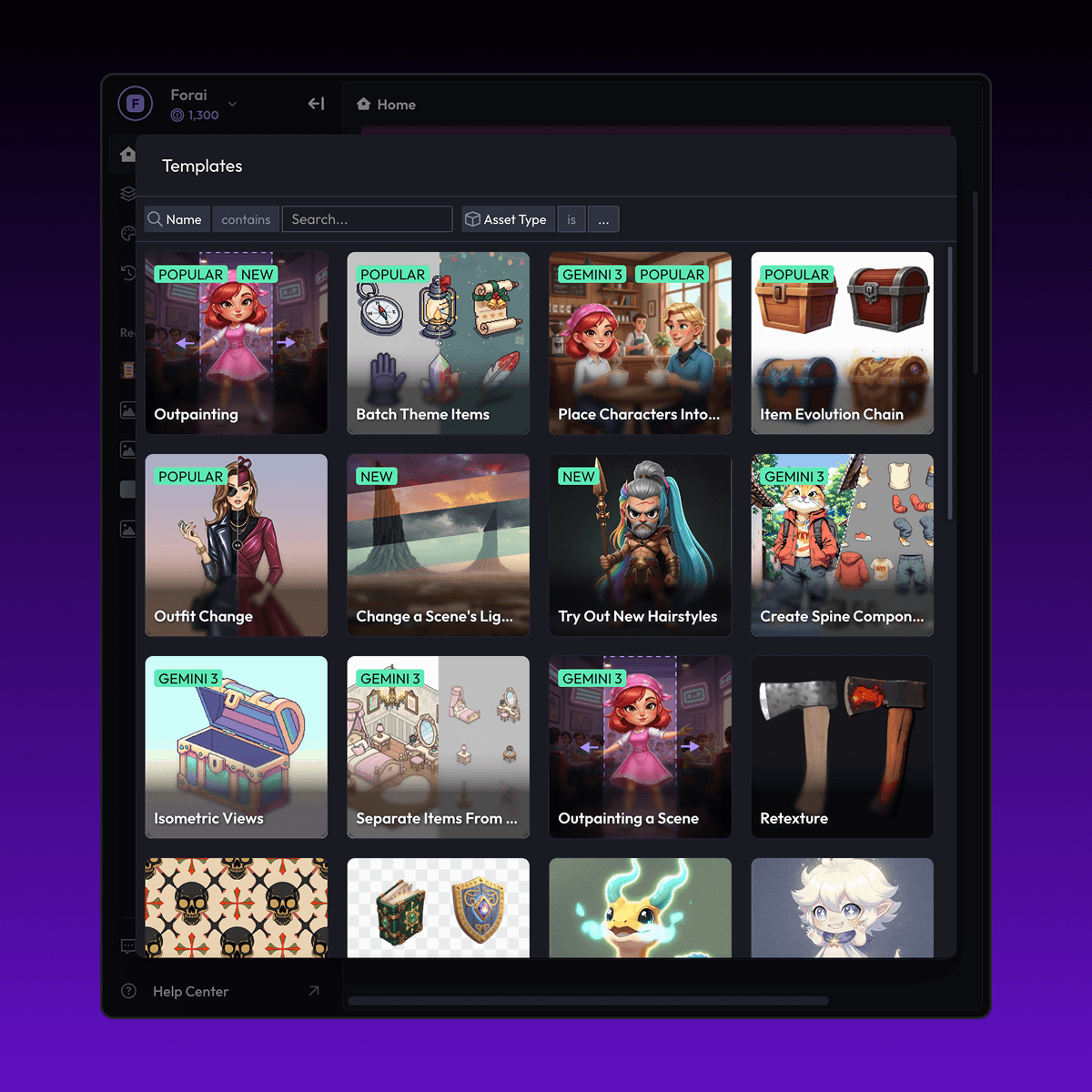
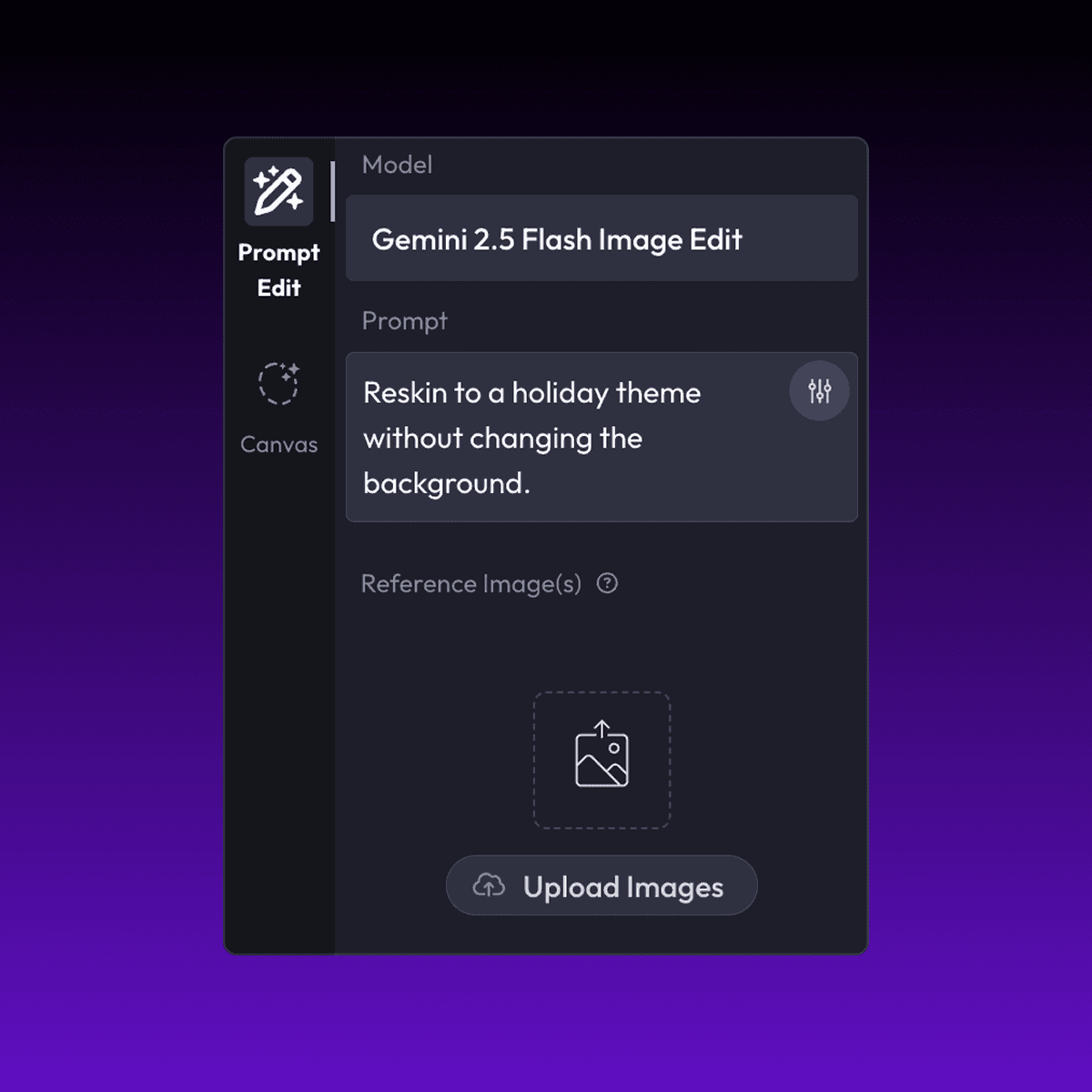
Discover More


FAQ
What are Layer templates used for?
Layer templates are designed to help game studios, UA teams, LiveOps teams, and artists automate a specific creative task using AI-powered workflows. It reduces manual work while maintaining visual consistency and production quality.
Do I need design or technical skills to use templates?
No. Layer templates are built to be usable by non-technical users, including marketers, product managers, and artists. Advanced users can customize prompts, styles, and inputs, but no coding is required.
Can I use templates with my own art style or assets?
Yes. You can upload your own reference images, styles, characters, or assets to ensure outputs match your game’s existing art direction.
What does the Isometric View Layer use case template do? Copy
The Isometric Views Layer use case template renders items from multiple isometric angles and perspectives based on a single asset.
When should I use this Isometric View use case template?
Use this Layer use case template when creating:
Isometric games or builders
UI previews or catalogs
Asset rotations for presentation
Does this use case template preserve proportions?
Yes. Scale and geometry remain consistent across views, make sure your provided references (if multiple) follow same proportions.
Can I control camera angles?
Yes. Preset and configurable angles are supported. You need to enter these as prompts or image references.
Is this useful for production pipelines?
Yes. Outputs are suitable for game engines and design workflows.
Can I batch render multiple items?
Yes. Batch rendering is supported. For building more complete workflows which follow several steps after the initial generation of isometric assets you can refer to Layer workflows.
What assets work best?
Items, props, and objects with clear geometry work best.


